AI Image Maker
Prompt Examples
PFP, Banner, and Image Ideas
Birthday Poster With Photo
BirthdaySweet 16 Birthday Poster
BirthdayFunny PFP
PFPCute Profile Pictures
PFPDiscord Banner
BannersYouTube Banner
BannersPlain Black YouTube Banner
BannersProduct Lifestyle Visual
ProductHappy Birthday Wallpaper
WallpaperRecent Creations
View allLibrary
View allHow It Works
Describe the image idea
Start with the subject, scene, mood, and format, such as a birthday poster, profile picture, phone wallpaper, album cover, or sticker.
Add style and details
Include colors, text, aspect ratio, reference-image direction, character details, background, and the visual style you want.
Generate and refine
Create the image, then ask for variations, edits, new text, a different layout, or a more polished final version.
FAQ
What can I create with an AI image maker?
You can create birthday posters, wallpapers, PFPs, profile pictures, album covers, stickers, custom backgrounds, product images, and general AI images.
Can I make birthday posters or wallpapers?
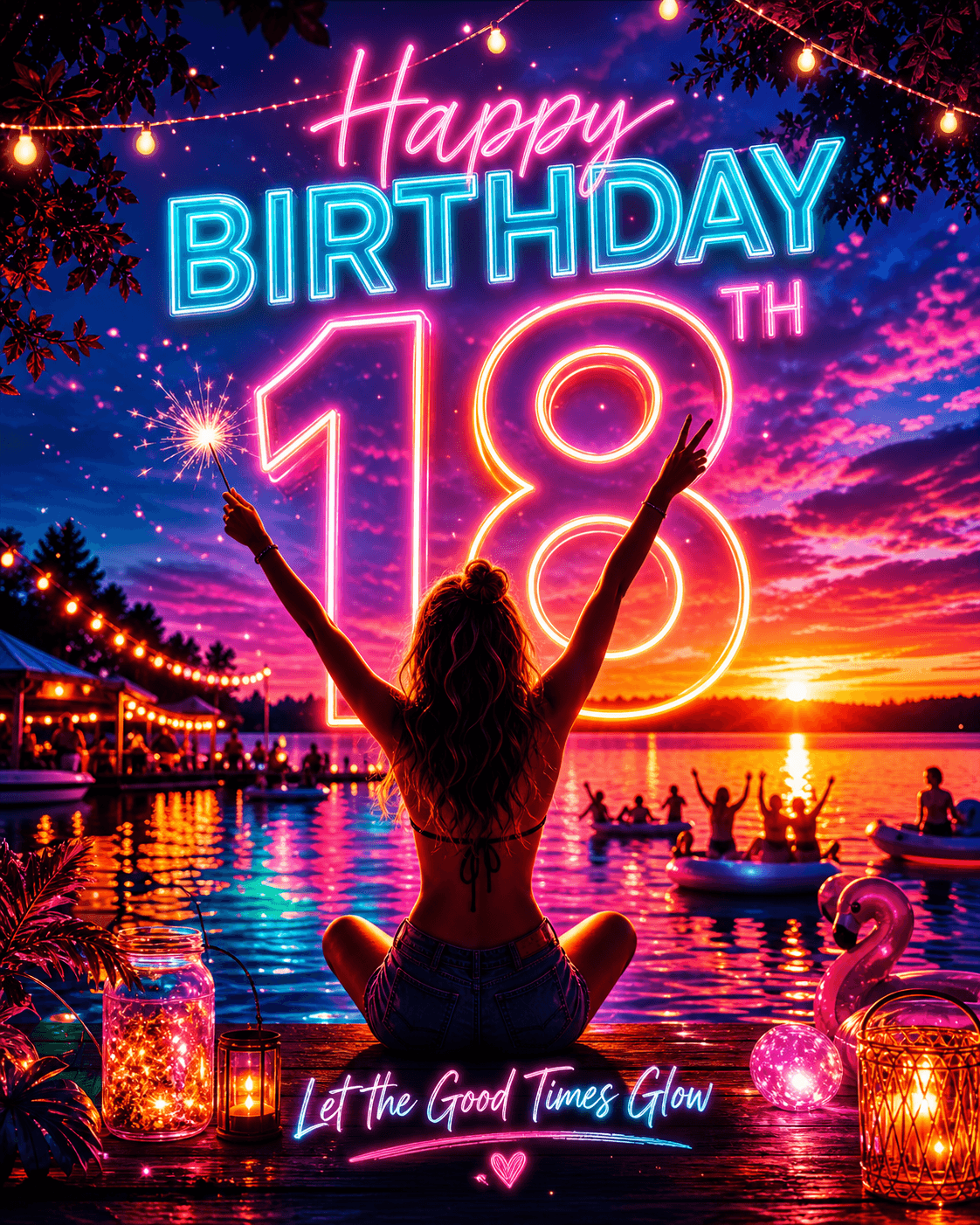
Yes. Add the name, age, theme, colors, date, photo direction, and any wording you want to create birthday posters, birthday wallpapers, or background images.
Can I create PFPs or profile pictures?
Yes. Describe the avatar style, expression, colors, outfit, background, and whether you want a funny PFP, cool PFP, or cute profile pictures for a social profile.
Can I make a Discord banner with AI?
Yes. Add the banner mood, colors, text, gaming or creator style, and the look you want for your Discord profile or server banner.
Can I generate a YouTube banner, including plain black banner styles?
Yes. You can describe a YouTube banner layout, a minimal banner, or a plain black banner background, then refine the text, spacing, and style.
Can I make album covers or stickers?
Yes. For album covers, include genre, mood, title direction, and cover style. For stickers, describe the subject, outline, expression, and sticker-sheet style.
Can I use a reference image?
Yes. You can upload or paste visual references and describe how the generated image should use the reference for style, layout, subject, or context.
Docs
View allCreate any visual with AI
Start with the broad AI Image Maker when you want to explore a visual idea, then move into a specialized generator when the final asset has a clearer format or job.
Product ad images
Use AI Image Maker for early product ad concepts, campaign scenes, ecommerce images, and background ideas when you are still exploring the creative direction.
When product recognition, campaign context, or offer layout matters, move into the dedicated Product Ad Generator.
Flyers and promotional graphics
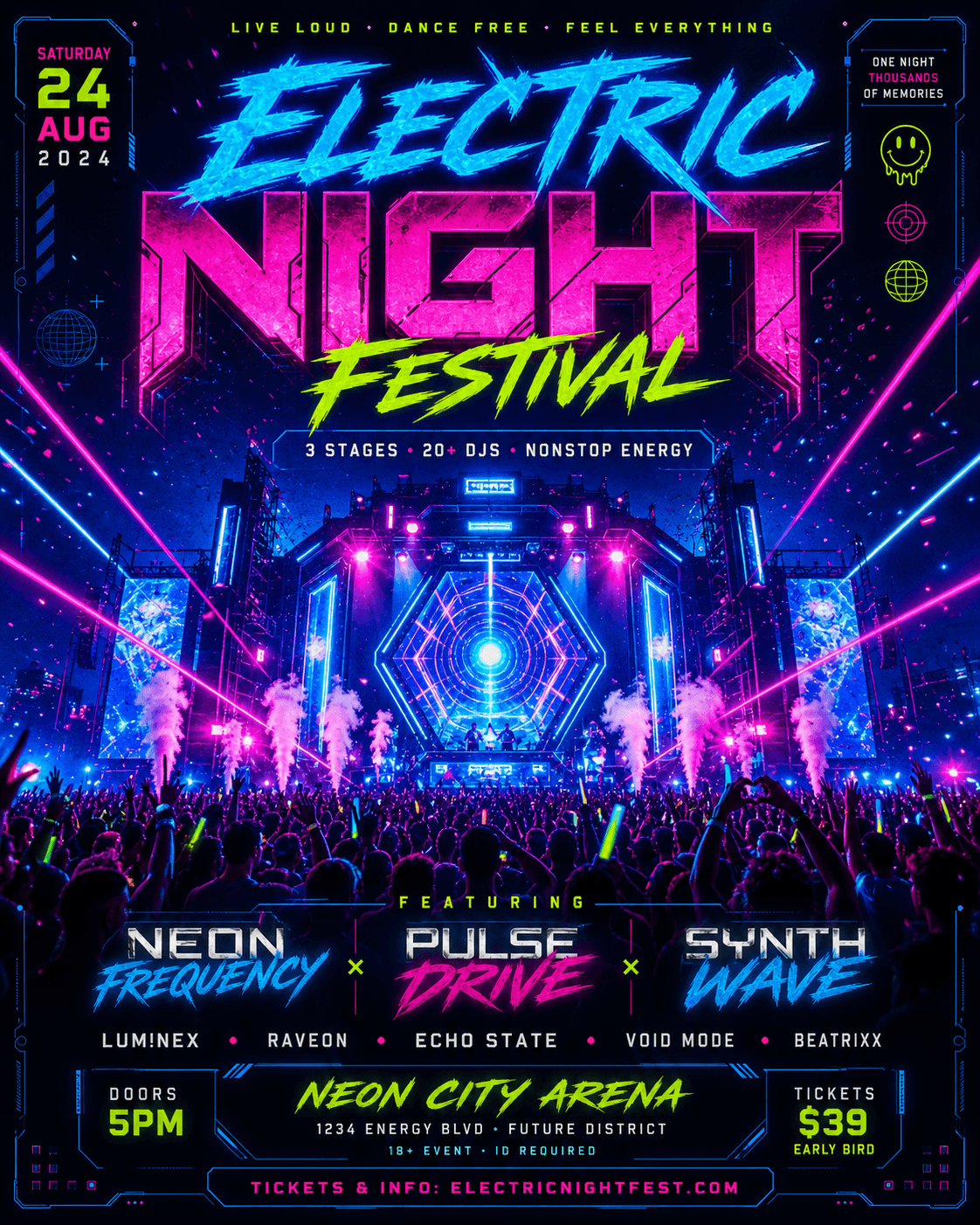
Create event images, birthday poster ideas, local campaign concepts, real estate flyer directions, and business promotion graphics from a short brief.
For flyer layouts with dates, locations, offers, and clear calls to action, use the dedicated AI Flyer Generator.
Album covers and music artwork
Turn a track title, genre, mood, artist direction, or cover reference into artwork ideas for music releases.
For square release artwork and music-specific prompts, continue in the Album Cover Generator.
Stickers, wallpapers, and personal images
Make cute profile pictures, sticker ideas, phone wallpapers, desktop backgrounds, Discord banners, custom backgrounds, and playful image concepts.
Use the specialized sticker or wallpaper generators when you know the final format you need.
Templates and examples
Browse the library when you want a prompt pattern, example image, or remixable starting point before writing your own image brief.
Templates help connect broad image ideas to a concrete generator, aspect ratio, and visual style.