VISMUSE
VISMUSE
CreateBoardsAssetsLibrary
0

AI Product Ad Image Generator

Guest creations are only available in this browser. Create an account to get 50 free credits.

Prompt Examples

AI Photoshoot, Product Background, and Ad Ideas

Small steps every day.

Motivation

3 Tips To Boost Your Productivity

Business

Invest in yourself.

Quotes

Make yourself a priority.

Lifestyle

Success is built daily.

Motivation

Content that connects. Converts.

Business

Today is a good day to have a good day.

Lifestyle

Stronger than your excuses.

Fitness

Eat well, live well.

Food

Do what it does. Keep going.

Quotes

The best view comes after the hardest climb.

Travel

Learn. Apply. Repeat.

Education

Recent Creations

View all

Library

View all

How It Works

1

Upload or describe the product

Start with a product photo, product URL, or written brief that explains the item, audience, and campaign goal.

2

Choose the visual direction

Add background, lighting, props, ecommerce format, AI photoshoot style, product bg needs, or social ad copy.

3

Generate product ad images

Create product images for ads, listings, launches, and social campaigns, then refine the scene or composition.

FAQ

What is an AI product ad image generator?

It is a tool for creating product ad images from a product photo, URL, or campaign brief, including backgrounds, lighting, copy space, and ad-ready composition.

Can I create an AI photoshoot?

Yes. Describe the product, studio setting, lighting, surface, props, and campaign mood to create an artificial intelligence photoshoot concept.

Can I generate product backgrounds?

Yes. You can ask for a product bg such as a clean studio, kitchen counter, outdoor scene, luxury surface, seasonal setup, or ecommerce listing background.

Can I make ecommerce product images?

Yes. Include product details, target marketplace, aspect ratio, background preference, and any callout or headline space you need.

Can I use this for product photography or marketing photos?

Yes. You can create product photography concepts, marketing photos, ecommerce hero images, and launch images by describing the lighting, props, surface, and commercial style you want.

Can I create a product photoshoot from a simple product photo?

Yes. Start with a plain product image, then describe the new background, scene, lighting, mood, and campaign look to turn it into a polished AI photoshoot.

What should I include in the prompt?

Include the product, audience, campaign goal, visual style, background, lighting, props, text needs, and where the image will be used.

Docs

View all
Product Ad Image GeneratorLearn how to create product ad images, campaign images, ecommerce creatives, and product-aware promo graphics with Vismuse.Read documentationTemplates and LibraryLearn how to use the Vismuse library for visual templates, prompt examples, starter ideas, and faster generator workflows.Read documentationAI Image MakerLearn how to use Vismuse AI Image Maker to create images, posters, profile visuals, product concepts, and custom graphics from prompts and references.Read documentation

Create product photoshoots and ad images with AI

Turn product photos, URLs, and campaign briefs into product ad images, ecommerce images, product backgrounds, and social media ad creatives.

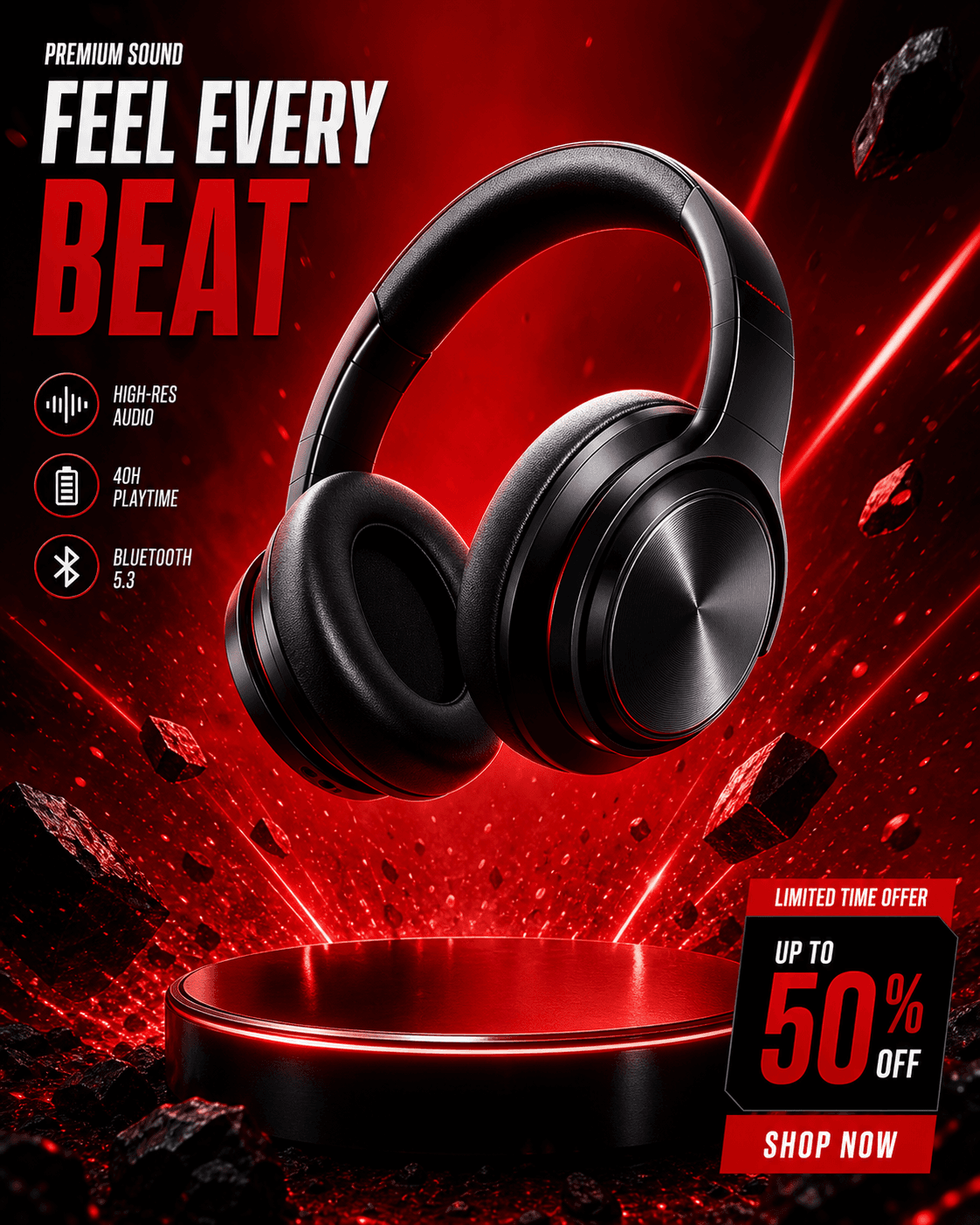
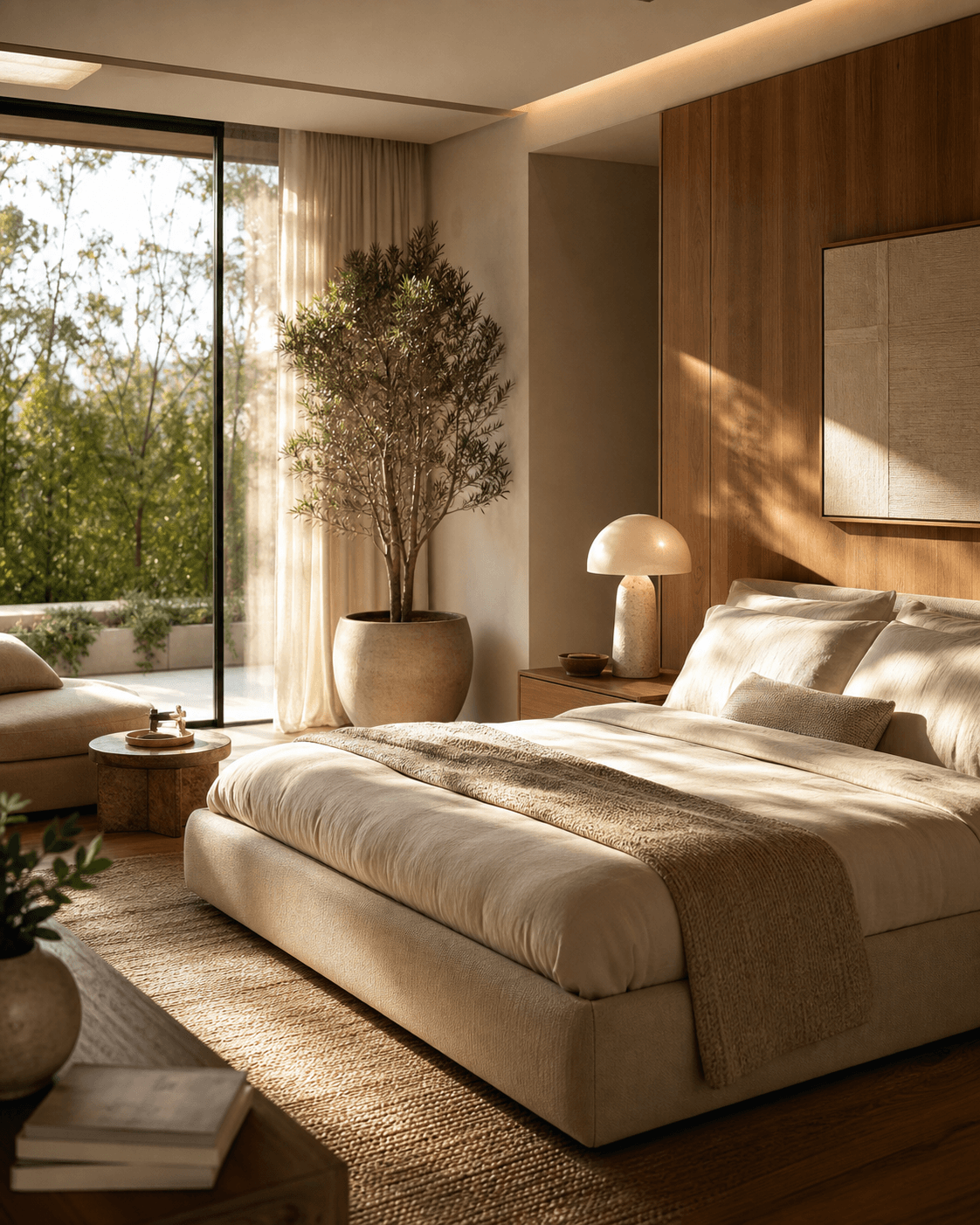
AI product photoshoot example with polished product advertising composition

AI product photoshoots

Use Vismuse when a plain product photo needs to become a polished artificial intelligence photoshoot. Describe the surface, lighting, camera angle, props, and commercial mood so the product stays recognizable while the scene feels campaign-ready.

This works for skincare, fashion accessories, food, home goods, tech products, and other ecommerce images where the item must remain the hero of the image.

Read product ad docsBrowse product ad examples
Product background direction for ecommerce images

Product backgrounds and ecommerce images

Generate product bg directions for clean studio scenes, lifestyle settings, launch banners, marketplace images, and product detail images. Add whether the output needs a white background, luxury surface, seasonal props, or space for headline text.

A stronger brief usually includes the buyer, platform, product benefit, background style, and any crop requirements before asking for decorative details.

Use templates and promptsOpen AI Image Maker
Campaign image for product ads and social media creatives

Campaign images and social ads

Create product images for paid social, launch posts, seasonal offers, brand promo images, and ecommerce hero placements. Keep the first prompt focused on the campaign goal, then refine color, props, aspect ratio, and copy space.

For social media ad creatives, mention the platform and visual hierarchy early: what should be noticed first, where the product sits, and whether the composition should leave room for a headline or CTA.

Browse image toolsOpen prompt library

Explore other Vismuse tools

Browse all
AI Image MakerCreate any visual from a prompt, link, idea, or reference.Product Ad GeneratorGenerate ecommerce product shots and ad creatives.Background RemoverRemove image backgrounds for clean cutouts and product visuals.AI Logo GeneratorCreate logos, brand marks, badges, and app icons.AI Album Cover GeneratorDesign album covers, mixtape art, and playlist visuals.AI Book Cover GeneratorCreate ebook, Kindle, paperback, and genre cover concepts.AI Flyer GeneratorTurn events, offers, and listings into polished flyers.AI Poster MakerCreate event posters, sale posters, launch graphics, and announcements.Invitation MakerCreate birthday invitations, party invites, wedding cards, and event cards.Business Card MakerGenerate print-ready front-and-back business card layouts.Tattoo GeneratorCreate tattoo concepts, stencil ideas, and sleeve layouts.AI Personal Image GeneratorGenerate headshots, profile pictures, outfits, and looks.AI Sticker GeneratorCreate stickers, reactions, mascots, and sticker sheets.AI Wallpaper GeneratorGenerate phone wallpapers, lock screens, and desktop art.
© 2026 Vismuse·Terms·Privacy··Feedback