
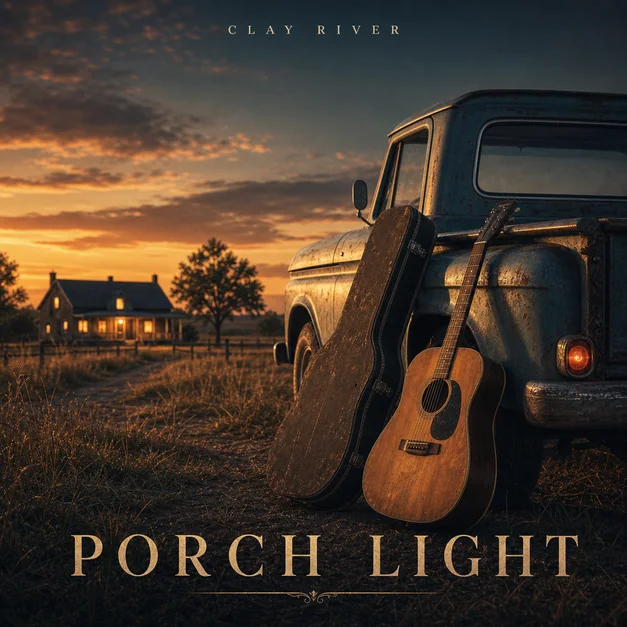
Start from the genre
Genre gives the cover a useful first direction. Rap might use dramatic shadows, street photography, bold type, or luxury symbols. Indie can lean into film grain, quiet scenes, hand-drawn type, or imperfect texture.
Electronic covers often work with abstract forms, chrome, glass, neon, and motion. R&B covers can use editorial portrait lighting, minimal typography, and warm color systems.
- Rap: cinematic shadows and bold identity
- Indie: film texture and quiet scenes
- Electronic: abstract light and motion
- R&B: minimal type and editorial mood
- Rock or metal: grit, contrast, and symbolic imagery
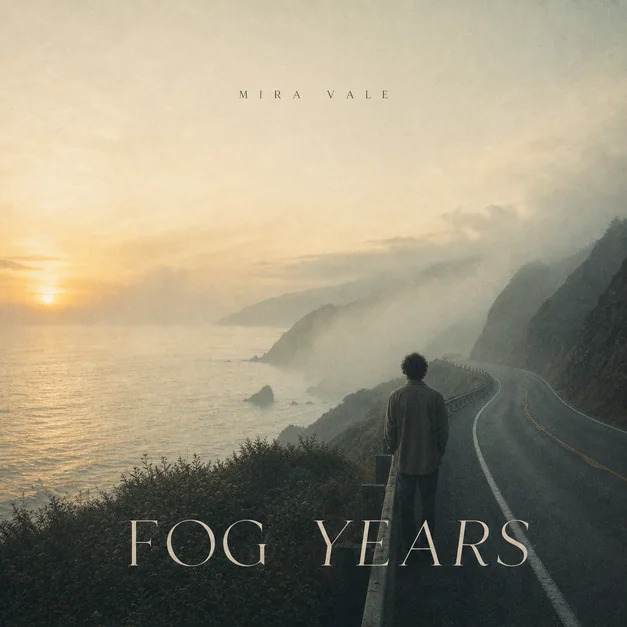
Use the title as a concept
A release title can become the visual idea. If the song is called After the Rain, use wet streets, blue reflections, and quiet evening light. If it is called Cold Signal, use antennas, city lights, and metallic type.
This keeps the cover from feeling generic and gives the AI a stronger creative anchor than genre alone.
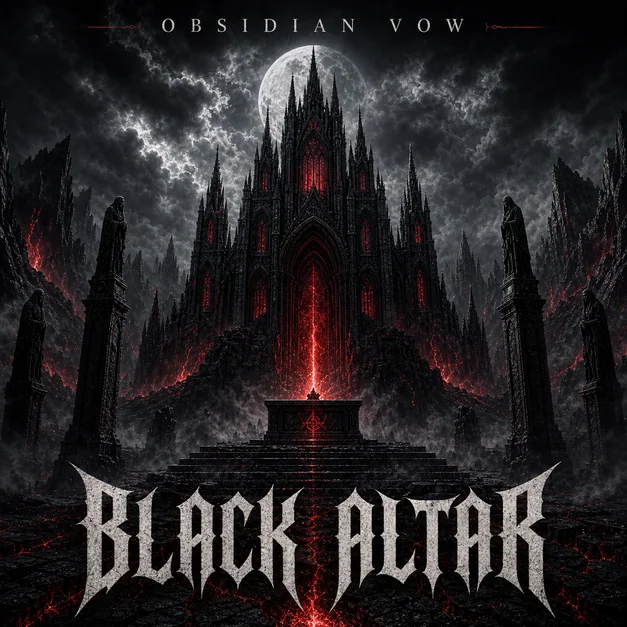
Keep one idea dominant
The best album cover ideas are usually simple enough to survive as a thumbnail. Pick one dominant subject, symbol, portrait, landscape, or typographic treatment, then let supporting details stay secondary.
If the cover has too many concepts, ask for a simpler square composition with one main visual hook.
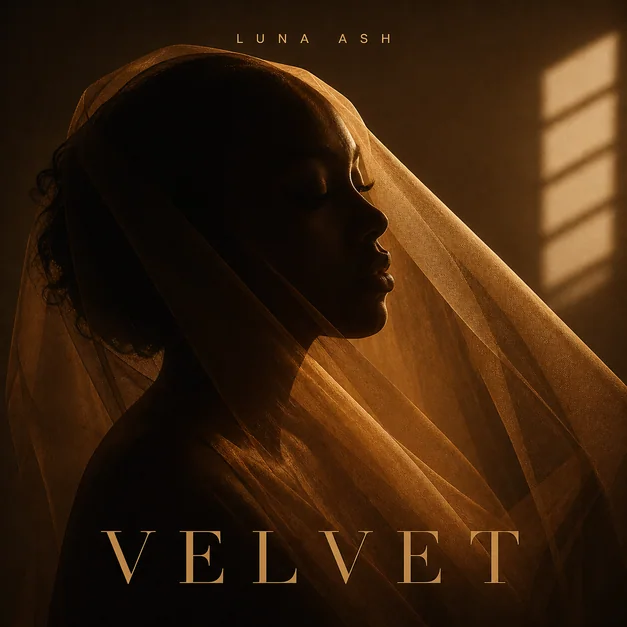
Checklist
- The cover idea matches the genre
- The title or release theme gives the design a hook
- Only one visual idea dominates
- Colors support the mood of the track
- The final artwork is recognizable at small size
Reusable examples
Genre-based cover idea prompt
Use this to generate a visual idea from genre and mood.
Create a square album cover for a dreamy indie EP called 'Small Hours'. Film photography mood, empty diner booth at night, soft blue window light, subtle serif title, quiet emotional atmosphere, release-ready cover art.
Frequently asked questions
Who is this guide for?
Good album cover ideas usually come from the sound, not from decoration. Start with the genre, mood, story, and title, then choose a visual direction that listeners can recognize in one glance.
What workflow does this guide support?
This guide is designed to help with album cover ideas and connects to the matching Vismuse workflow page for hands-on execution.
Do I need design experience to use this workflow?
No. Start with the guide structure, add the details you already know, and use the matching Vismuse generator to create and refine the visual.