
Decide what singing means in the image
First decide whether you want a realistic singer portrait, a concert performance image, an illustrated avatar, an album-style artist visual, or a wallpaper scene. This keeps the prompt from becoming too vague.
If you need an actual lip-sync video where a photo sings to audio, create or upload a clean portrait first, then use a separate animation or lip-sync workflow after the image is ready.
- Realistic singer portrait
- Concert or stage performance
- Music avatar or character
- Album artwork source image
- Wallpaper or social background
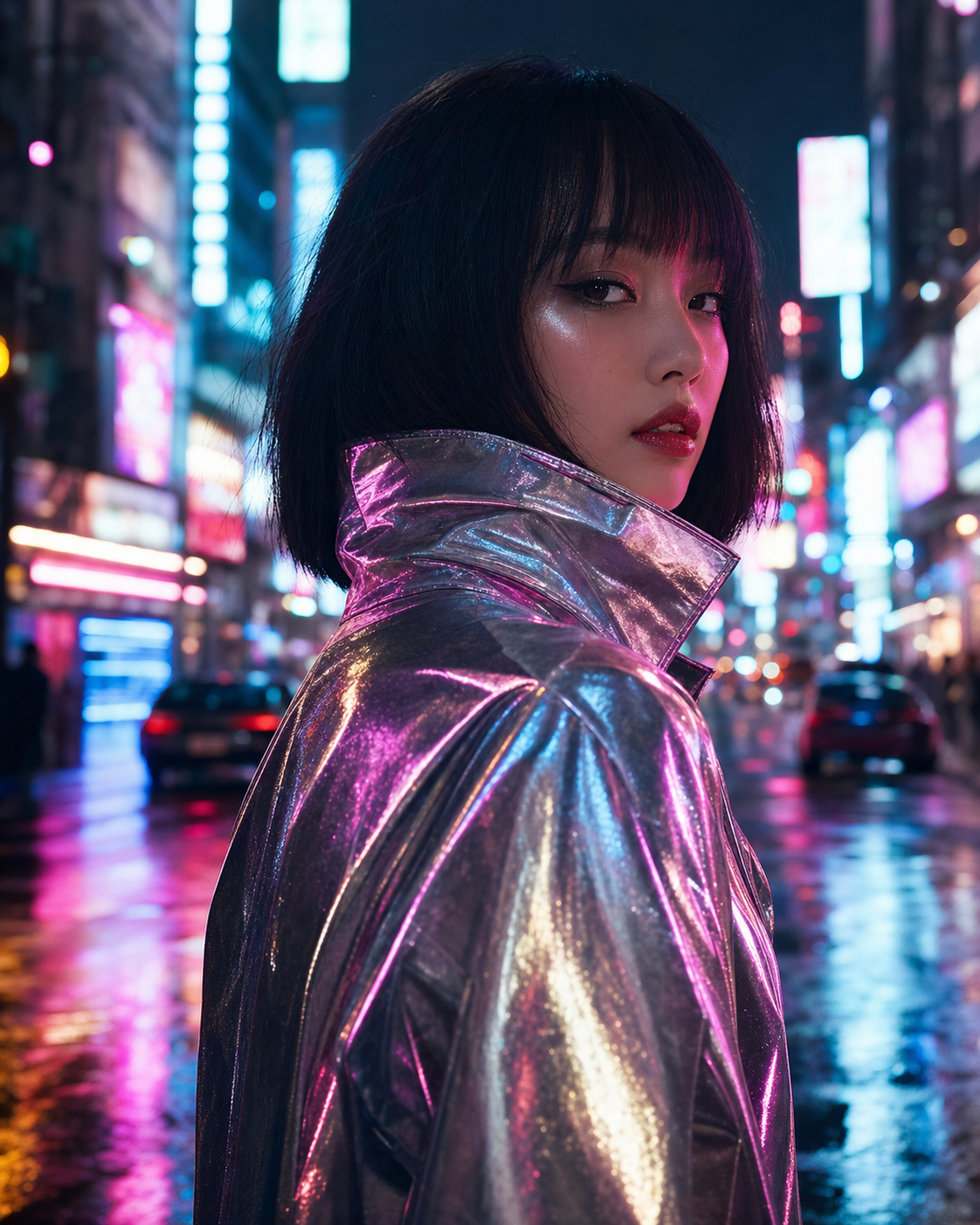
Build the prompt around performance cues
A strong singing image prompt should include the vocalist, microphone or instrument, facial expression, music genre, lighting, camera angle, and background. These details make the image read as a performance instead of a generic portrait.
Useful cues include mid-chorus expression, handheld microphone, stage haze, neon rim light, warm jazz spotlight, recording booth, crowd bokeh, or acoustic cafe setting.
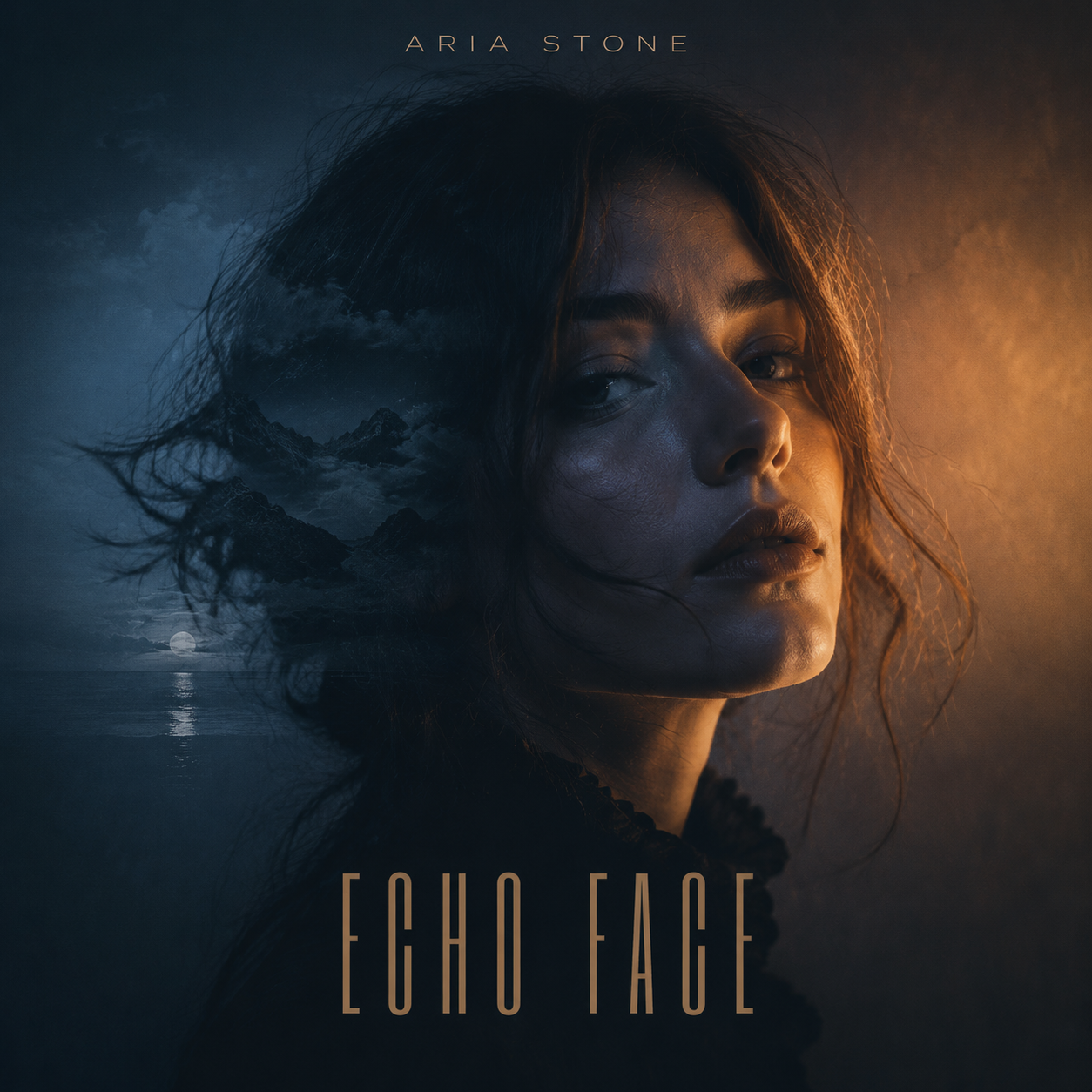
Choose the right format
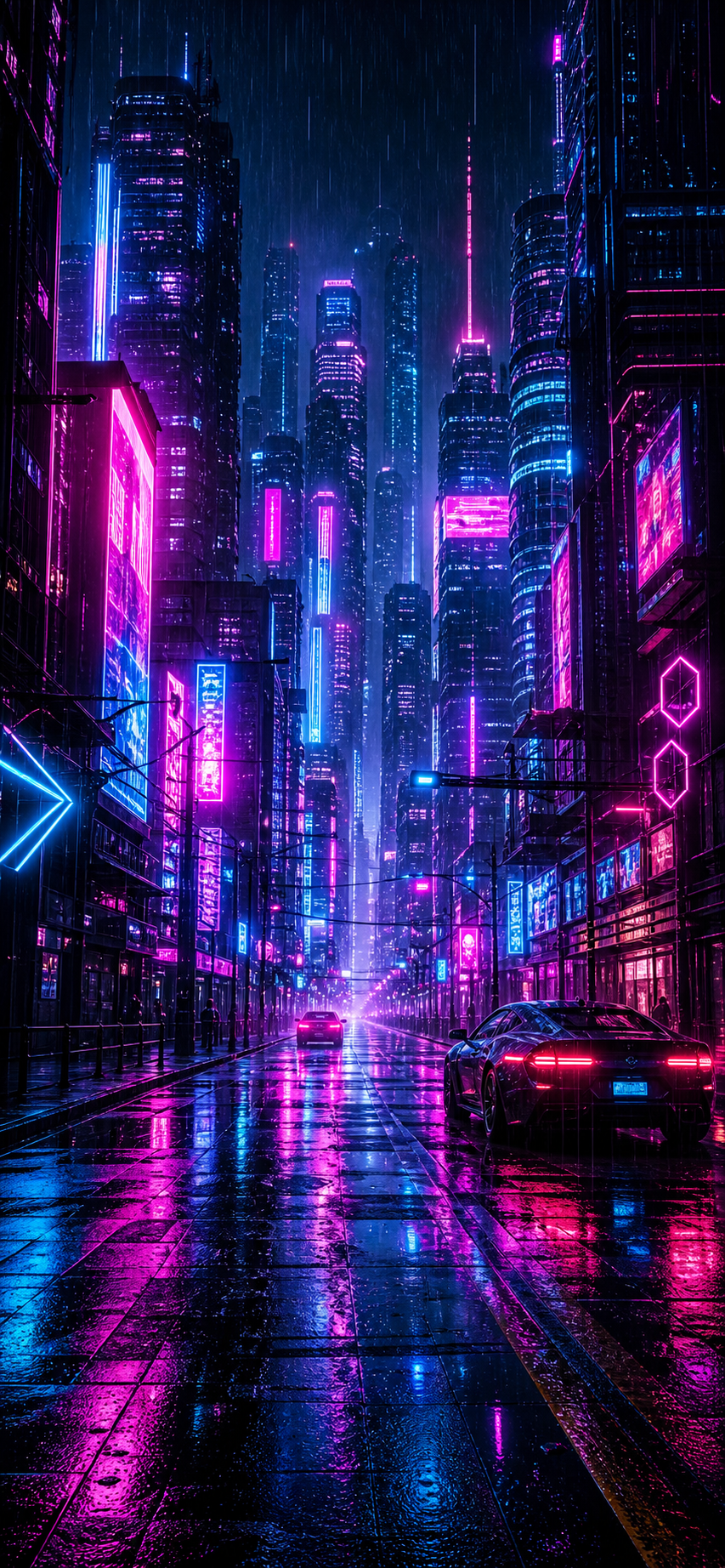
Use 4:5 or 1:1 for social posts, 9:16 for phone wallpapers and story visuals, and 16:9 for desktop wallpapers or video cover frames. Add the format directly in the prompt so the composition leaves enough room around the face and microphone.
For vocalist portraits, keep the face, eyes, and microphone readable. For wallpapers, leave quieter space for icons or lock screen widgets.
- 4:5 social portrait
- 1:1 cover-style image
- 9:16 phone wallpaper
- 16:9 desktop or video cover frame
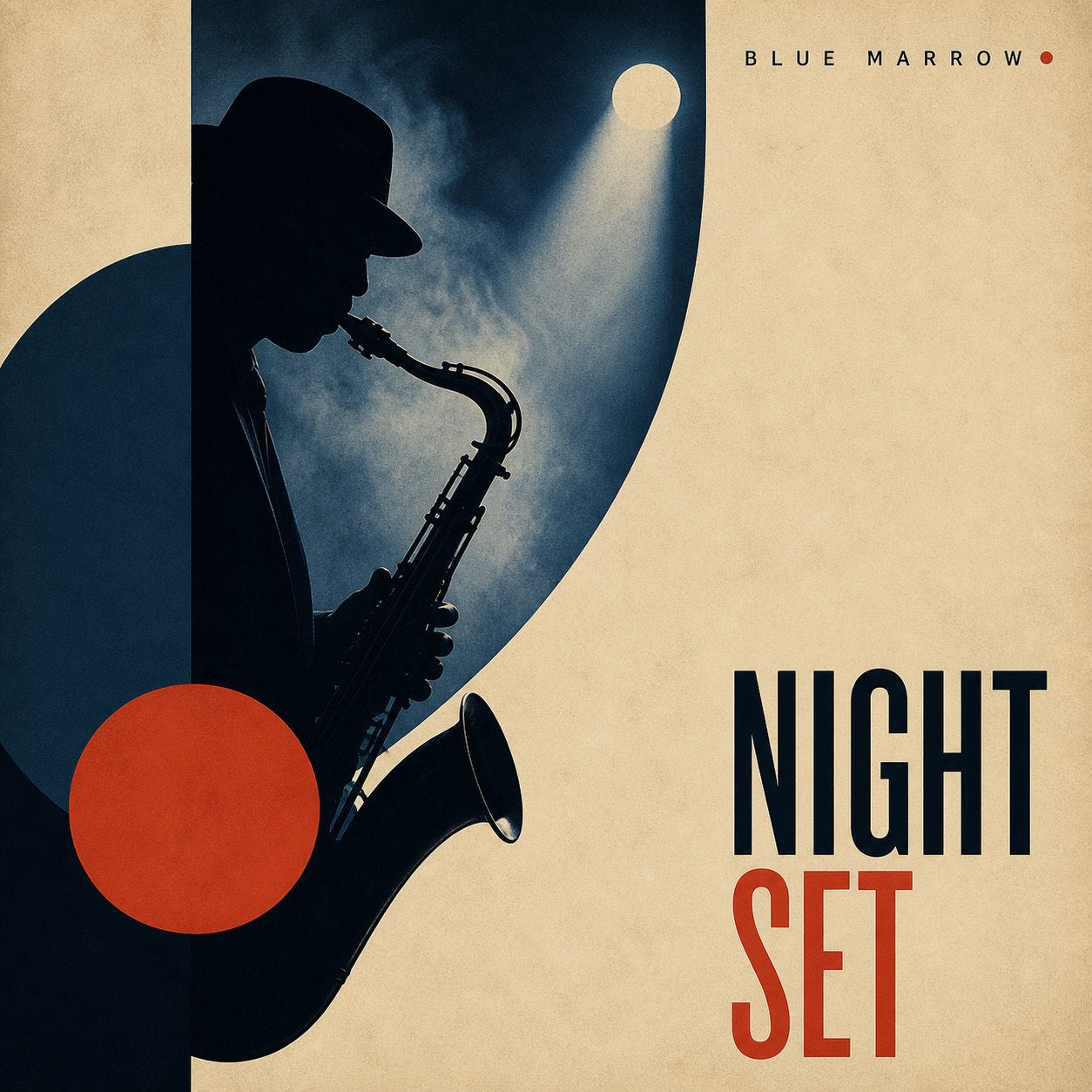
Refine for expression and clarity
After the first image, check whether the mouth shape, face, hands, microphone, and lighting feel believable. If the image looks stiff, ask for a more natural singing expression and stronger stage direction.
If the image is too busy, remove crowd detail, simplify the background, or ask for a cleaner spotlight so the singer remains the clear focal point.
Checklist
- Prompt names the singer or character type
- Music genre and performance mood are clear
- Lighting and background support the song mood
- Face, hands, and microphone look natural
- Aspect ratio matches the final use
Reusable examples
Pop singer image prompt
Use this for a social-ready performance portrait.
Create a realistic pop singer image, vocalist mid-chorus holding a chrome microphone, magenta and cyan rim lighting, subtle stage haze, confident expression, crowd bokeh behind, sharp face, editorial music photography, 4:5 social portrait.
Jazz vocalist image prompt
Use this for a warmer singer image with classic stage mood.
Create a jazz vocalist singing into a vintage microphone in a small club, warm amber spotlight, velvet curtain, soft smoke, elegant outfit, intimate expression, realistic editorial portrait, clean background, 1:1 music artwork crop.
Frequently asked questions
Who is this guide for?
A singing image is usually a still visual of a vocalist, artist, avatar, or character performing. Start with the singer, the music mood, the stage or studio setting, and the final format before refining the image for social use.
What workflow does this guide support?
This guide is designed to help with how to create singing images and connects to the matching Vismuse workflow page for hands-on execution.
Do I need design experience to use this workflow?
No. Start with the guide structure, add the details you already know, and use the matching Vismuse generator to create and refine the visual.