
General image creation
AI Image Maker documentation
Use AI Image Maker when you want a flexible visual workspace for prompts, references, ideas, posters, profile images, and custom creative directions.
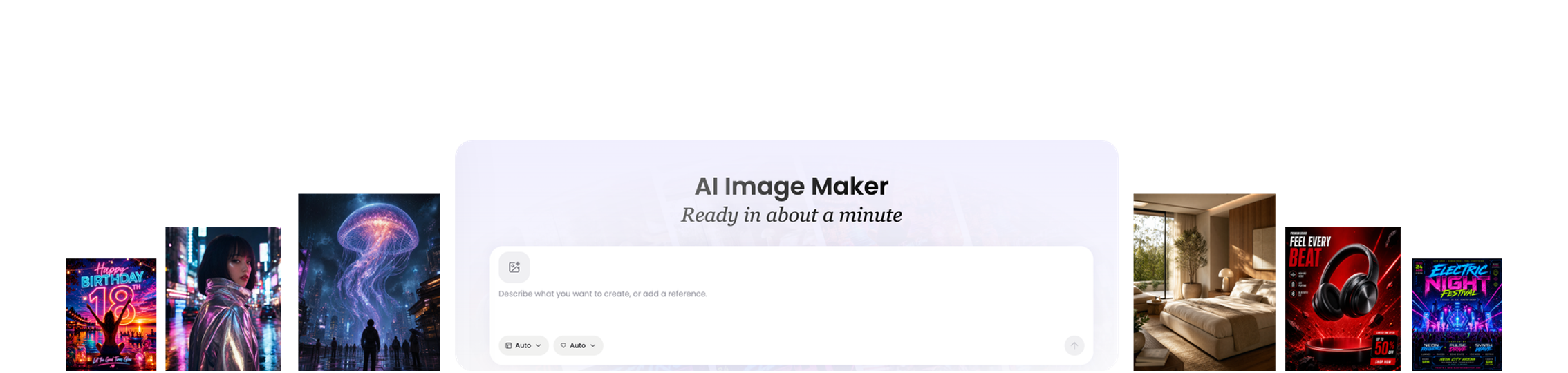
When to use it
AI Image Maker is the broadest Vismuse entry point. It is useful when your request does not fit a specific generator, or when you want to explore a visual idea before choosing a more focused workflow.
It works well for custom graphics, posters, profile pictures, concept art, background images, social visuals, and early creative exploration.
Supported inputs
Start with a short prompt, a longer creative brief, a reference image, product details, style notes, or a mix of these. Clear subject, composition, mood, size, and usage context usually lead to better results.
- Prompt or creative brief
- Reference image or source image
- Style, color, and format notes
- Audience or publishing context
What Vismuse generates
Vismuse creates a first visual result and keeps the work inside the same browser workspace so you can revise the image, change the direction, or generate a related version without starting over.
- AI-generated image
- Editable follow-up direction
- Saved project context
- Downloadable visual asset
Workflow
- Describe the image you want
- Add format, style, and reference details
- Generate a first image
- Refine the result with follow-up instructions
Tips
- Name the main subject before describing the background.
- Say where the image will be used, such as poster, profile picture, wallpaper, or social post.
- Use revision prompts for small changes instead of rewriting the whole brief.
Related resources
- Browse image examples — Open the template library when you want prompt patterns, remixable examples, and image starting points.
- Create a custom image — Start from a broad image idea, reference, prompt, or creative brief in AI Image Maker.