AI Flyer Generator

Create attention-grabbing flyers for events, local businesses, restaurants, fundraisers, sports, and community activities from a prompt or reference.

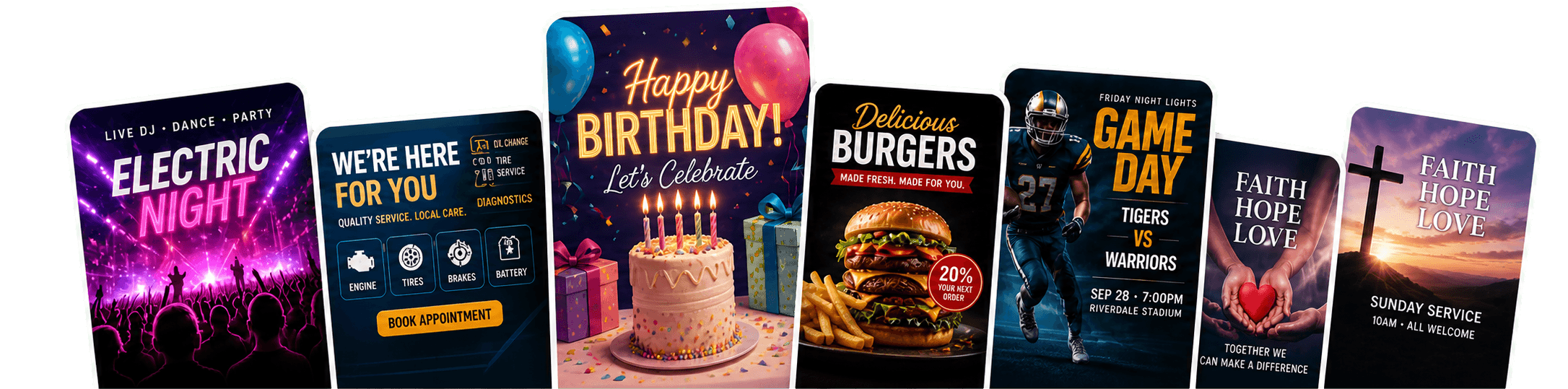
AI flyer maker workspace surrounded by birthday, music, restaurant, sports, and church flyer examples
Party and music flyersBirthday celebrationsLocal business and servicesFood and restaurant flyersCommunity and fundraisingSports flyersChurch events

Create professional flyers in minutes without starting from a blank canvas.

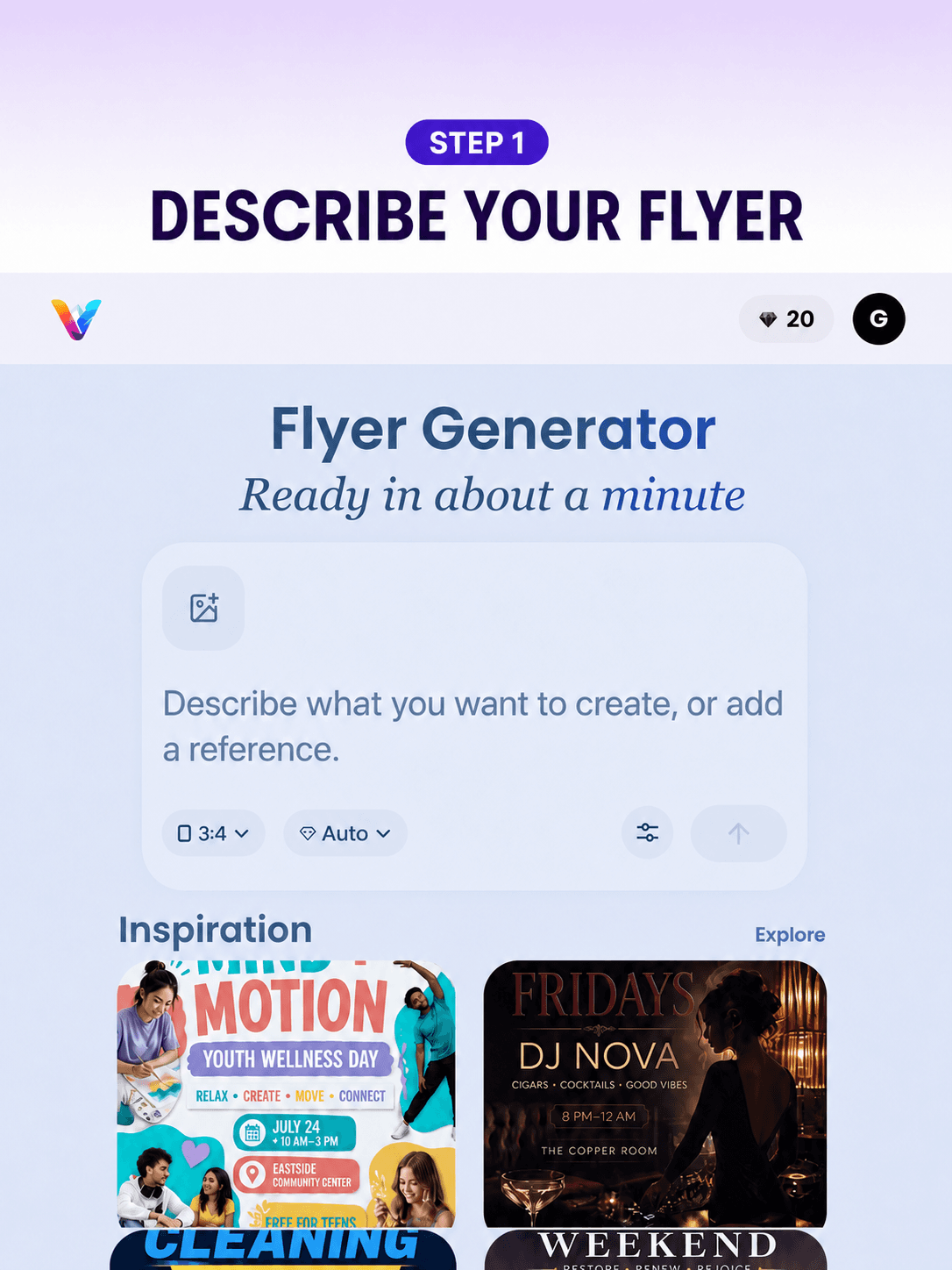
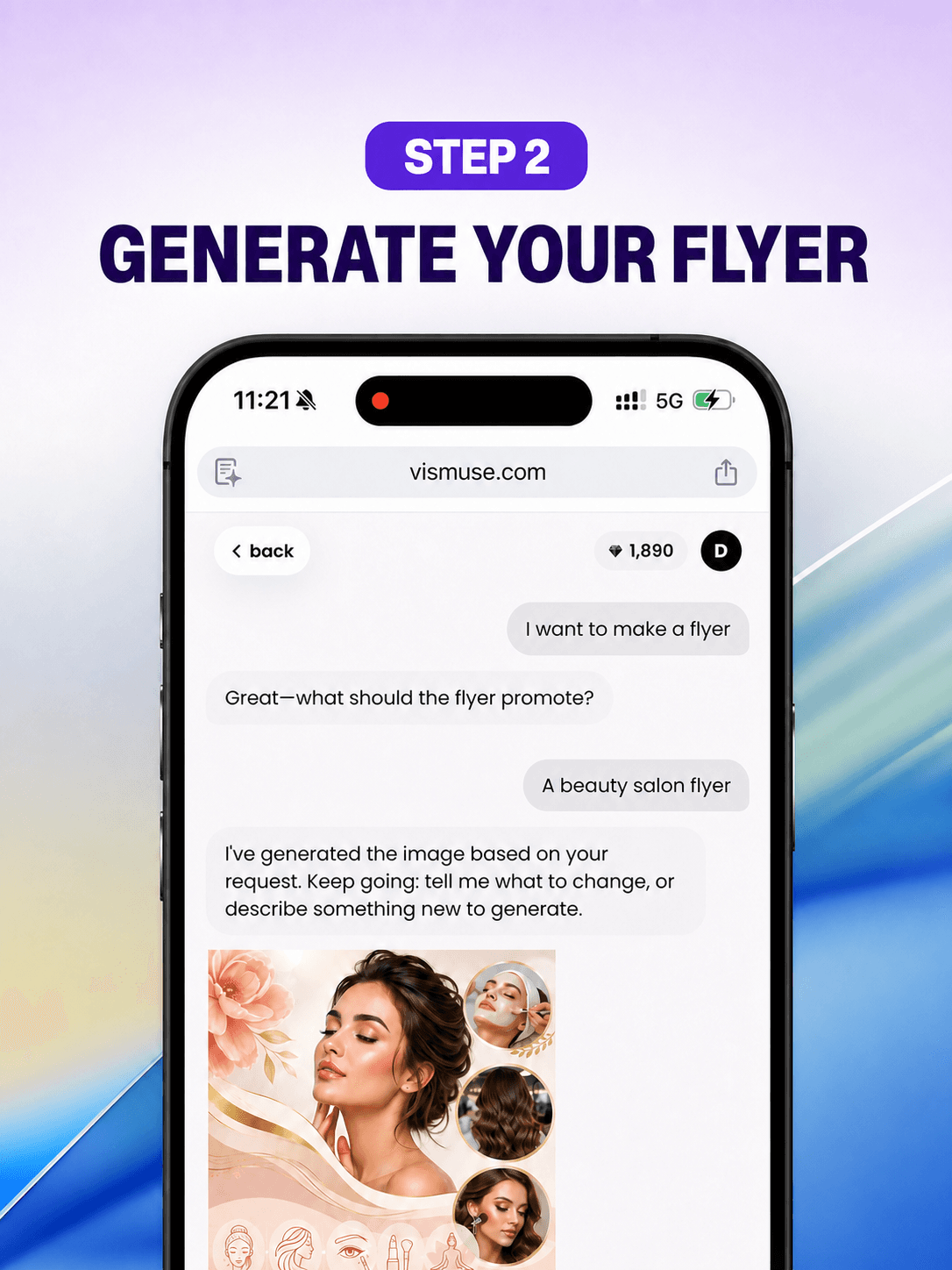
Give Vismuse the message, audience, and visual direction. It creates the first flyer, then responds to your natural-language requests until the hierarchy and campaign direction feel right.

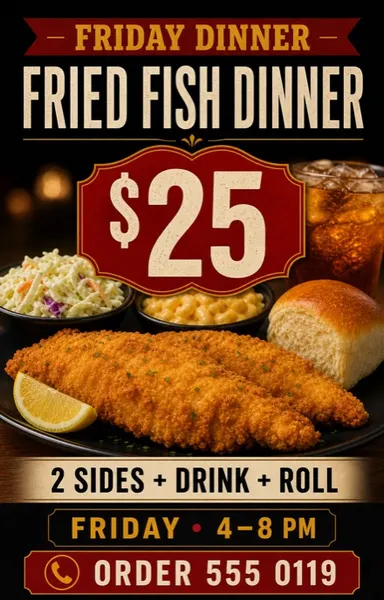
Dinner Sale AI flyer template with a food offer, price, hours, and ordering CTA

Start with the job the flyer needs to do: announce an event, sell an offer, promote a local service, list a property, recruit attendees, or invite people to a celebration.

Add the headline, audience, date, time, location, price, contact details, and CTA. Then describe the visual style, upload your own image, or choose a starting template to guide the first draft.

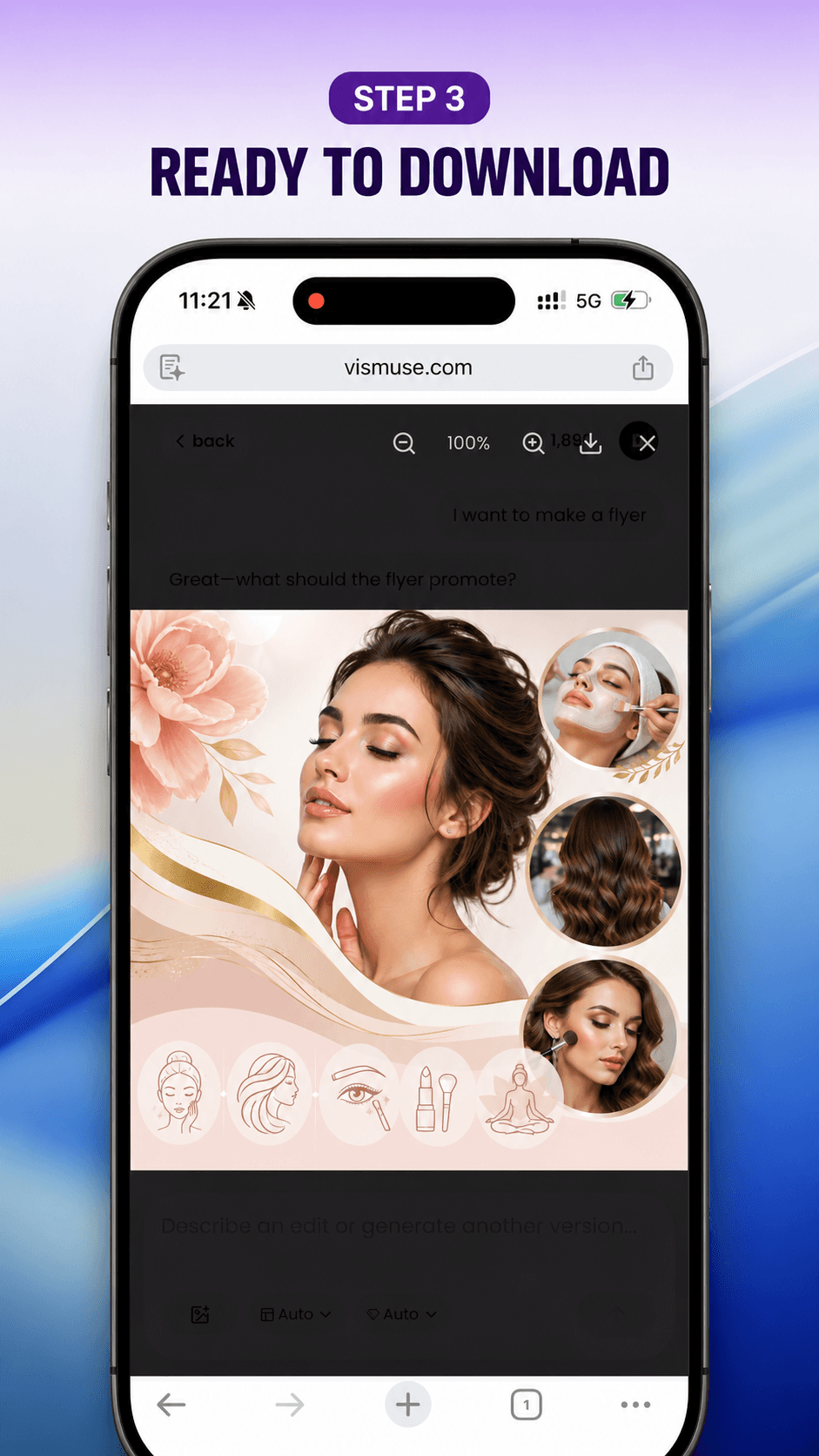
Refine the result by asking for changes in plain language. When it is ready, download the flyer as an image for social, messaging, websites, commercial campaigns, or print preparation.

How to create a flyer with AI

Start designing now
Restaurant dinner sale flyer with food, price, hours, and ordering details
Event flyer example with clear date, location, and event details
Party invitation flyer example with a colorful event style
Party flyer example created with AI
Finished birthday flyer ready to download and share as an image

Browse AI Flyer Templates

Browse Flyer Templates

Make your message easy to notice

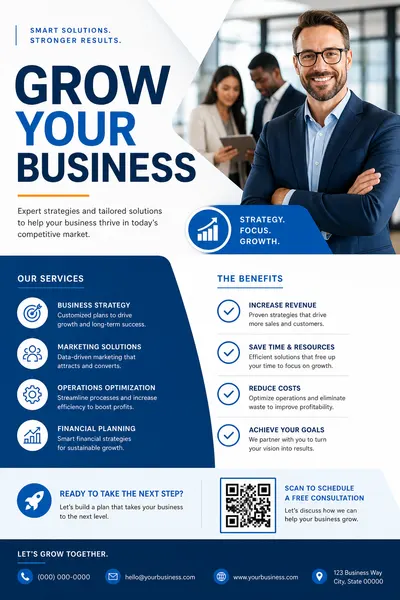
Start with the purpose, audience, and next step. Vismuse turns the brief into a flyer where the headline, date, offer, location, price, and call to action are easier to notice than decorative details.

Try this flyer direction
AI flyer design for a party and music event

Start from a prompt, template, or your own image

Describe the outcome in a prompt, remix a flyer template, or upload a product, food, event, venue, or brand reference. Vismuse uses that context to create a new flyer direction instead of asking you to build the layout manually.

Try this flyer direction
Restaurant menu promotion flyer with a featured dinner offer and ordering CTA

Refine every flyer through natural-language requests

There is no traditional drag-and-drop editor. Tell Vismuse what should change in plain language, such as making the headline bolder, moving attention to the price, replacing a photo, simplifying the background, or adapting the flyer for another campaign.

Try this flyer direction
AI flyer maker example for a birthday celebration

Frequently Asked Questions

What is an AI flyer generator?

An AI flyer generator creates a flyer direction from your brief, prompt, template, and reference images. It helps you turn an event, business offer, listing, sale, or announcement into a visual with a clear headline, supporting details, and call to action.

How do I create a flyer with AI?

Start with the flyer type and audience, then add the key information people need to act: headline, date, time, location, offer, contact method, and CTA. Add a style or reference image, generate the first draft, and refine the result through chat.

Can I use the AI flyer maker for business and real estate flyers?

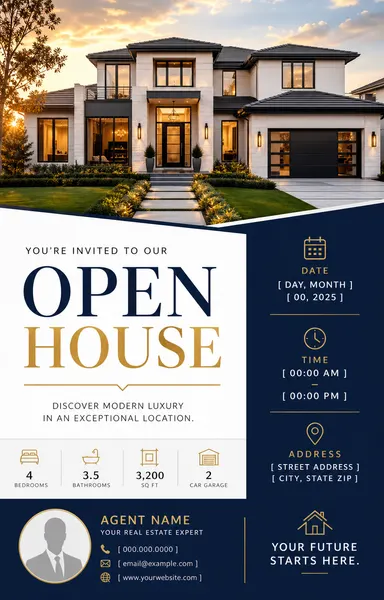
Yes. Vismuse can help you create flyers for local services, promotions, listings, open houses, restaurants, classes, fundraisers, and sales. Give it the key details and tell it which information should remain most visible.

Can I make event flyers and party invitations?

Yes. Add the event name, date, time, venue, host or lineup, RSVP or ticket path, and the visual mood you want. You can then adjust the typography space, colors, and event details after the first result.

Is this an online flyer maker?

Yes. Vismuse runs in the browser, but it is not a traditional drag-and-drop editor. You create and revise flyers by describing the result and requesting changes in natural language.

Can I try the flyer generator for free?

You can begin in the Vismuse workspace and see the current generation limits and credit details there. Paid options unlock additional creation and refinement capacity when you need it.

What size should a flyer be?

A common print flyer is 8.5 x 11 inches, while 5.5 x 8.5 inches works for smaller handouts. For digital promotion, 4:5 works well in social feeds and 9:16 fits stories. State the intended format in your prompt before generating.

What information should I include on a flyer?

Include a clear headline, the event or offer, date and time when relevant, location, price or benefit, contact details, and one direct call to action. Keep secondary information shorter so the main message remains easy to scan.

Can I download and print my AI flyer?

You can download the finished flyer as an image and use it online or prepare it for printing. Vismuse does not currently export PDF files, so check the image dimensions, resolution, bleed, and file requirements with your printer before production.

Can I use Vismuse flyers for commercial projects?

Yes. Flyers created with Vismuse can be used for commercial projects such as business promotions, events, advertising, restaurant offers, client campaigns, and community programs, subject to the current Vismuse terms.

Explore Flyer Ideas and Templates