Genres and subcultures
Genre pages help artists move beyond generic artwork by matching typography, texture, color, and visual tone to the sound.
Album Cover Templates
Browse square music artwork templates that open directly inside the AI Album Cover Generator. Start from a genre, photo direction, title layout, or release format, then remix it with your own artist identity.
Template Gallery
Each album cover card carries a starter prompt with genre, format, title area, and visual mood already encoded.

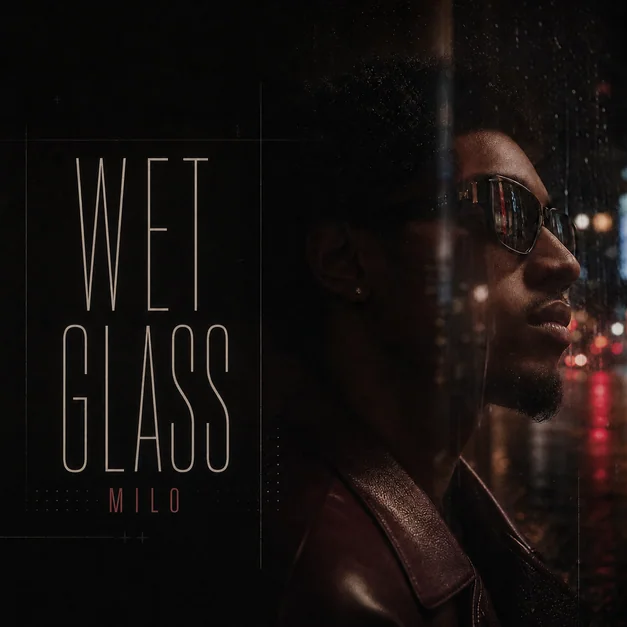
Create a polished square album cover built around an artist portrait, clear title placement, and release-ready mood.
photo to album coverartist portrait coveralbum cover generator
Generate a dark rap mixtape cover with urban lighting, bold typography, and gritty release artwork.
rap album covermixtape coverdark album cover
Create a premium portrait-based album cover with gold accents, jewelry detail, and polished typography.
luxury album coverartist portrait coverr&b album cover
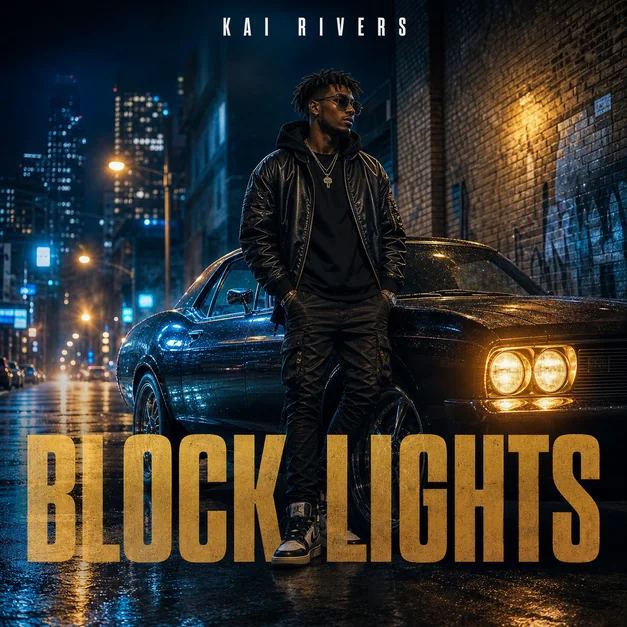
Turn a portrait or character concept into street-style album artwork with city, car, and night-scene cues.
street album coverurban cover artartist portrait cover
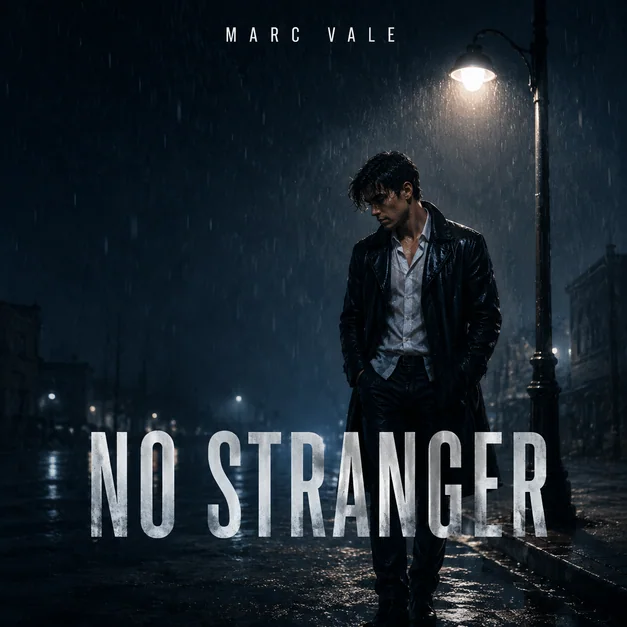
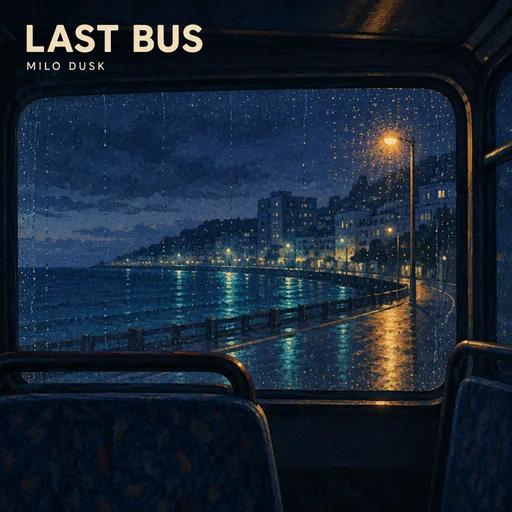
Create an emotional indie cover with film-photo atmosphere, lone figure composition, and understated typography.
indie album covercinematic album coverfilm photo cover
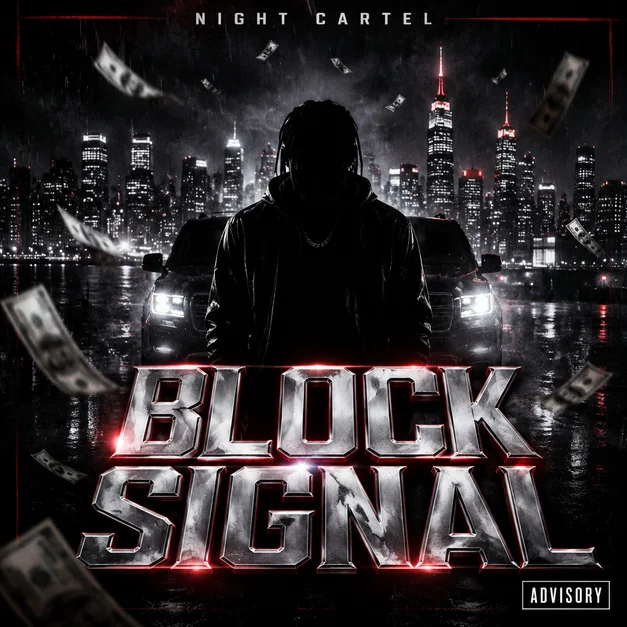
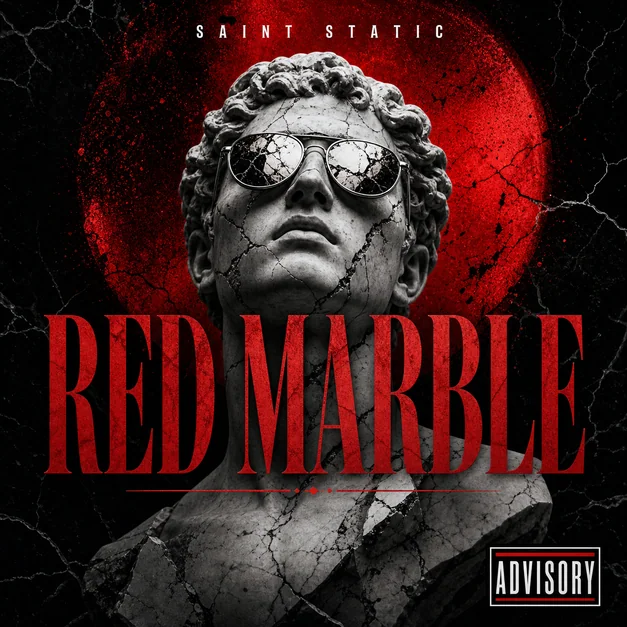
Create a bold cover with clear advisory-label placement, strong portrait art direction, and readable title text.
parental advisory album coverrap album coverexplicit cover art
Generate a country single or EP cover with open-road scenery, acoustic details, and warm Americana color.
country album covercountry cover artsingle cover art
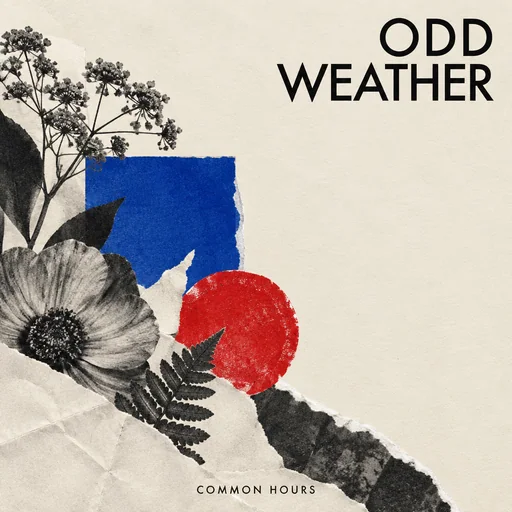
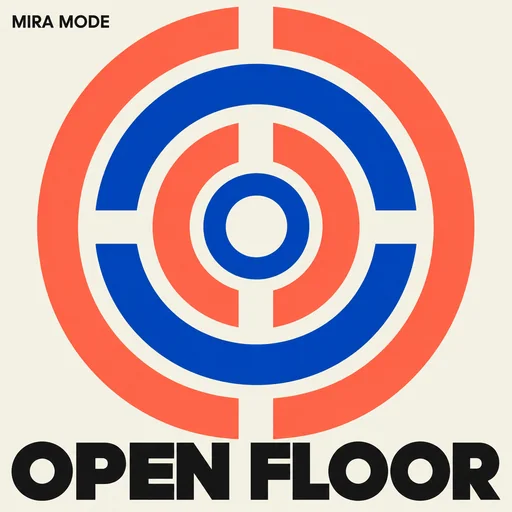
Create a vintage jazz sleeve-style cover with club lighting, modernist shapes, and refined typography.
jazz album covervintage album coverrecord sleeve designCover Types
Choose a genre, release type, visual style, or photo-to-cover workflow before moving into the album cover generator.
Browse by Intent
Find album cover templates for genres, singles, EPs, mixtapes, playlists, title-led artwork, photo covers, and streaming-ready square art.
Genre pages help artists move beyond generic artwork by matching typography, texture, color, and visual tone to the sound.
Release-format pages capture users who already know whether they need a single, EP, mixtape, playlist, album, or vinyl direction.
Style pages are useful when the user searches by mood or design treatment instead of genre, artist, or platform.
Workflow pages connect SEO intent directly to product behavior: generate ideas, turn a photo into a cover, or create title-safe art.
Add artist name, album or single title, genre, mood, references, and whether it is for an album, EP, mixtape, single, or playlist.
Choose portrait, typography, abstract, cinematic, explicit-label, playlist, or genre-led cover art.
Create a square concept, then refine crop, contrast, title placement, and thumbnail readability.
Upload a photo or describe the release, genre, title, and mood to generate square music artwork.
Album cover searches are not only about images. Users need artwork that fits a genre, title, artist identity, and platform format. The template page should therefore guide users into square, release-ready prompts.
A music artwork template can carry title placement, typography, color palette, explicit-label rules, and photo direction. That makes each card a useful creative brief, not just a static sample.
FAQ
Album cover templates help musicians, producers, playlist curators, and creators start from a release-ready direction instead of a blank prompt.
Yes. Use an artist portrait, selfie, band photo, or reference image and describe what should stay the same, what background should change, and where title text should appear.
Start with a 1:1 square composition and keep the main subject, title, and artist name readable at thumbnail size. Check distributor rules before publishing.
The most useful next pages are rap album covers, mixtape covers, single cover art, Spotify cover size, photo-to-album-cover, and album cover ideas.