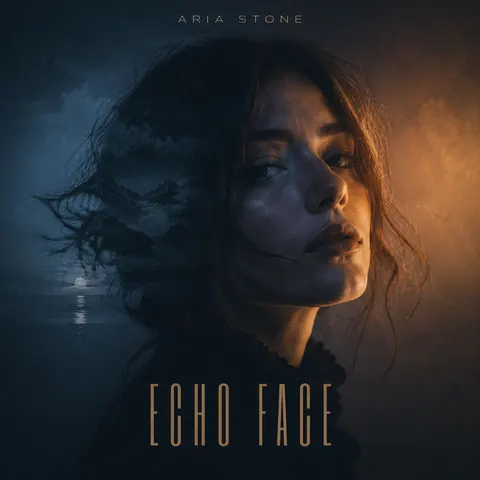
Album Cover Generator

Create a cover with a few chat prompts, ready in a few minutes.

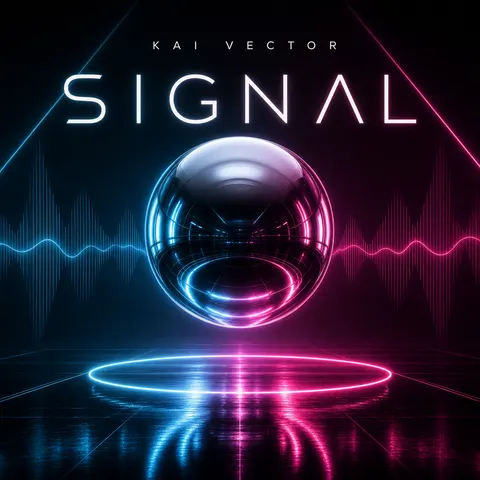
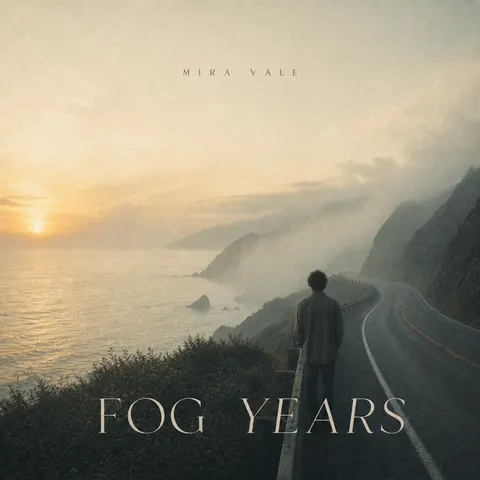
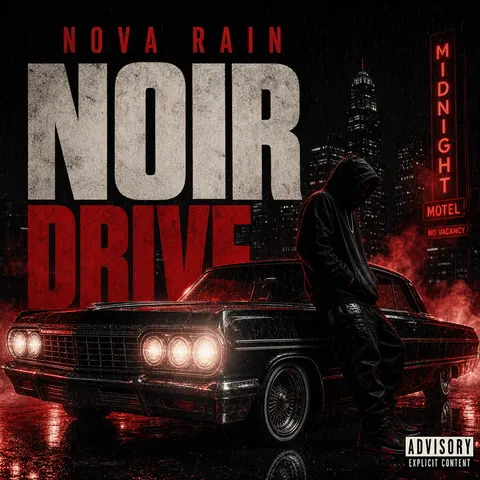
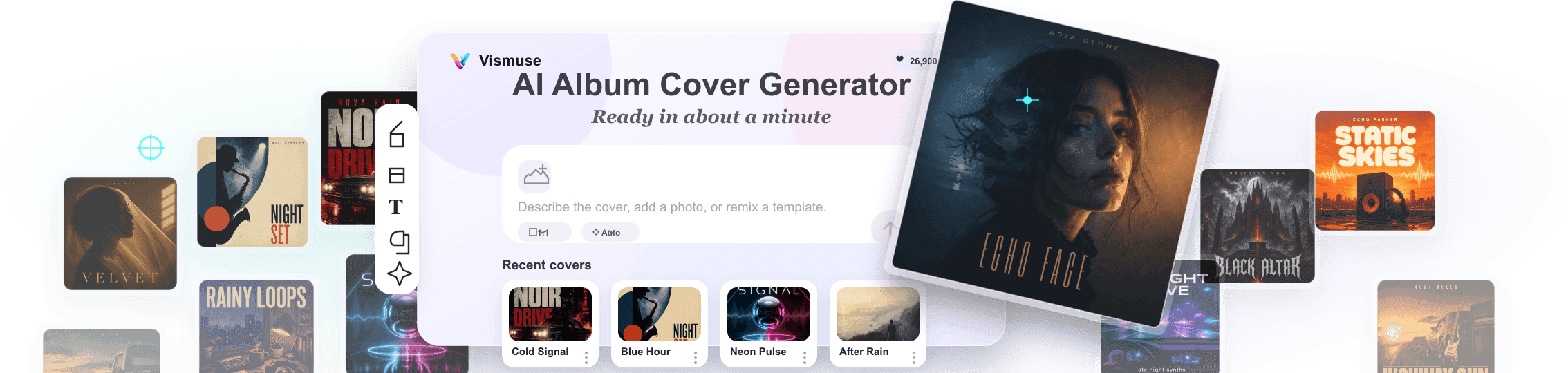
AI album cover generator workspace with album artwork examples
Album coversSingle artworkMixtape coversEP coversPlaylist artSpotify cover artSoundCloud artworkPodcast covers

Create your own album cover art in just a few chat prompts.

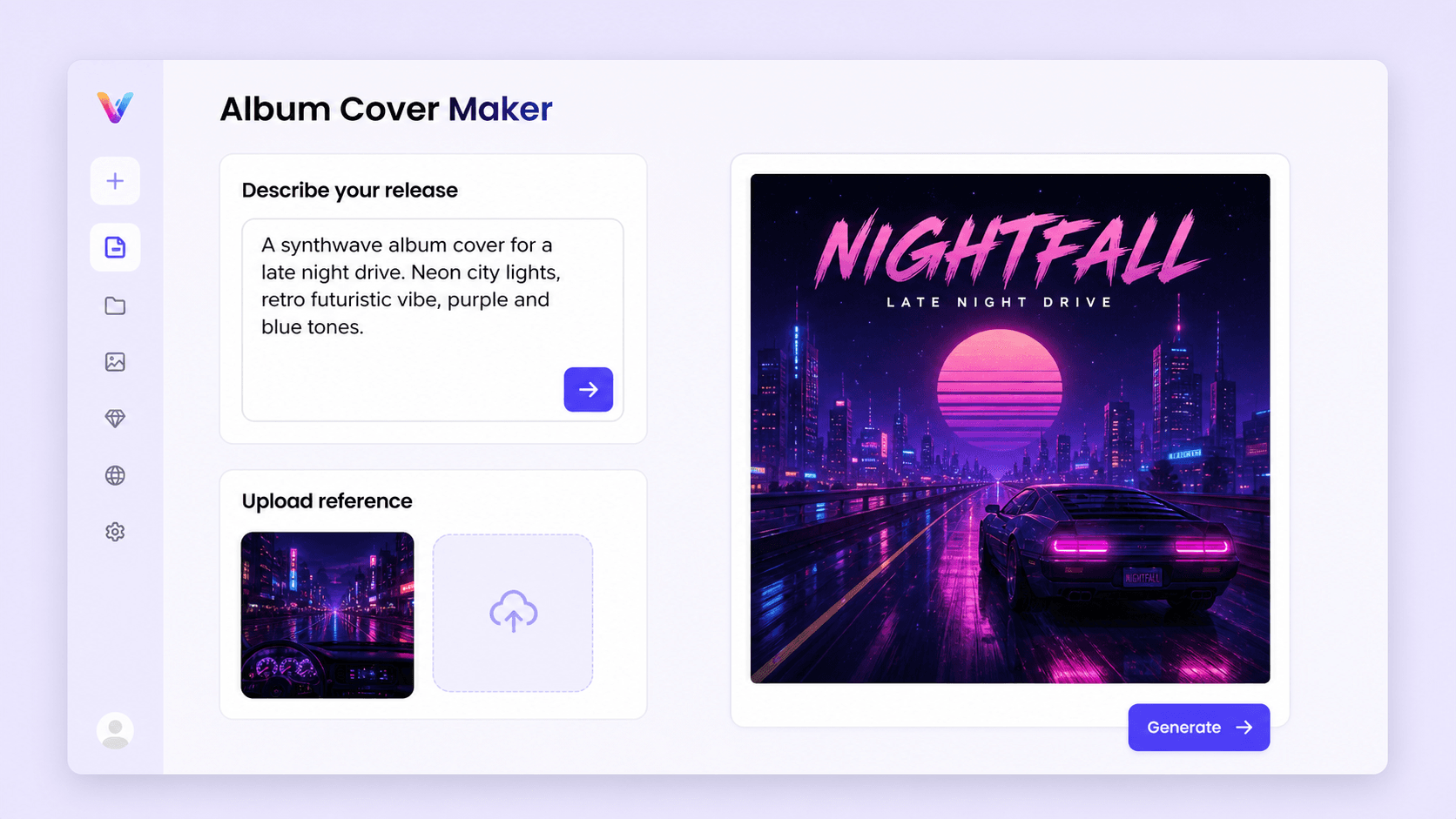
Describe the release, upload a reference, or start from a genre idea. Vismuse turns it into square cover art for singles, mixtapes, playlists, podcasts, and albums.

Vismuse album cover maker on iPhone with album cover recents

Start with the sound instead of a blank canvas. Tell Vismuse the genre, title, artist mood, color palette, and final platform, then generate cover directions that already fit a square music release.

Add an artist photo, band shot, texture, symbol, or rough concept when you want the artwork to feel more personal. The workspace helps you keep useful reference details while changing the background, style, and title space.

Use the finished direction for streaming artwork, promo posts, playlist visuals, release announcements, and supporting campaign images without waiting on a full design cycle.

How to make an album cover

Start designing now
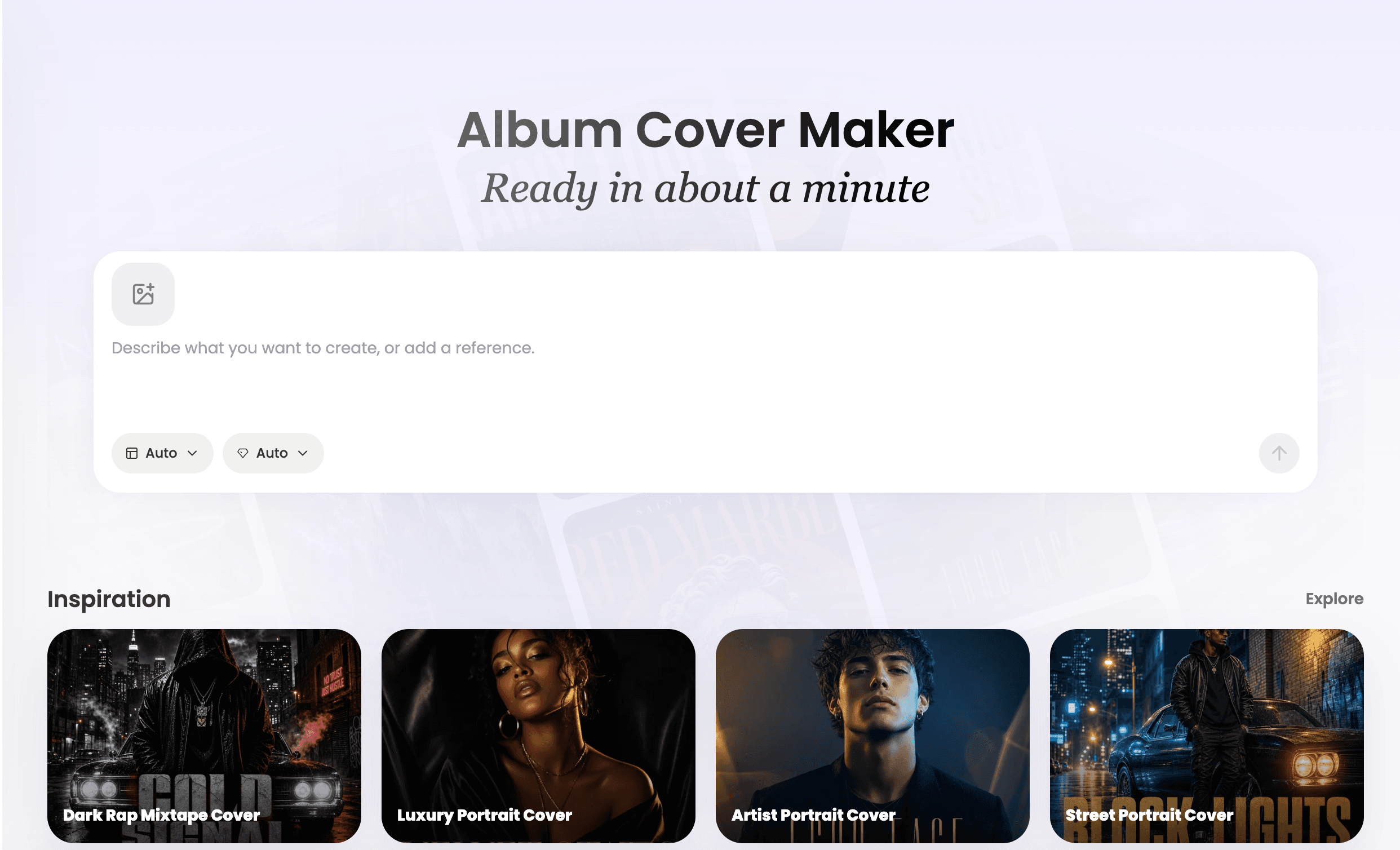
Vismuse Album Cover Generator workspace with prompt input and inspiration covers
Vismuse album cover workspace with prompt input and upload reference
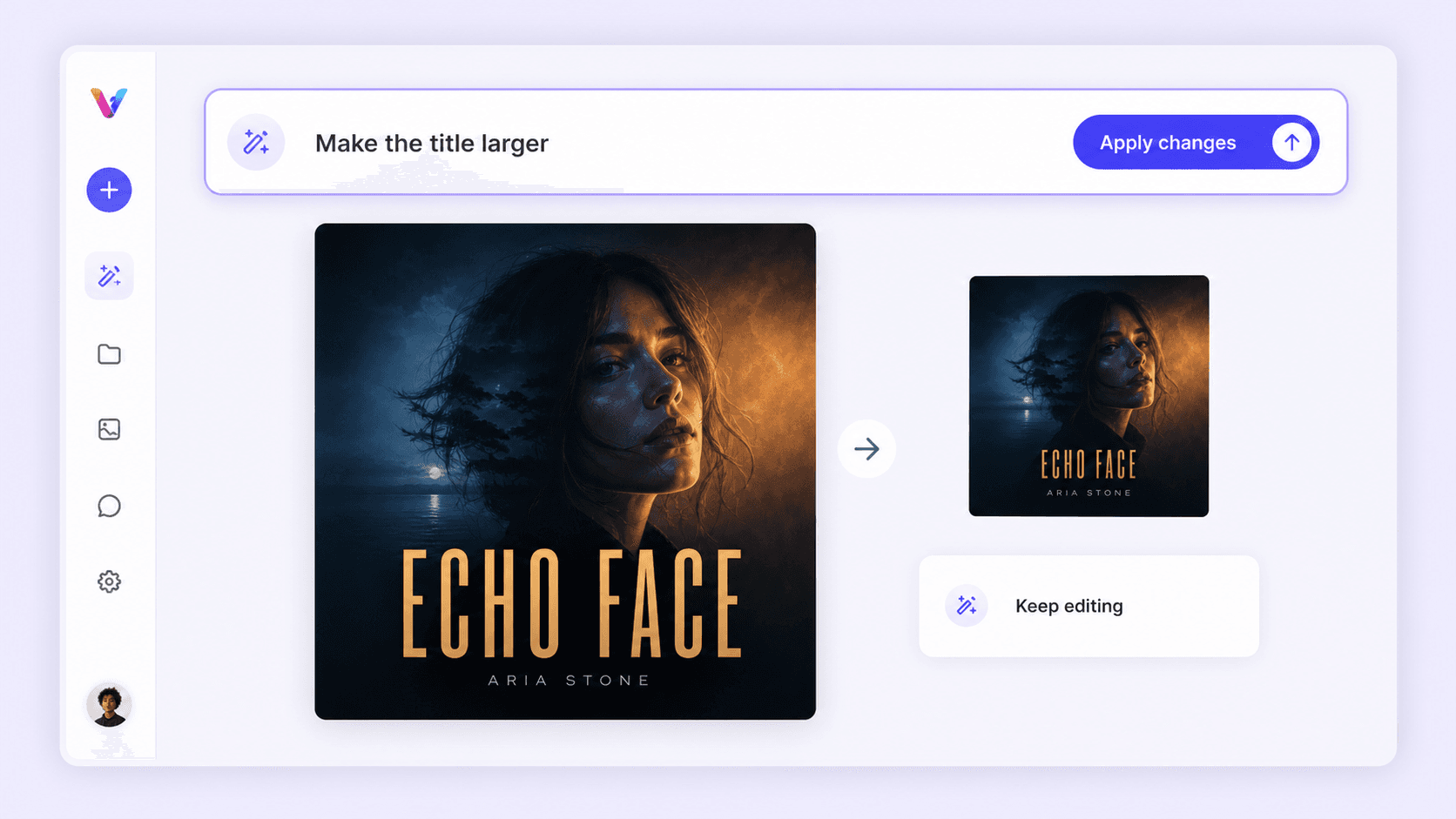
Vismuse conversation page with top input for continuing album cover edits
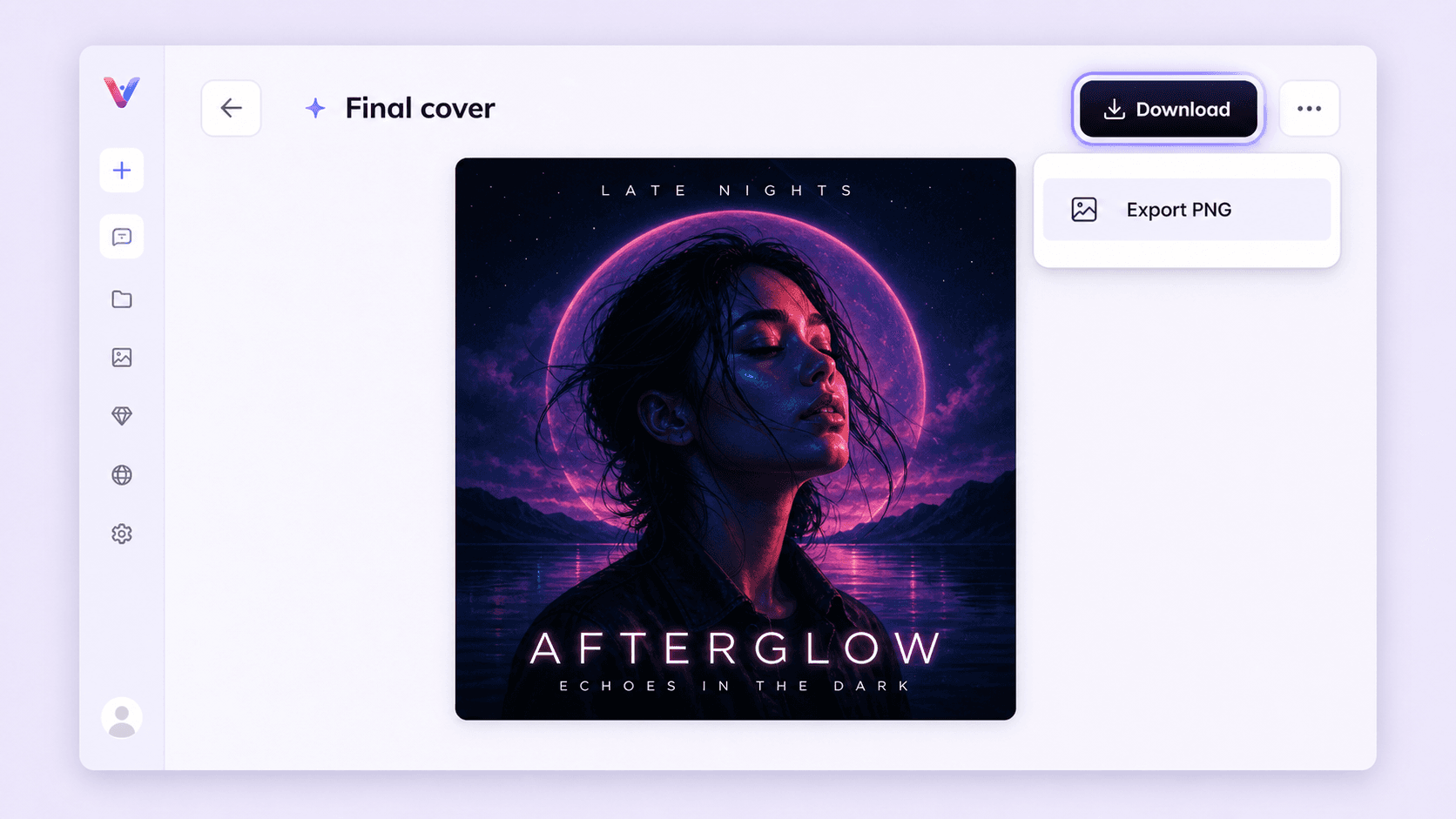
Vismuse album cover result page with highlighted download button

Browse Album Cover Templates

Browse More Templates

Get inspired by album cover directions made for real releases

Browse a rich album cover library for rap mixtapes, electronic singles, indie portraits, playlist art, metal covers, and minimal title-led artwork. Vismuse uses these proven cover-art patterns to help AI generate polished, release-ready results with a professional album-cover look.

Start designing now
Floating collage of AI album cover template examples

Use your own images or artwork in the cover

Upload one or more reference images, such as an artist portrait, band shot, sketch, texture, logo, or rough concept, and tell Vismuse what to keep. Continue editing through chat so Vismuse can use the context to adjust the background, composition, title area, color palette, and overall cover mood.

Start designing now
Album cover edited from an uploaded portrait reference with chat controls

Share the finished album cover everywhere it needs to live

Use the final square cover for streaming platforms, release announcements, playlist artwork, social posts, posters, merch previews, vinyl mockups, and printed campaign assets without rebuilding the visual direction from scratch.

Start designing now
Finished album cover shown on vinyl, poster, tote bag, and social post mockups

Frequently Asked Questions

What size should an album cover be?

Most album covers should start as a 1:1 square composition. A high-resolution square gives you room to crop, revise, and export for streaming platforms, social previews, and printed release assets. When prompting Vismuse, ask for square album cover artwork with a clear subject, readable title area, and strong thumbnail contrast.

What makes a good album cover?

A strong album cover quickly communicates the sound and identity of the release. Vismuse is built around a rich album cover inspiration library, helping the AI follow proven cover-art patterns across genres, layouts, typography, and visual moods. Use one clear visual idea, colors that match the mood, typography that stays readable, and enough contrast for the artwork to work as a small streaming thumbnail.

Can I use my own images or artwork?

Yes. Upload one or more reference images, such as an artist photo, band image, sketch, texture, logo, or moodboard, then tell Vismuse what to keep and what to change. You can use references as the main subject, style direction, or rough concept, then keep editing through chat so Vismuse can adjust the background, colors, composition, title space, and overall cover mood based on the context.

What should I put on an album cover?

Most front covers include the release title, artist name, and a visual subject, symbol, portrait, texture, or typographic treatment that matches the genre. Keep the front focused so it is easy to recognize in a music app. For physical CD or vinyl releases, the back cover can also include a track list, credits, label details, contact information, website or social links, and barcode.

Can I use the cover for Spotify, SoundCloud, or printed releases?

Yes. For Spotify, SoundCloud, Apple Music, playlists, and other streaming surfaces, ask for a clean 1:1 square cover that still reads at thumbnail size. If you need artwork for a poster, CD, vinyl mockup, merch preview, or release campaign asset, describe that format in the prompt so Vismuse can frame the cover direction around the final use.

Explore Similar Topics