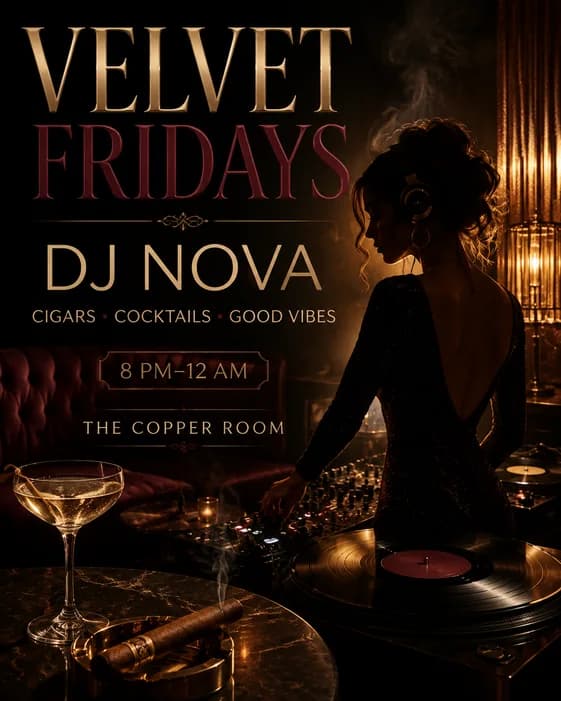
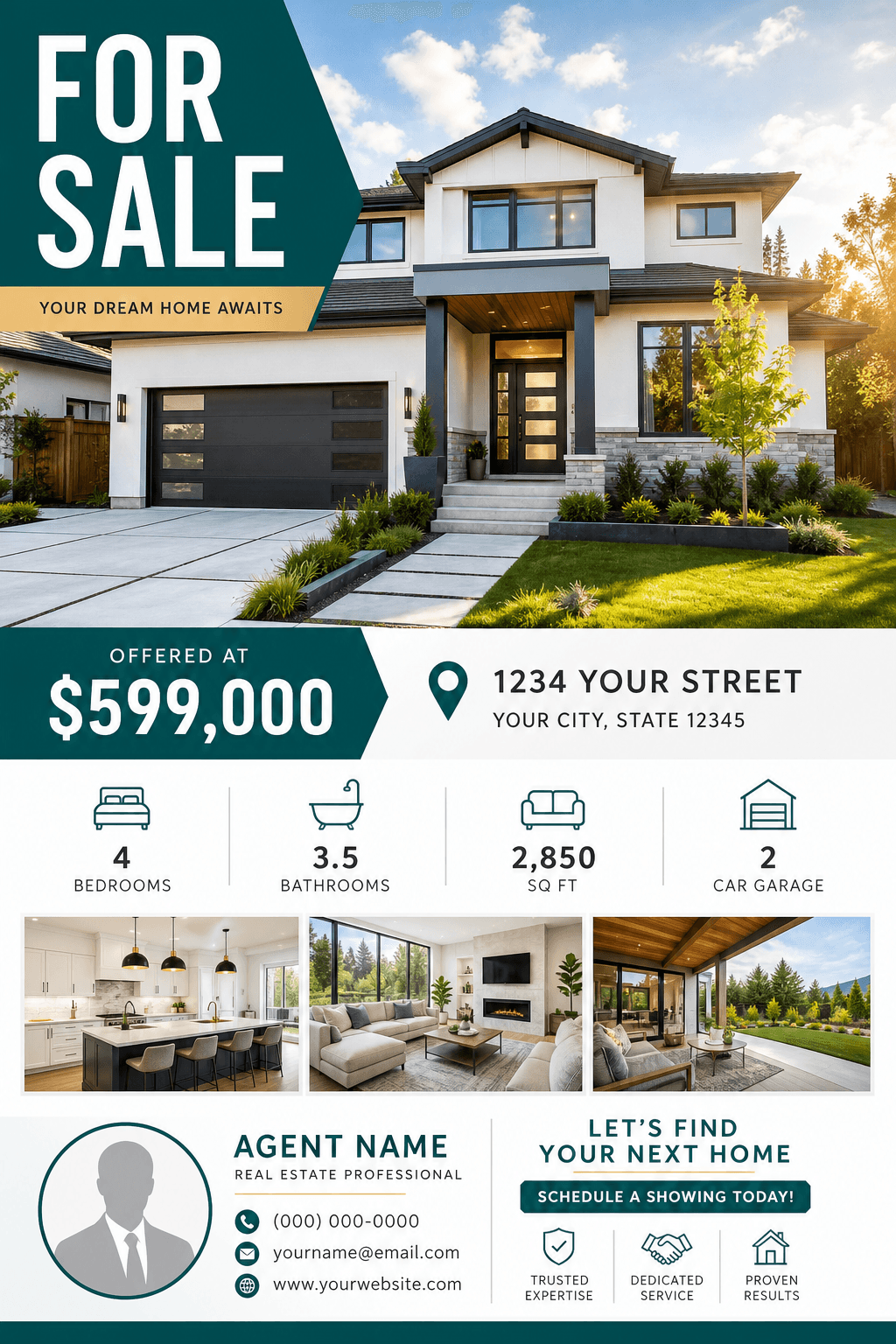
These AI flyer prompt examples are organized by job, so you can start with the closest brief instead of assembling a long list of design terms. Copy one directly or use it to shape your own brief.
Found a useful prompt? Replace the brackets, generate a first draft, and keep refining the same flyer in chat. Create your flyer Pick faster
Choose the closest flyer prompt If you are promoting… Start with An event or celebration 01–05: event and party flyers A local business or service 06–10: business and service flyers An offer, product, or menu item 11–15: sale, retail, and restaurant flyers A property or real estate service 16–20: real estate flyers A program, class, or cause 21–25: community, class, and wellness flyers
Create a portrait event flyer for [EVENT NAME], a live music night for [AUDIENCE]. Make the exact headline “[EVENT NAME]” the first thing people see, followed by “[DATE] · [TIME] · [VENUE].” Use a dramatic stage photo, deep navy, red, and warm spotlight colors, with a clear “[CTA]” near the bottom.
Create a bright birthday party flyer with the exact headline “[NAME] TURNS [AGE].” Show “[DATE], [TIME]” and “[LOCATION]” exactly, followed by “[RSVP DETAILS].” Use playful balloons and confetti, rounded type, a cheerful [COLOR] palette, and a clean 4:5 layout that stays easy to read on a phone.
Design a polished business seminar flyer for “[EVENT TITLE]” aimed at [AUDIENCE]. Prioritize the title, “[SPEAKER NAME],” “[DATE] · [TIME],” and “[VENUE OR ONLINE].” Use a structured editorial grid, professional portrait space, navy and warm white, and one contrasting CTA reading “[CTA].”
Create a welcoming community fundraiser flyer for “[CAUSE OR EVENT].” Feature the exact line “[SHORT BENEFIT OR GOAL],” then “[DATE], [TIME], [LOCATION]” and “[DONATION OR RSVP DETAILS].” Use warm documentary-style community imagery, green and cream, generous spacing, and one clear CTA reading “[CTA].”
Create a lively flyer for “[MARKET NAME],” a local pop-up featuring [VENDORS OR PRODUCTS]. Make “[DATE] · [TIME] · [LOCATION]” easy to scan. Use hand-drawn produce and craft details, sun-washed orange, teal, and cream, a friendly editorial layout, and the exact CTA “[CTA].”
Create a grand opening flyer for “[BUSINESS NAME],” a [BUSINESS TYPE] for [CUSTOMER]. Make “GRAND OPENING” and “[DATE]” dominant, then show “[ADDRESS]” and “[OPENING OFFER]” exactly. Use an inviting hero image, [BRAND COLORS], clean modern typography, and a bold “[CTA]” at the bottom.
Design a trustworthy cleaning service flyer for “[BUSINESS NAME].” Lead with “[MAIN BENEFIT],” show three short services—[SERVICE 1], [SERVICE 2], [SERVICE 3]—and place “[PHONE OR WEBSITE]” in a high-contrast footer. Use a bright home interior, fresh blue and white, simple icons, and an uncluttered portrait layout.
Create an elegant beauty salon flyer for “[SALON NAME]” promoting “[OFFER].” Use one polished beauty portrait, soft cream and [ACCENT COLOR], refined editorial type, and plenty of negative space. Display “[BOOK BY DATE],” “[PHONE OR URL],” and the CTA “BOOK NOW” exactly.
Create an energetic gym membership flyer for “[GYM NAME].” Make “[OFFER]” the largest text, followed by “[END DATE],” “[BENEFIT 1],” “[BENEFIT 2],” and “[BENEFIT 3].” Use one dynamic athlete image, charcoal with [ACCENT COLOR], condensed sans-serif type, and a strong CTA strip reading “[CTA].”
Design a clear hiring flyer for “[COMPANY NAME]” recruiting “[ROLE].” Prioritize “NOW HIRING,” then show “[PAY OR BENEFIT],” “[LOCATION],” and “[HOW TO APPLY]” exactly. Use a confident employee photo, [BRAND COLORS], a simple two-zone layout, and a clear application block.
Create a bold retail sale flyer for “[STORE NAME].” Make “[DISCOUNT OR OFFER]” the central message, followed by “[SALE DATES]” and “[IN-STORE, ONLINE, OR BOTH].” Use one focused product group, [BRAND COLORS], strong contrast, minimal supporting text, and the exact CTA “[CTA].”
Create a restaurant flyer for “[RESTAURANT NAME]” promoting “[DINNER SPECIAL]” for “[PRICE].” Use an appetizing close-up of [DISH], make the price easy to spot, and show “[DAY AND HOURS], [ADDRESS], [PHONE]” exactly. Use warm food lighting, dark brown, cream, and red, with the CTA “[CTA]” easy to find.
Design a modern café flyer for “[DRINK OR MENU LAUNCH].” Feature one hero drink, the exact offer “[OFFER],” and “[AVAILABLE DATES].” Use warm morning light, natural stone and wood textures, [BRAND COLOR] accents, compact store details, and a clear CTA reading “[CTA].”
Create a premium product launch flyer for “[PRODUCT NAME]” aimed at [AUDIENCE]. Keep the supplied product photo recognizable and centered. Add the exact headline “[LAUNCH MESSAGE],” “[BENEFIT 1],” “[BENEFIT 2],” “[BENEFIT 3],” “[LAUNCH DATE],” and “[CTA],” using a restrained [COLOR] palette and generous negative space.
Create a high-impact car detailing flyer for “[BUSINESS NAME].” Show a glossy [CAR TYPE] as the main visual, make “[PACKAGE OR PRICE]” dominant, and list [SERVICE 1], [SERVICE 2], and [SERVICE 3]. Use black, steel gray, and gold with the exact contact line “[PHONE OR URL].”
Create an open house flyer using my approved property photo as the main image. Prioritize “OPEN HOUSE,” “[DATE] · [TIME],” and “[ADDRESS],” then add the verified details “[FEATURE 1],” “[FEATURE 2],” “[FEATURE 3],” and “[AGENT PHONE].” Use a bright, welcoming portrait layout with navy, white, and one warm accent.
Design a just-listed real estate flyer for “[ADDRESS OR NEIGHBORHOOD].” Keep the supplied exterior photo accurate and dominant. Show “[PRICE],” “[BEDS] BEDS · [BATHS] BATHS · [SIZE],” “[FEATURE 1],” “[FEATURE 2],” “[FEATURE 3],” and the CTA “[CTA]” in a clean, upscale 4:5 layout.
Create a restrained luxury property flyer from my approved home photo. Use “[PROPERTY NAME OR LOCATION]” as the headline, with “[PRICE],” “[FEATURE 1],” “[FEATURE 2],” and “[FEATURE 3]” below. Choose charcoal, warm white, and muted gold, elegant serif accents, generous margins, and a discreet agent contact footer.
Create a recently sold flyer for “[ADDRESS OR AREA]” that positions “[AGENT NAME]” as the local contact. Make “SOLD” dominant, include “[RESULT OR PROOF POINT]” only if verified, and show “[PHONE] · [WEBSITE]” exactly. Use a confident portrait photo and a simple brand-led layout.
Design a real estate agent flyer for homeowners in “[AREA].” Use my approved portrait and logo, lead with “[CLIENT BENEFIT],” add the verified proof points “[PROOF POINT 1],” “[PROOF POINT 2],” and “[PROOF POINT 3],” then place “[PHONE] · [EMAIL]” above the exact CTA “[CTA].” Use [BRAND COLORS] and a trustworthy editorial layout.
After the first result
Refine your flyer with follow-up prompts In Vismuse, you do not need to open a canvas and rearrange layers. Continue in the same chat, say what already works, and ask the agent for one focused change.
Replace “[CURRENT TEXT]” with “[CORRECT TEXT]” exactly. Keep the images, colors, layout, and all other text unchanged.
Keep the current concept and copy. Make “[HEADLINE OR OFFER]” the clear first read, reduce the visual weight of supporting details, and keep the call to action easy to find.
Keep the headline, essential details, main image, and brand colors. Remove unnecessary decoration, add more spacing, and organize the information into three clear levels.
Use my uploaded [LOGO, PHOTO, OR PRODUCT IMAGE] as [ITS ROLE]. Keep it recognizable and do not invent changes to it. Preserve the current flyer message and overall direction.
Create a [1:1, 4:5, 9:16, OR OTHER SUPPORTED RATIO] version of this flyer. Preserve the headline, key details, image, and visual identity, then rebalance the layout for the new shape instead of simply cropping it.
Create another version for the same campaign. Keep the approved copy, audience, and brand colors, but use a clearly different composition with [NEW VISUAL DIRECTION].
Check every revision. A chat edit creates a revised image rather than exposing independent text boxes or layers. Proofread the result and identify an earlier version by a visible detail if you want to return to it.
Frequently asked questions
AI flyer prompt FAQ What should an AI flyer prompt include? State the purpose, audience, exact headline and details, visual hierarchy, main image, color direction, call to action, and final format. Treat it as a short creative brief.
How long should a flyer prompt be? A few focused sentences are usually enough. Include the information that changes the design, and remove repeated adjectives or competing styles.
Can an AI flyer include exact text? Put required wording in quotation marks and label it as exact text. Image generation can still introduce text errors, so check every name, date, price, address, and contact detail and request corrections before publishing.
Can I use my own logo, photo, or product image? Yes. Upload the asset, explain its role, and say what must remain recognizable. Only use material you own or have permission to publish.
How do I edit an AI flyer without a design editor? Continue in the same Vismuse chat and describe the outcome you want, such as a clearer date, corrected headline, simpler layout, or different background. Each change produces a revised result rather than exposing individual canvas layers.
Can I use these prompts for print flyers? Yes, but name the intended print shape before generating and confirm the final dimensions, resolution, bleed, color, and file requirements with your printer. Vismuse PDF export preserves the generated aspect ratio and does not automatically add bleed or crop marks.
From prompt to finished flyer
Create and revise your flyer with the AI agent Choose a prompt, add your real details, and make follow-up changes in chat.
Start creating