
Step 1 of 4
Describe the image you want
Name the main subject, setting, action, mood, and visual result you want to create.
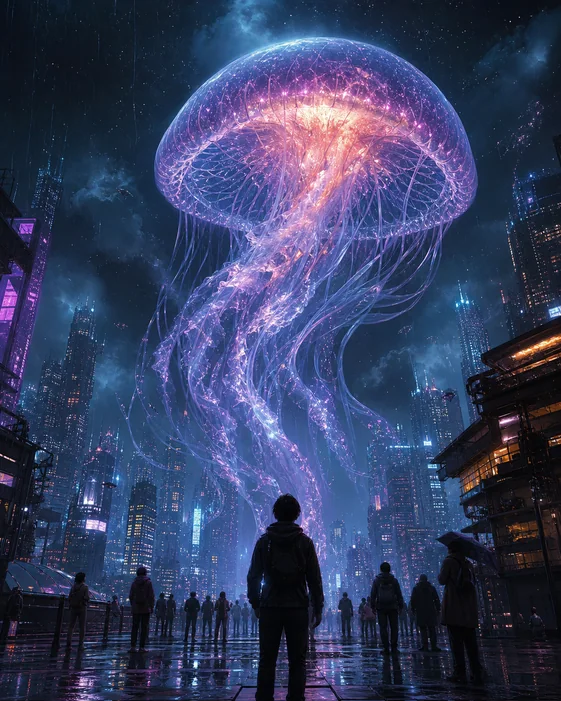
Create custom images from text prompts and references, then refine every detail through chat.
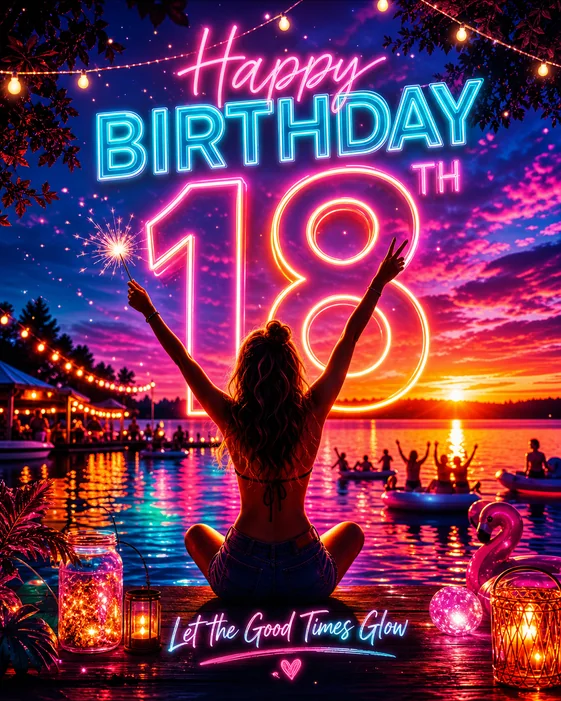
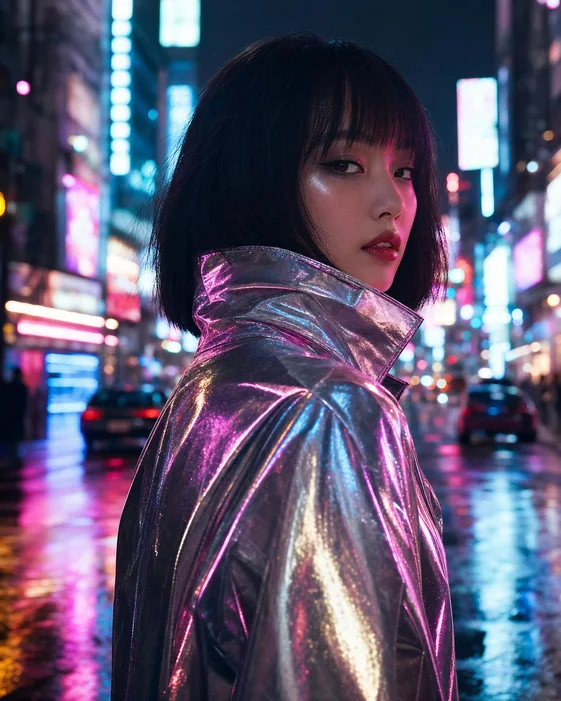
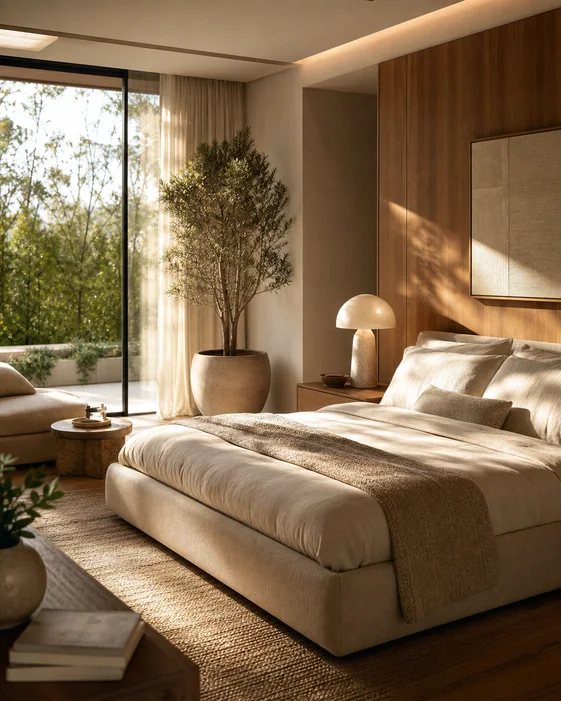
Give Vismuse a prompt, creative brief, or reference image. It creates the first visual direction and keeps the context ready for focused revisions.
Start with the main subject and what the image needs to achieve. Add the setting, action, audience, mood, or story that should guide the result.
Describe the format, composition, colors, lighting, and final use. Upload a person, product, sketch, or style reference when the AI needs visual context.
Generate the first image, then keep editing through chat. Ask for focused changes without rebuilding the whole brief or losing the direction you already established.
Name the main subject, setting, action, mood, and visual result you want to create.
Specify the composition, colors, lighting, aspect ratio, and where the finished image will be used.
Add a source photo, product image, portrait, or style reference and explain what the AI should preserve or change.
Create the first image, then request focused changes to the subject, background, crop, palette, or details.
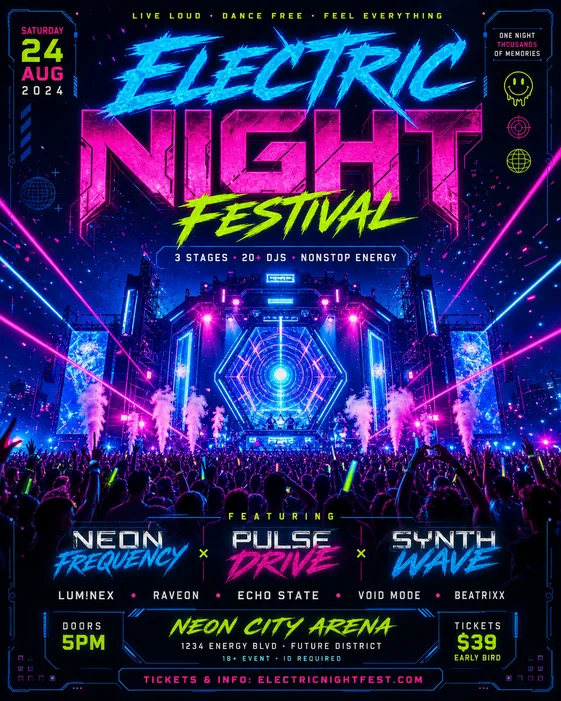 party flyer
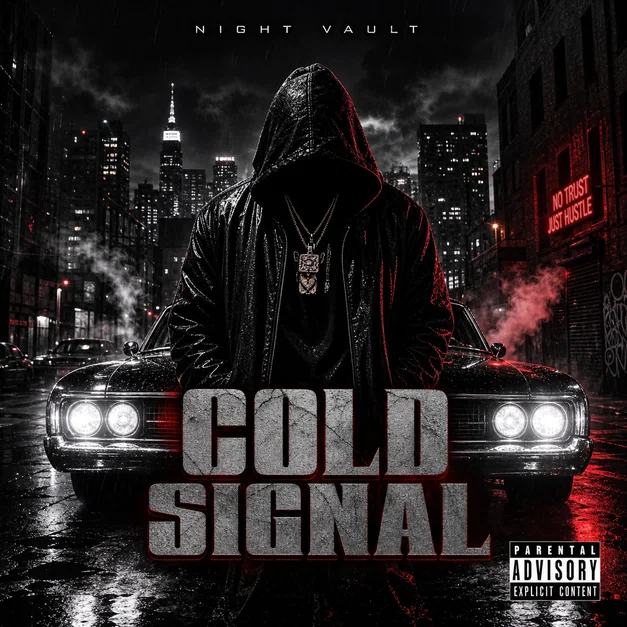 Dark Rap Mixtape Cover
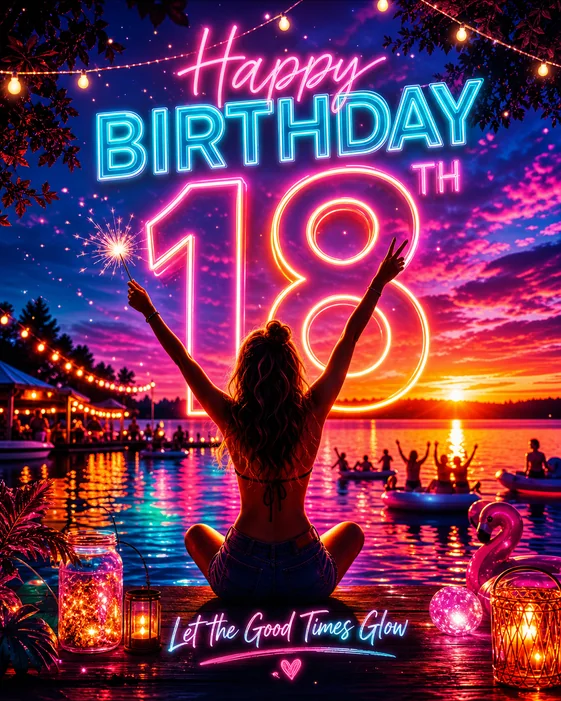 Birthday Poster
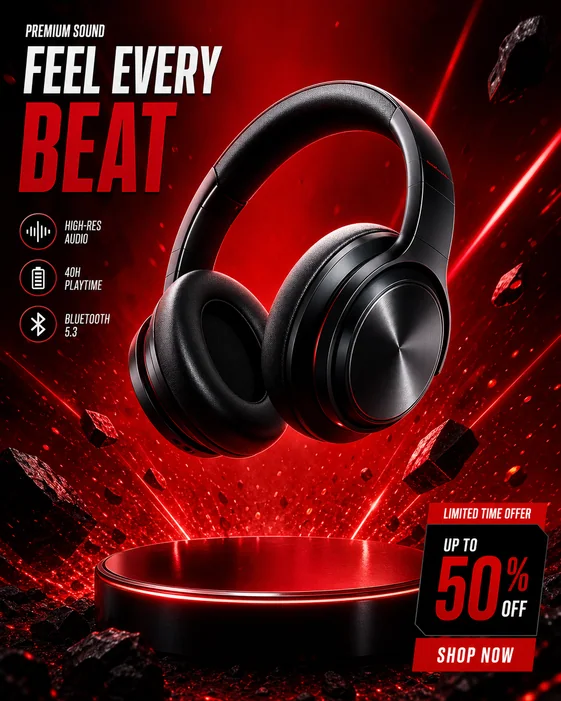
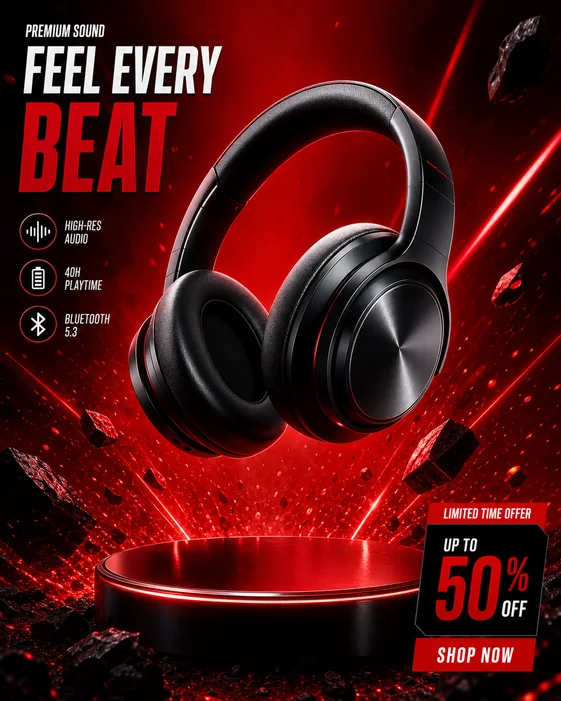 Product Ad
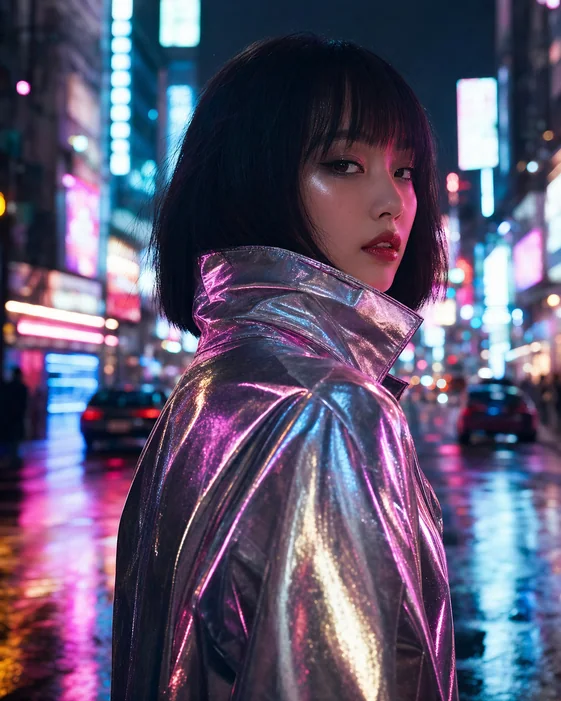 AI Portrait
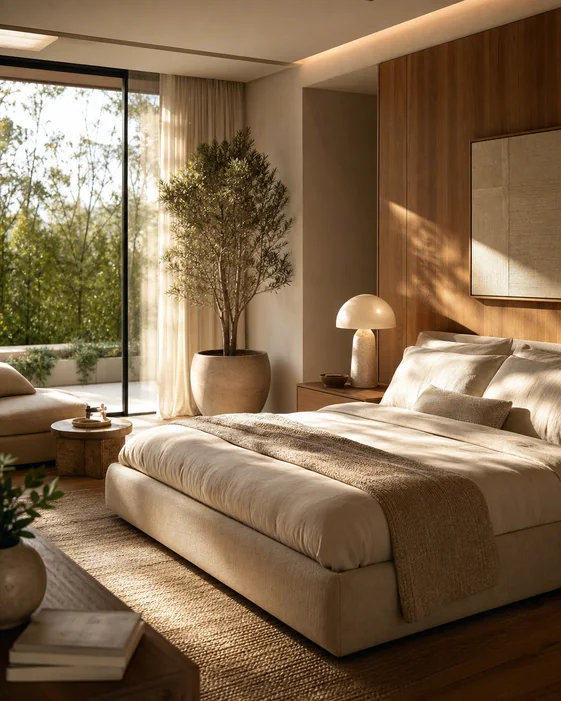 Luxury Interior
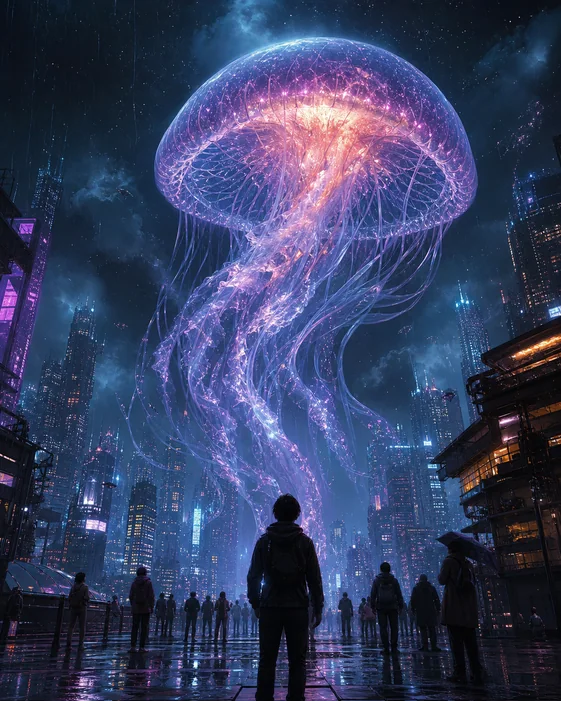 Fantasy Scene
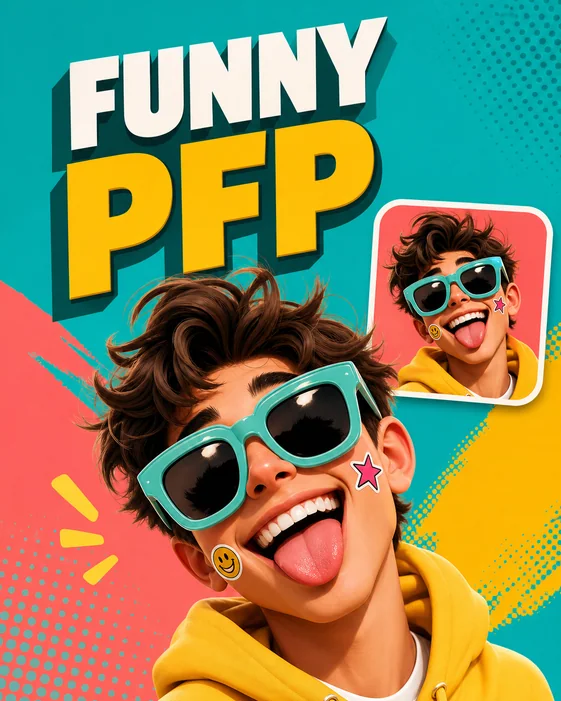 Funny PFP
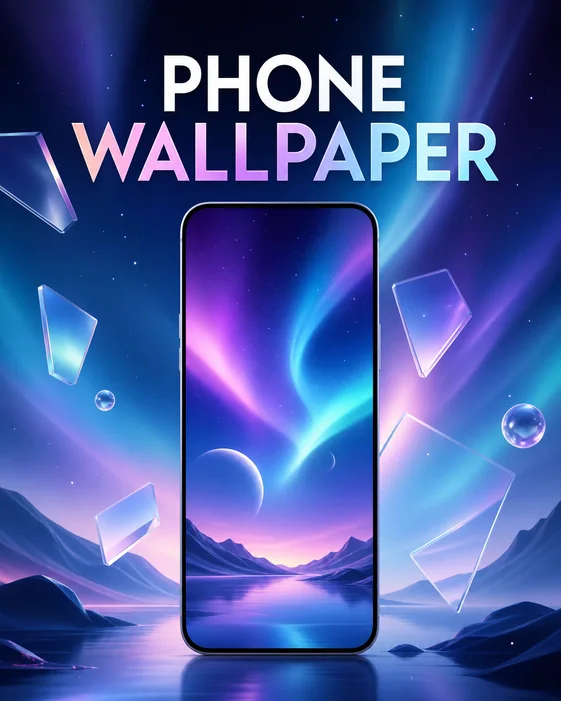 Phone wallpaper
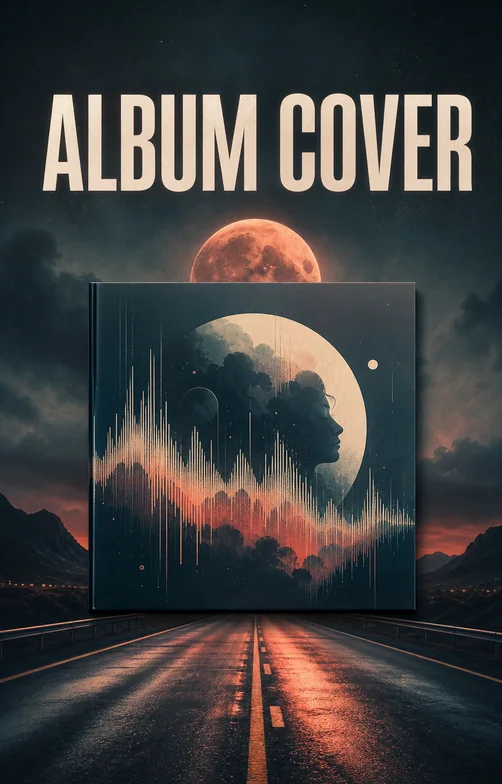 Album Cover
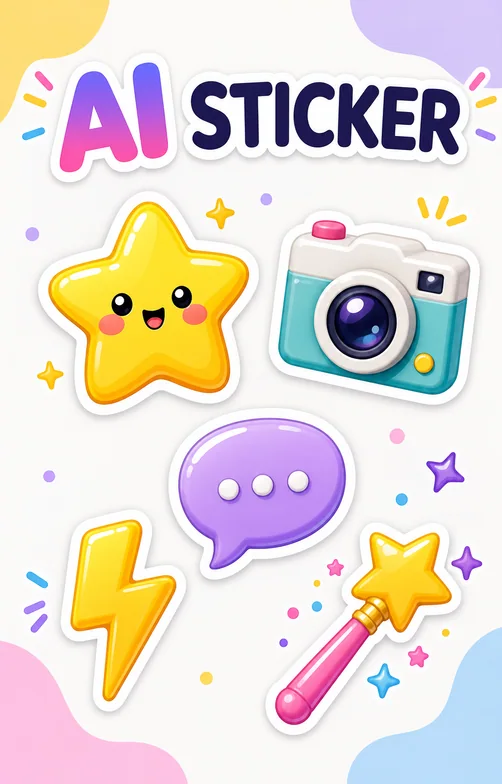 AI Sticker
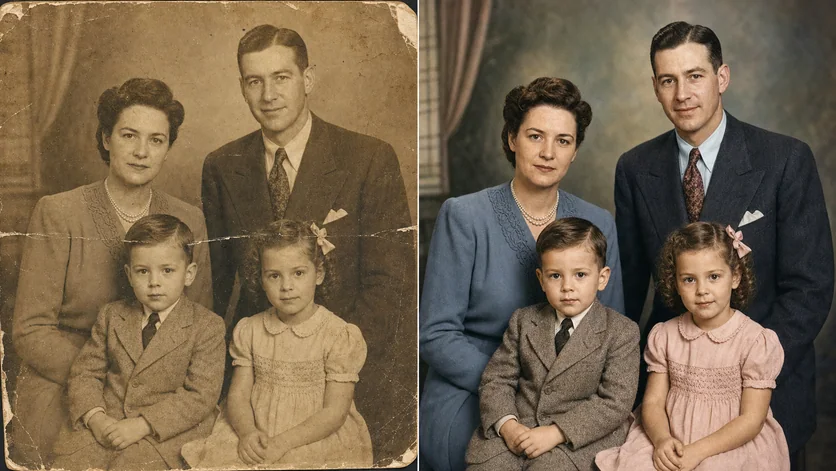 Old Photo Restoration
Start with the subject and purpose, then add the setting, mood, lighting, palette, and composition. Vismuse turns that creative brief into a finished image direction without requiring a blank canvas or a traditional editor.
Try this image directionUpload a portrait, product photo, sketch, or visual reference and describe what should stay consistent. Continue in the same conversation to adjust the scene, styling, background, framing, or campaign direction.
Try this image directionGenerate profile visuals, poster concepts, campaign graphics, product scenes, social posts, backgrounds, and idea boards. State the final use and format early so the composition is designed for the surface where it will appear.
Try this image directionAn AI image maker creates new visuals from text prompts, reference images, or a combination of both. You describe the subject, setting, style, and intended use, generate a first result, and then refine it with follow-up instructions.
Describe the main subject first, then add the background, composition, mood, colors, lighting, format, and intended use. Upload a reference if you need to preserve a person, product, or visual direction, then generate and refine the result through chat.
Yes. Upload a source or reference image and explain what should remain recognizable and what should change. A clear reference and focused instructions give the model better context for the subject, styling, composition, and scene.
You can explore portraits, profile images, posters, product visuals, concept art, social graphics, backgrounds, interior scenes, event artwork, and other custom visual directions. Focused Vismuse tools are also available when you need a specialized workflow.
Yes. Keep working in the same conversation and request specific changes, such as replacing the background, changing colors, moving the crop, simplifying the composition, or preserving one part while revising another.
Lead with the main subject and action. Then describe the environment, composition, visual style, lighting, palette, aspect ratio, and final use. Avoid competing ideas in one prompt; start with one clear direction and make focused revisions afterward.
Images created with Vismuse can be used for business and creative projects subject to the current Vismuse terms. Review generated details, text, brand elements, and any reference material before publishing.