Vismuse
AI Video GeneratorCreate short AI videos from prompts, references, and briefs.AI Flyer GeneratorTurn events, offers, and listings into flyers.AI Brochure GeneratorStructure company, product, and service content into brochures.AI Album Cover GeneratorDesign album covers, mixtape art, and single artwork.AI Image MakerCreate any image from a prompt, link, or reference.Product Ad GeneratorGenerate product promo images and ad creatives.AI Room DesignUpload a room photo and redesign interiors with AI.Background RemoverRemove backgrounds for clean cutouts and product images.Business Card MakerCreate print-ready front and back business card designs.AI Logo GeneratorCreate logo concepts, brand marks, badges, and monograms.Tattoo GeneratorCreate tattoo concepts, stencil ideas, flash art, and sleeve layouts.AI Poster MakerCreate posters for events, product promotions, movies, lost-and-found notices, and more.Invitation MakerCreate birthday invitations, party invites, and event cards.AI Book Cover GeneratorCreate ebook, Kindle, and paperback cover concepts.AI Sticker GeneratorCreate stickers, reactions, and sticker sheets.AI Wallpaper GeneratorGenerate phone and desktop wallpapers.
AI VideoToolsTemplatesResourcesPricing
HomeToolsImage to Image

AI Image to Image Generator

Upload an image and describe what you want to change. Explore new styles, backgrounds, and details, then refine the result through chat.

Attach your image above to start · Powered by AI Image Maker

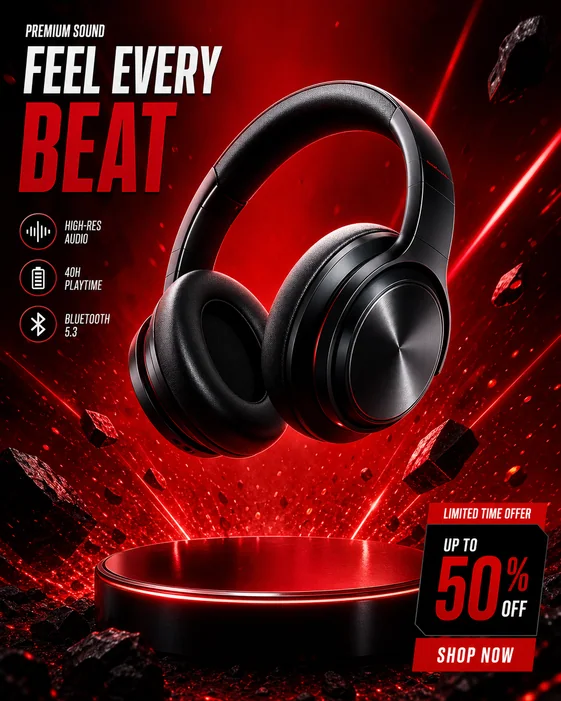
Product imagery — style inspiration
Product imagery
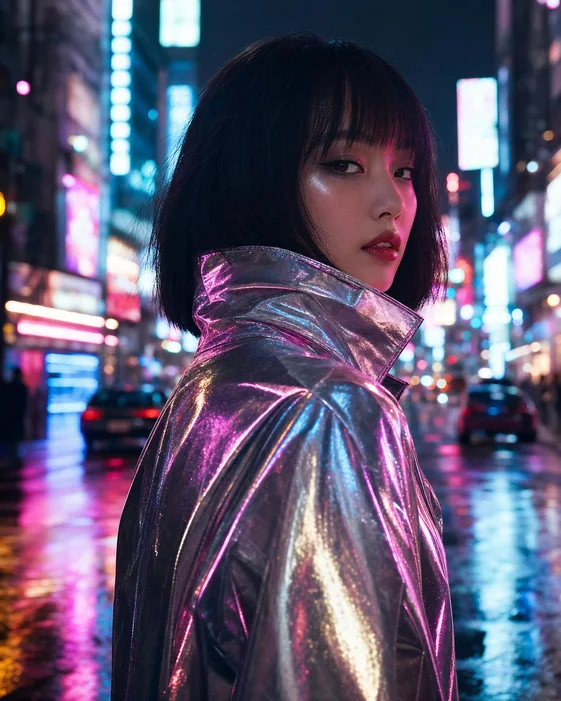
Portrait styles — style inspiration
Portrait styles
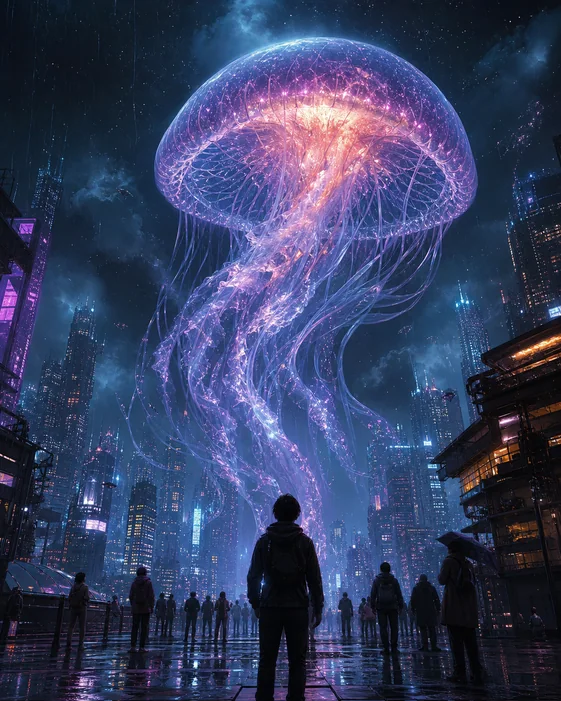
Creative worlds — style inspiration
Creative worlds
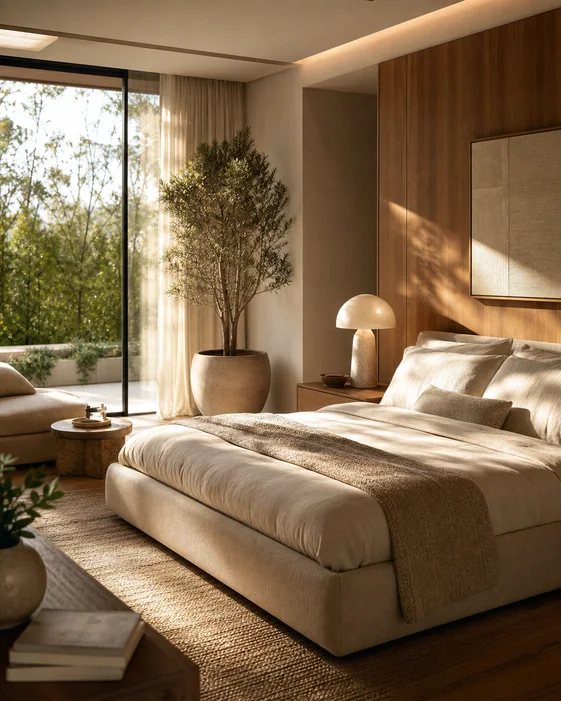
New environments — style inspiration
New environments

Style inspiration · Existing Vismuse image examples

Product backgroundsPortrait stylesPhoto to illustrationFocused edits

Give your existing image a new direction

Start with your own photo, product shot, or artwork. These prompt examples describe what to change and what to preserve.

01Product photos

Change a product background

Use this product photo as the reference. Place the bottle on a warm stone countertop with soft window light. Preserve its shape, label wording, and brand colors.

Check labels, proportions, reflections, and edges before using a product image.

02Portraits

Restyle a portrait

Turn this portrait into a warm editorial photograph with a muted beige background. Keep the person's facial features, hairstyle, and expression as close to the original as possible.

Review facial details carefully. Generative edits can change a person's appearance.

03Creative styles

Turn a photo into an illustration

Reimagine this photo as a watercolor illustration. Keep the main subject and composition, with soft paper texture, loose brushwork, and a gentle pastel palette.

Describe the medium and composition together for a clearer creative direction.

04Photo edits

Make one focused change

Remove the distracting person in the background and fill that area naturally. Keep the main subject, lighting, framing, and other background details as close to the original as possible.

Start with one change, inspect the result, then request the next adjustment.

Prompt examples for your own image, rather than before-and-after results.

Image editing through conversation

Upload your image. Describe it. Transform it.

Start from a visual reference, then refine the result with focused instructions in the same conversation.

  1. 1. Upload your imageAdd the photo, product shot, portrait, or artwork you want to transform using the attachment button.
  2. 2. Describe what should changeName the change, then say which subject, colors, text, or composition you want to preserve.
  3. 3. Review and refine in chatContinue in AI Image Maker, check the result, and ask for focused adjustments before downloading.
A useful prompt has two parts

Say what changes.
Say what stays.

“Change the background to a bright studio. Keep the bottle shape and label wording close to the original.”

Example instruction

Review faces, product labels, logos, and small details before downloading.

Transform your image

Choose the right workflow

Image to image, text to image, or a traditional editor?

Your starting point and the level of control you need determine the best way to work.

WorkflowStarting pointBest fit
Image to imageAn uploaded photo or design, plus a written instruction.Restyling a reference, changing a background, or exploring a focused edit through chat.
Text to imageA written description of a new image.Creating a new scene or concept in AI Image Maker.
Traditional editorA canvas with direct selection, layers, and editing controls.Exact typography, logo placement, compositing, or pixel-level adjustments.

Generative editing can reconstruct parts of an image. Specify the details you want to preserve and inspect the result; exact preservation is not guaranteed.

Image to Image AI FAQs

What is an image to image AI generator?

An image to image AI generator uses an uploaded image and a text instruction to create a revised image. You can use the original as a starting point for a new style, background, composition, or specific edit.

How is image to image different from text to image?

Text to image starts with a written description. Image to image also starts with a visual reference, so you can describe what to change and what to retain from a photo or design you already have.

Can I keep the same face or product?

Ask explicitly to preserve the subject's defining details and make one focused change at a time. AI generation can still alter faces, logos, labels, geometry, or small details. Inspect the result; preservation is not guaranteed.

Is the image to image generator free?

Generation uses Vismuse credits. Check the pricing page and your account for current plans, available credits, and any trial offers before submitting. This page does not promise unlimited free generation.

Where do I edit my image after submitting?

This page uses the existing AI Image Maker submission flow. Your image and instruction continue into the same workbench conversation, where you can review and refine the result.

Can I use the results commercially?

Use is subject to the current Vismuse terms and the rights you have to uploaded material. Review generated text, logos, likenesses, and other details before publishing. See the terms and privacy policy for the applicable rules and data practices.

Explore Image Tools and Guides

AI Image MakerImage Maker guideProduct ad imagesEdit text in imagesBackground removerPricing and creditsPrivacy PolicyTerms of use
Vismuse

Create and edit images and videos through conversation—no traditional editor required.

Product

AI Image GeneratorAI Video GeneratorAI Image to Video GeneratorAI Animation GeneratorAlbum Cover MakerProduct Ad MakerAI Flyer Maker

Templates

All TemplatesFlyer TemplatesAlbum Covers

Resources

Help CenterDocsToolsPricing

Company

Contact supportAbout VismuseAcceptable UsePrivacyTermsRefund PolicyCookies
© 2026 Vismuse. All rights reserved.