Give H3 every part of the idea
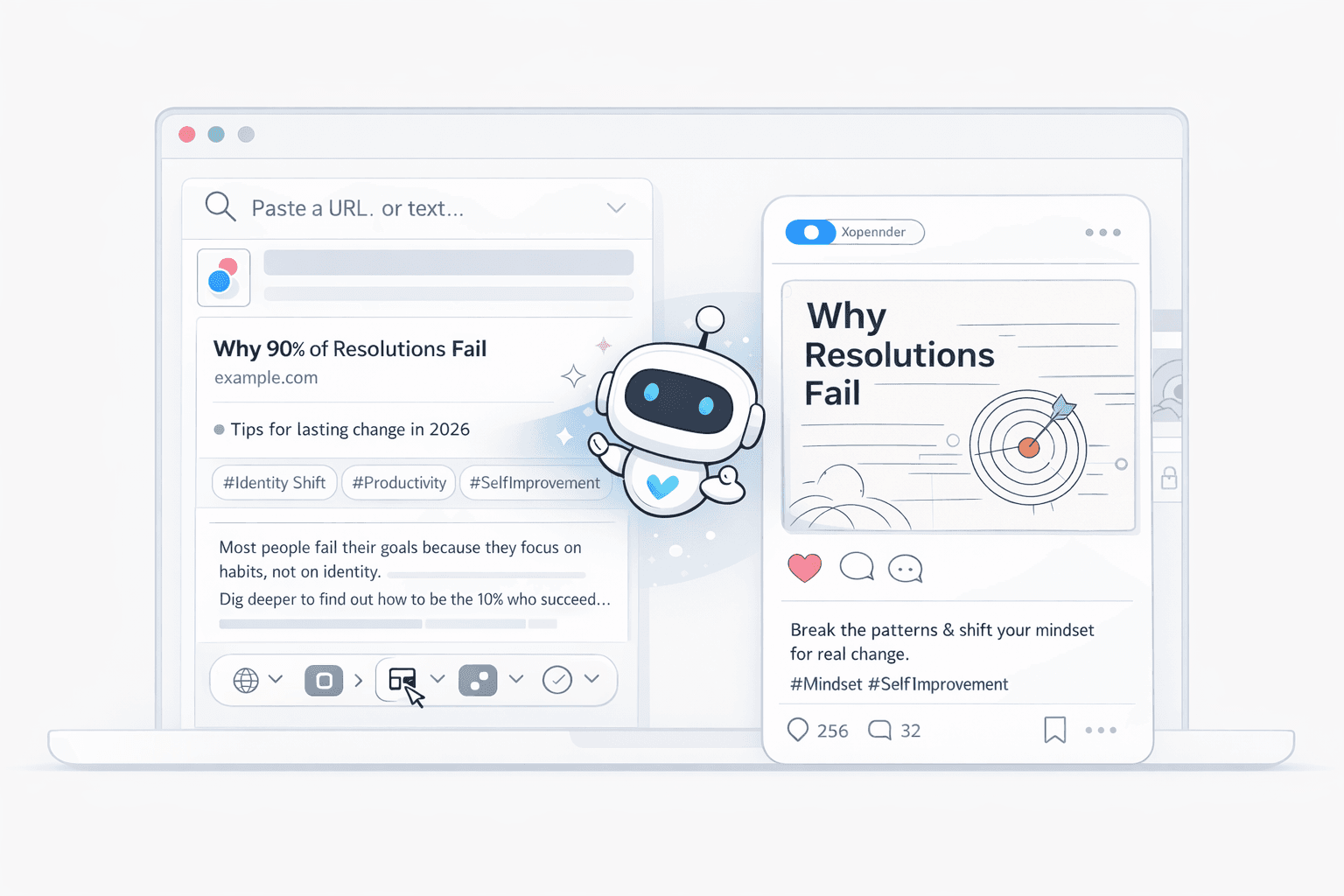
Combine text, images, video, and audio in one brief. H3 reads identity, performance, camera movement, composition, and sound as connected direction.
Open weightsMiniMax H3
Create video from a connected mix of text, images, video, and audio. Use one clear brief to direct the subject, camera movement, editing, and sound—then turn it into a finished 2K video.
Overview
MiniMax H3 is an open-weight multimodal video model. It can understand a written prompt together with visual, motion, and audio references, then use that shared context to generate or refine video.
The practical difference is simple: you do not have to reduce the whole idea to one visual prompt. An image can define the product, a clip can define the camera move, and an audio reference can define the voice or rhythm. Your prompt explains how those pieces should work together.
That makes H3 useful for product films, advertising, opening titles, UI motion, social video, game concepts, and edits where consistency matters across picture and sound.
Beyond text-to-video
Stop rebuilding the same idea across separate generators and editing tools. Tell H3 what each reference means, what should change, and what must stay consistent.
Combine text, images, video, and audio in one brief. H3 reads identity, performance, camera movement, composition, and sound as connected direction.
Replace a product, rewrite signage, relight a scene, or change dialogue while keeping the parts you already like stable.
Create native 2K video with clearer labels, credits, interfaces, product surfaces, and small details that matter in commercial work.
Generate dialogue, score, foley, ambience, and room tone as native stereo audio timed to the scene—not as a separate afterthought.
How to prompt MiniMax H3
A useful H3 prompt is part shot list and part reference guide. Describe what happens over time, then name the job of every image, video, or audio file you add.


Brand audio Camera referenceKeep the product exact, borrow the camera move, match the sound — end on a clean hero frame.
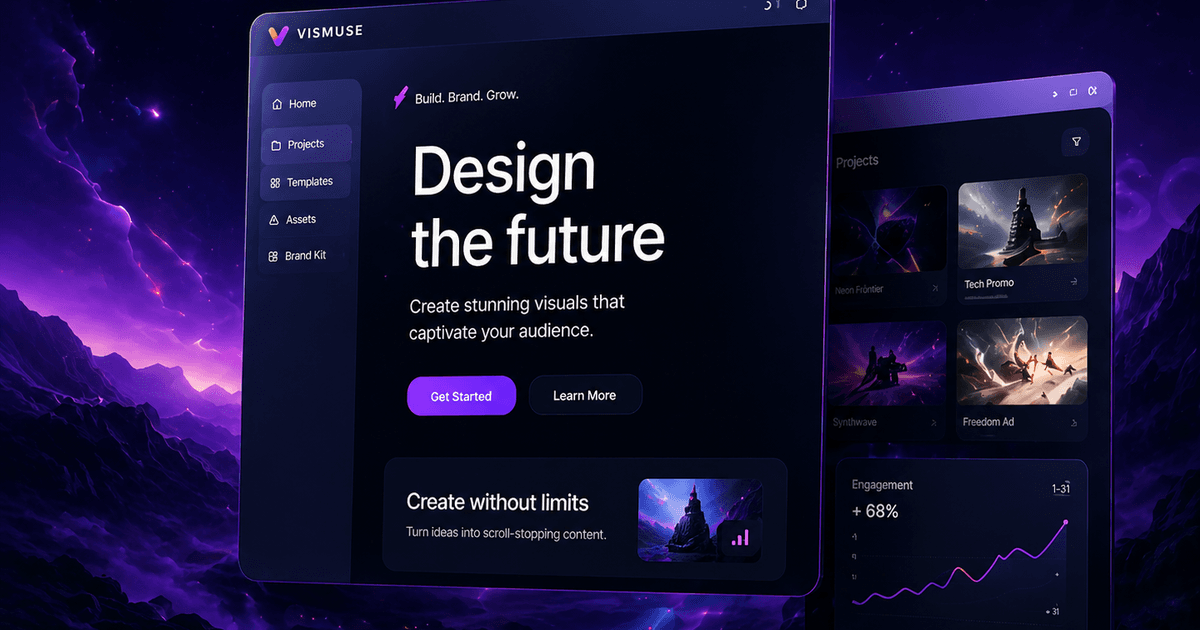
Vismuse promo templates
Start from real creative directions used in Vismuse's Promo Video Maker: cinematic titles, product launches, brand films, and vertical social ads.
Build a cinematic title sequence with dramatic typography, atmosphere, transitions, and trailer-like pacing.
Show interface details and product moments with polished motion for a focused launch story.
Combine refined styling, material detail, editorial light, and premium commercial pacing.
Turn one product idea into a tactile, social-ready reveal with native ambience, effects, and music.
How it works
Start with the materials that best express the idea, review the first result, and refine only what needs another pass.
Write the subject, action sequence, environment reaction, camera movement, lighting, sound, and ending state.
Use images for identity and style, video for movement and camera language, and audio for voice or sound direction.
Create a few takes, keep the strongest result, then make targeted changes without rebuilding the whole concept.
Built for commercial creation
Turn a product, offer, or campaign brief into polished variations while preserving packaging and brand cues.
Animate interfaces, product pages, game menus, and HUDs with readable type and deliberate screen choreography.
Turn key art into opening titles, kinetic typography, campaign posters, and social-first vertical motion.
Swap objects, backgrounds, lighting, dialogue, or style while preserving the action and framing of useful footage.
AI Promo Video Maker
A strong promo video has to do more than add motion to a product image. It needs a clear hook, recognizable branding, deliberate pacing, readable product details, and a final call to action.
MiniMax H3 can connect those ingredients in one multimodal brief. Add product or campaign images, reference the movement or rhythm you want, describe the message, and use Vismuse's Promo Video Maker to move from an idea to a launch-ready direction.
Open the Promo Video MakerUse product images to preserve packaging and design, then direct the reveal, camera movement, lighting, copy, and soundtrack in one brief.
Create short ecommerce videos for product pages, paid campaigns, reels, and vertical placements without rebuilding every variation from scratch.
Reference a brand palette, key visual, motion style, or audio direction so launch films and campaign variations feel like part of the same system.
Compare workflows
H3 is most useful when a project depends on several kinds of creative direction. A simpler text-to-video workflow can still be the faster choice for a quick concept clip.
| Comparison | MiniMax H3 | Typical text-to-video |
|---|---|---|
| Creative input | Text, images, video, and audio can share one context | Usually starts from text or a single image |
| Direction | Explain the role and relationship of every reference | Describe the target clip in one visual prompt |
| Editing | Make focused changes while keeping useful parts of the shot | Often requires another full generation or a separate editor |
| Sound | Native stereo dialogue, music, ambience, and effects | Audio may be absent or added in a separate workflow |
| Best fit | Detailed briefs, brand work, motion reference, and video edits | Fast concept clips from a simple prompt |
Ready to create?
Open a prepared commercial prompt, replace the subject with your own, then add the references that define the shot.
Questions, answered
What the model supports, how to prompt it, and where it fits in a real production workflow.
MiniMax H3 is an open-weight, general-purpose multimodal video model. It reads text, images, video, and audio as one context and generates coherent video with native stereo sound.
H3 supports text-to-video, first-and-last-frame animation, multimodal reference-to-video, motion transfer, and natural-language video editing. Common uses include ads, product films, title sequences, UI motion, games, and vertical social content.
H3 generates 5- to 15-second clips at 24 FPS with 2K output. It supports common landscape, square, portrait, and ultrawide aspect ratios; available controls can vary by generation workflow.
Describe the shot as a sequence, not just an image: subject, action, environment reaction, camera movement, lighting and style, audio, then the ending state. When adding references, state the exact role of each file.
Yes. Every generation can include native stereo audio such as dialogue, original score, foley, ambience, and room tone timed to the picture. H3 can also use an audio recording as creative reference.
Yes. Images can define a subject or style, video can guide motion and camera language, and audio can guide voice, music, rhythm, or atmosphere. Explain the role of each reference directly in the prompt.
H3 is designed for production-oriented work such as advertising, branding, ecommerce, product stories, UI motion, games, titles, and targeted edits. Always review generated output and applicable usage terms before publishing.
Yes. H3 is a strong fit for product promos, brand films, launch teasers, ecommerce ads, and social campaigns because it can combine product images, motion references, written direction, and audio in one context.
Include the product, target audience, key benefit, shot sequence, camera movement, lighting, brand style, on-screen copy, sound direction, aspect ratio, and final call to action. Attach product or campaign references when consistency matters.