AI Clothes Changer

Swap clothes in a photo with a few chat prompts, ready in a few minutes.

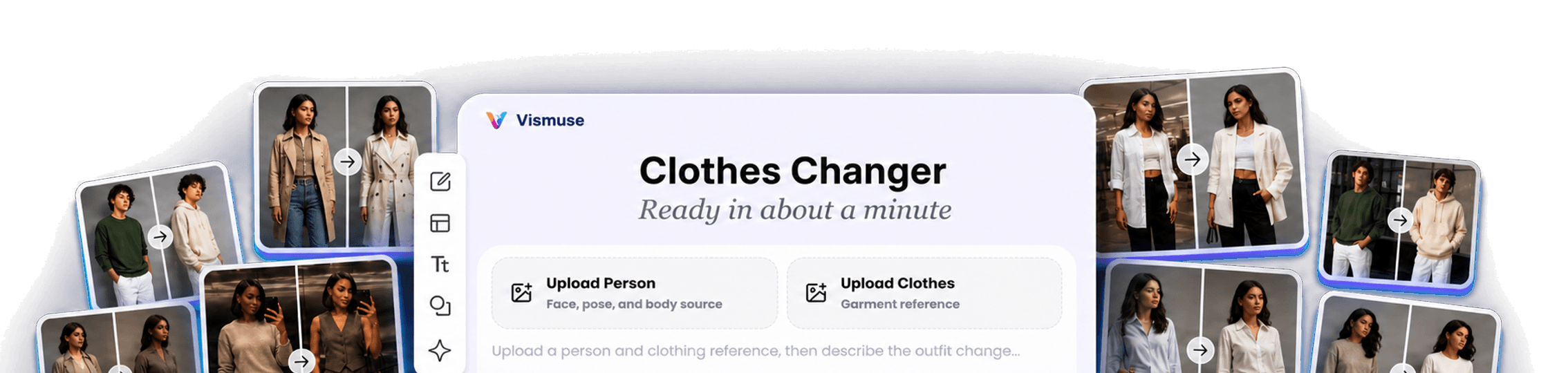
AI clothes changer workspace surrounded by before and after outfit swap examples
AI clothes swapsOutfit try-on previewsShirt and jacket changesDress and suit previewsClothing color changesFashion photo concepts

Try a different outfit without rebuilding the whole image.

Upload a person photo, add a clothing reference, and use chat prompts to create realistic outfit changes for fashion photos, try-on previews, and styling concepts.

AI clothing changer studio before and after example

Start with an existing person photo instead of a blank canvas. Tell Vismuse which shirt, dress, jacket, suit, or complete outfit should replace the current clothes.

Add a clear garment reference and notes about fit, fabric, color, accessories, or what must remain the same. The workflow is designed to preserve the face, pose, body proportions, lighting, and background.

Use the finished image for outfit ideas, creator photos, ecommerce fashion concepts, event styling, and before-and-after clothes swap examples.

How to swap clothes in a photo

Start designing now
Person photo used for an AI clothes swap
Clothing reference used for an AI outfit change
AI clothes changer prompt for a workwear outfit
AI clothes swap result with a new festival outfit

Browse AI Clothes Swap Templates

Browse Clothes Changer Templates

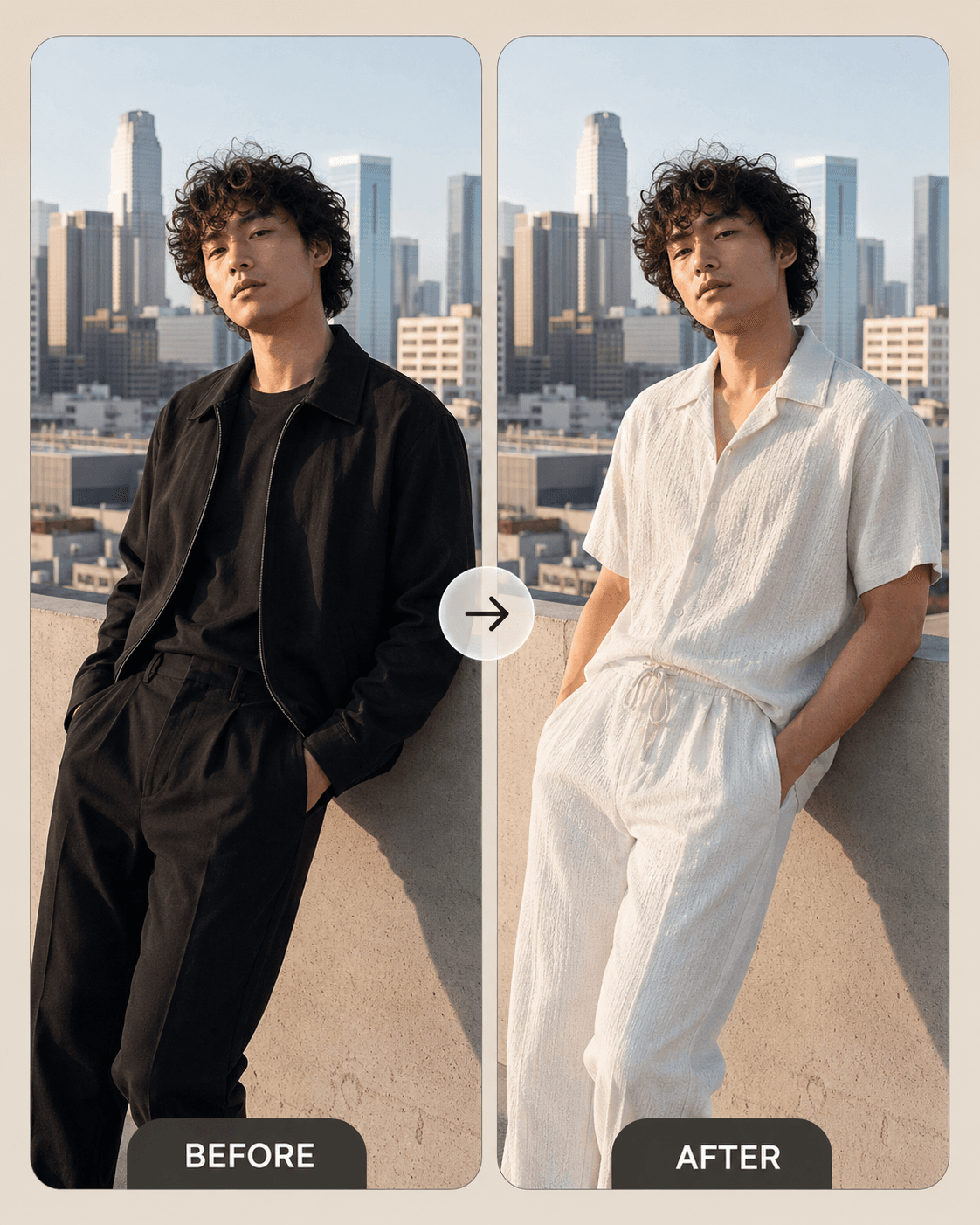
AI clothes change from photo and an outfit reference

Use a real person photo and a separate garment image to guide the change. Vismuse transfers the outfit direction while aiming to preserve the person, camera angle, pose, and original scene.

Try this clothes change
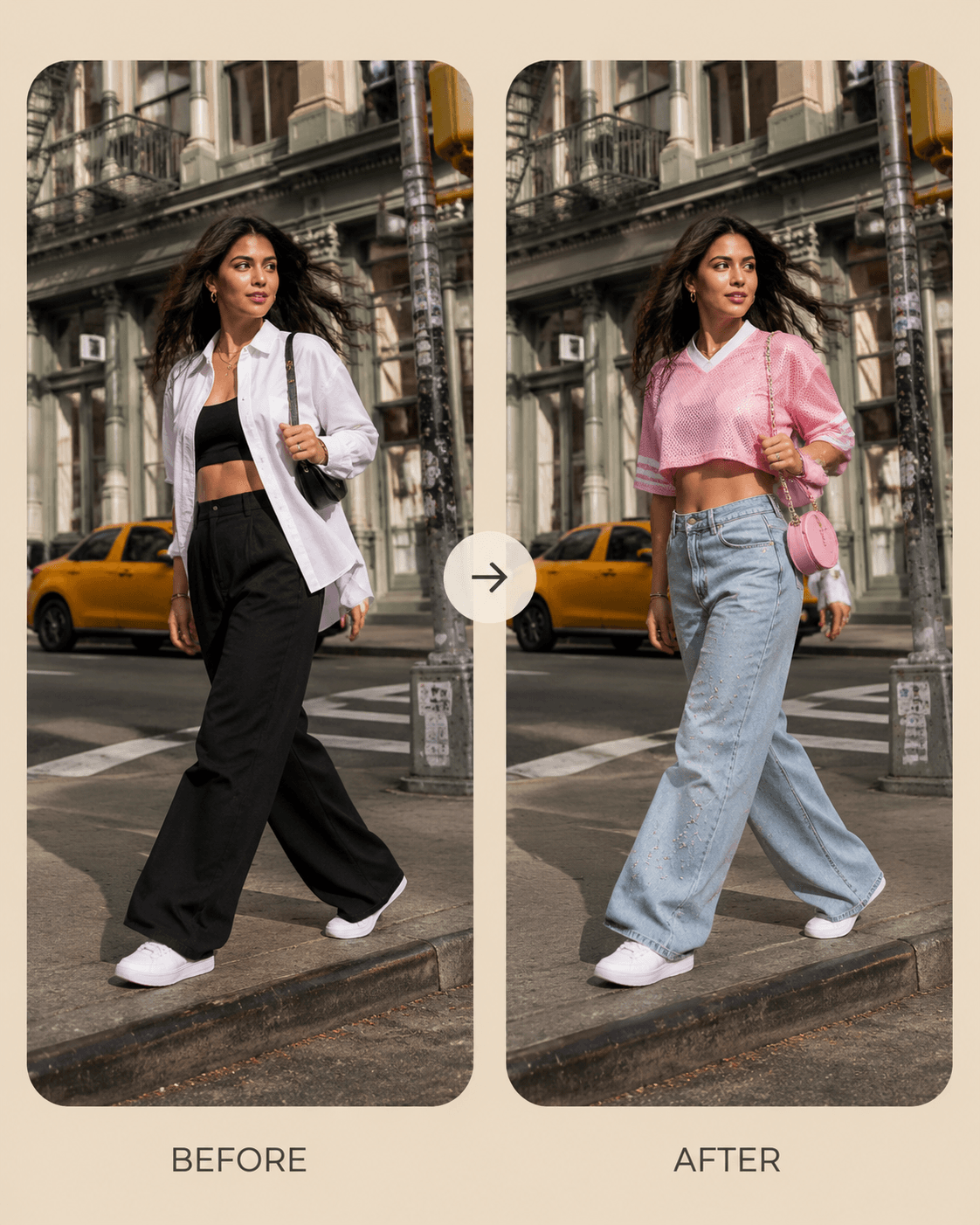
Before and after AI clothes swap using an outfit reference

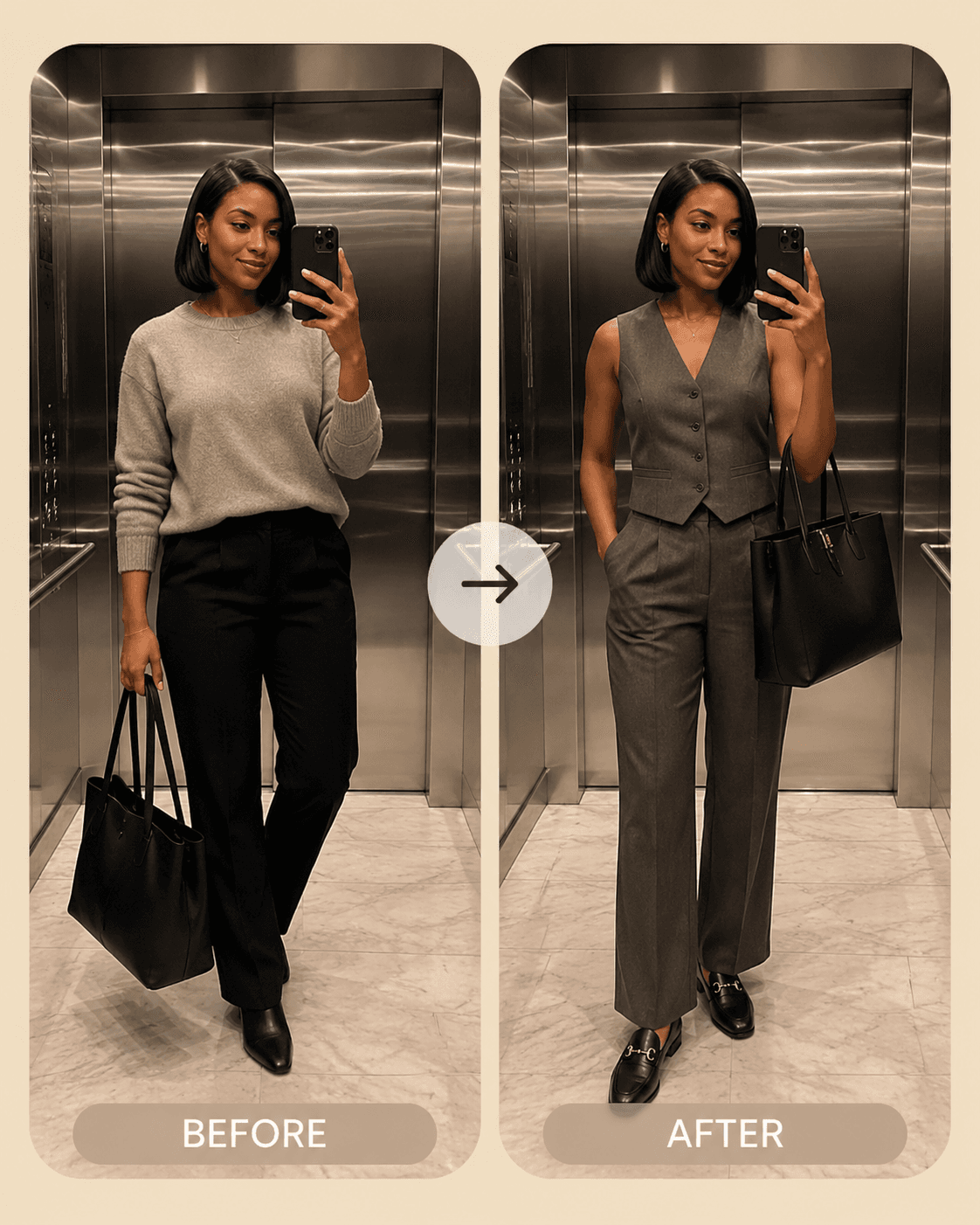
Clothes changer AI that keeps the same face, pose, and background

A useful AI clothing changer should alter the outfit without rebuilding the whole portrait. Ask to keep identity, body proportions, hands, lighting, reflections, and background consistent for a more believable fashion preview.

Try this clothes change
AI clothing change preserving the same person and mirror scene

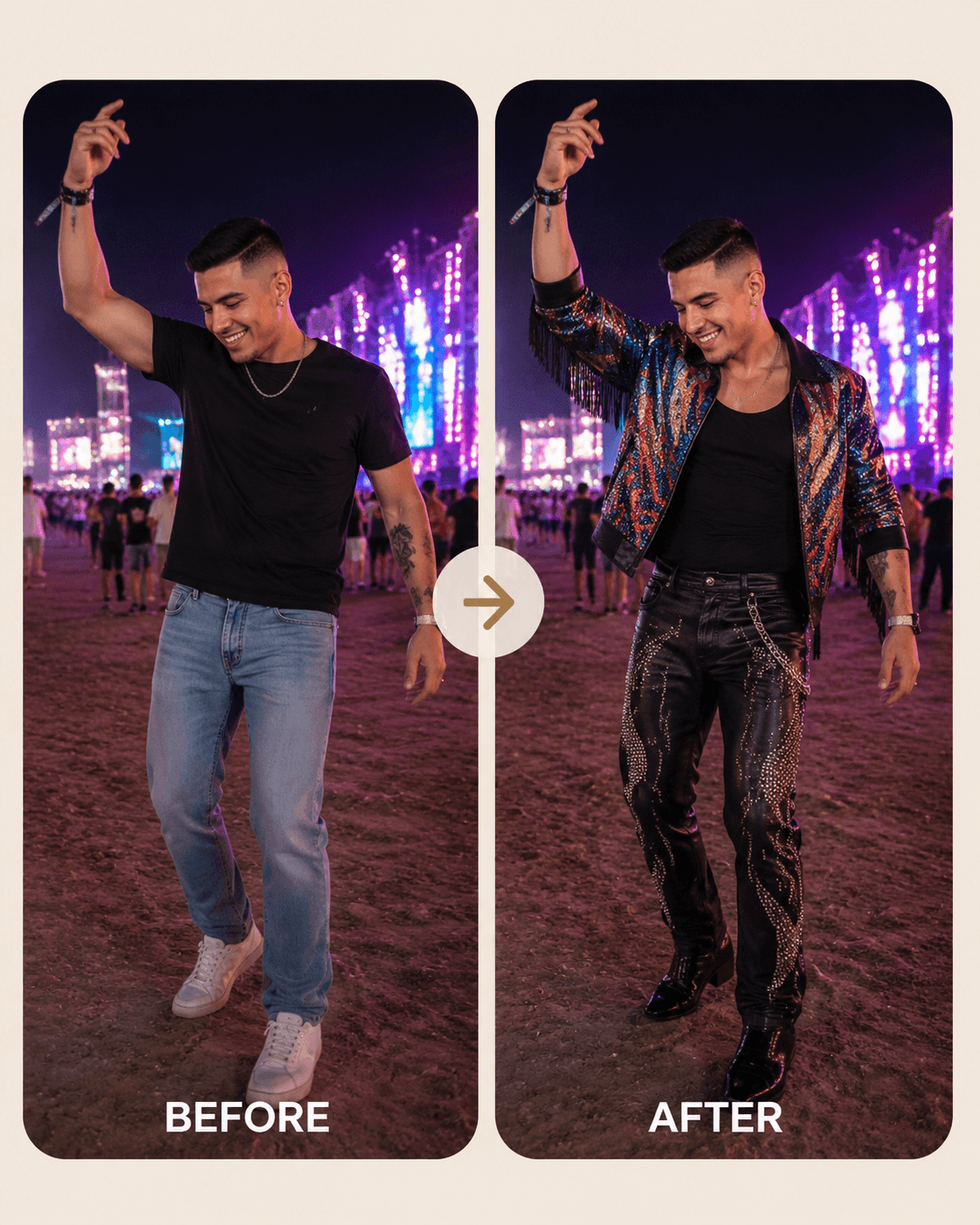
AI clothes color changer for fabrics and complete outfit ideas

Change a garment color, test a different fabric, or preview a complete look for streetwear, workwear, activewear, events, travel, and creator photos. Continue editing the result with specific fit and styling notes.

Try this clothes change
AI clothes color and style change for a festival outfit

Frequently Asked Questions

What is an AI clothes swap?

An AI clothes swap changes the outfit in an existing person photo. You provide the person image and a clothing reference, then the AI creates a new image that aims to keep the same identity, pose, body proportions, lighting, and background while replacing the clothes.

How do I swap clothes in a photo with AI?

Upload a clear person photo, add an image of the garment or outfit, and describe any fit, fabric, color, or styling details. Generate the first result, then ask for focused revisions if the sleeves, hems, layering, accessories, or background need adjustment.

Can I use a photo of the exact clothes I want?

Yes. A clear front-facing garment or outfit reference gives the AI useful information about color, shape, texture, graphics, seams, and styling. References with good lighting and minimal obstruction usually provide clearer direction.

Can the AI clothes changer preserve the face and pose?

Vismuse is designed to preserve the person and scene during an outfit change, but generated results can vary. Use a clear source photo and explicitly ask to keep the same face, hair, body proportions, pose, hands, camera angle, and background.

Can an AI clothes color changer change only the color of the clothes?

Yes. Upload the photo and describe the target garment and color while asking Vismuse to preserve its cut, fabric details, pose, lighting, and the rest of the image. You can also use a color or garment reference for more specific direction.

Is the AI clothes changer available online?

Yes. Vismuse runs in the browser, so you can open the clothes changer online without installing editing software. Current generation limits and credit details are shown in the workspace.

Explore Similar Topics