
Getting started
How to use Vismuse: a beginner’s guide
Choose what you want to make, describe it in your own words, and tell Vismuse what to change. You do not need design experience or special prompt language.
Choose what to create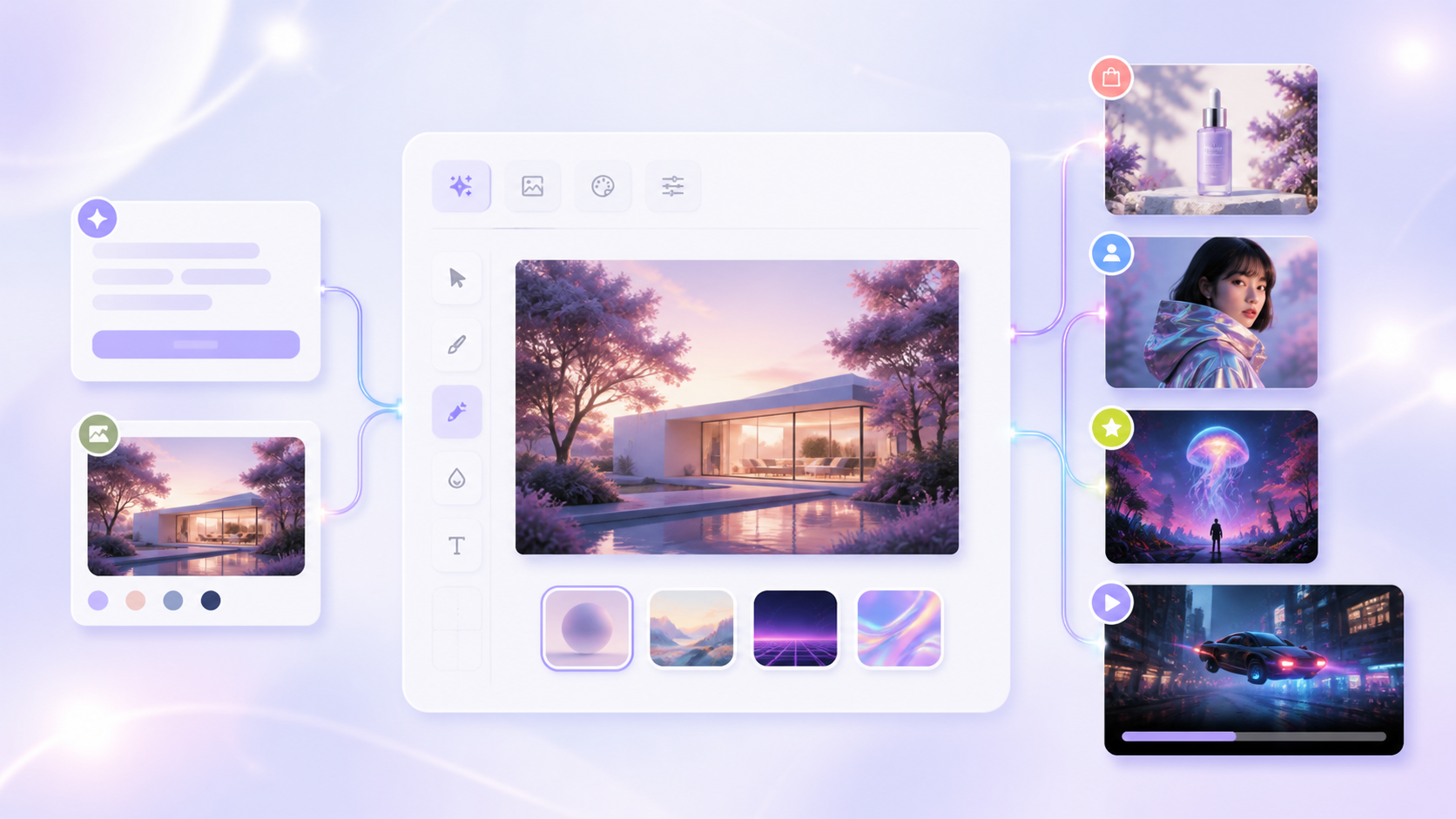
1. Pick what you want to create
Start with the finished result: an image, video, flyer, album cover, product ad, or something else. Choose the tool with the closest name. If you are not sure, use AI Image Maker for an image or AI Video Generator for a video.
2. Describe it in your own words
Tell Vismuse what you are making, what should appear, how it should look, and where you will use it. Include any exact words, colors, or details that must appear.
- What you are making
- The main subject or action
- The look, colors, and mood
- Where you will use it
- Exact text or details that must stay
3. Add a photo when Vismuse needs something to follow
Upload a product photo, portrait, room photo, logo, sketch, or other reference when you want Vismuse to keep or match something. Say what must stay the same and what may change.
4. Pick the right size
Choose the shape based on where the result will appear: 1:1 for square posts and covers, 4:5 for portrait posts, 9:16 for stories and vertical video, and 16:9 for wide images and video. Start with 1K for a quick draft. Choose 2K or 4K when you need a larger final image and the option is available.
For video, also choose a duration. If you upload an image, describe what should move and how the camera should move.
5. Check the result and ask for one change
Check the subject, text, colors, layout, motion, and important details. You do not need to start over. Say what is already right, then ask for one clear change.
When the result looks right, download it. Available file types, resolution, and watermark options can vary by tool and plan.
Tips
- Put exact text in quotation marks and check it before publishing.
- Say what to keep before you say what to change.
- Explain what each uploaded reference should be used for.
- Ask for one clear change at a time.
- Start a new project when you switch to a different type of output.
Related resources
- Which Vismuse tool should you use? — Match your project to the best starting point.
- Write better AI prompts — Turn an idea into a clear, usable creative brief.
- Browse templates — Start from a proven visual direction.