
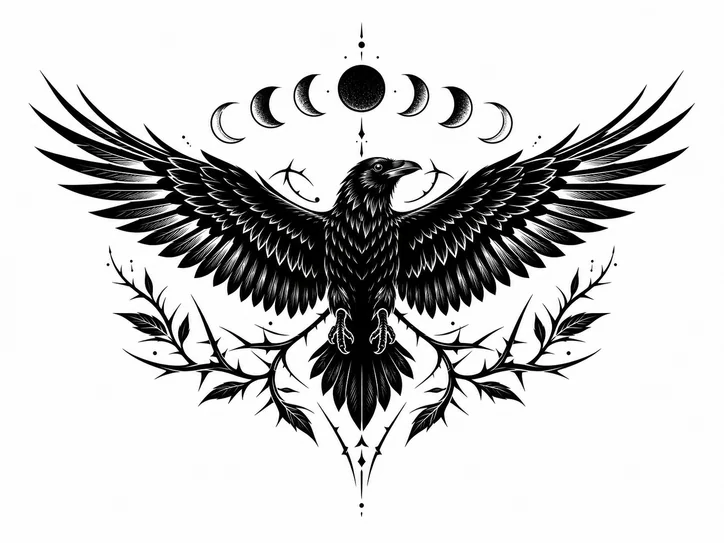
AI Tattoo Generator
Create tattoo ideas, choose a style and placement, then refine into stencil-style or body-preview concepts.
Prompt Examples
Tattoo Ideas
Black & Grey Forearm Snake
Black & GreyMinimal Dragon Forearm Tattoo
Fine LineFull Sleeve Mythology Placement
PlacementBlackwork Raven Chest Stencil
StencilTraditional Rose Arm Concept
TraditionalOld School Dagger Tattoo
TraditionalGeometric Wolf Shoulder Tattoo
GeometricSingle Needle Moon Tattoo
Fine LineRecent Creations
View allLibrary
View allHow It Works
Start with the idea
Describe the subject or meaning, then choose the style, placement, complexity, and output type from the tattoo controls.
Choose style and placement
Use tattoo-first options such as black and grey, fine line, minimalist, traditional, Japanese, geometric, stencil, arm, sleeve, chest, back, leg, or wrist.
Refine the output
Create a concept, stencil-style output, or body placement preview, then refine line weight, color, detail, scale, and variants.
FAQ
What can I create with a tattoo generator?
You can create tattoo ideas, stencil-style concepts, placement previews, sleeve layouts, fine line designs, black and grey concepts, lettering directions, and reference images for a tattoo discussion.
Can I generate a tattoo stencil idea?
Yes. Ask for stencil-style black linework, clean negative space, limited shading, and the body placement so the result starts closer to a tattoo-ready concept.
Can I make sleeve tattoo concepts?
Yes. Choose Sleeve or Arm placement, then include the theme, flow, anchor elements, style, line weight, and whether you want a concept or placement preview.
Can I use a reference image?
Yes. Upload or paste a reference and describe whether the tattoo should follow the subject, mood, silhouette, composition, or art style.
Can I create fine line or minimalist tattoo ideas?
Yes. Mention fine line, minimalist, small tattoo, delicate linework, single needle, or simple black ink and describe the subject clearly.
Can I generate traditional, blackwork, or geometric tattoo designs?
Yes. Choose the closest tattoo style in the controls, then include the motif, composition, complexity, color preference, and whether the result should be a concept, stencil, or placement preview.
Should I treat the output as final tattoo artwork?
Use it as a concept or reference direction, then work with a professional tattoo artist for placement, anatomy, safety, and final tattoo-ready artwork.
Create tattoo ideas with style, placement, and stencil controls
Start with the subject, placement, body area, and tattoo style, then refine the concept into cleaner linework, placement preview, or stencil-style output.
Tattoo stencil generator ideas
Use Stencil output when you want clean black linework, stronger negative space, and a design direction that is easier to discuss before final tattoo artwork.
For better stencil-style results, describe the subject, line weight, shading limits, and body placement instead of asking for a generic illustration.
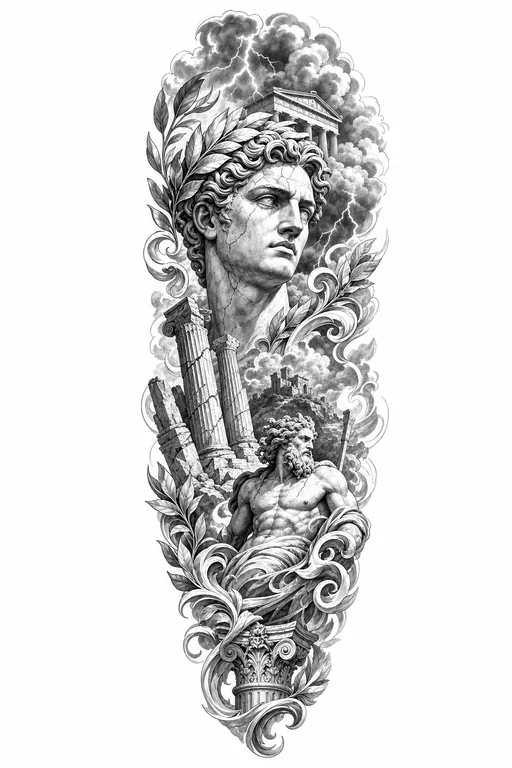
Body placement preview concepts
Choose Placement Preview when scale and body flow matter. It is useful for forearm, sleeve, chest, back, leg, and wrist concepts.
Name the anchor elements, negative space, complexity, and whether the design should wrap, sit flat, or follow the body area.
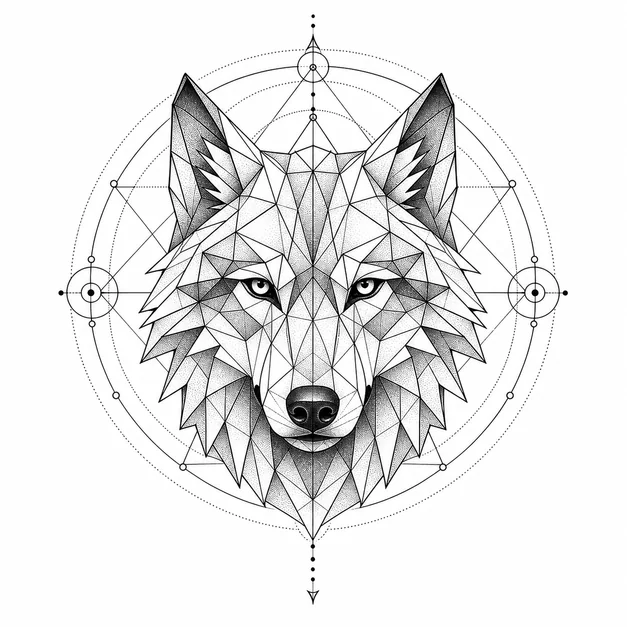
Cover up and gap filler tattoo directions
For cover up or gap filler ideas, describe the existing area, available negative space, placement, preferred style, and how dense the final design can be.
Use these prompts as concept exploration first, then work with a professional tattoo artist for feasibility, anatomy, and final tattoo-ready artwork.
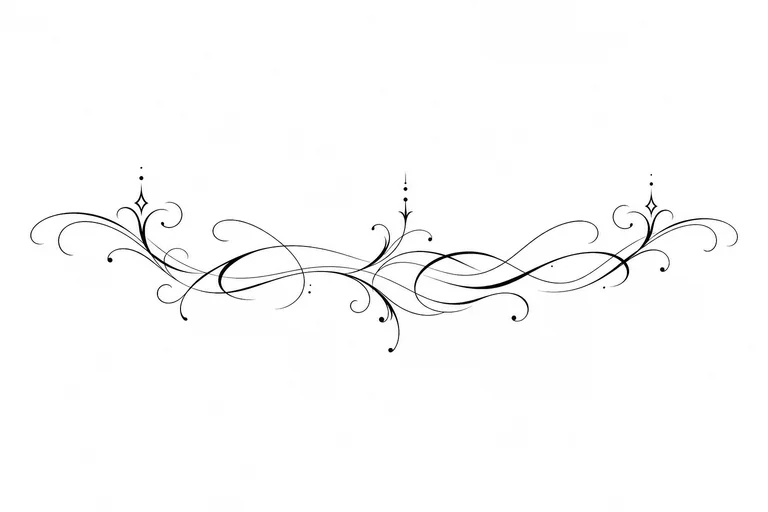
Tattoo font and lettering concepts
For lettering, include the exact words, placement, mood, spacing, and whether the result should feel script, gothic, minimal, traditional, or ornamental.
Keep text short for cleaner previews. Ask for a stencil output when you want stronger line clarity and less decorative shading.
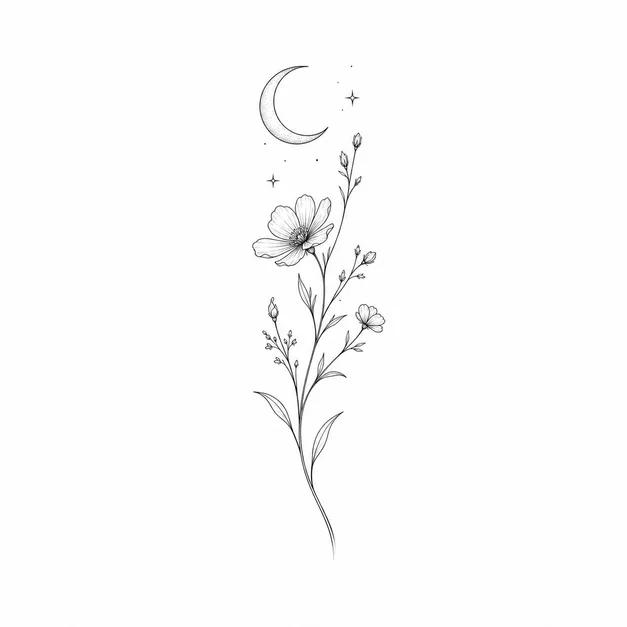
Fine line and minimalist tattoo ideas
Choose Fine line or Minimalist when you want delicate black linework, small symbols, flowers, pets, dates, phrases, or simple meaningful objects.
Add placement details like wrist, forearm, arm, chest, back, leg, or sleeve so the concept fits the body area from the first generation.