
Templates and examples
Templates and library documentation
Use the library when you want to start from a proven visual direction instead of writing every prompt from scratch.
When to use it
Use the library when you know the kind of visual you want, but want a faster starting point. Templates and examples help with style, composition, prompt structure, and generator selection.
What templates include
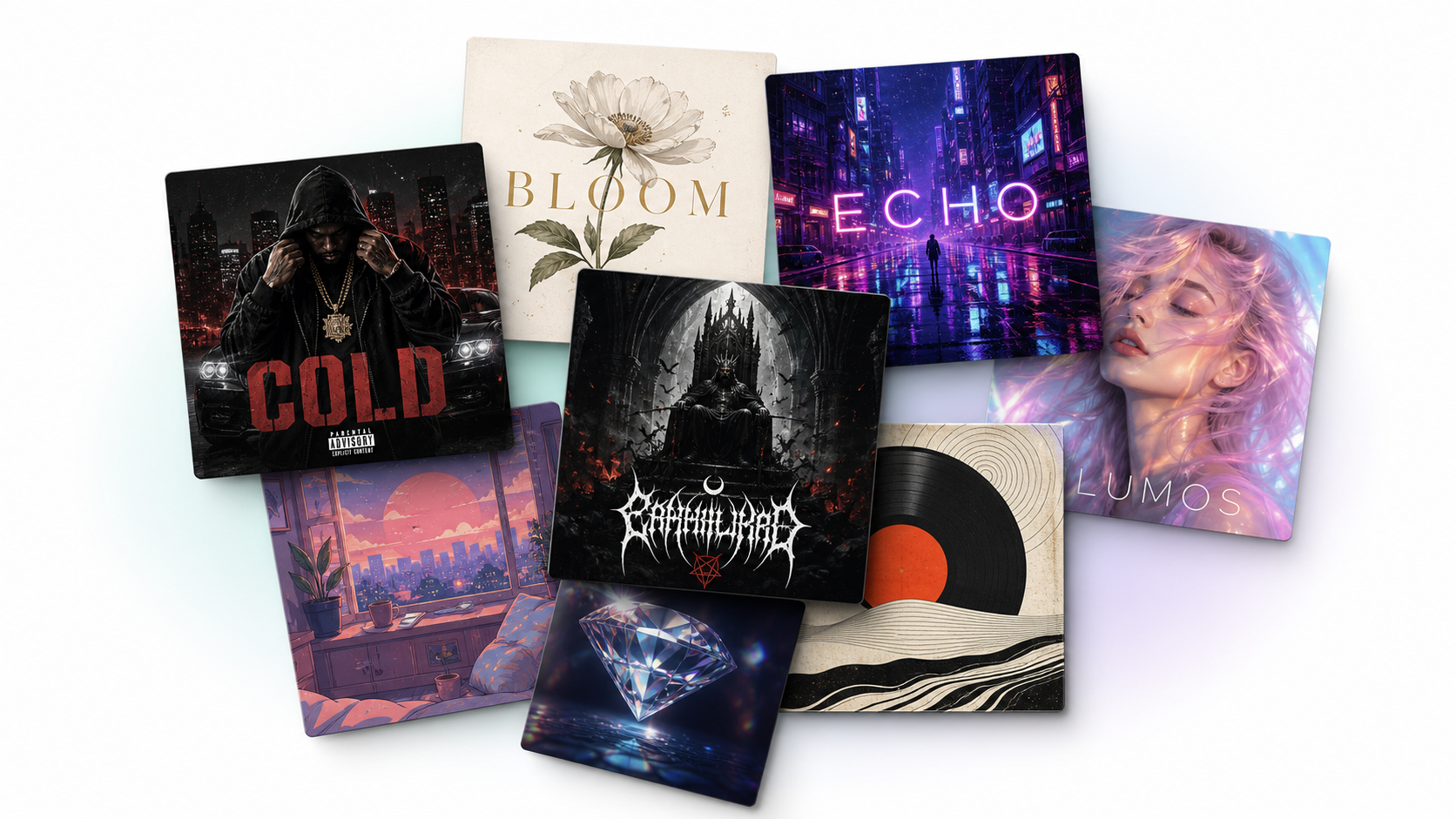
A library item can include a preview image, prompt, starter text, category, use case, aspect ratio, and the generator it is designed for.
- Preview image
- Starter prompt
- Use case and tags
- Matching generator
How it connects to tools
Library examples are designed to connect back into the generator workflow, so users can start from a visual direction and then edit the output for their own project.
- Browse examples
- Open the matching generator
- Use the starter prompt
- Revise the result
Workflow
- Browse a relevant example
- Open the matching generator
- Use the starter prompt
- Revise the result for your project
Tips
- Choose examples by output type before choosing by style.
- Treat prompts as starting points, not fixed templates.
- Use related templates to explore nearby visual directions.