

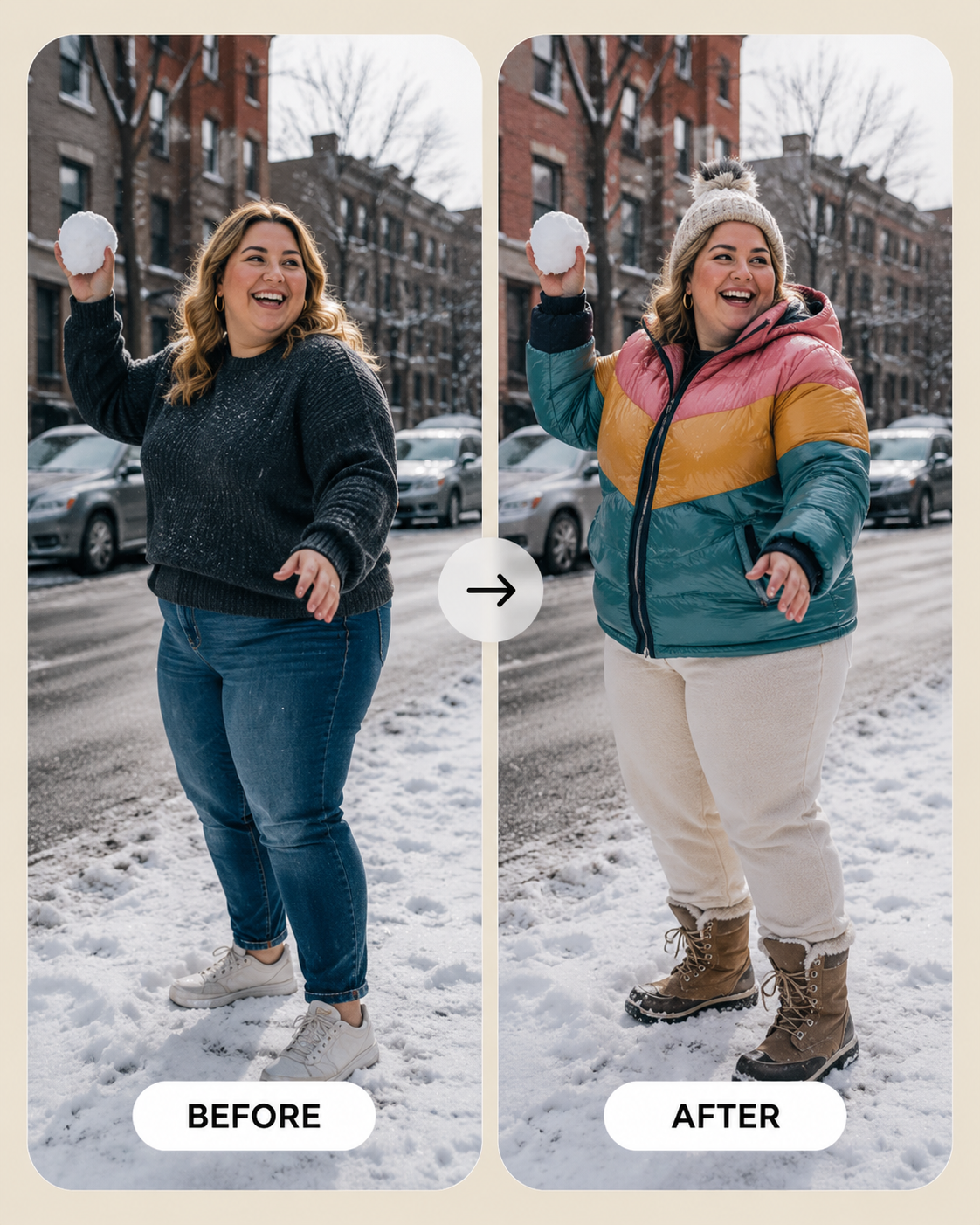
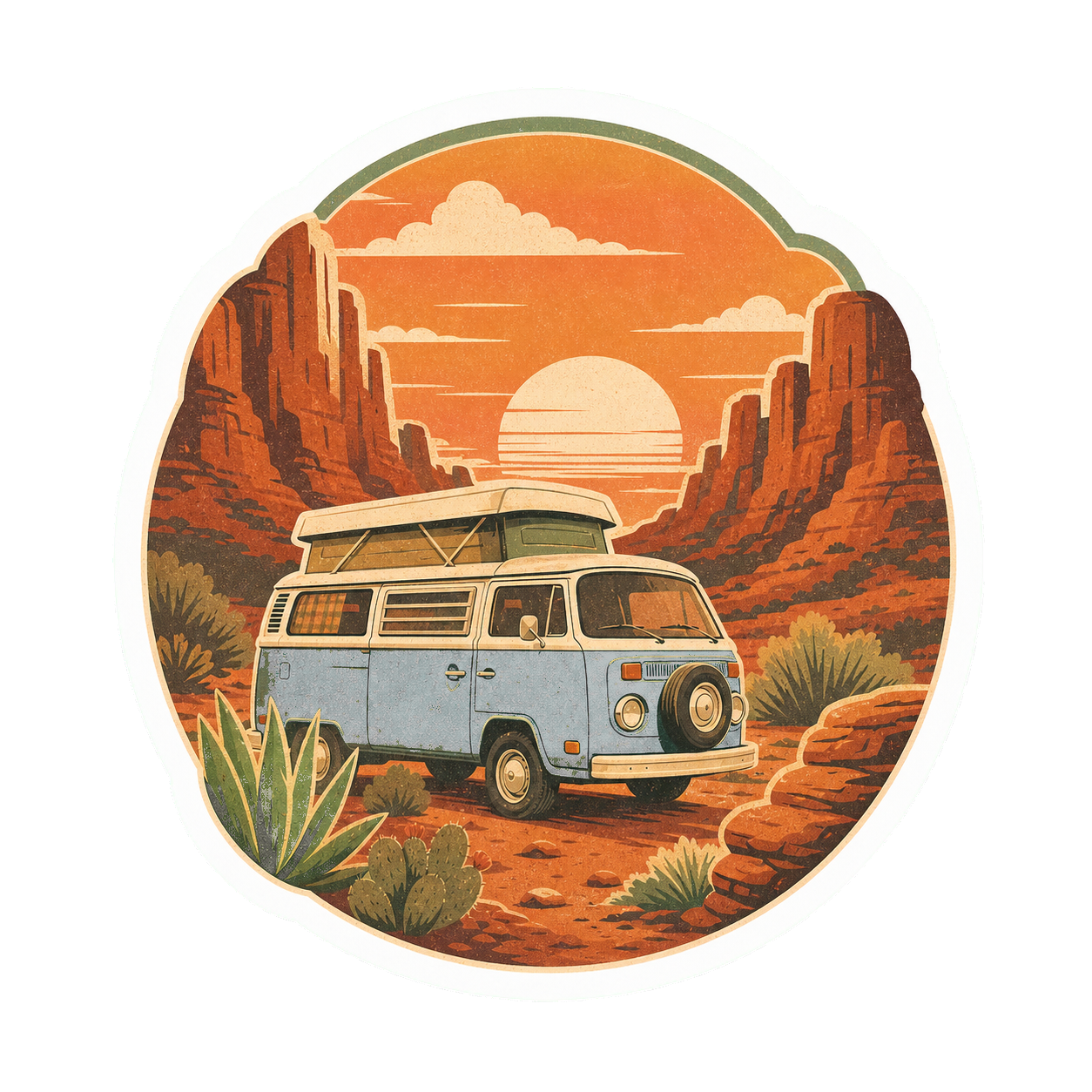

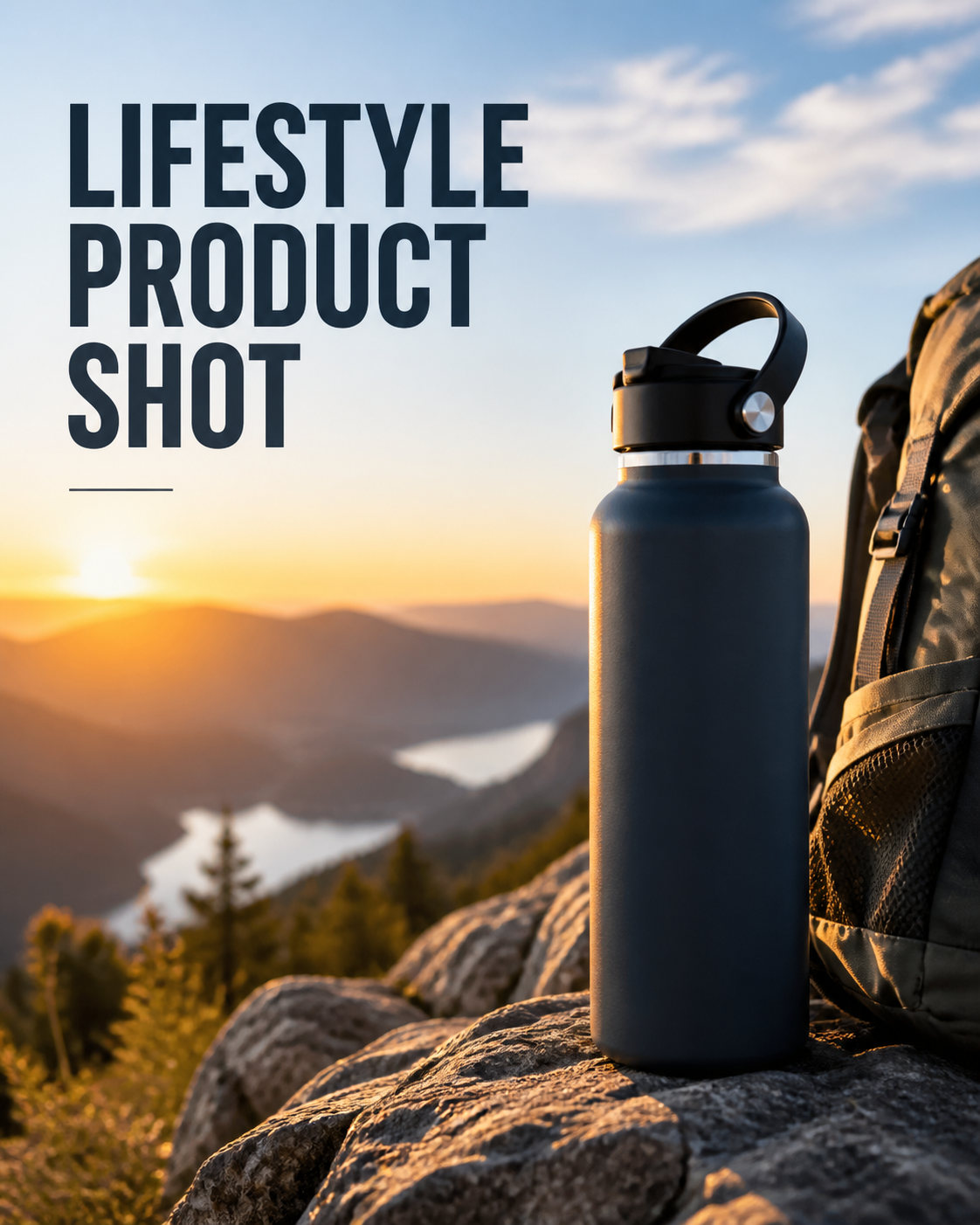
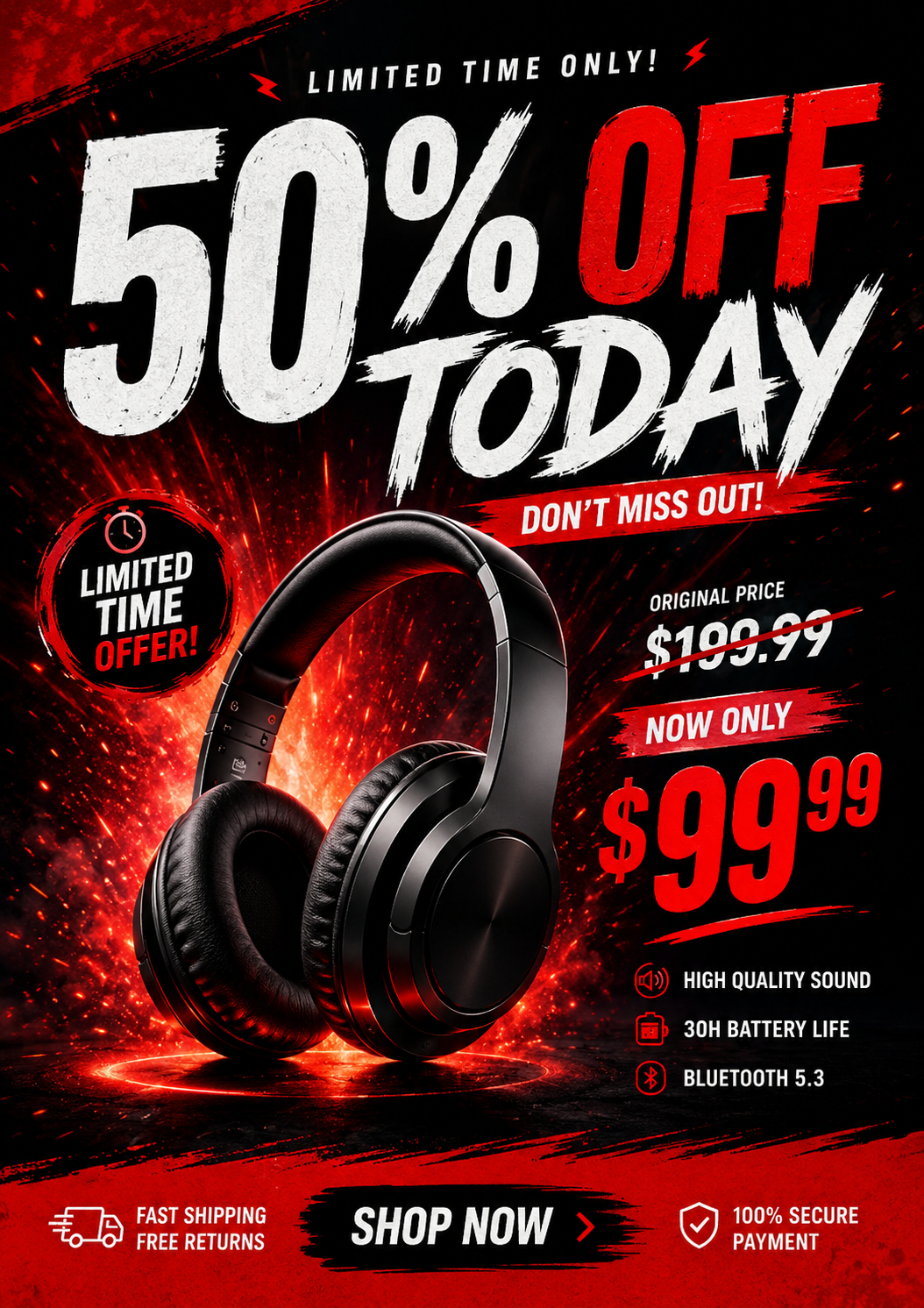

1. Input anything
Paste a URL, product link, text, or just an idea.
 Vismuse
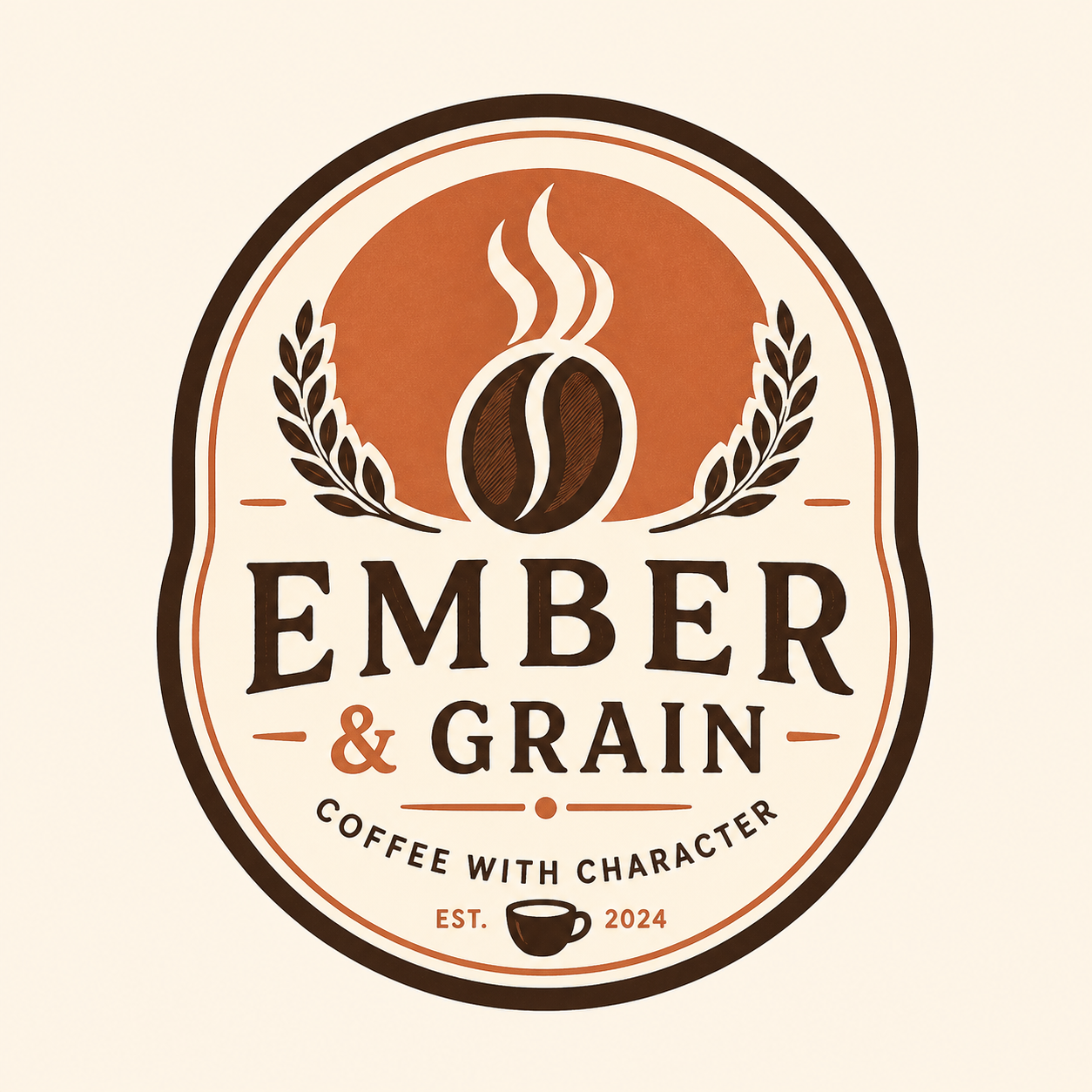
Turn products, ideas, references, or rough notes into ads, flyers, covers, stickers, and designs in seconds.
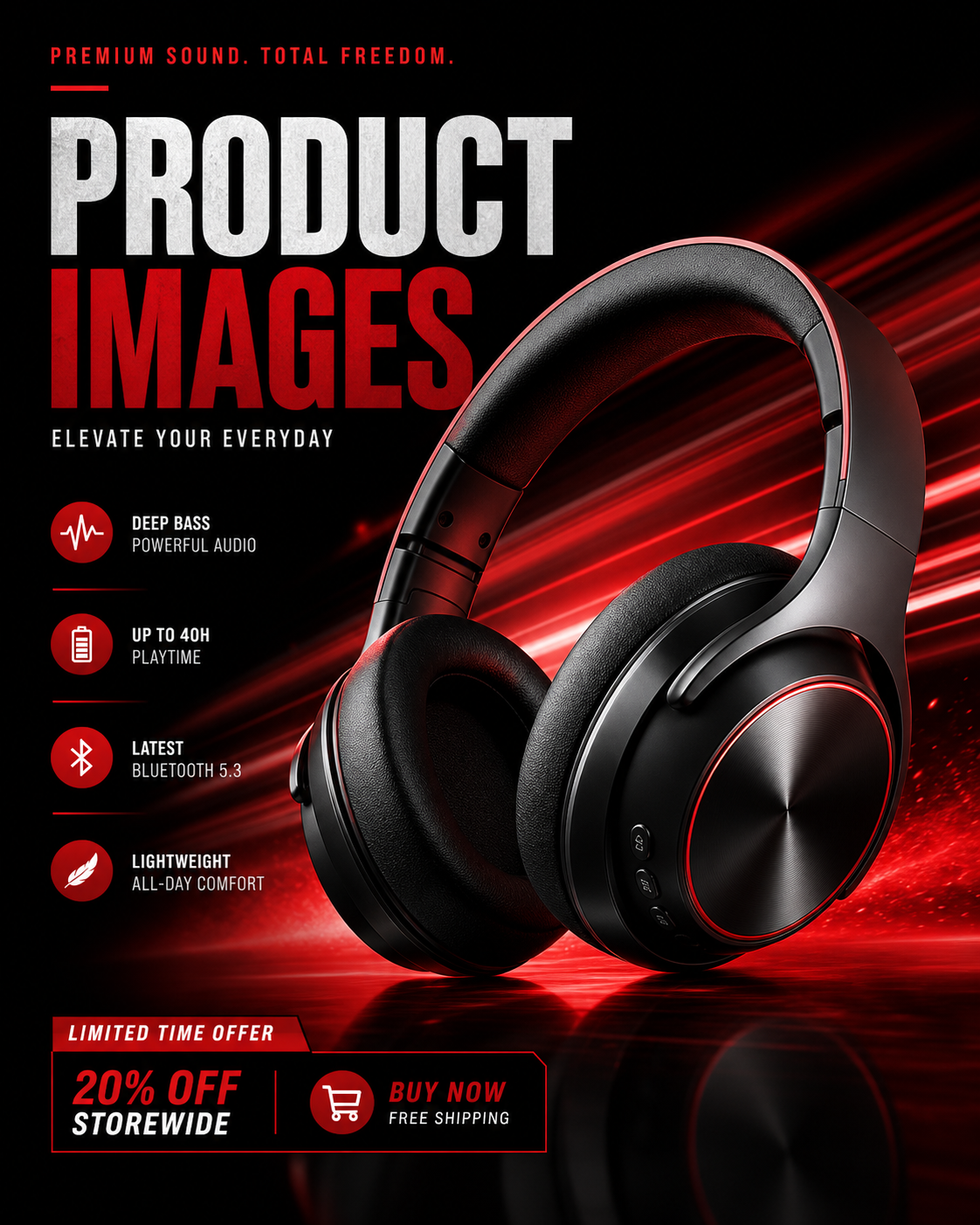
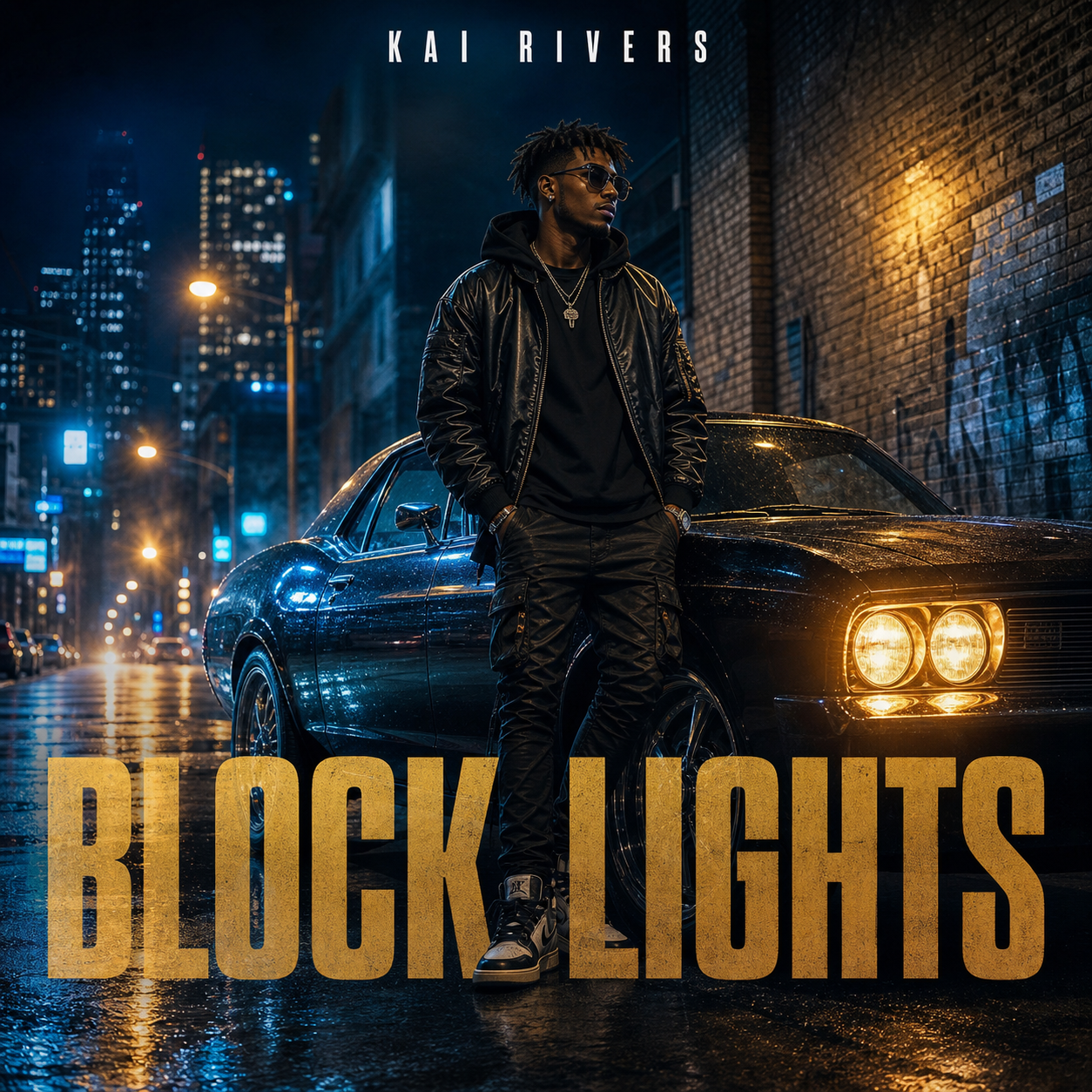

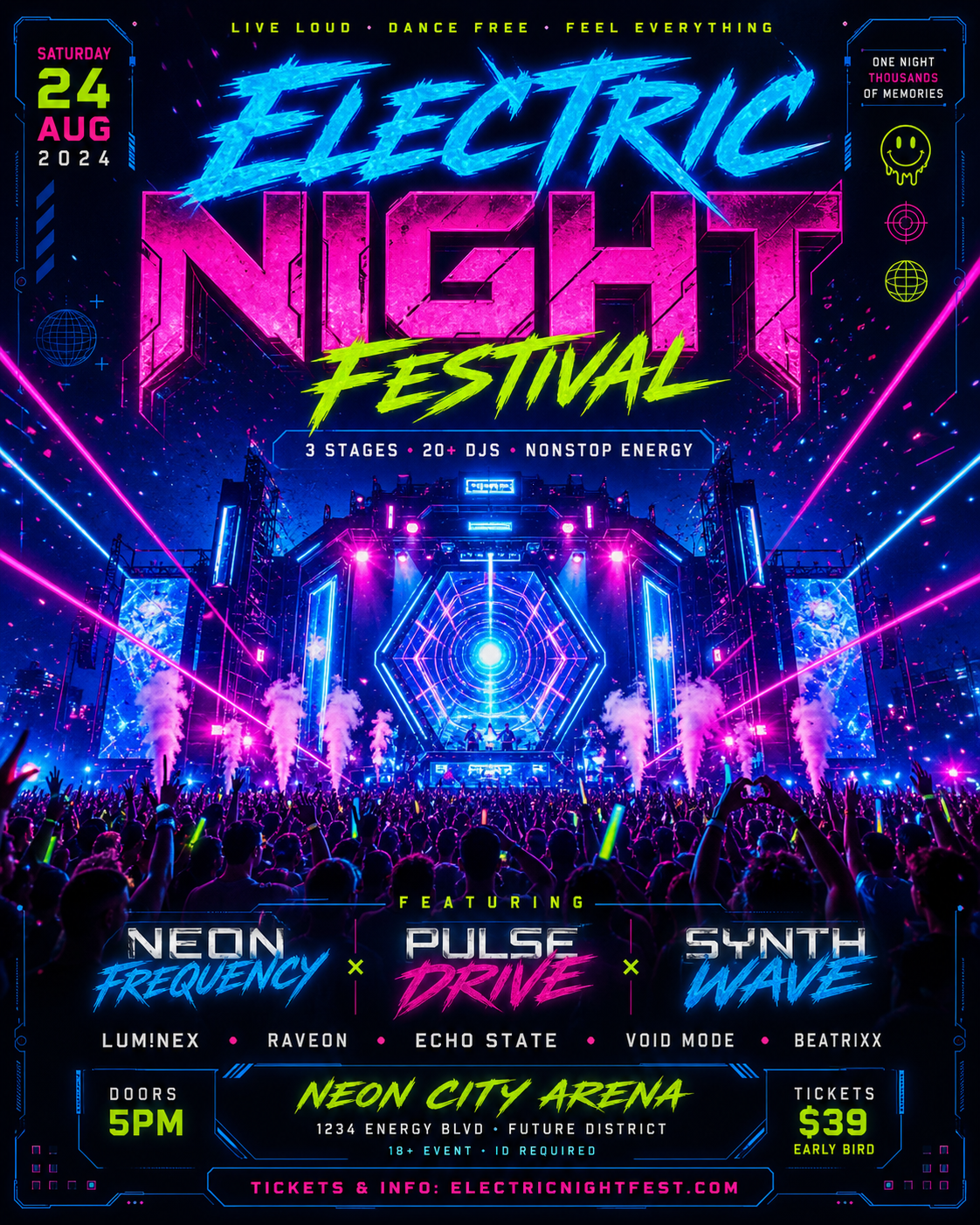
Start with the right tool for the image you need.
From idea to publishable images in 3 simple steps.
Paste a URL, product link, text, or just an idea.

We extract key info and structure the content.

Get ready-to-use images you can publish.
One workspace for turning anything into usable images.
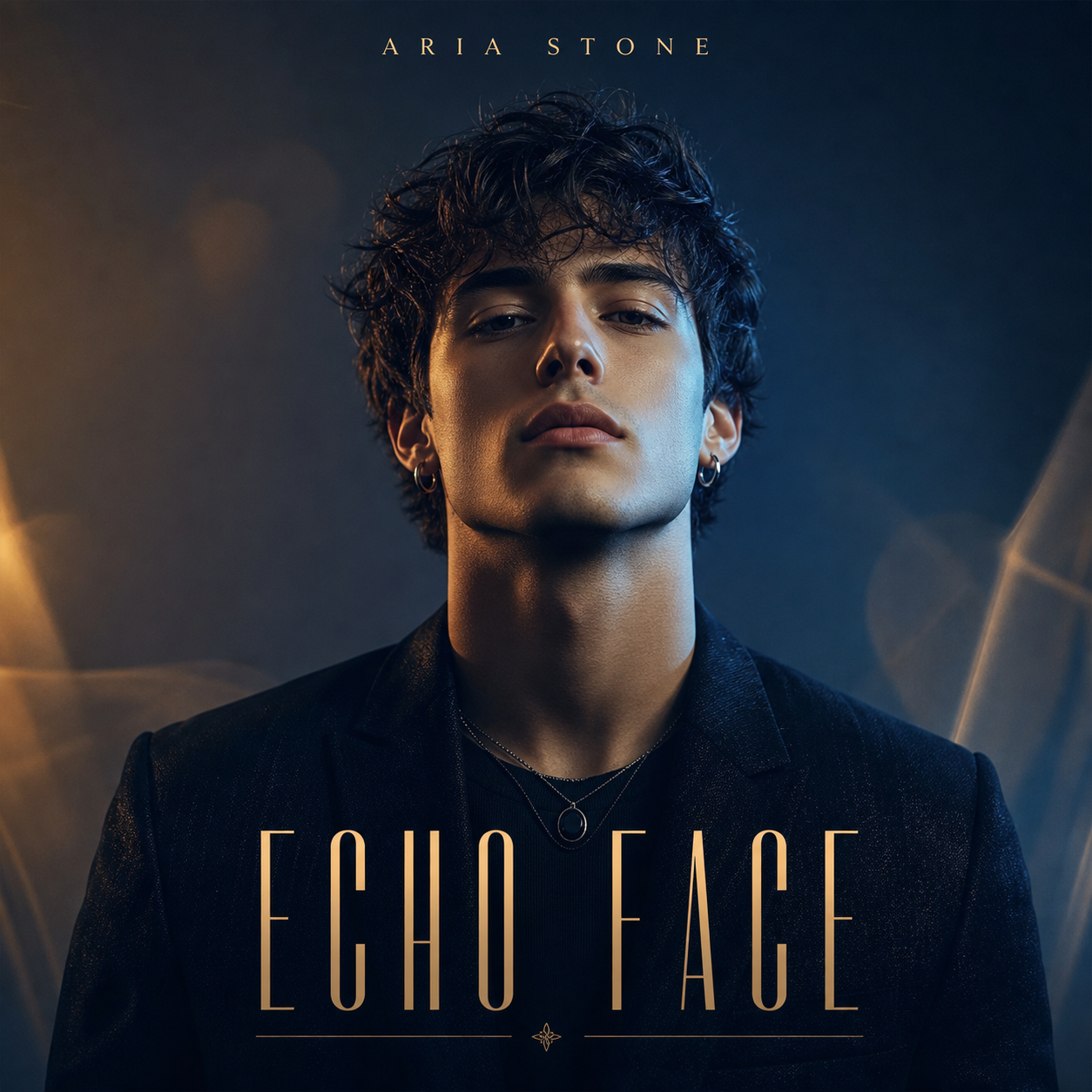
Turn a product link into an ad, a party idea into a flyer, a track title into cover art, or a note into a first draft.
Upload the reference, keep the last result, add the next note, and let each revision build on what already worked.
Create images for ads, launches, events, listings, music drops, and social campaigns without starting from a blank canvas every time.
Go beyond one image. Keep refining with Vismuse, compare more directions, and produce watermark-free images for real use.
For growing creators producing visuals every month.
$14.99USD / month
2,000 credits/month ≈ 200 images
For teams and power users creating at full scale.
$39.99USD / month
10,000 credits/month ≈ 1,000 images
Creators move from a short idea to polished flyers, ads, and promo images without starting from a blank canvas.
“I wanted a clean poster for a personal project, but I didn't want to wrestle with a blank canvas. Starting from one sentence got me something I could actually use.”

“For listings, speed matters. I can turn the property details into a polished open-house flyer before the next showing window fills up.”
“What used to start as a blank page now starts as an editable promo concept. That alone makes the campaign workflow feel lighter.”
“I don't need a perfect final ad from AI. I need a usable starting point with the product, offer, and platform in mind.”
“Starting from the product URL is what makes it click for ads. For flyers, the same flow works from the offer or event details.”
“The value isn't just speed. It's getting product-aware and offer-aware creative direction instead of a generic visual prompt.”


