
Output settings guide
How to choose image size, aspect ratio, and resolution
Choose the destination before you generate. The right canvas protects the composition and reduces cropping later.
Create an image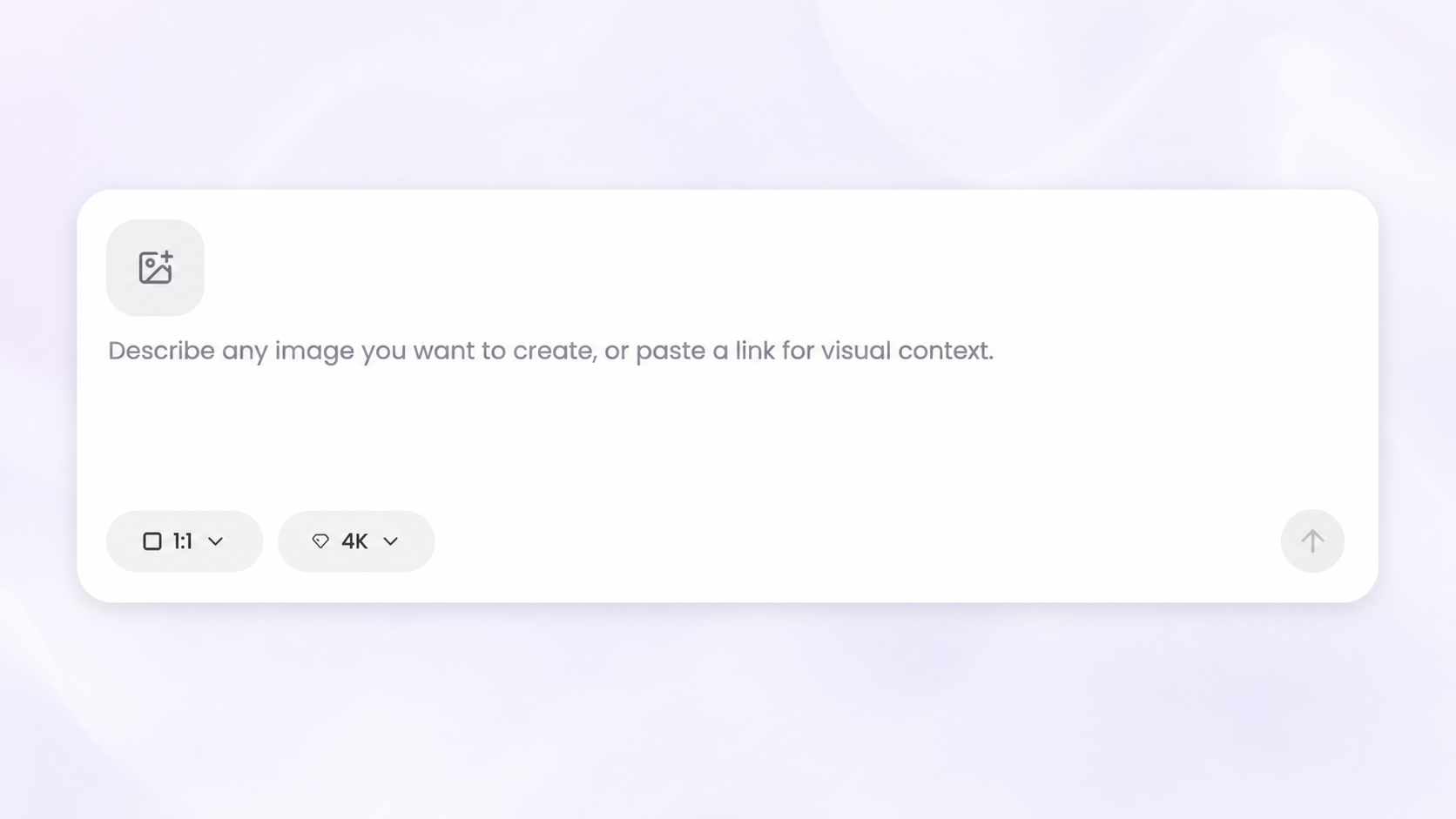
Choose the aspect ratio by destination
Use 1:1 for square covers and posts, 4:5 for portrait feed images, 9:16 for stories and vertical video, and 16:9 for landscape video, presentations, and wide web graphics. Use Auto when the final format is flexible.
- 1:1 — album covers and square posts
- 4:5 — portrait social posts
- 9:16 — stories, reels, and vertical video
- 16:9 — landscape video and wide graphics
Choose resolution by use
Use 1K for fast drafts and everyday digital work. Choose 2K when you need more detail or room to crop. Choose 4K for large displays, demanding layouts, or print preparation. Higher resolutions use more credits and may depend on your plan or workflow.
Check the final requirements
Platform and printer specifications can change. Confirm the required pixel dimensions, bleed, color mode, and file format before publishing or printing. Generate close to the final ratio to avoid cutting off text or key subjects.
Workflow
- Confirm where the image will be used
- Choose the closest aspect ratio
- Select a resolution for the final output
- Check the crop and destination requirements
Tips
- Design for the primary destination first.
- Keep important text away from the edges.
- Use lower resolution for drafts and higher resolution for finals.
- Confirm print specifications with the printer.
Related resources
- Write better AI prompts — Include the destination and format in your brief.
- Album Cover Generator docs — Create square artwork for releases and playlists.
- AI Flyer Generator docs — Choose layouts for digital sharing and print.