
Reference image guide
How to use reference images in Vismuse
A reference image shows Vismuse what words cannot. Upload a clear source, then state exactly what to keep and what to change.
Create with a reference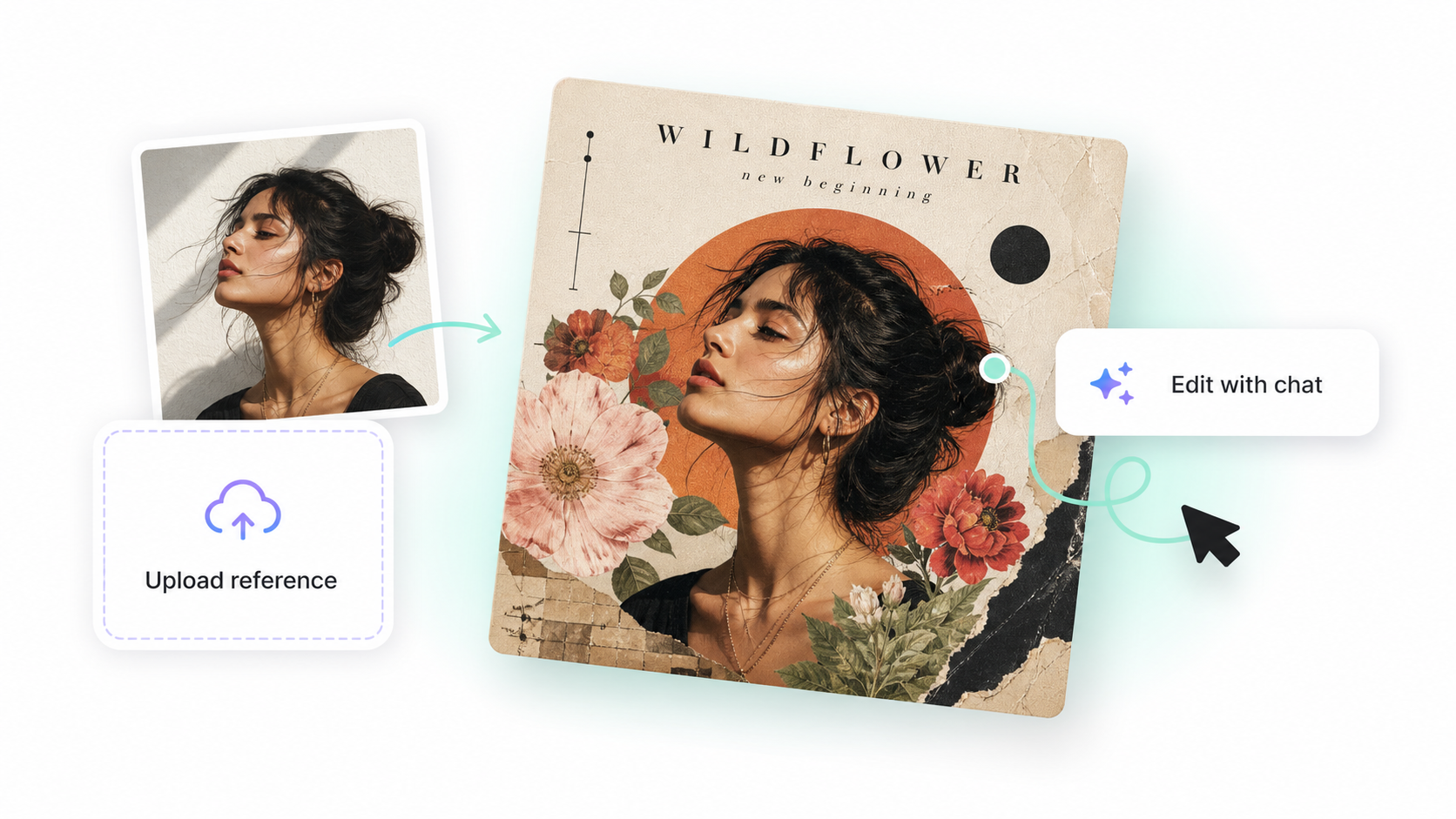
Choose the right reference
Use a sharp, well-lit image with the important subject fully visible. A product photo should show the packaging and logo. A portrait should show the face clearly. A style reference should make its color, lighting, or composition easy to read.
Say what to keep
Tell Vismuse which details are the source of truth. Name the person, product shape, logo, pose, camera angle, room layout, or other elements that must stay consistent.
- Subject or identity
- Product and packaging details
- Pose or camera angle
- Layout or composition
- Colors and visual style
Say what to change
Separate the preserved details from the new direction. For example: “Keep the bottle, label, and camera angle. Replace the background with a clean summer pool scene.”
Workflow
- Upload a clear source image
- Define what must stay the same
- Describe the new setting or style
- Generate and check the preserved details
Tips
- Crop out details that are not part of the request.
- Use a high-quality original when accuracy matters.
- Give each reference one clear role.
- Check faces, logos, packaging, and text before exporting.
Related resources
- Write better AI prompts — Tell Vismuse how to use the visual source.
- Background Remover docs — Turn a clean source image into a cutout or new scene.
- Album Cover Generator docs — Build release artwork from an artist photo or visual reference.