
Background editing
Background Remover documentation
Use Background Remover when you need to isolate the main subject, clean up a busy source photo, create a transparent-style cutout, or prepare a white background product image.
Open Background Remover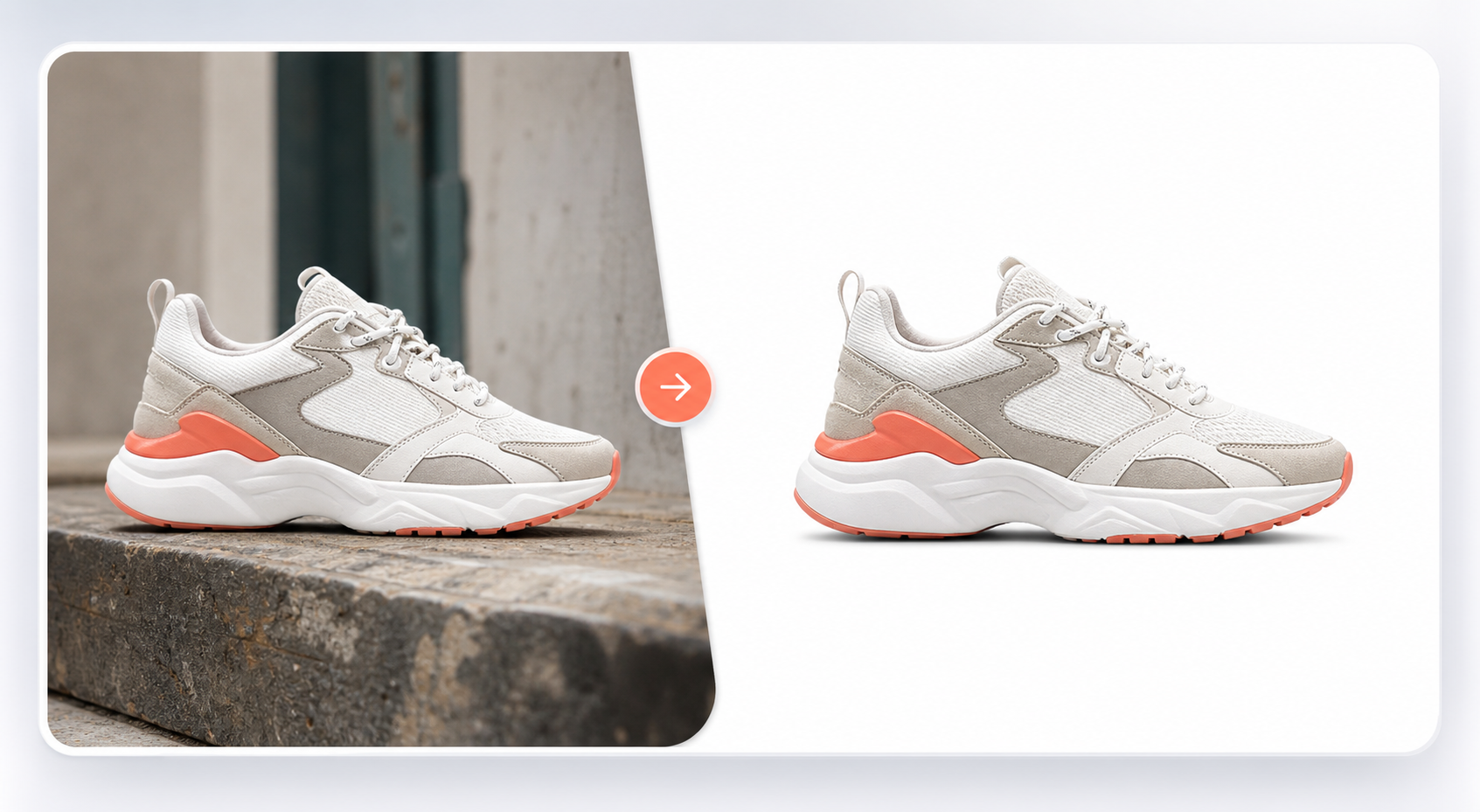
When to use it
Use this workflow for product photos, portraits, logos, object photos, profile images, and ecommerce pictures that need a cleaner background.
It is useful as a first cleanup step before creating product ads, catalog images, marketplace visuals, or a new generated background around the same subject.
Supported inputs
Start with an uploaded image and optionally describe what you want after removal. Mention transparent background, white background, color background, or a new product scene when that final output matters.
- Product photo or object image
- Portrait, logo, or graphic
- Transparent or white background preference
- Optional follow-up background direction
What Vismuse generates
Vismuse creates a cleaned image direction that keeps the main subject sharp and lets you continue editing, change background color, create a product scene, or download the result.
- Clean cutouts
- Transparent-style results
- White background product images
- Editable follow-up background directions
Workflow
- Upload the source image
- Remove the background
- Choose transparent, white, color, or generated background
- Download or keep refining
Tips
- Use clear source photos where the subject edge is visible.
- Say if the output needs a white marketplace background or a transparent-style result.
- After removal, use a follow-up prompt to create a new scene around the same subject.
Related resources
- Remove an image background — Open the upload-first workflow for transparent backgrounds, white backgrounds, and clean product cutouts.
- Create product ad images — Continue from a cleaned product photo into campaign scenes, ecommerce images, and ad creatives.