
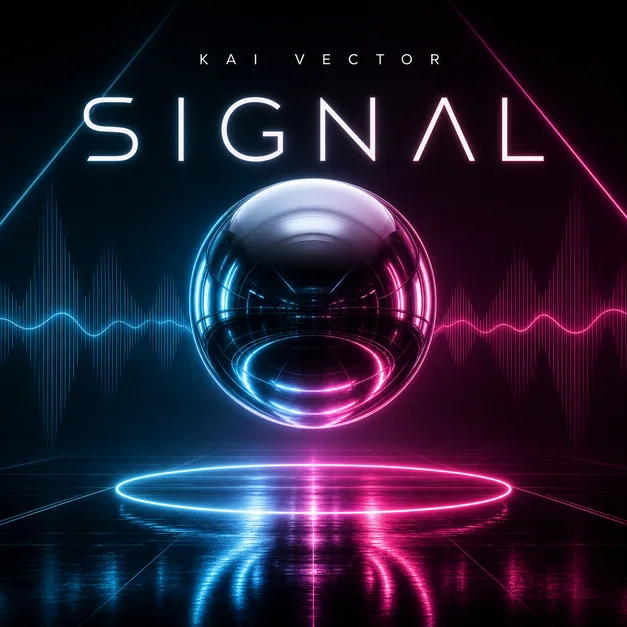
Describe the music like a visual brief
Start with artist name, release title, genre, mood, and the emotional world of the track or album. A prompt like moody rap mixtape or dreamy indie single gives the AI much more direction than cover art only.
If the cover needs text, include title placement and typography mood. If the cover should be text-free, say that directly.
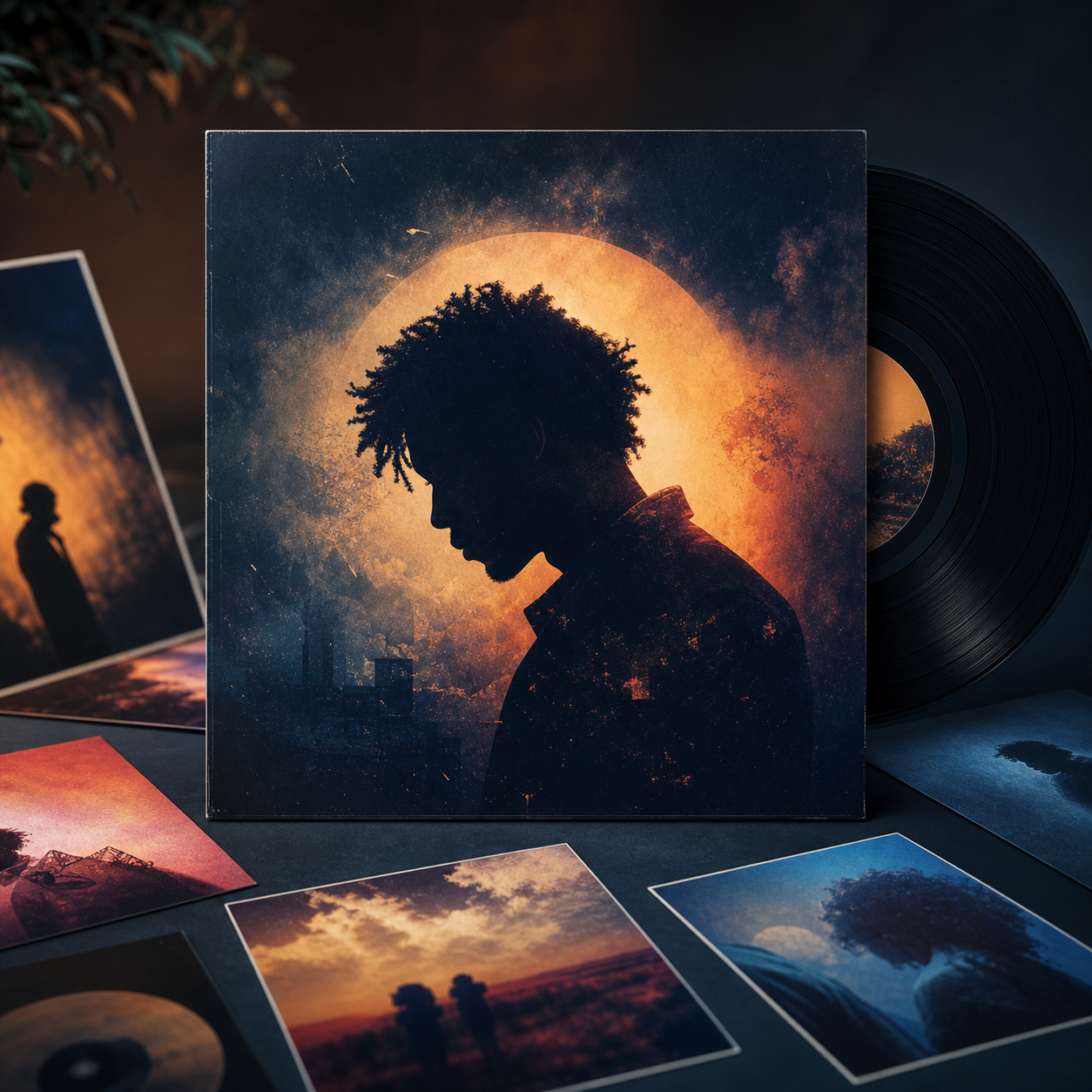
Add genre cues and composition
Album artwork is usually square, so composition matters. Ask for a centered subject, clean negative space, or a strong title area depending on where the release name should appear.
Genre cues can include film grain for indie, chrome type for electronic, dramatic shadows for rap, handwritten type for acoustic, or editorial photography for R&B.
- Artist and title
- Genre and mood
- Color palette
- Typography direction
- Square crop
- Reference image or symbol
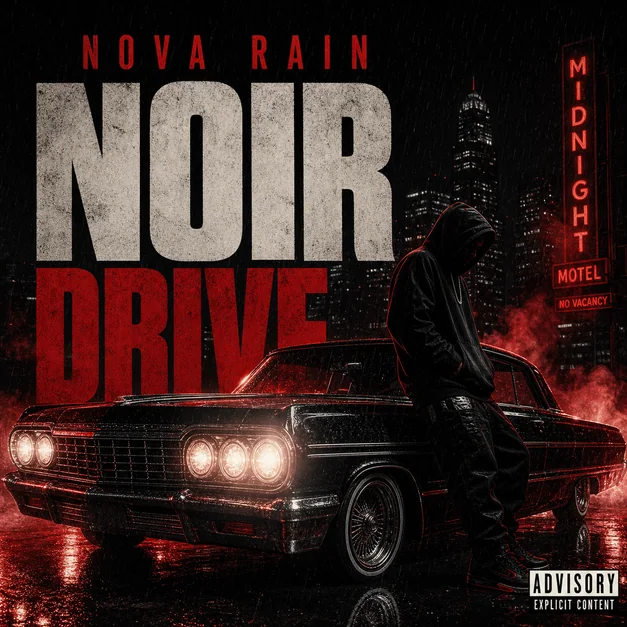
Refine for release readiness
After the first concept, refine the parts listeners will notice immediately: title readability, crop, face or object placement, color contrast, and whether the cover still works as a small thumbnail.
If the artwork feels too much like a poster, ask for a simpler square cover composition with fewer event-style details.
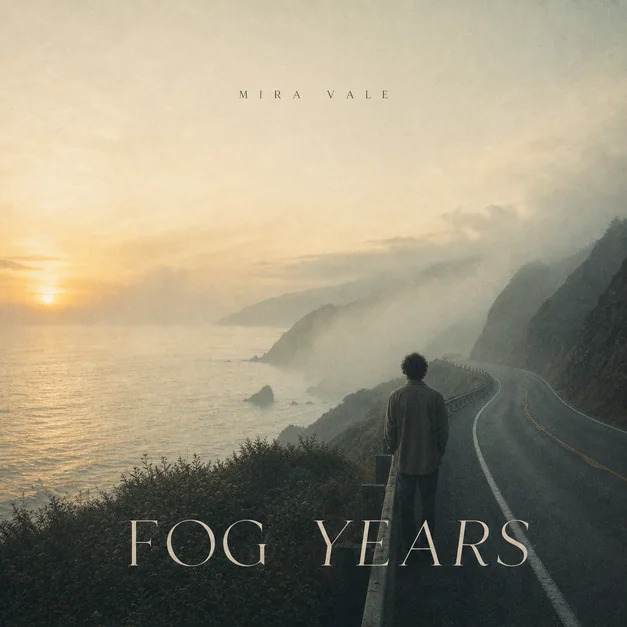
Reusable examples
Indie single cover prompt
A simple square cover direction with mood and title treatment.
Create square album cover art for an indie single titled 'After the Rain'. Dreamy film photo style, soft blue and amber colors, quiet street at night, subtle serif title at the top, minimal artist name, release-ready music artwork.
Frequently asked questions
Who is this guide for?
An album cover should communicate the sound before anyone presses play. The best AI cover prompts combine genre, mood, title treatment, and a clear square composition.
What workflow does this guide support?
This guide is designed to help with how to create an album cover with ai and connects to the matching Vismuse workflow page for hands-on execution.
Do I need design experience to use this workflow?
No. Start with the guide structure, add the details you already know, and use the matching Vismuse generator to create and refine the visual.