
Pick phone or desktop first
Start by deciding where the wallpaper will live. A phone wallpaper usually needs a vertical 9:16 layout with space near the top for lock screen widgets. A desktop wallpaper usually needs a 16:9 layout with more horizontal breathing room.
Mention the device format early in the prompt so the singer is framed correctly instead of cropped like a poster.
- 9:16 phone wallpaper
- 16:9 desktop wallpaper
- Lock screen with top negative space
- Home screen with icon-friendly background
Use music cues without overcrowding the screen
The singer can be on stage, in a studio, under a spotlight, or in a stylized music world. Keep the background atmospheric, but avoid tiny crowd details, too much text, or busy lighting behind icon areas.
Singer wallpapers work well with silhouette, backlight, microphone, stage haze, soft bokeh, vinyl-shop mood, recording booth lighting, or minimal album-cover-style portraits.
Leave deliberate negative space
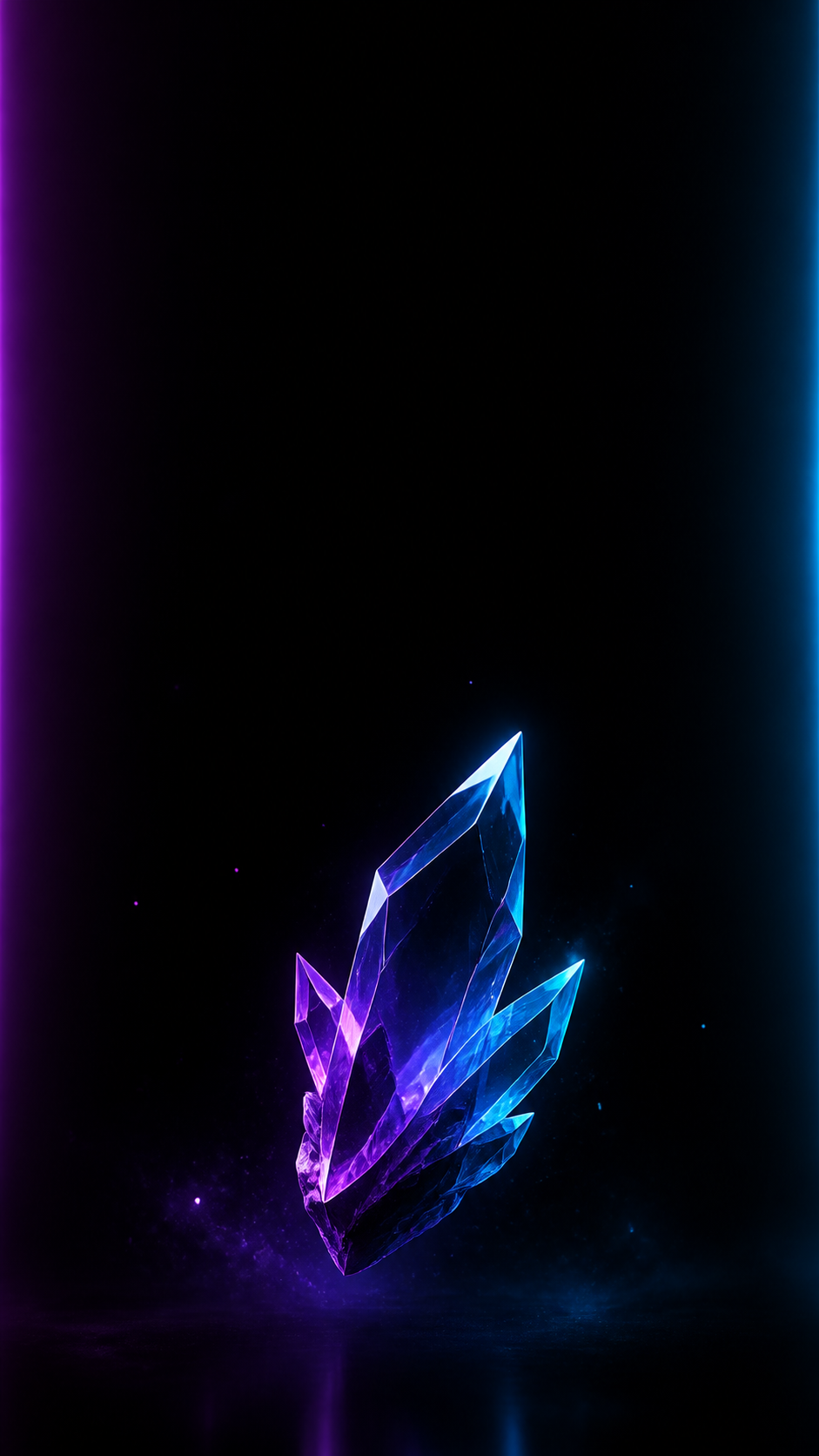
Wallpaper prompts should tell the AI where to leave empty space. For phones, ask for clean space at the top or middle. For desktops, ask for a balanced subject on one side with calmer space for files or dock areas.
This is the biggest difference between a good singer portrait and a useful singer wallpaper.
Refine color and contrast
After generating, check whether app icons and lock screen text would still be readable. If not, ask for softer background contrast, darker edges, fewer light streaks, or a simpler color palette.
Use the AI Wallpaper Generator for format-specific revisions such as more top space, less detail behind icons, a wider crop, or a calmer background.

Checklist
- Device format is named in the prompt
- Singer remains the focal point
- Wallpaper has clean space for icons or widgets
- Background supports the music mood without clutter
- Color contrast works behind system UI
Reusable examples
Phone singer wallpaper prompt
Use this for a vertical lock screen.
Create a 9:16 phone wallpaper of a singer on a dark stage, holding a microphone, soft blue spotlight from behind, gentle stage haze, emotional mid-song expression, clean negative space at the top for lock screen widgets, no text.
Desktop singer wallpaper prompt
Use this for a wide desktop background.
Create a 16:9 desktop wallpaper with a vocalist in silhouette on the left side of a concert stage, warm amber lights, blurred crowd, calm dark space on the right for desktop icons, cinematic music atmosphere, no text.
Frequently asked questions
Who is this guide for?
A singer wallpaper needs the emotion of a music portrait and the restraint of a usable device background. Keep the singer recognizable, then leave enough quiet space for icons, widgets, and lock screen text.
What workflow does this guide support?
This guide is designed to help with how to make a singer wallpaper and connects to the matching Vismuse workflow page for hands-on execution.
Do I need design experience to use this workflow?
No. Start with the guide structure, add the details you already know, and use the matching Vismuse generator to create and refine the visual.