
Choose one sticker idea
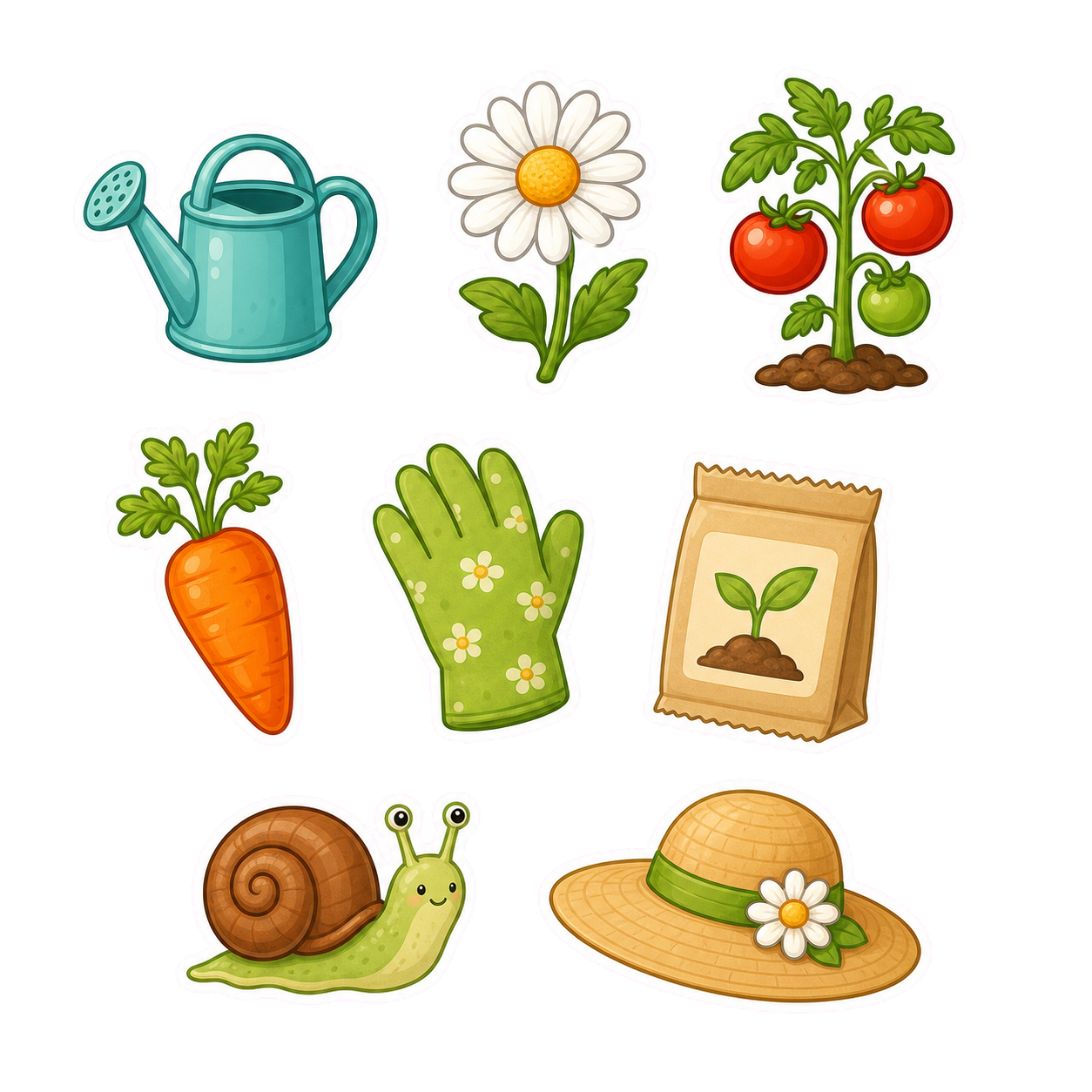
Start with a single sticker concept: a cute cat reaction, a smiling coffee cup, a mascot pose, a tiny food character, a motivational label, or a sticker sheet theme.
Sticker prompts work best when they avoid crowded scenes. One subject, one emotion, and one clean shape usually beats a complex illustration.
Add sticker-specific style details
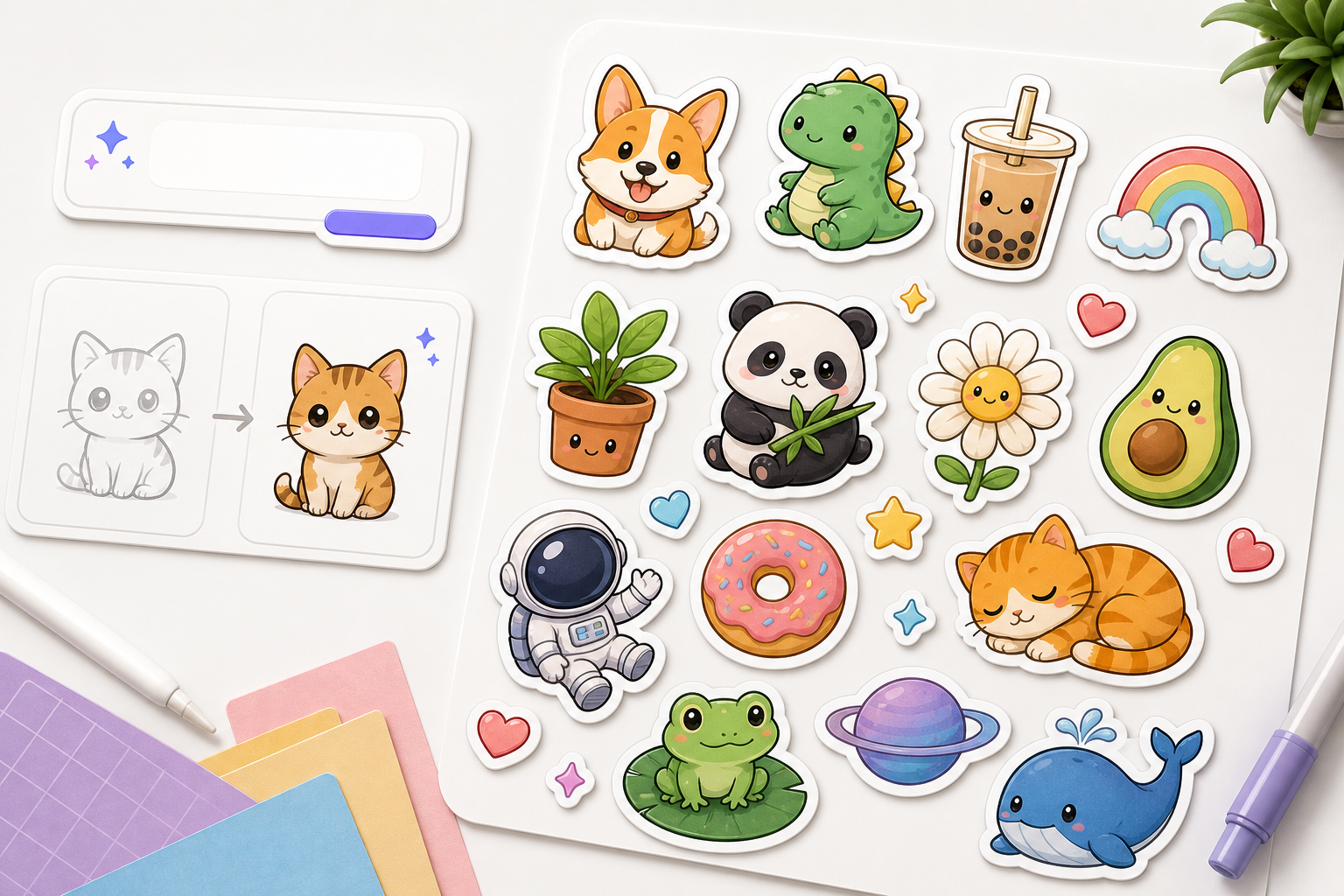
Tell the AI that the result should look like a sticker. Include border style, background preference, expression, pose, and whether it should be a single sticker or a sticker sheet.
If you need merch-style output, ask for bold outlines, flat colors, and a transparent or plain background.
- Subject
- Expression or reaction
- White border or cutout edge
- Simple background
- Single sticker or sheet

Refine for clarity and cutout shape
After generating the first sticker, check whether the silhouette is clean and the expression reads quickly. If not, ask for stronger outlines, fewer details, and a more centered composition.
For sticker sheets, keep each sticker separated with consistent spacing so the set feels usable.
Checklist
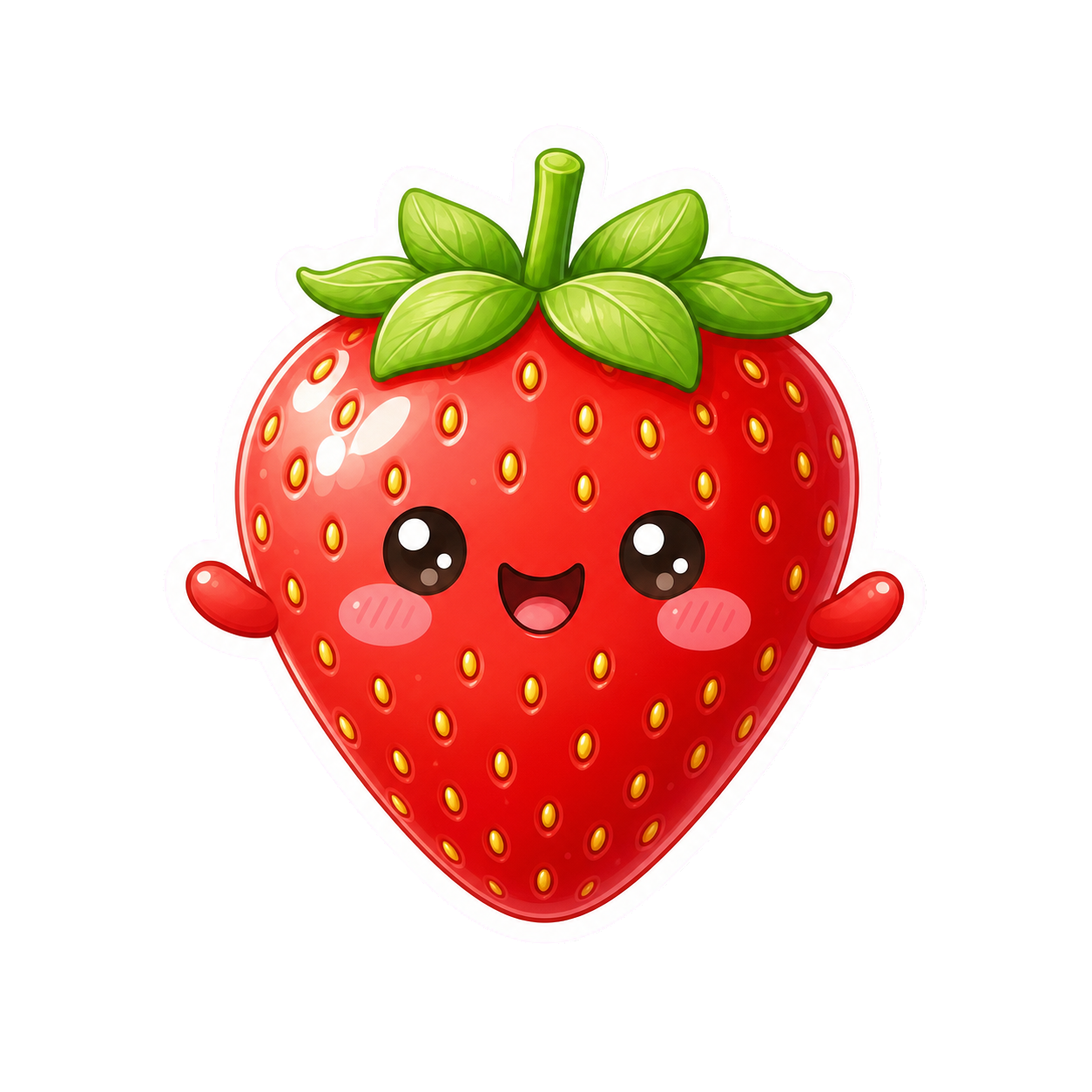
- One main subject
- Recognizable expression or action
- Clean outline or border
- Simple background
- Readable at small size
Frequently asked questions
Who is this guide for?
A good AI sticker is simple, expressive, and easy to recognize at a small size. The prompt should focus on one character, object, reaction, or phrase.
What workflow does this guide support?
This guide is designed to help with how to make ai stickers and connects to the matching Vismuse workflow page for hands-on execution.
Do I need design experience to use this workflow?
No. Start with the guide structure, add the details you already know, and use the matching Vismuse generator to create and refine the visual.