
Choose the release format
Decide whether the artwork is for an album, single, EP, mixtape, or playlist. The format changes how much information belongs on the cover and how bold the main visual should be.
Most music artwork needs a square composition, so plan the image around a strong center, readable type, and enough quiet space for the title or artist name.
- Album, EP, single, mixtape, or playlist
- Square cover crop
- Artist name and release title
- Text-heavy or text-light direction
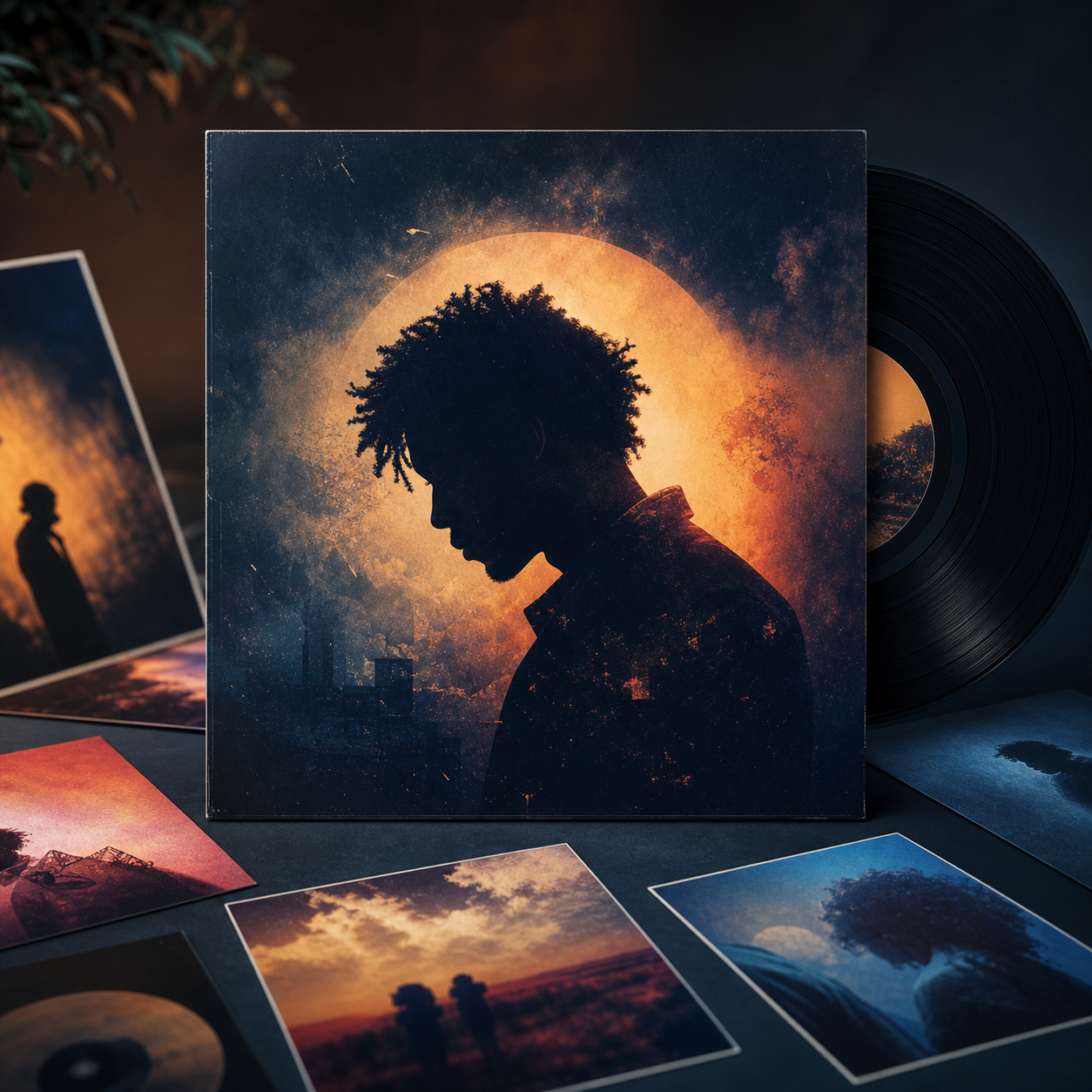
Turn the sound into visual direction
Write down the genre, mood, setting, colors, and emotional world of the release. A useful brief sounds like a visual version of the track: moody rap, dreamy indie, glossy electronic, minimal R&B, heavy metal, or warm acoustic.
Add two or three specific visual cues instead of asking for generic cover art. For example, mention film grain, chrome typography, dramatic shadows, torn paper texture, editorial portrait lighting, or a surreal landscape.
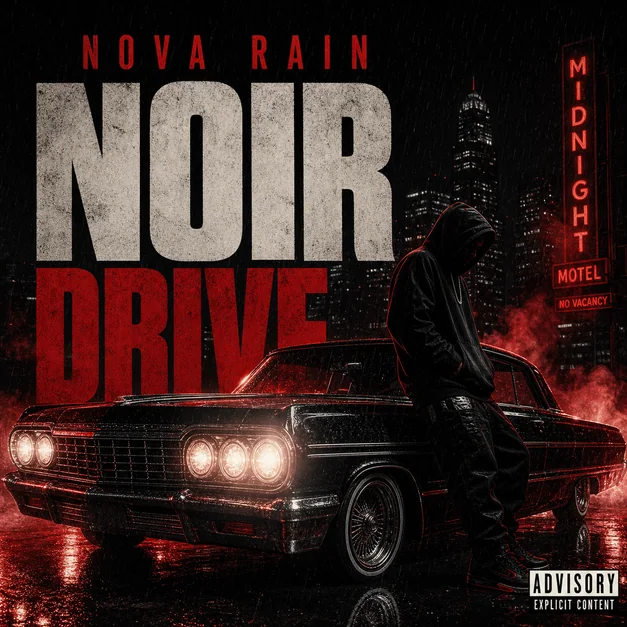
Build the layout around the title
If the cover includes text, decide where the title and artist name should sit before generating. Ask for a clear title area, high contrast, and typography that matches the genre.
If you want the artwork to stay text-free, say so directly. Many covers work better when the visual identity carries the mood and the title is added later in a separate design pass.
- Title placement
- Artist name placement
- Typography style
- Contrast and readability
- Text-free option
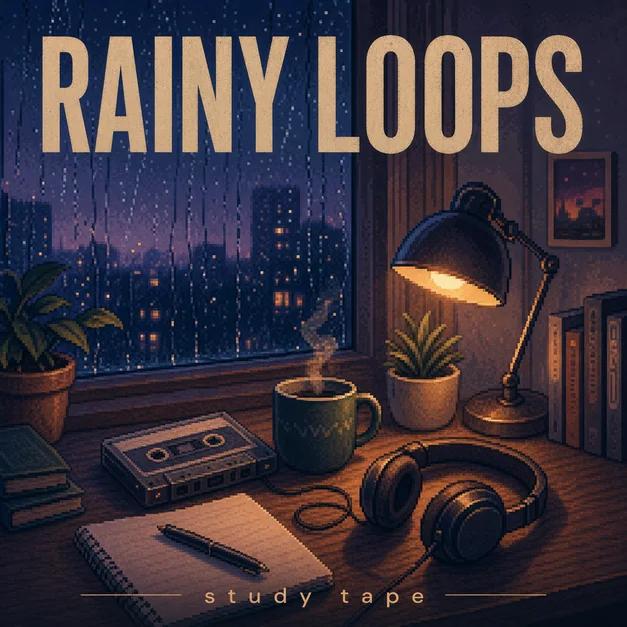
Generate and refine for thumbnail clarity
After the first version, zoom out and check whether the cover still reads when it is small. The subject, mood, title area, and color contrast should survive as a streaming thumbnail.
The correct phrase is how to make an album cover, though some people search for how to make a album cover. Either way, the workflow is the same: define the release, generate a square concept, then refine composition and readability.
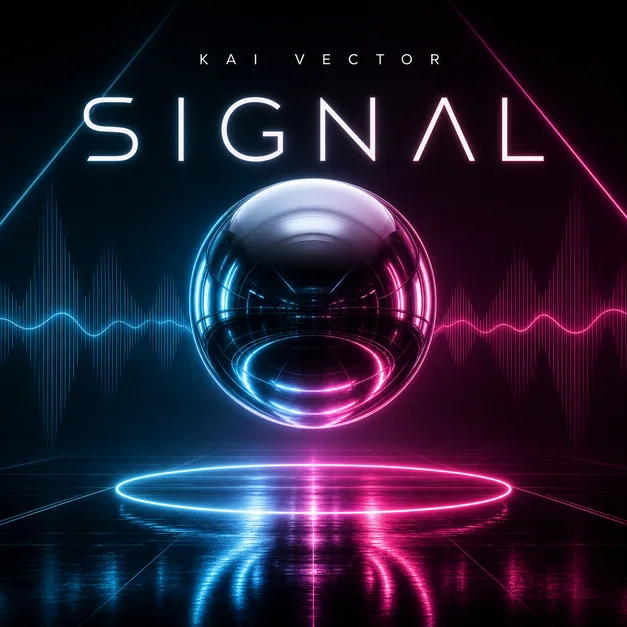
Checklist
- The genre and mood are clear without reading extra context
- The cover is composed for a square crop
- Title and artist text are readable or intentionally left out
- The main subject still works at thumbnail size
- The artwork feels like a music release, not a generic poster
Reusable examples
Rap mixtape cover prompt
Use this when the cover needs dramatic atmosphere and bold music identity.
Create a square rap mixtape cover for an artist named NIGHT VAULT, title 'Cold Signal'. Dark city street at midnight, cinematic shadows, silver title typography, subtle parental advisory-style label, high contrast, release-ready album cover art.
Indie single cover prompt
Use this for a softer song with a photographic mood.
Create square album cover art for an indie single titled 'After the Rain'. Dreamy film photo style, soft blue and amber colors, quiet street at night, subtle serif title at the top, minimal artist name, release-ready music artwork.
Electronic playlist cover prompt
Use this for a clean visual built around color and motion.
Create a square electronic playlist cover with abstract glass shapes, neon cyan and warm orange light, crisp modern type, minimal composition, strong thumbnail readability, polished streaming cover artwork.
Frequently asked questions
Who is this guide for?
A strong album cover makes the release feel recognizable before anyone hears the first track. Start with the music identity, build a square composition, and refine the artwork until it still works as a tiny streaming thumbnail.
What workflow does this guide support?
This guide is designed to help with how to make an album cover and connects to the matching Vismuse workflow page for hands-on execution.
Do I need design experience to use this workflow?
No. Start with the guide structure, add the details you already know, and use the matching Vismuse generator to create and refine the visual.