
Choose what to preserve from the photo
Tell the AI what must stay the same: face, expression, hairstyle, outfit, pose, instrument, or microphone. This is the most important instruction when the singer needs to remain recognizable.
If the photo is only a mood reference, say that the identity can change. If it is the artist portrait, say to keep the same face and expression.
- Keep the same face
- Keep the singing expression
- Keep the microphone or instrument
- Keep the outfit
- Use the photo only as a mood reference

Convert the photo into square music artwork
Album covers need a 1:1 square composition. Ask for square album cover art, centered or intentional off-center framing, and enough clean space for the release title.
If the original photo is vertical, decide whether the cover should crop close to the face or rebuild the background to fit a square.
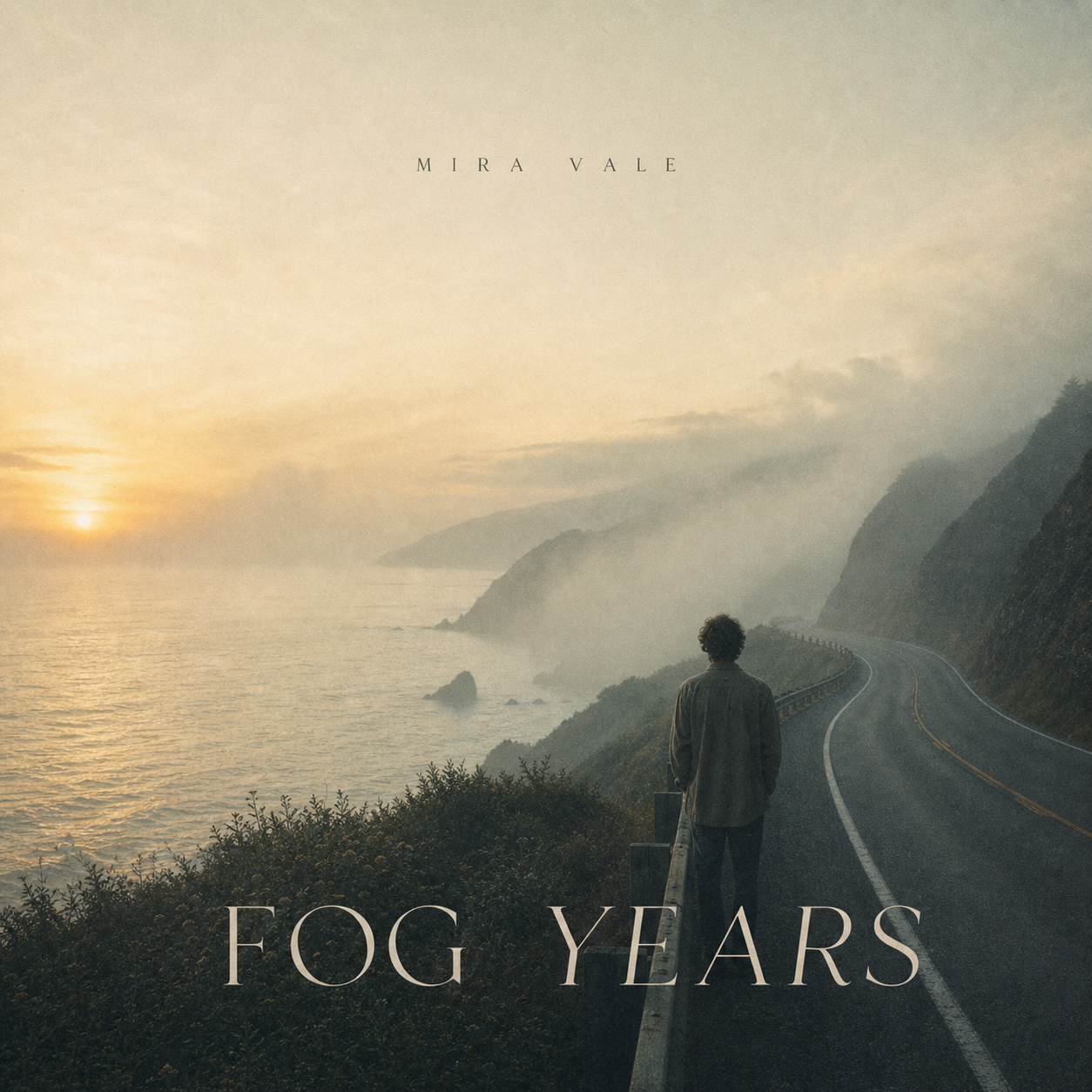
Match the background to the song
A singer portrait becomes cover art when the background carries the release mood. Add genre cues like moody R&B studio, rainy street pop ballad, warm country field, punk alley, jazz club spotlight, or futuristic K-pop teaser set.
Keep the background specific but not crowded. The artist should still read first.

Add title text carefully
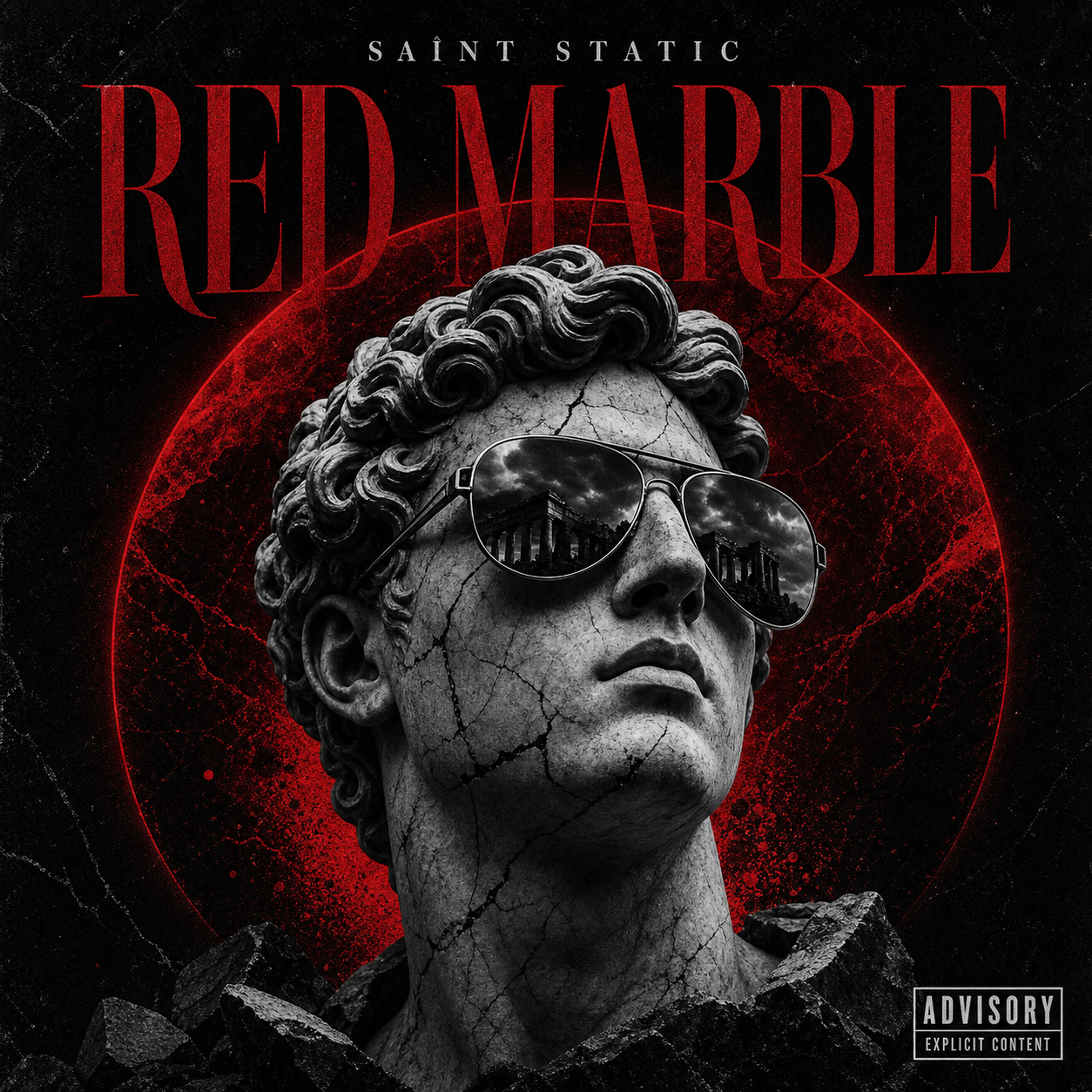
If the album cover needs text, include the exact artist name and release title. Describe placement and typography, then check whether it is readable at thumbnail size.
If the generator struggles with exact typography, create a clean text-free cover first and add title treatment in a follow-up design pass.
- Exact release title
- Exact artist name
- Top, lower-third, or centered placement
- Readable thumbnail text
- Text-free version for later editing
Checklist
- Prompt says what identity details to preserve
- Cover uses a 1:1 square composition
- Background matches the song mood
- Title area has enough contrast
- Face and release identity still read at small size
Reusable examples
Singer photo to album cover prompt
Use this when the uploaded photo should stay recognizable.
Use the uploaded singer photo as the main artist portrait. Keep the same face, hairstyle, outfit, and microphone pose. Turn it into square album cover art for a moody pop single titled 'Night Chorus', rainy neon street background, clean lower-third title area, readable thumbnail.
Minimal R&B cover prompt
Use this for a cleaner portrait cover.
Transform this singer portrait into a minimal R&B album cover. Keep the face and calm expression, use a warm studio backdrop, soft shadow, cream and deep green palette, small elegant title at top, square streaming artwork, no extra objects.
Frequently asked questions
Who is this guide for?
A singer photo can become strong album artwork when the face stays recognizable, the crop becomes square, and the visual world matches the song. Treat the photo as the anchor, then redesign the scene around the release.
What workflow does this guide support?
This guide is designed to help with how to turn a singer photo into an album cover and connects to the matching Vismuse workflow page for hands-on execution.
Do I need design experience to use this workflow?
No. Start with the guide structure, add the details you already know, and use the matching Vismuse generator to create and refine the visual.