
Start with the photo's job
Decide what the uploaded photo should do in the final cover. It might be the artist portrait, a group photo, a selfie, a location reference, or a mood reference for lighting and color.
Tell the generator what must stay recognizable before asking for style changes. This is especially important for faces, poses, clothing, instruments, cars, or any object that makes the cover feel personal.
- Use this photo as the artist portrait
- Keep the same face and pose
- Keep the outfit but change the background
- Use the photo only for lighting or mood
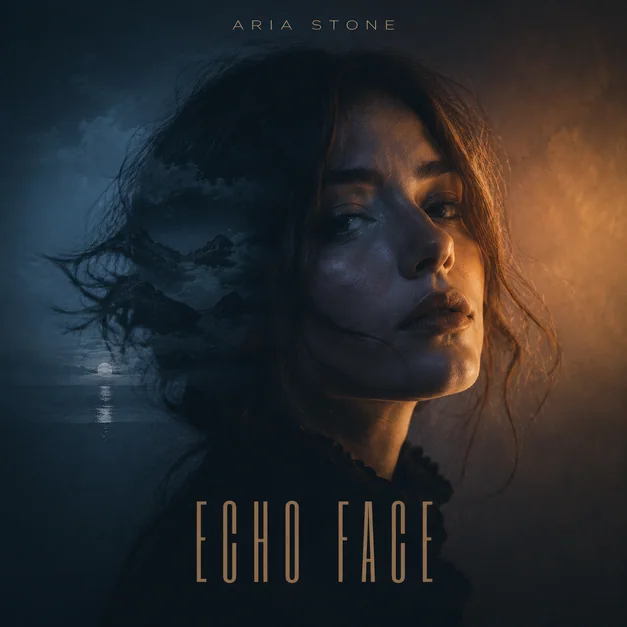
Change the background without losing the subject
Most photo-to-album-cover requests need a stronger scene than the original photo. Ask for a new background, but tie it to the music identity: foggy coastal road, dark city street, luxury studio, warm country field, or minimal editorial backdrop.
If the person matters, say keep the face, identity, crop, and expression while replacing the background. If the photo is only a reference, say the image can be reinterpreted more freely.
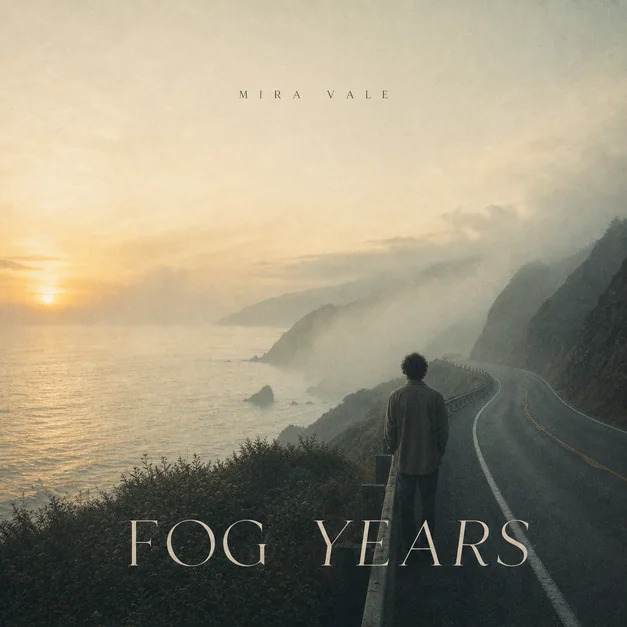
Add title and artist text deliberately
When the cover needs text, include the exact album title and artist name in the prompt. Then describe placement, font mood, contrast, and whether the text should stay subtle or bold.
For streaming covers, readable typography usually matters more than decorative typography. Ask for a clear title area and check whether the words survive as a small square thumbnail.
- Exact album title
- Exact artist name
- Top, center, lower-third, or corner placement
- Readable serif, bold condensed, chrome, handwritten, or minimal type
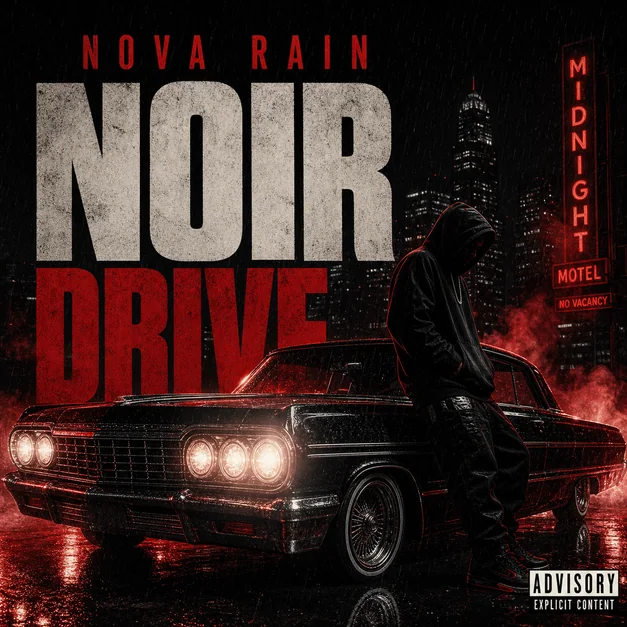
Refine with focused photo-cover edits
After the first result, revise one thing at a time. Ask to keep the same face, make the title more readable, replace the background, remove extra people, make it darker, make it more luxury, or add an advisory-style label.
Focused edits work better than starting over because the generator can preserve the chosen direction while improving the cover-specific detail that failed.
Checklist
- Prompt says what to keep from the photo
- Background change matches the release mood
- Artist and title text use exact wording
- Cover is composed as a 1:1 square
- Face, title, and main subject still read as a thumbnail
Reusable examples
Artist portrait to album cover prompt
Use this when the uploaded photo should remain recognizable.
Use the uploaded photo as the artist portrait. Keep the same face, pose, and expression, replace the background with a foggy night city street, add exact title 'Late Signal' near the lower third, small artist name 'MIRA VALE' at top, square album cover art, readable thumbnail.
Dark rap photo cover prompt
Use this for a photo-based rap or mixtape cover direction.
Turn this photo into a dark rap mixtape cover. Keep the main artist recognizable, add cinematic street lighting, black and deep red palette, bold title area, subtle parental advisory-style label bottom right, gritty release-ready square artwork.
Indie photo cover prompt
Use this for a softer film-photo release mood.
Turn this portrait photo into an indie album cover. Keep the person and gentle expression, replace the background with a misty coastal road at sunrise, muted sage and dusty blue palette, elegant serif title, soft film grain, intimate square cover art.
Frequently asked questions
Who is this guide for?
A photo-to-cover workflow starts with a real image, then turns it into square music artwork by preserving the important subject, changing the visual world, and refining title readability.
What workflow does this guide support?
This guide is designed to help with photo to album cover and connects to the matching Vismuse workflow page for hands-on execution.
Do I need design experience to use this workflow?
No. Start with the guide structure, add the details you already know, and use the matching Vismuse generator to create and refine the visual.