
Product and ecommerce images
Product Ad Image Generator documentation
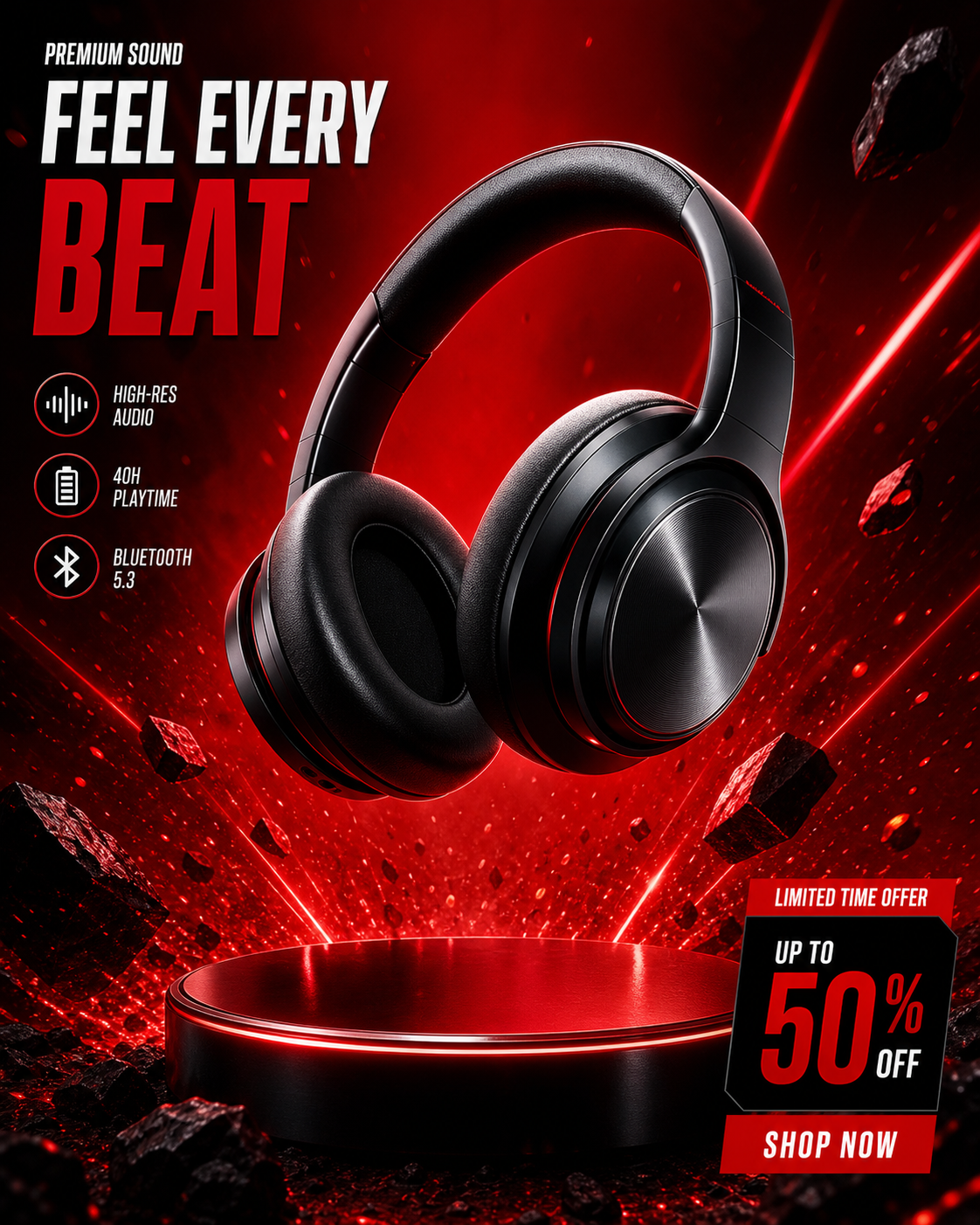
Use Product Ad Image Generator when the product needs to remain recognizable while the scene, background, offer, or campaign direction becomes more polished.
When to use it
Use this workflow for ecommerce images, launch creatives, product backgrounds, paid social concepts, and campaign visuals where the item is the center of the composition.
It is better than the general image maker when the product itself, offer, audience, or platform format matters.
Supported inputs
You can start from a product photo, product URL, written product description, campaign brief, or ad concept. Add audience, mood, platform, and any text-space requirements when they matter.
- Product image or product URL
- Product name and key benefits
- Campaign goal or offer
- Background, lighting, and prop direction
What Vismuse generates
Vismuse generates product-aware ad images that can be used as a campaign starting point. You can then revise background, crop, lighting, copy space, or scene details.
- Product ad images
- Product background concepts
- Launch images
- Social ad creative drafts
Workflow
- Upload or describe the product
- Add campaign context and audience
- Choose the scene or ad direction
- Generate and refine the product image
Tips
- Mention if the product must stay centered or keep its original shape.
- Describe the buyer and platform before asking for props or background details.
- Leave clear space if you plan to add headline text later.
Related resources
- Browse product ad examples — Remix product ad prompts for ecommerce images, AI photoshoots, launch images, and product backgrounds.
- Create product ad images — Open the generator with product ad defaults and campaign-focused examples.