

Start with the profile picture style
Pick a direction before writing the prompt: cute cartoon avatar, soft aesthetic portrait, anime girl PFP, cozy character, couple matching PFP, pet profile picture, or minimal icon-style avatar.
Because profile pictures are cropped small, ask for a centered subject, simple background, and strong silhouette.
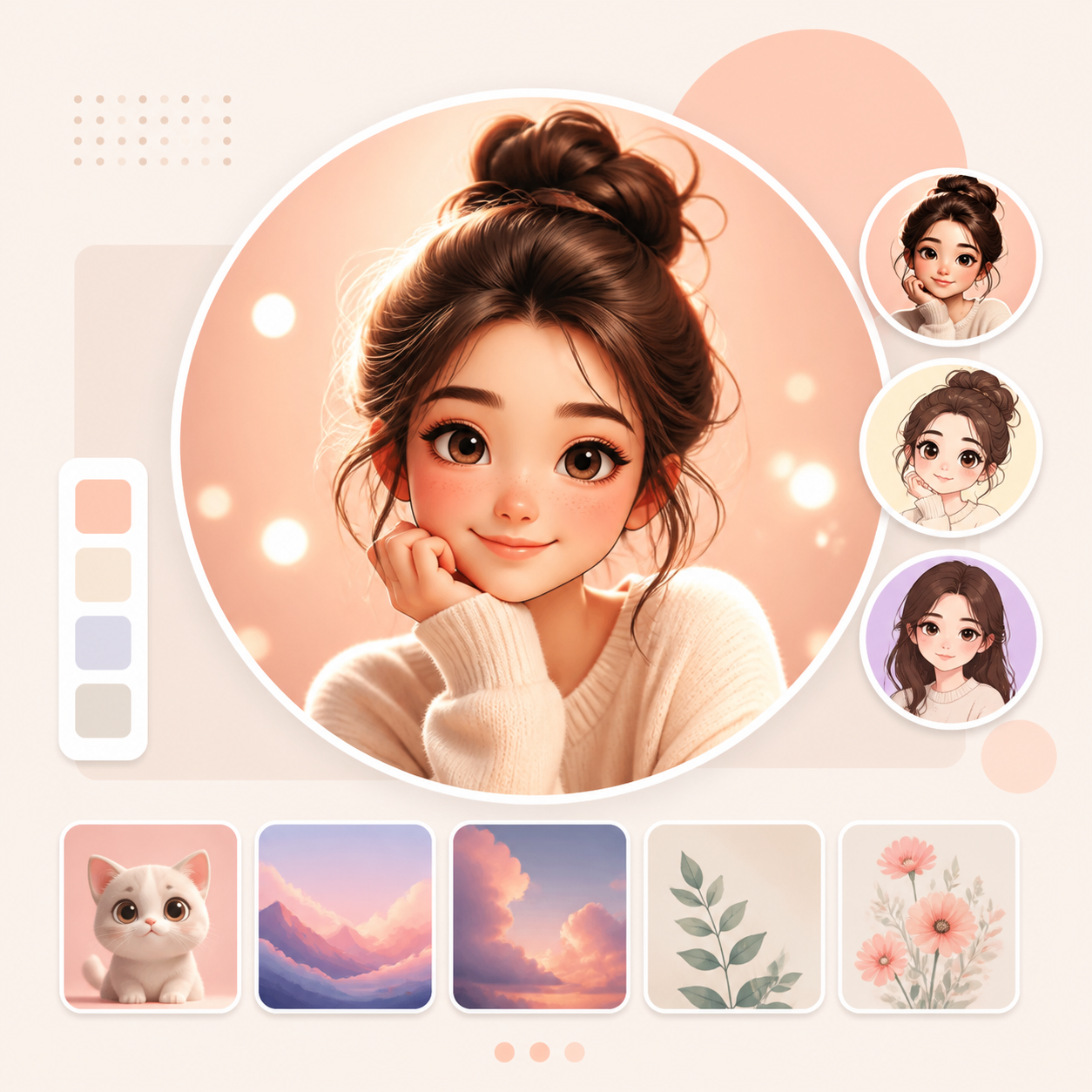
Write for a small circular crop
Many profile pictures appear inside a circle. Keep important details away from the corners and avoid tiny text. A good prompt asks for a close-up or bust portrait with a clean background.
For matching PFPs, describe the shared theme first, then ask for two coordinated images with different poses or colors.
- Centered subject
- Simple background
- Clear face or character shape
- Cute or aesthetic color palette
- Square format
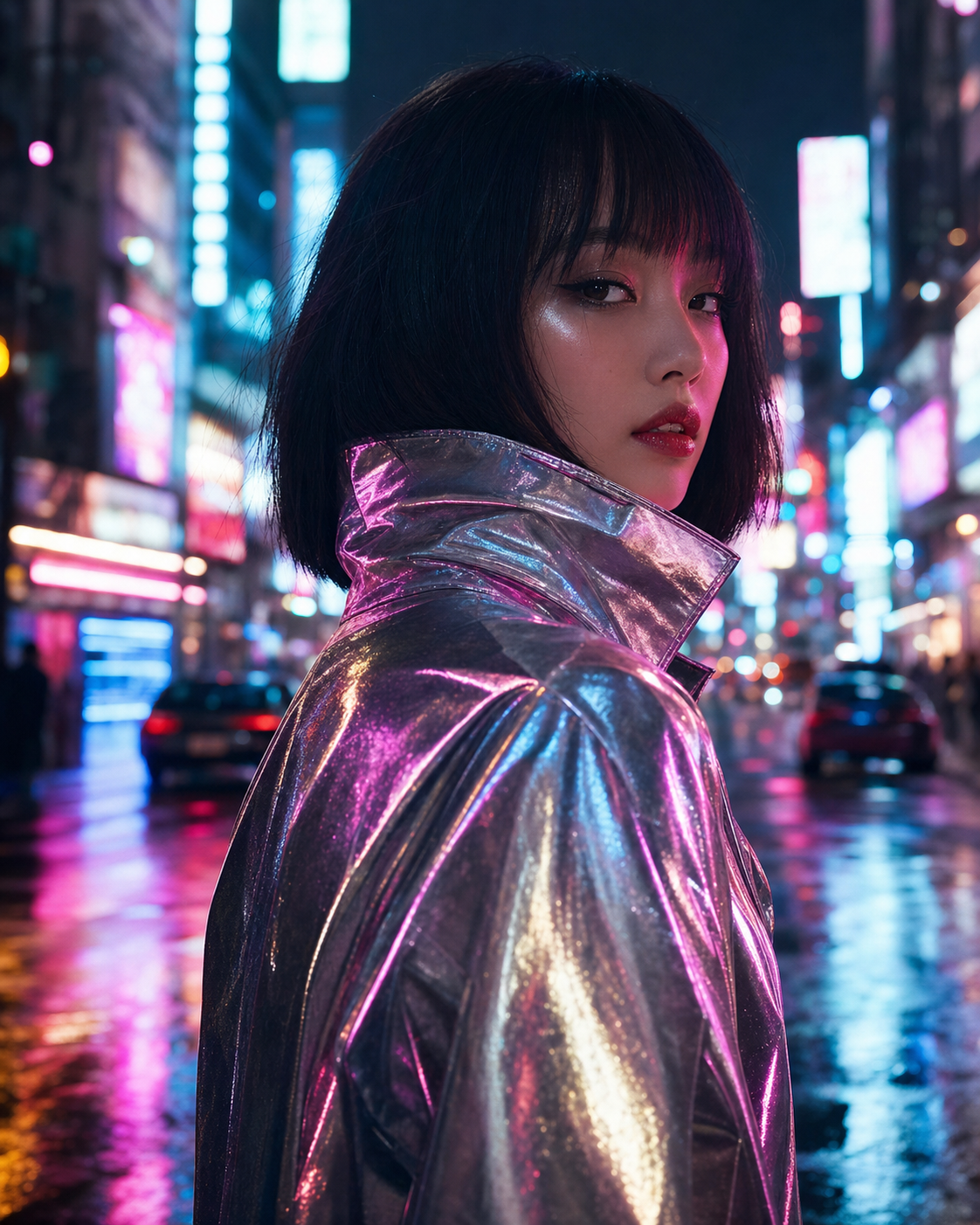
Refine the expression and background
Small changes make a profile picture feel more personal. Ask for a warmer expression, softer lighting, simpler background, brighter eyes, a sticker-like outline, or a more polished avatar style.
If the image feels too detailed, simplify it. A memorable PFP usually reads well before the viewer opens it full size.

Frequently asked questions
Who is this guide for?
A cute profile picture needs a clear subject, readable crop, and a style that still works when the image is small. The prompt should be written for an avatar, not a full poster.
What workflow does this guide support?
This guide is designed to help with how to make cute profile pictures with ai and connects to the matching Vismuse workflow page for hands-on execution.
Do I need design experience to use this workflow?
No. Start with the guide structure, add the details you already know, and use the matching Vismuse generator to create and refine the visual.