
Start with the singer and genre
Name the kind of singer first: pop vocalist, jazz singer, rapper, K-pop idol-style performer, country singer-songwriter, punk vocalist, opera singer, or animated music avatar.
Then add the genre or song mood. Genre changes clothing, lighting, background, pose, typography, and color choices.
- Singer type
- Genre
- Song mood
- Age or styling direction if needed
- Realistic, illustrated, anime, or editorial style
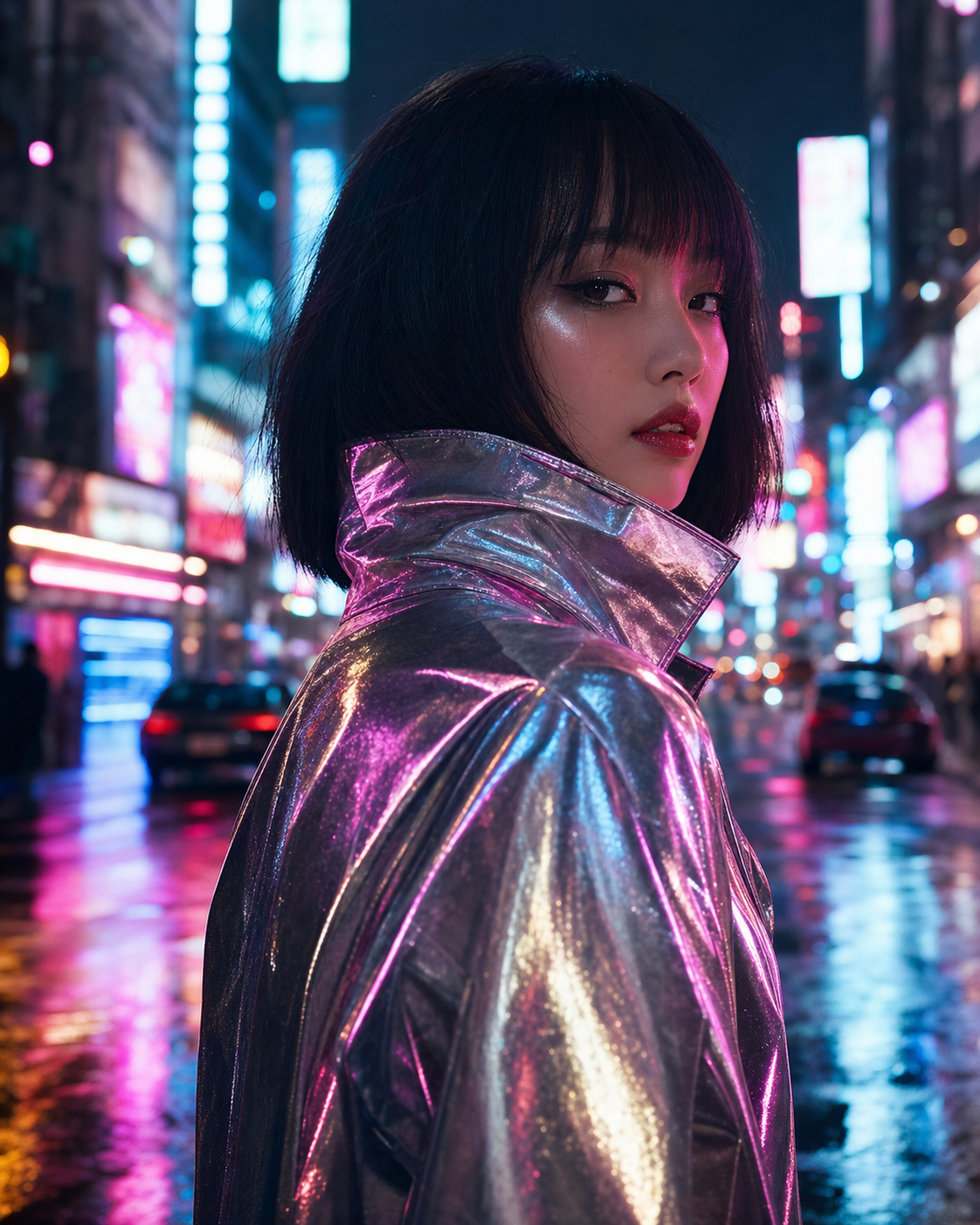
Describe the performance moment
Singer prompts work better when they capture a moment: mid-chorus, reaching a high note, leaning into a microphone, recording in a booth, holding an acoustic guitar, or standing in a spotlight before the crowd appears.
A performance verb gives the AI a clearer body pose and expression than simply asking for a singer.
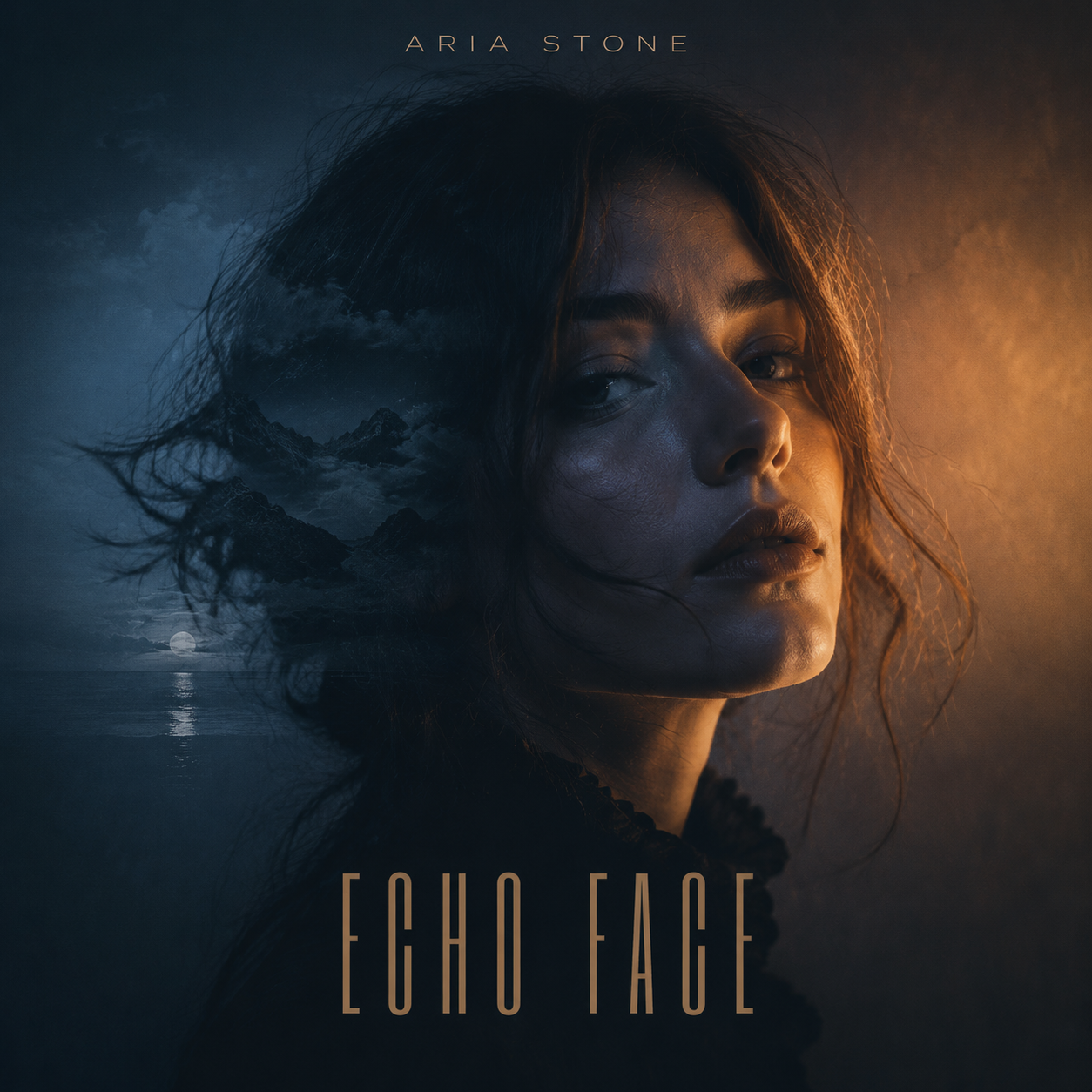
Add lighting and camera cues
Use lighting words that match music photography: rim light, warm spotlight, LED wall, stage haze, soft studio key light, crowd bokeh, low-key shadows, or golden hour backlight.
Camera cues such as close-up portrait, waist-up framing, low angle, shallow depth of field, or square cover crop help shape the final image.
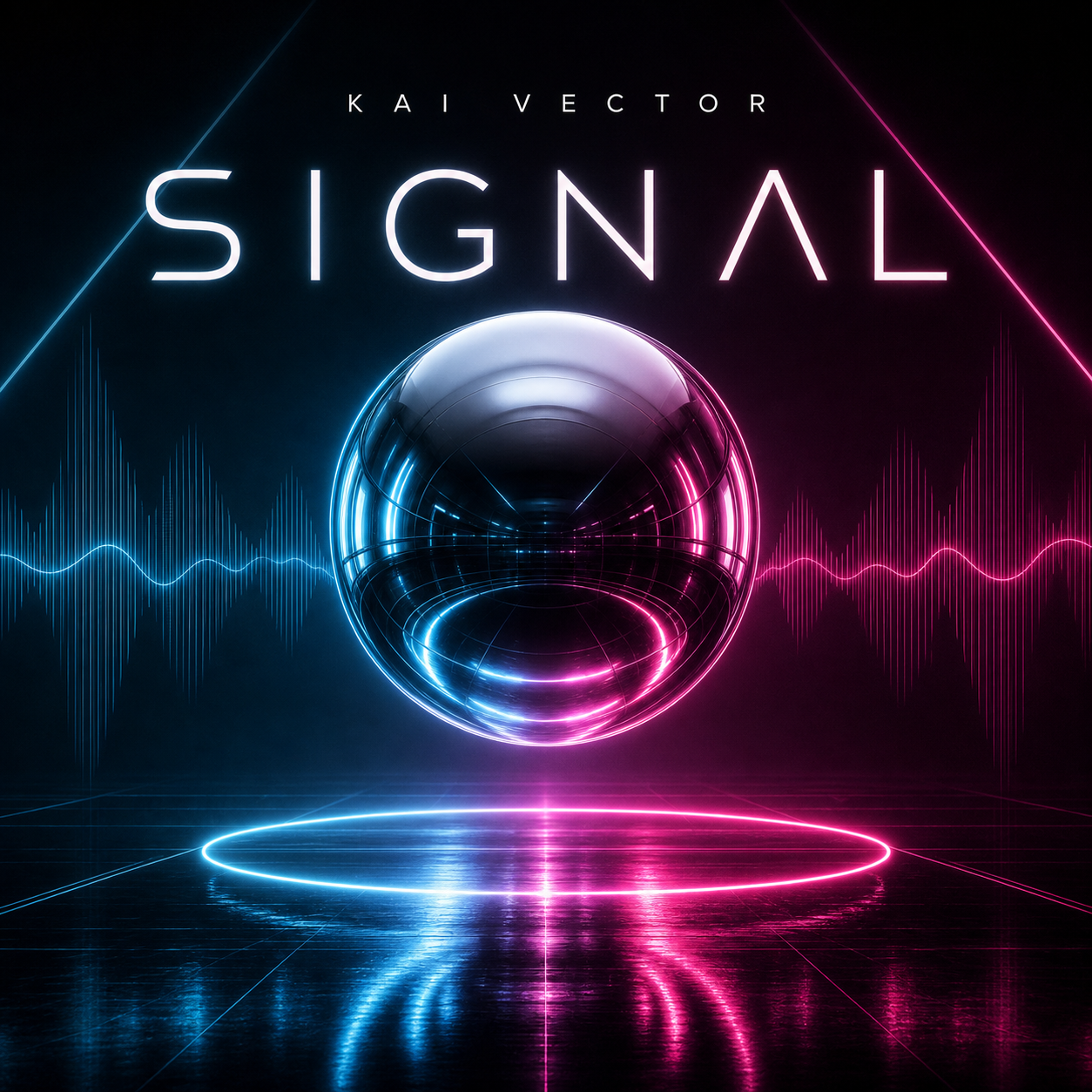
End with the final use
Finish the prompt with the output type: social portrait, album cover, phone wallpaper, desktop wallpaper, poster concept, or source image for later animation. This tells the generator how much space to leave and what composition to prioritize.
If the image might later become a lip-sync or singing video, ask for a clear front-facing portrait with an unobstructed face.
- Social post
- Album cover
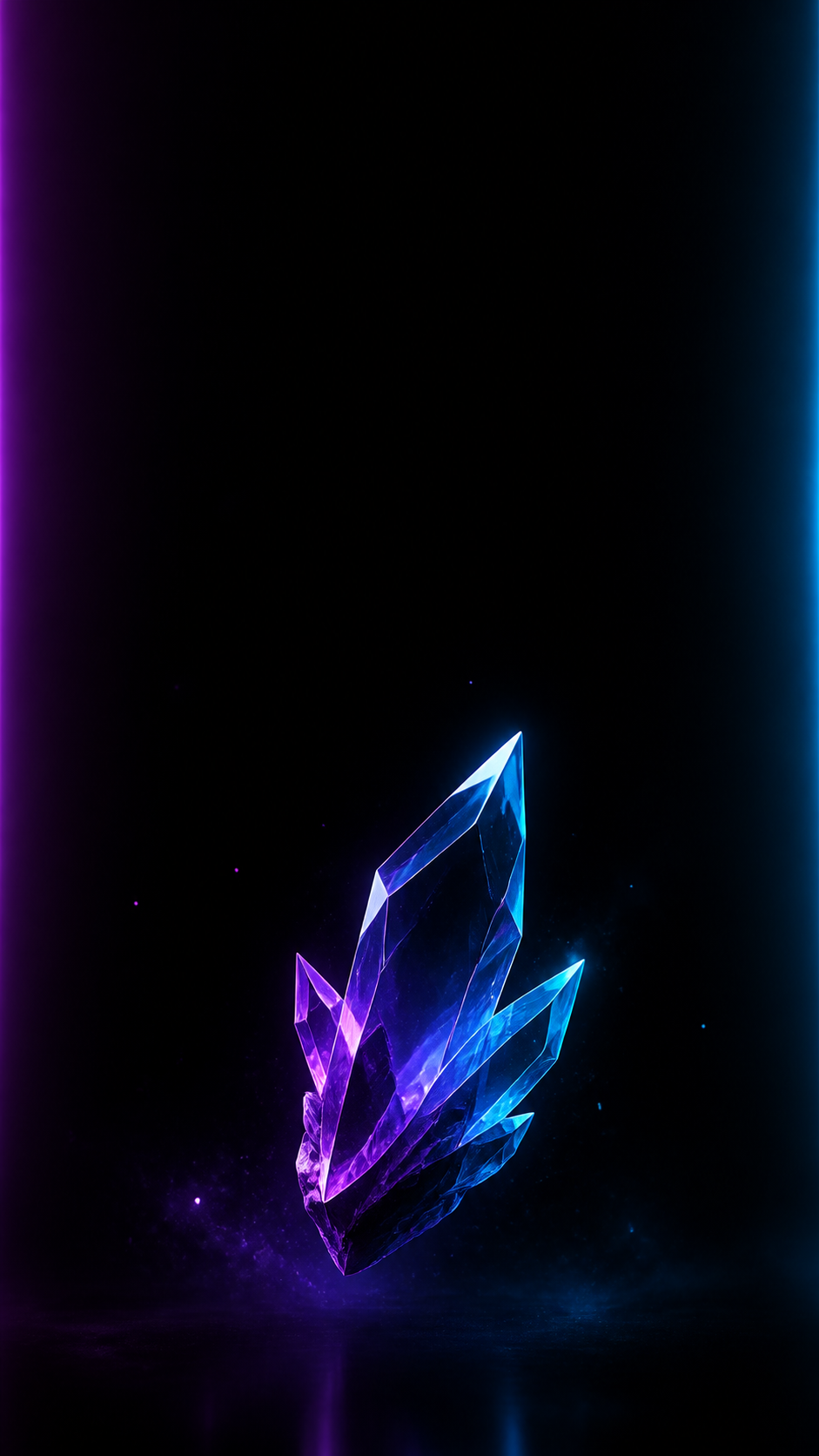
- Phone wallpaper
- Desktop wallpaper
- Source portrait for animation
- Music avatar
Checklist
- Singer type appears near the start
- Genre or song mood is specific
- Prompt includes a performance moment
- Lighting and camera cues shape the image
- Final format is stated at the end
Reusable examples
Singer portrait prompt structure
Use this as a reusable prompt pattern.
[Singer type] performing [moment], [genre or song mood], [microphone or instrument], [lighting], [setting], [camera framing], [style], [final format].
K-pop style singer prompt
Use this for a polished editorial music image.
Create a K-pop idol-style singer portrait, performer leaning into a chrome microphone, glossy studio lighting, pastel hair highlights, futuristic stage backdrop, crisp beauty lighting, confident expression, ultra-realistic editorial music photo, 4:5 social image.
Acoustic singer wallpaper prompt
Use this for a calmer music wallpaper.
Create a 9:16 phone wallpaper of an acoustic singer-songwriter playing guitar in a warm cafe, soft window light, gentle singing expression, blurred fairy lights, clean negative space at the top, cozy realistic music photography, no text.
Frequently asked questions
Who is this guide for?
Good AI singer image prompts combine subject, genre, performance moment, lighting, setting, camera feel, and final format. The more specific the music world, the less generic the singer image feels.
What workflow does this guide support?
This guide is designed to help with ai singer image prompts and connects to the matching Vismuse workflow page for hands-on execution.
Do I need design experience to use this workflow?
No. Start with the guide structure, add the details you already know, and use the matching Vismuse generator to create and refine the visual.