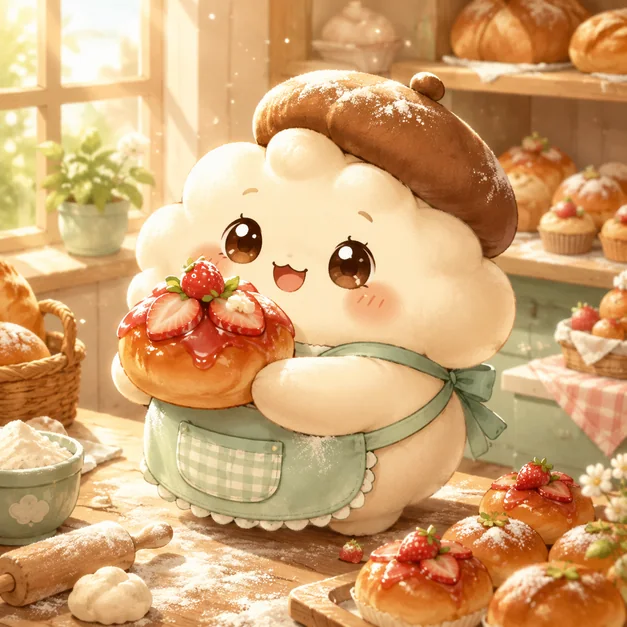
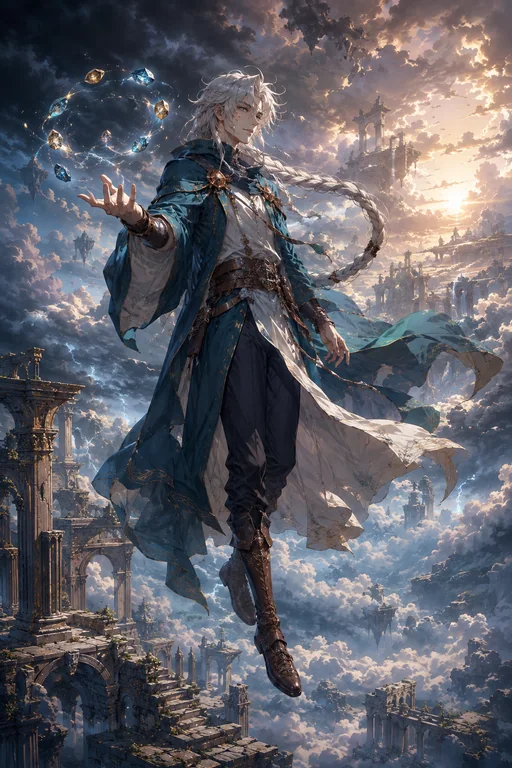
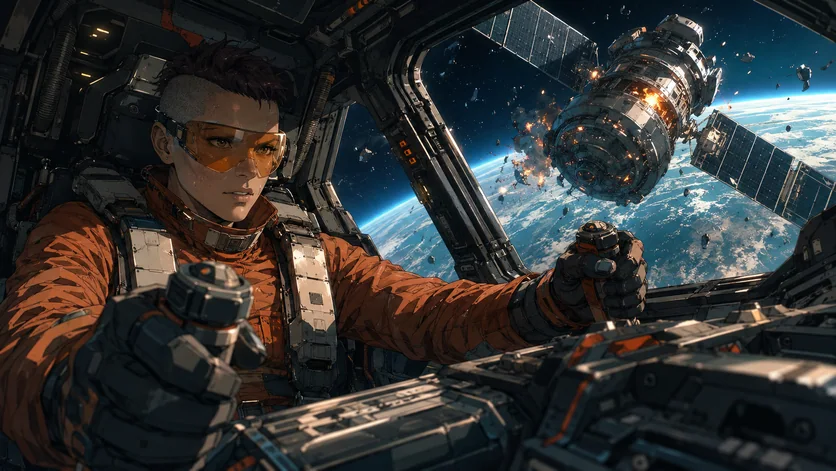
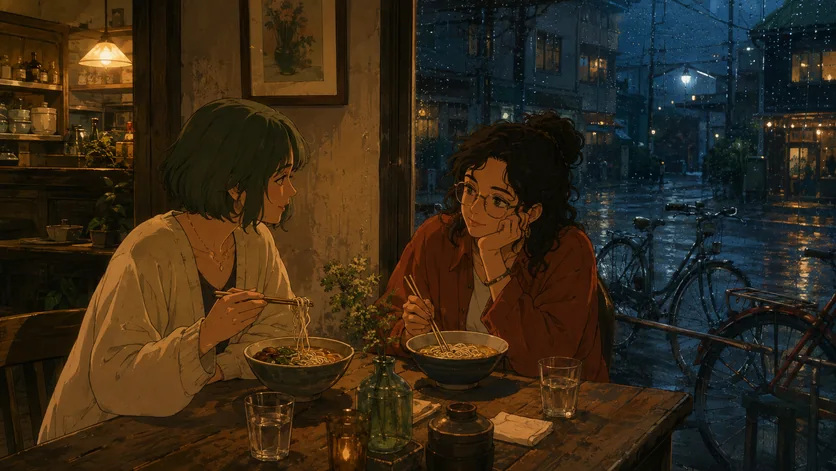
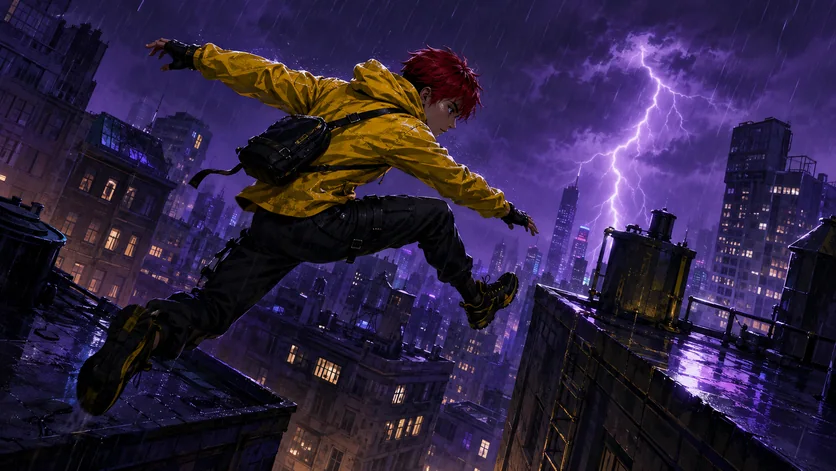
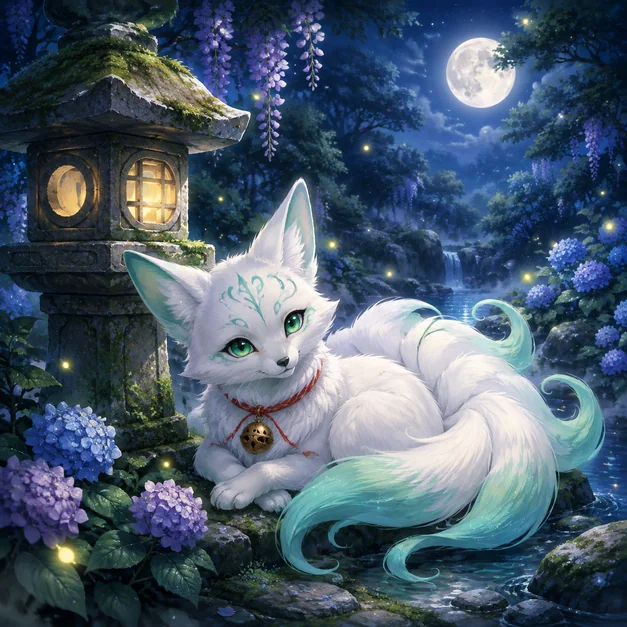
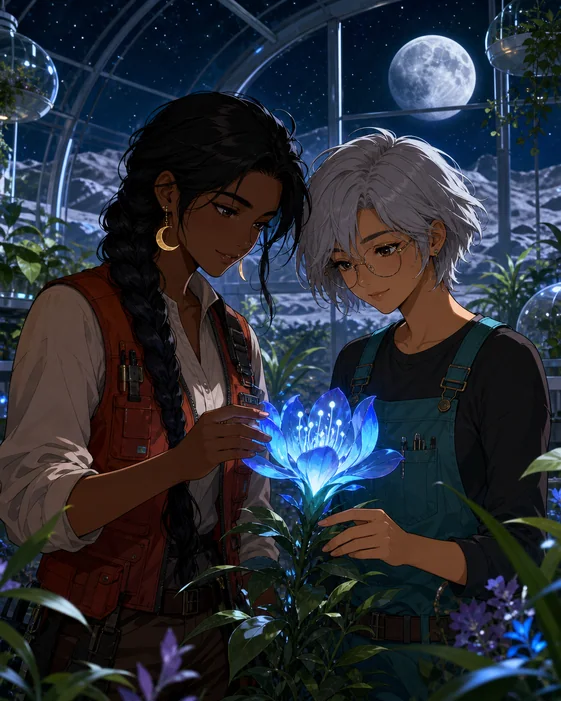
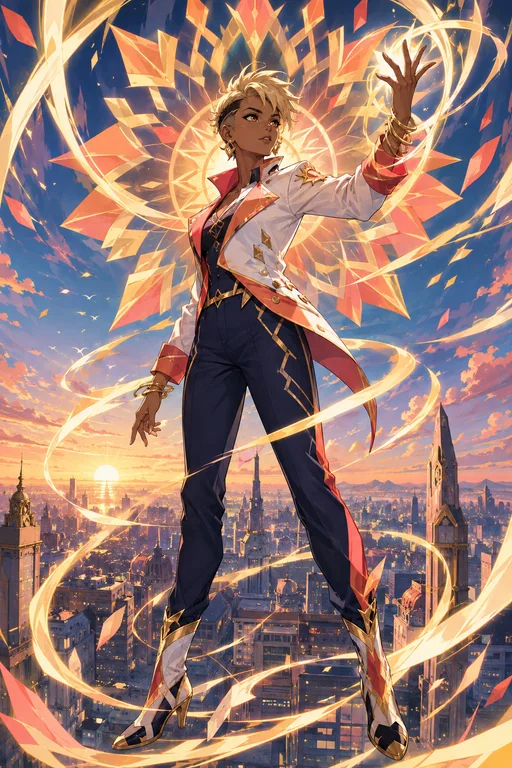
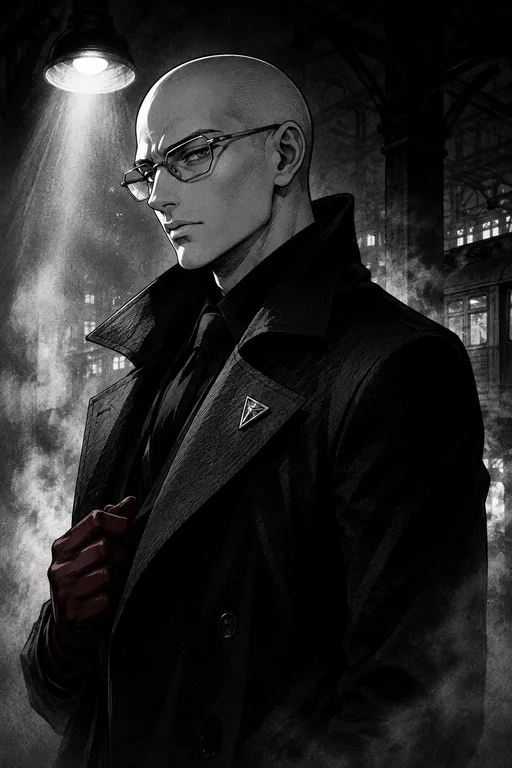
Turn a character or scene idea into original anime artwork.
Describe the character, expression, setting, camera angle, and anime direction. Add a reference image when identity or costume details should remain recognizable.
Start with the details that matter, then refine one clear direction at a time.
01
Describe the anime concept
Start with the character or scene, then add appearance, clothing, pose, setting, mood, and intended format.
02
Choose a visual direction
Specify linework, color treatment, lighting, camera framing, and whether you want a portrait, key visual, scene, or avatar.
03
Generate and refine
Review faces, hands, costume details, and continuity, then request focused changes through chat.
Creative direction
Design an original anime character
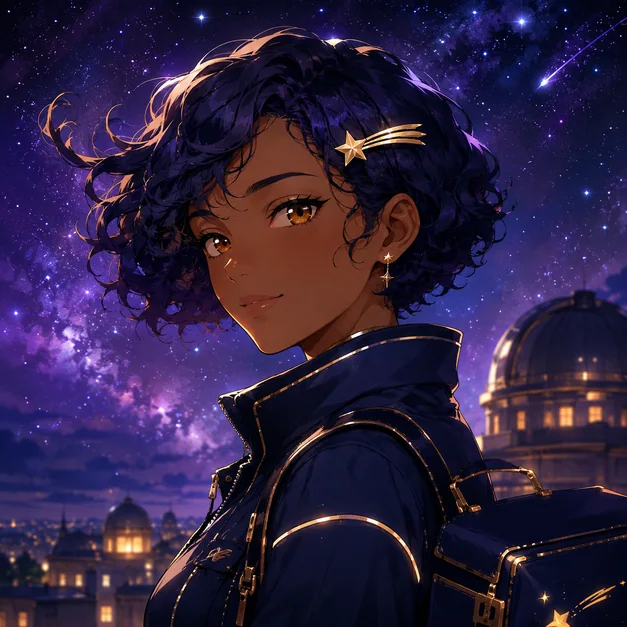
Build a recognizable character from a focused description of silhouette, hairstyle, expression, costume, and personality.
Try this promptCreate an original anime courier with short indigo curls, a gold hairpin, and a midnight-blue jacket, framed as a clean three-quarter portrait against a luminous night sky.
Original anime courier portrait · AI-generated inspiration
Creative direction
Create a cinematic anime scene
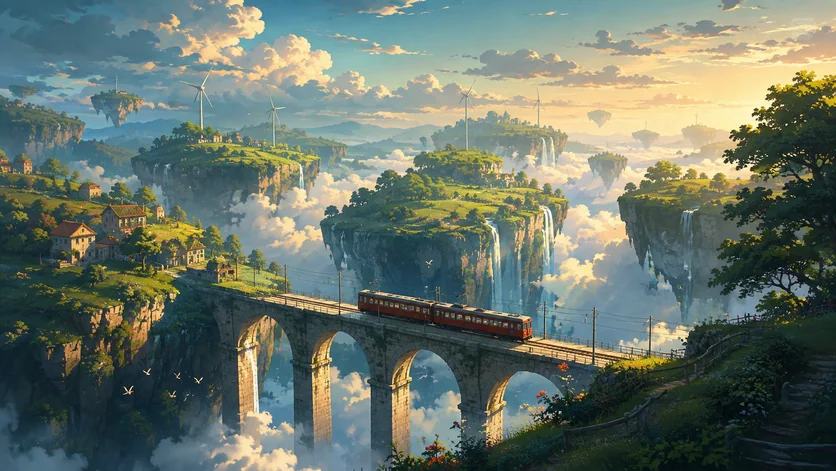
Set the action, environment, time of day, and camera language so the result feels like a story moment rather than a generic pose.
Try this promptCreate a cinematic anime landscape with a train crossing a floating valley, wide composition, dramatic depth, warm light, and a detailed painted environment.
Cinematic anime train scene · AI-generated inspiration
Creative direction
Make an anime avatar
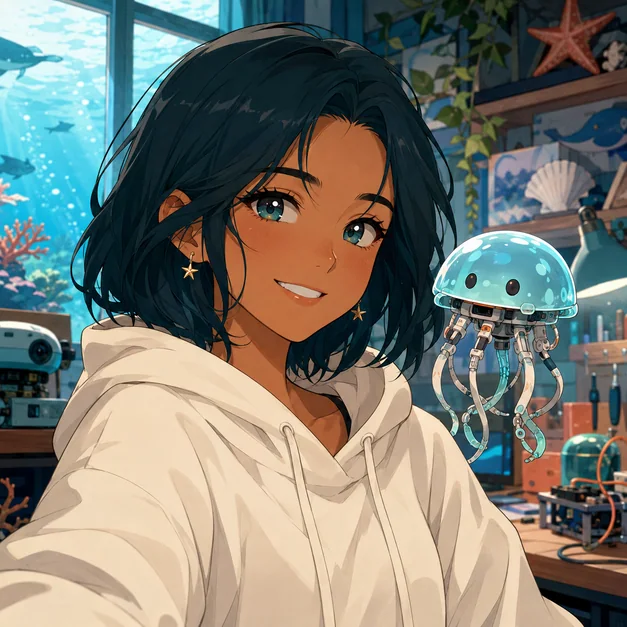
Keep the face readable at a small size with clear framing, controlled details, and a background that supports the subject.
Try this promptCreate a square anime avatar with clean facial features, soft ocean-blue light, a calm room background, and a centered profile-picture composition.
Define the character first. Prioritize silhouette, face, hair, outfit, and expression before adding environmental detail.
Name the shot. Specify close-up, full body, wide scene, low angle, or another deliberate camera view.
Protect continuity. When refining, repeat the costume, colors, props, and identity details that must stay unchanged.
Keep it original. Describe visual qualities instead of requesting an exact living artist style or copyrighted character.
Frequently asked questions
What can I create with an AI anime generator?
You can create original anime characters, portraits, avatars, cinematic scenes, fantasy environments, mascots, and story illustrations from text or reference images.
Can I use a reference image?
Yes. Upload a character, pose, outfit, or composition reference and explain what should remain recognizable and what should change.
Can I refine the same character?
Yes. Continue in the same conversation and restate the identity, costume, palette, and other details that should remain consistent.
Can I create an existing copyrighted character?
Use Vismuse for original characters and concepts. Avoid requesting an exact copyrighted character or the distinctive style of a living artist.
Is the AI anime generator free?
Image generation uses Vismuse credits. Check the current pricing page and the credit requirement shown before generating.