AI Sticker Generator

Make custom sticker art with a few chat prompts, ready in a few minutes.

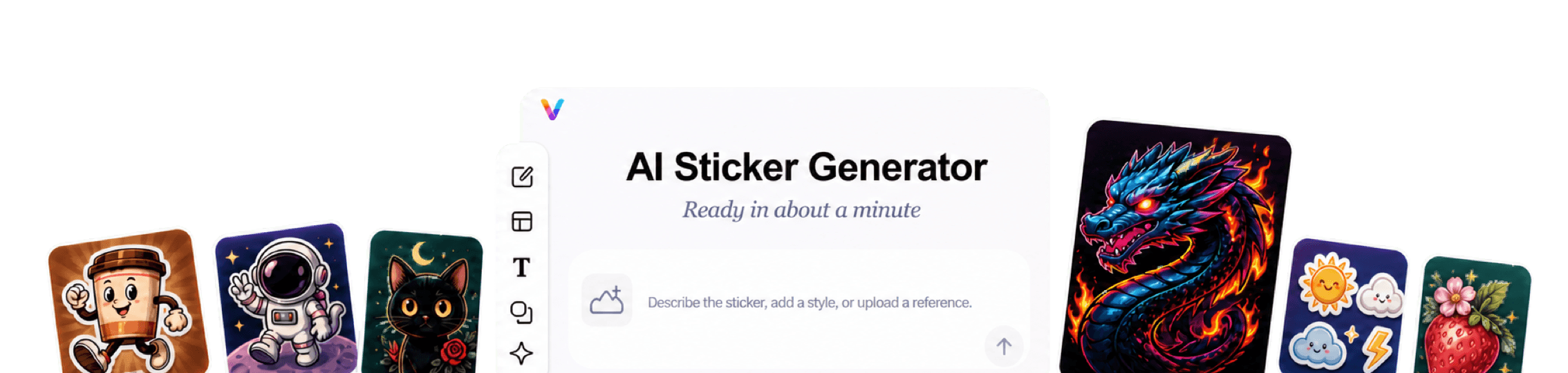
Vismuse AI Sticker Generator workspace surrounded by cute characters, reaction stickers, mascots, labels, and sticker packs
Reaction stickersCharacter stickersSticker sheetsPhoto stickersMascot artLogo stickersPrintable concepts

Turn an idea, photo, or character into custom sticker art.

Create one expressive sticker or build a coordinated sheet for chats, social posts, labels, gifts, and merchandise concepts.

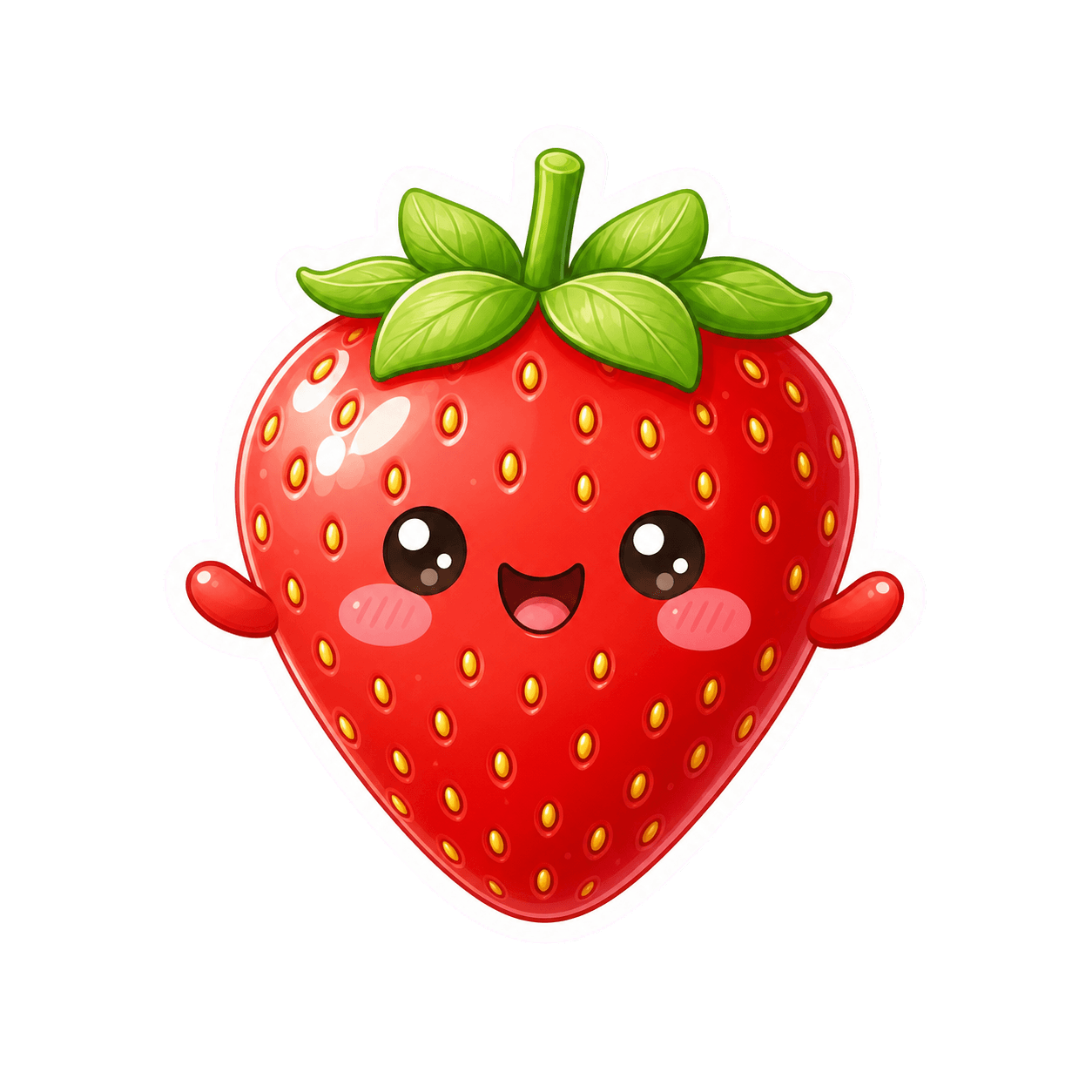
Kawaii strawberry sticker created with AI

Start with the subject and emotion instead of drawing every line. Describe a reaction, mascot, object, pet, icon, or short phrase and tell Vismuse what should stand out at a small size.

Choose a visual direction such as cute, bold, retro, pixel art, watercolor, or minimal linework. Add an outline and a simple background treatment to make the result feel more like a sticker.

Refine the first image through chat, then explore alternate expressions, poses, colors, or a complete sticker sheet without rebuilding the concept from scratch.

How to make stickers with AI

Start designing now
Happy cat reaction sticker made with AI
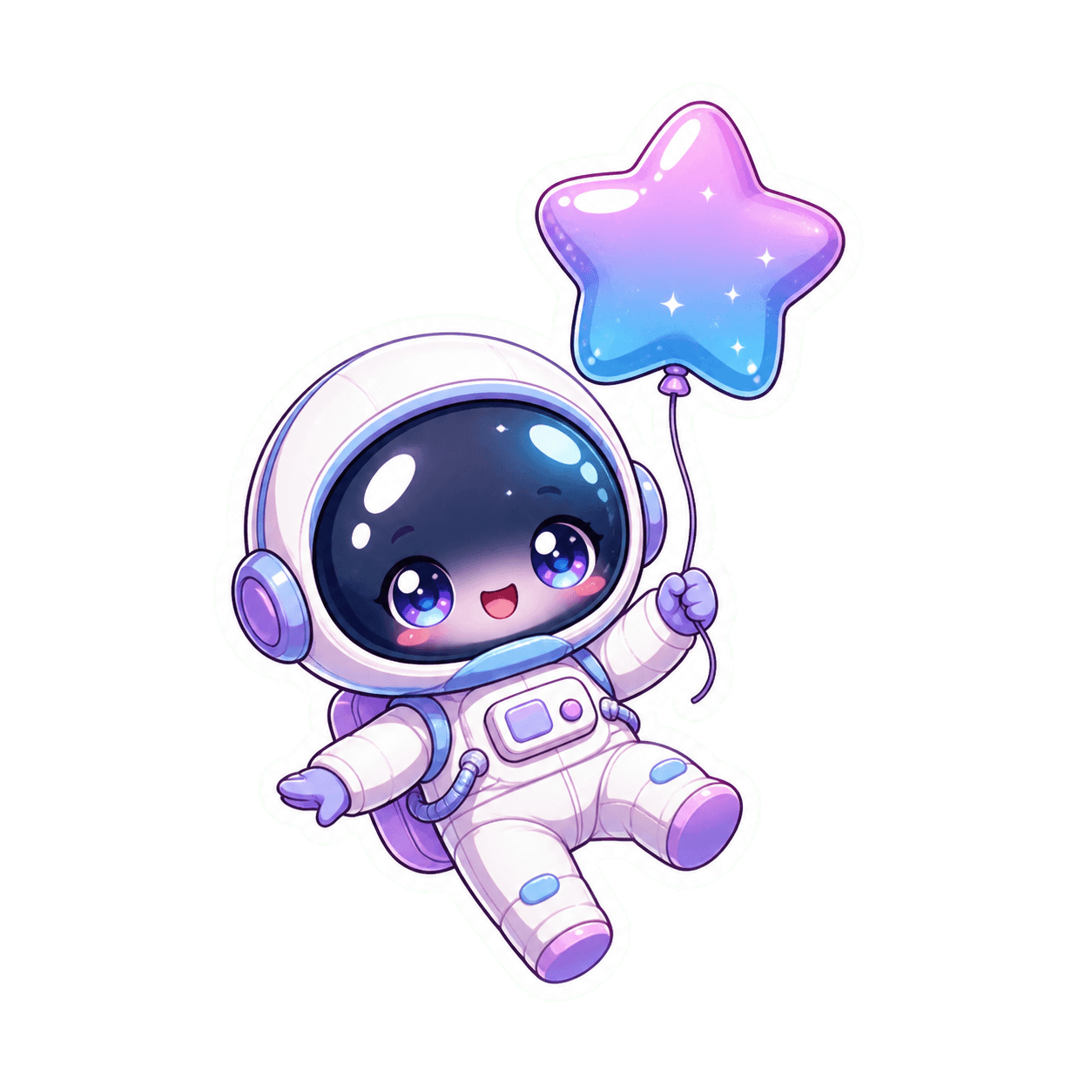
Chibi astronaut sticker style example
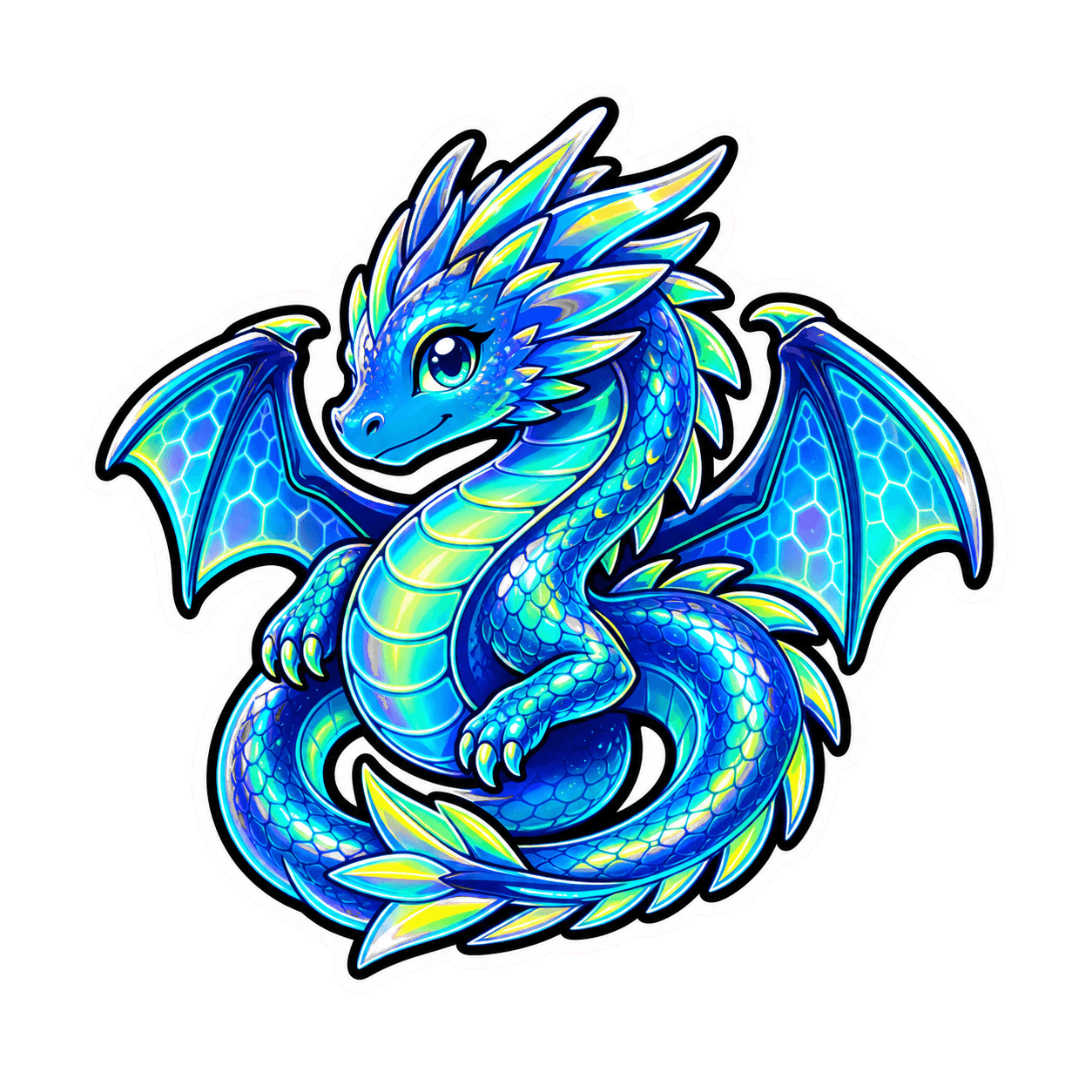
Neon dragon sticker with a bold outline
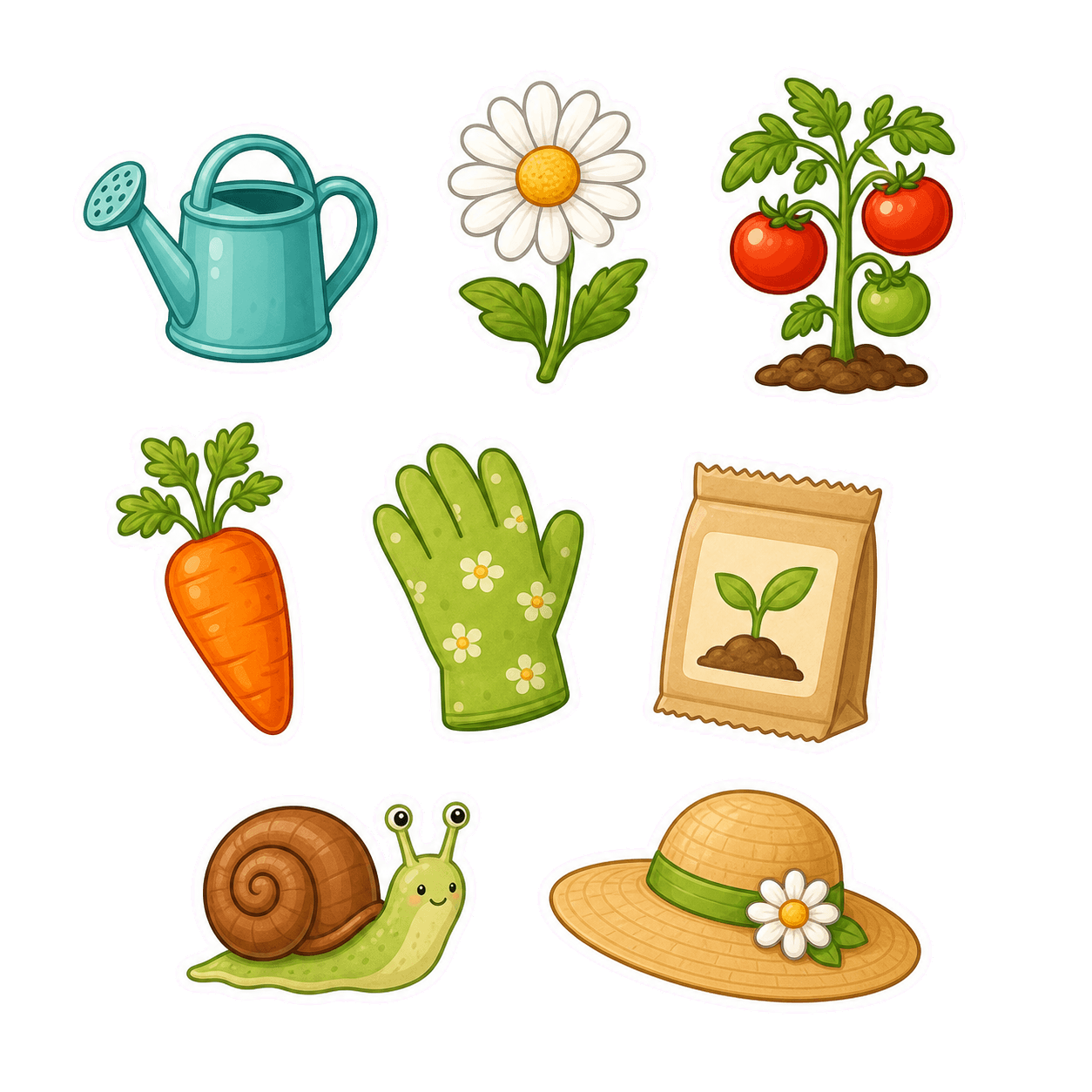
Coordinated garden sticker sheet generated with AI

Browse AI Sticker Ideas

Browse More Sticker Ideas

Make reaction stickers with a readable expression

Reaction stickers work when the emotion is obvious before anyone reads supporting text. Describe the face, gesture, pose, and energy, then keep the background and small details restrained so the reaction remains clear in chat and social posts.

Try this sticker idea

Expressive happy cat reaction sticker

Turn one theme into a coordinated sticker sheet

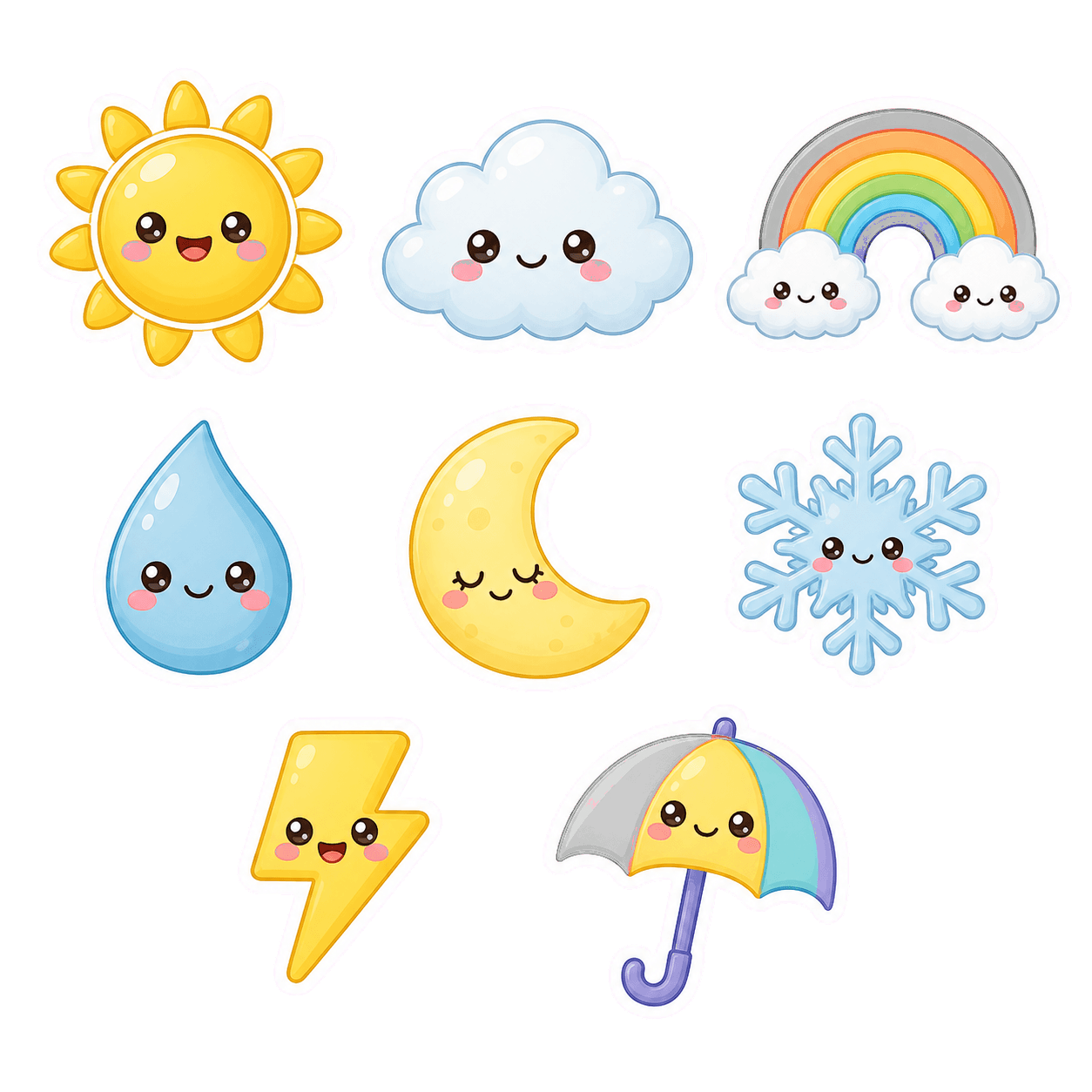
Build a small family of objects, icons, or characters around one palette and illustration style. Ask for consistent outlines, spacing, scale, and lighting so every element feels like part of the same printable or digital sticker set.

Try this sticker idea
Coordinated weather icon sticker mini pack

Explore sticker designs for brands and products

Use a product, business idea, mascot, or visual reference to explore label art and logo sticker concepts. Generate several directions, then refine the strongest option for simpler shapes, clearer lettering space, and a more recognizable silhouette.

Try this sticker idea
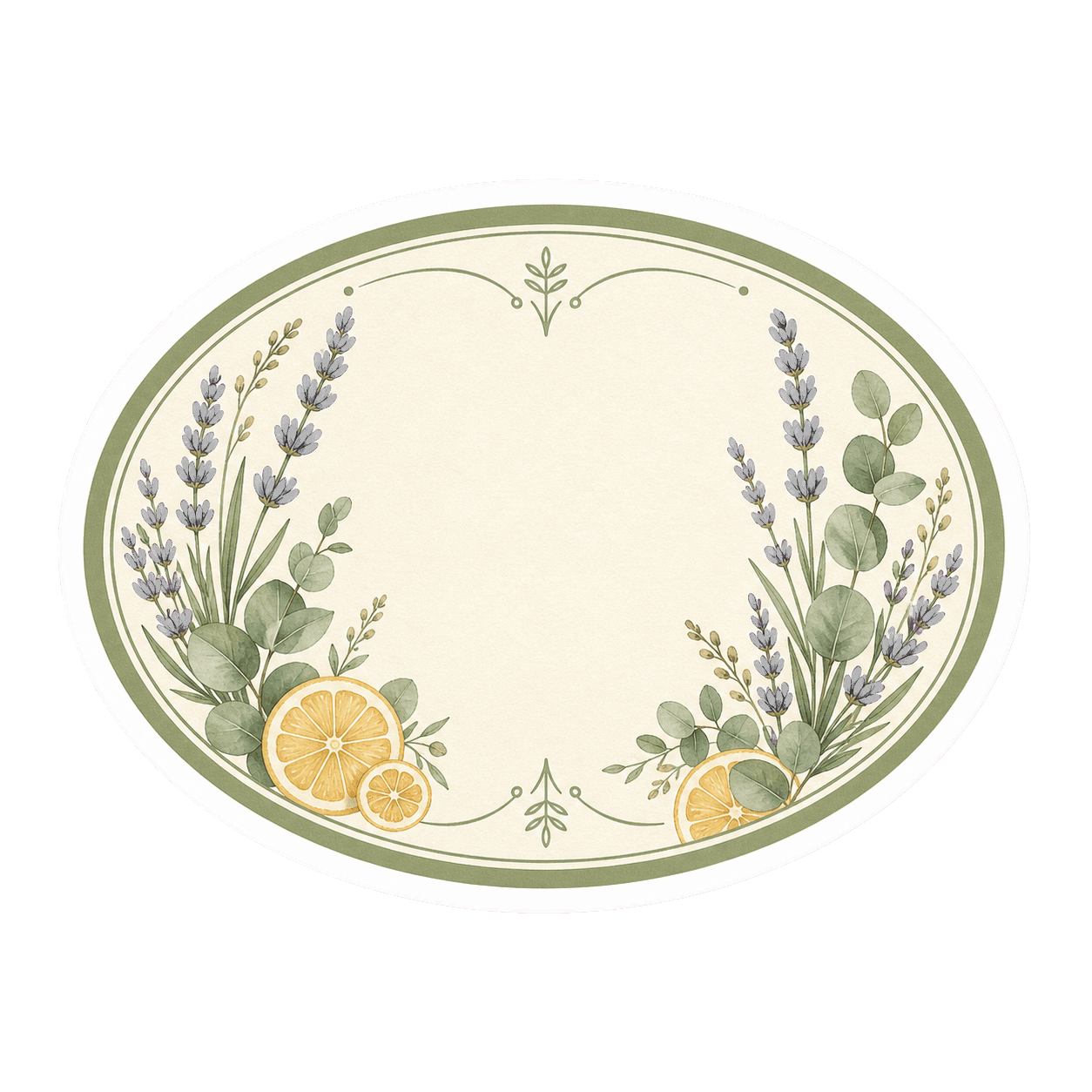
Botanical soap label sticker concept

Frequently Asked Questions

What is an AI sticker generator?

An AI sticker generator turns a written idea or reference image into sticker-style artwork. You can describe the subject, expression, outline, palette, and illustration style, then refine the result with follow-up requests.

How do I make a custom sticker with AI?

Start with one clear subject and describe its pose or expression. Add a style such as kawaii, chibi, pixel art, watercolor, or mascot art, then request a bold outline, simple silhouette, and clean background.

Can I turn a photo into a sticker design?

Yes. Upload a clear reference image and explain which features should remain recognizable. Ask for simplified shapes, a readable expression, and a sticker-style border rather than an exact photographic copy.

Can I create a sticker sheet?

Yes. Describe the set theme, number of elements, shared palette, outline, and spacing. For a cohesive sheet, keep the illustration style and level of detail consistent across every item.

What makes a good AI sticker prompt?

Include the subject, emotion or action, illustration style, color palette, border treatment, background direction, and intended use. Short, specific prompts usually produce more readable sticker concepts than a long scene description.

Can I use AI sticker designs for merchandise?

You can use generated sticker concepts for personal and commercial projects subject to the current Vismuse terms. Before printing, check the final resolution, edge treatment, color mode, and production requirements with your vendor.

Explore Similar Topics