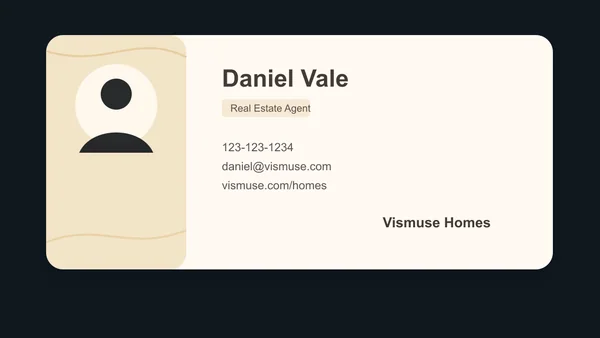
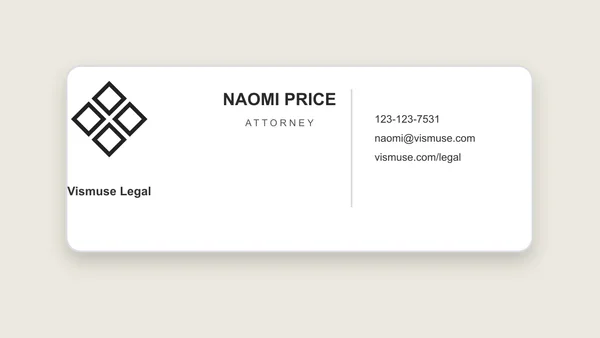
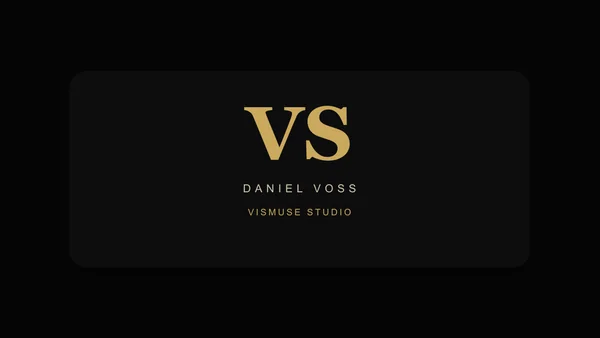
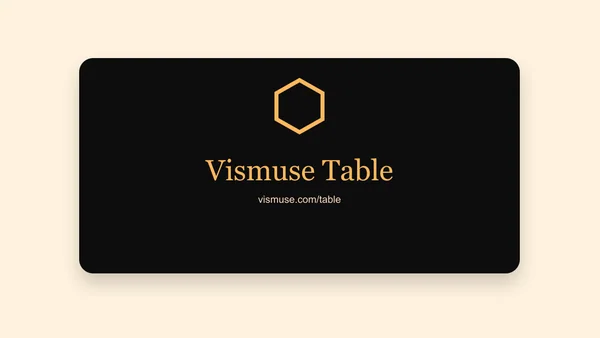
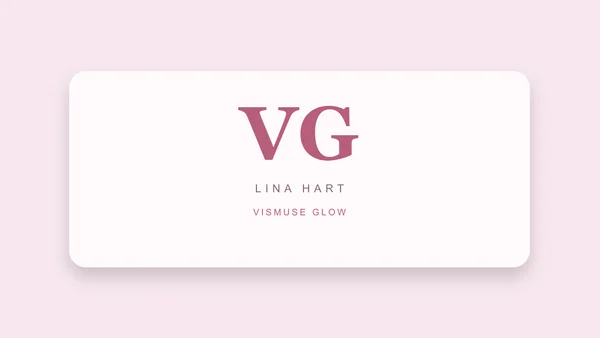
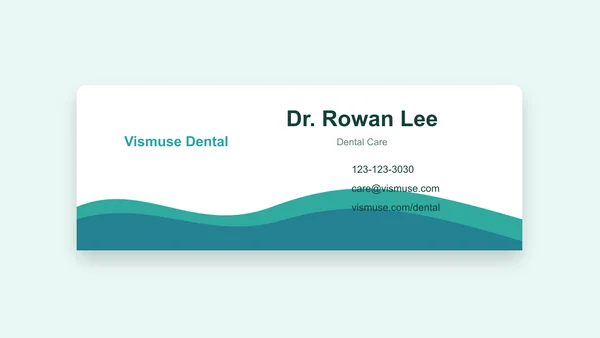
Turn your contact details into a professional card direction.
Provide your exact name, role, company, contact information, logo, brand colors, and card style. Explore a design concept, then refine hierarchy and layout through chat.
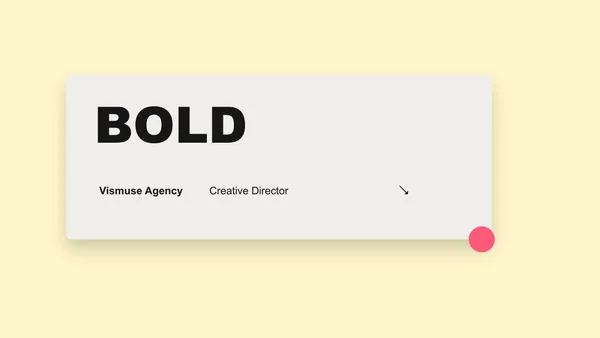
Creative Agency Business Card · AI-generated concept
From brief to finished direction
How to create with Business Card Maker
Start with the details that matter, then refine one clear direction at a time.
01
Provide exact contact details
Add the name, role, company, phone, email, website, address, and social handles that should appear.
02
Describe the brand
Upload a logo if available and specify the industry, audience, colors, typography direction, and desired impression.
03
Check front and back
Review spelling, contact information, QR codes, safe margins, and how both sides work together before printing.
Creative direction
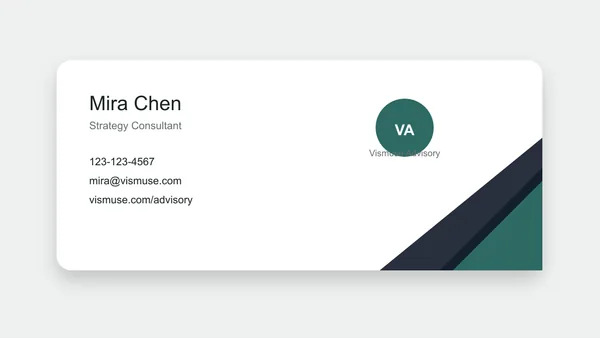
Create a clean professional card
Use restrained typography, a clear contact hierarchy, and enough white space for a card that feels credible across industries.
Try this promptCreate a minimal business card for a consultant using my exact contact details. Use understated typography, generous white space, and a clear hierarchy.
Professional consultant business card · AI-generated inspiration
Creative direction
Build a card around a personal brand
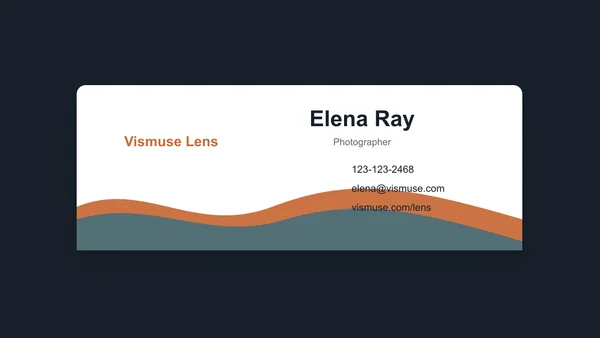
Let the name, role, and one memorable visual device carry the design without overcrowding the limited space.
Try this promptCreate a modern business card for a freelance photographer. Use my exact name and contact information, restrained typography, and a memorable visual detail that supports my personal brand.
Photographer personal brand card · AI-generated inspiration
Creative direction
Make contact action obvious
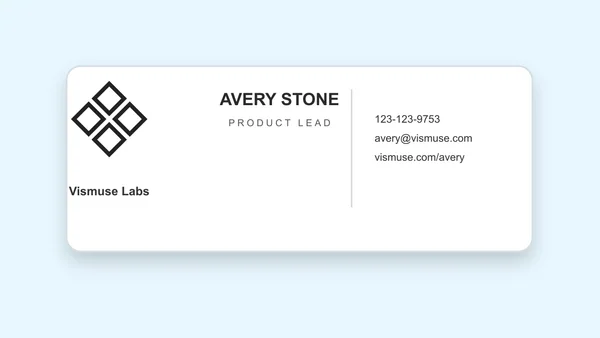
Prioritize the phone, email, booking link, or QR destination that matters most for the way customers reach you.
Try this promptCreate a business card with a prominent contact action. Use my exact name, role, phone number, and website, and reserve a clear space for my verified QR code.
Use verified contact details. Copy names, numbers, email addresses, and URLs from a trusted source.
Keep the hierarchy short. A business card should make the person, role, company, and next contact action easy to find.
Plan two sides deliberately. State which information belongs on the front and back instead of asking the model to guess.
Prepare print files separately. Confirm final dimensions, bleed, color mode, QR function, and printer requirements before production.
Frequently asked questions
What details should a business card include?
Common details include a name, role, company, phone, email, website, address, social handle, logo, or QR destination. Include only what supports the next contact action.
Can I upload my logo?
Yes. Upload the logo and explain its placement, clear space, background, and which brand colors should guide the card.
Can I create front and back designs?
Yes. Describe what belongs on each side and how the two sides should share typography, color, and brand elements.
Are generated cards ready for professional printing?
Treat the result as a design concept. Verify dimensions, bleed, resolution, color mode, text, and printer specifications before production.
Is the business card maker free?
Image generation uses Vismuse credits. Check the current pricing page and the credit requirement shown before generating.