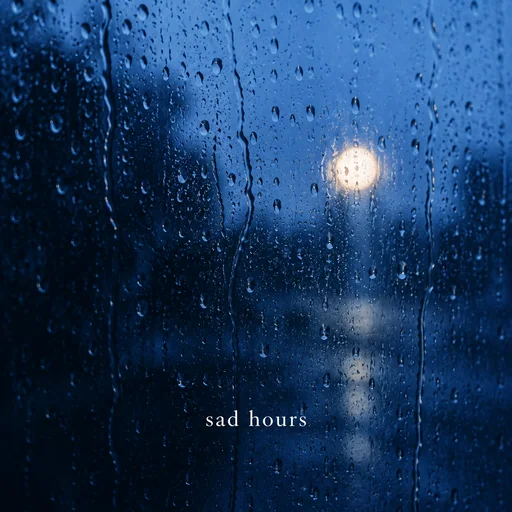
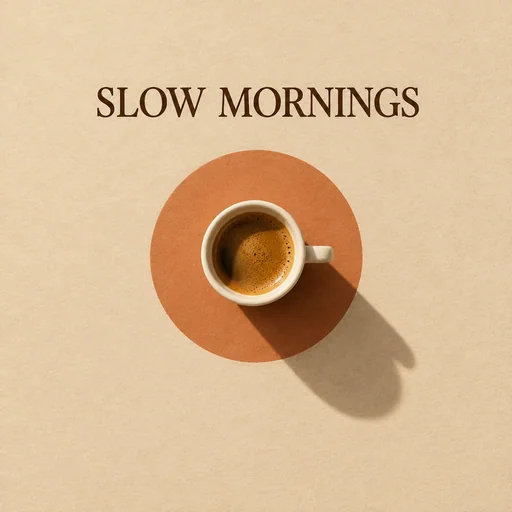
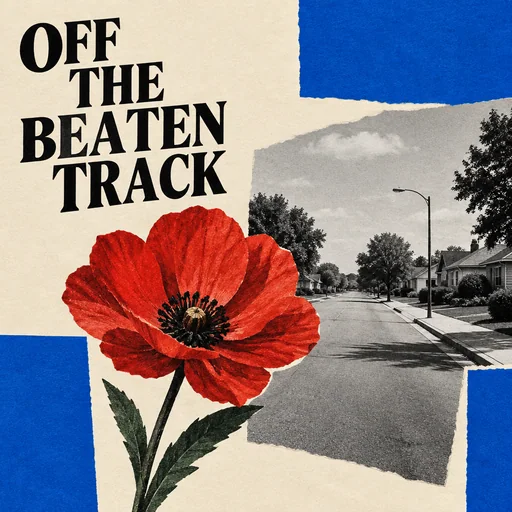
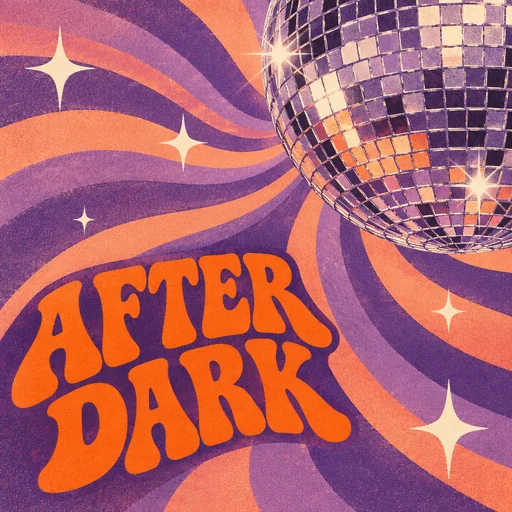
Describe the feeling behind your playlist. Add a title or your own photo if you like, then create artwork for late-night drives, focused study, workouts and everything in between.
Start with the details that matter, then refine one clear direction at a time.
01
Describe the vibe
Start with a mood, genre, activity, or visual idea. A title is optional; ask for no text if you prefer artwork only.
02
Make it yours
Choose a style or add a reference photo. Tell the AI which details to use and include any exact wording you want on the cover.
03
Refine and download
Change the title, colors or imagery through chat. Download the finished cover and upload it to your playlist in your music app.
Creative direction
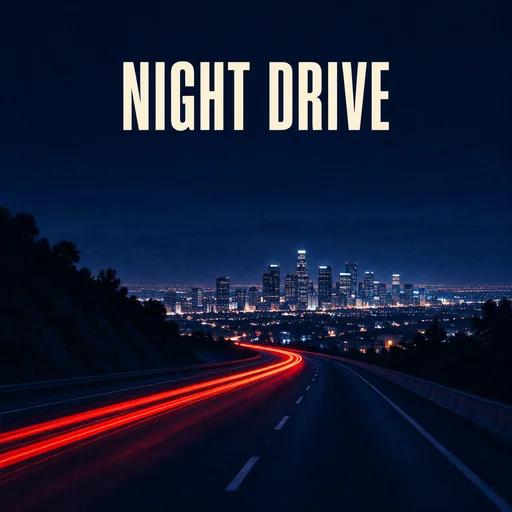
Late Night Drive
An original cinematic playlist cover for late night drive.
Try this promptCreate one finished flat square 1:1 playlist cover artwork, edge to edge. A cinematic night highway seen toward a distant city, a single sweeping red tail-light trail through deep indigo, subtle film grain, generous dark sky at top. Large condensed ivory title near top. Render only this exact visible title: "NIGHT DRIVE". Keep the focal point and any requested title recognizable at small thumbnail size. Original fictional playlist design. No artist names, song lists, release dates, credits, parental advisory labels, platform logos, watermarks, playback controls, device frames, vinyl sleeves, CD cases or perspective mockups. No additional text.
Late Night Drive playlist cover · AI-generated inspiration
Creative direction
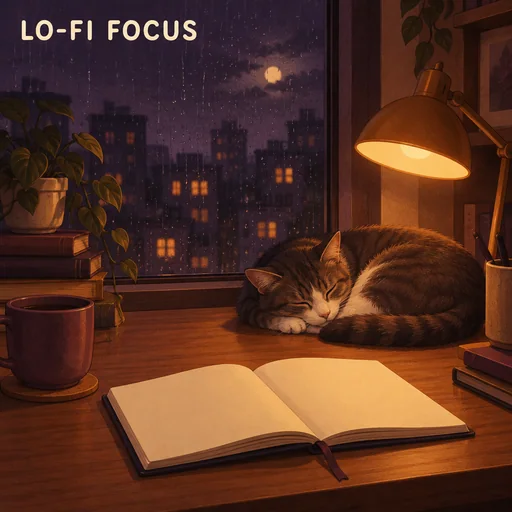
Lo-fi Study
An original illustration playlist cover for lo-fi study.
Try this promptCreate one finished flat square 1:1 playlist cover artwork, edge to edge. A warm illustrated desk beside a rainy midnight window, amber desk lamp, an open blank notebook and a sleeping cat; muted plum and amber, carefully balanced quiet shapes. Small but readable rounded cream title in the upper left. Render only this exact visible title: "LO-FI FOCUS". Keep the focal point and any requested title recognizable at small thumbnail size. Original fictional playlist design. No artist names, song lists, release dates, credits, parental advisory labels, platform logos, watermarks, playback controls, device frames, vinyl sleeves, CD cases or perspective mockups. No additional text.
Lo-fi Study playlist cover · AI-generated inspiration
Creative direction
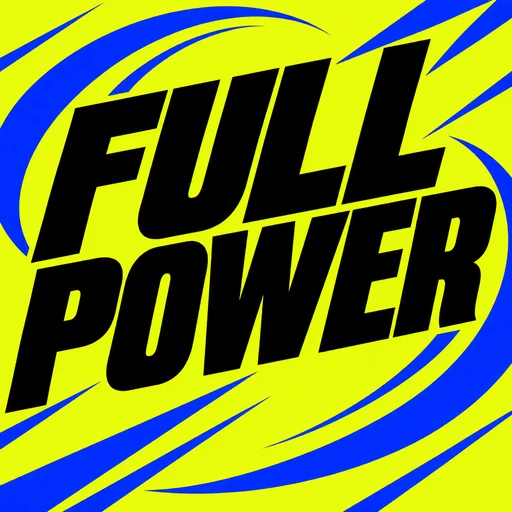
Workout Energy
An original typographic playlist cover for workout energy.
Try this promptCreate one finished flat square 1:1 playlist cover artwork, edge to edge. A bold typographic design with oversize italic black letters over acid yellow, abstract cobalt kinetic arcs and sharp diagonal rhythm. Strong high-contrast graphic composition with no athlete needed. Render only this exact visible title: "FULL POWER". Keep the focal point and any requested title recognizable at small thumbnail size. Original fictional playlist design. No artist names, song lists, release dates, credits, parental advisory labels, platform logos, watermarks, playback controls, device frames, vinyl sleeves, CD cases or perspective mockups. No additional text.
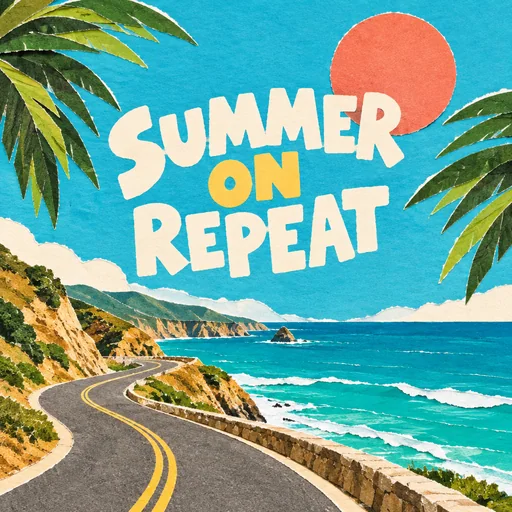
Name the feeling. Describe the mood and listening moment: rainy study night, energetic gym session, or a sunny coastal drive.
Keep titles short. A few high-contrast words stay readable when the cover is displayed as a small thumbnail.
Choose one clear focal point. Simple compositions and deliberate color palettes help your playlist stand out.
Try artwork without text. You can request a text-free cover when the playlist name already appears in your music app.
Frequently asked questions
How is a playlist cover different from an album cover?
A playlist cover represents a curated collection of tracks, often tied to a mood, genre or activity. An album cover identifies a particular music release. This tool does not require an artist name or release information.
Can I make a Spotify playlist cover?
Yes. Create square artwork, download it, then upload it as your playlist image in Spotify. Vismuse does not connect to or update your Spotify account.
What size should I use?
The workbench defaults to a square 1:1 canvas. Choose your desired resolution and check the upload requirements of the music app where you will use the cover.
Can I use my own photo?
Yes. Upload a photo and explain whether it should be the main image or a style reference. Review the generated details before using the result.
Does my playlist cover need a title?
No. Request artwork without text, or supply an exact title. You can add, replace or remove the wording in a follow-up message.
Is the playlist cover maker free?
Image generation uses Vismuse credits. Check current pricing and the credit requirement shown before generating.