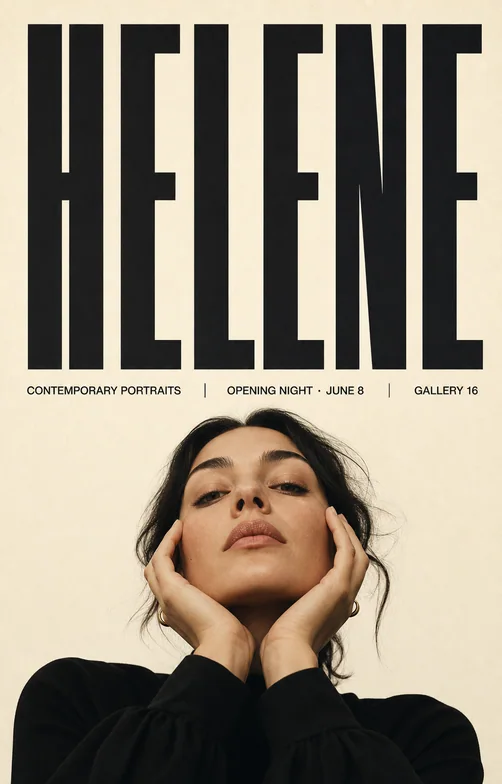
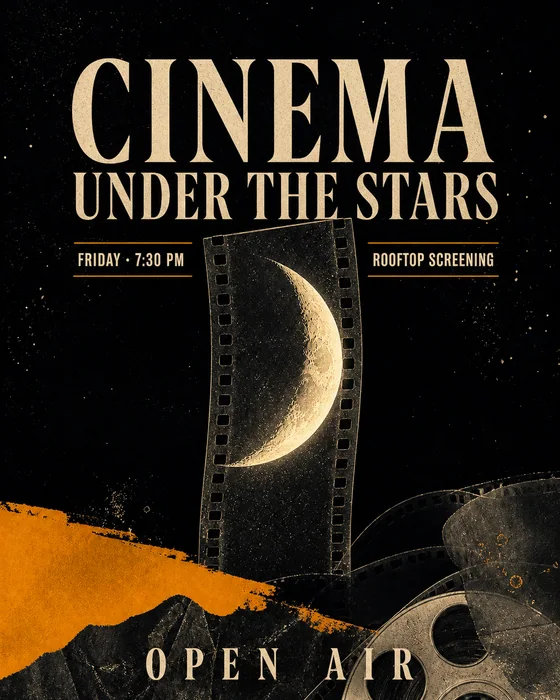
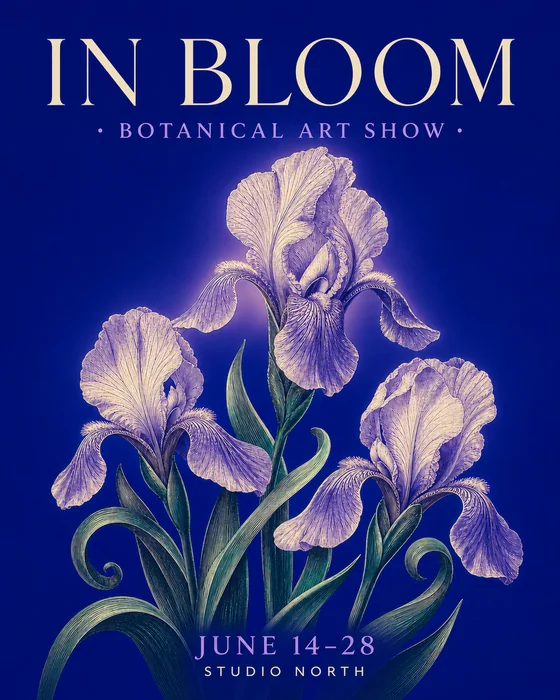
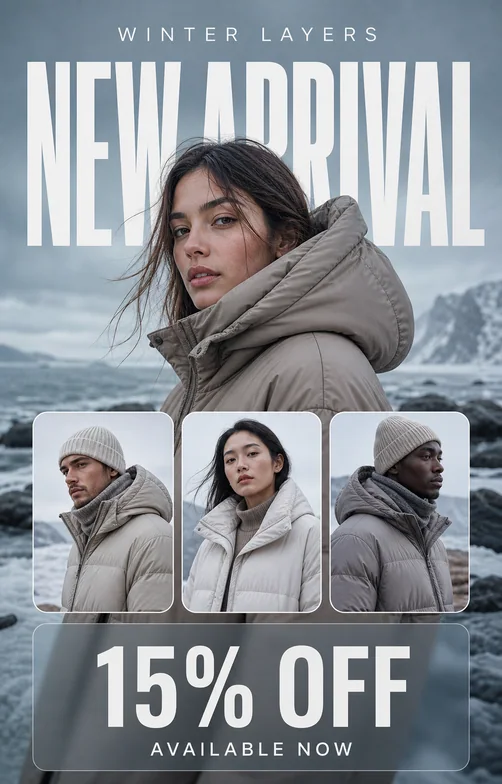
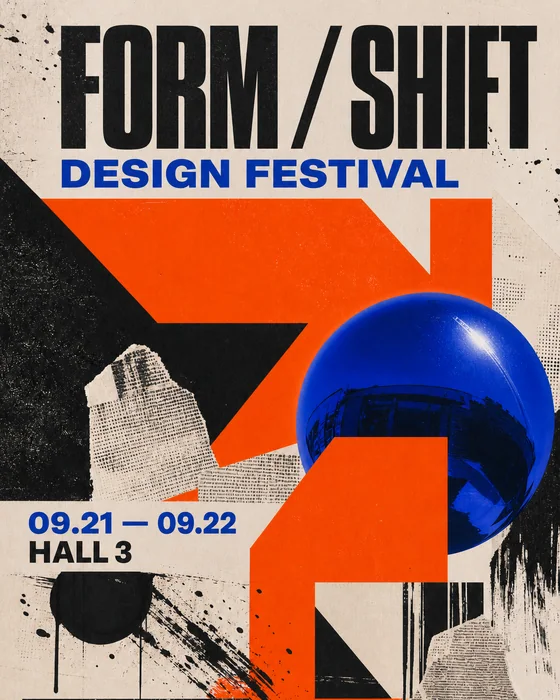
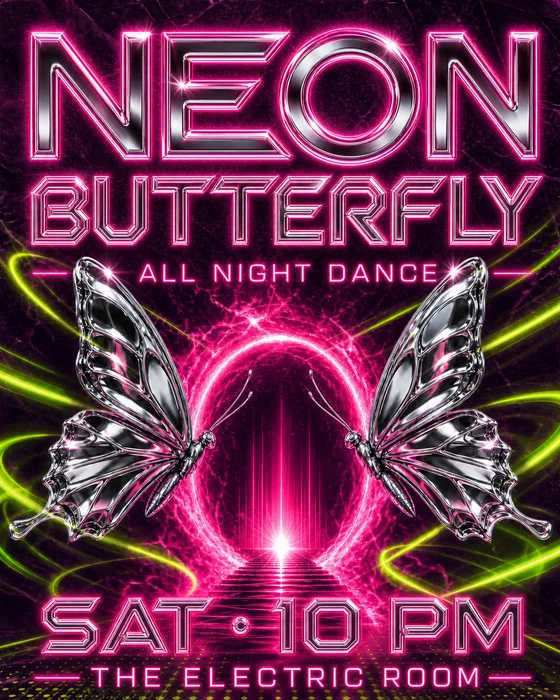
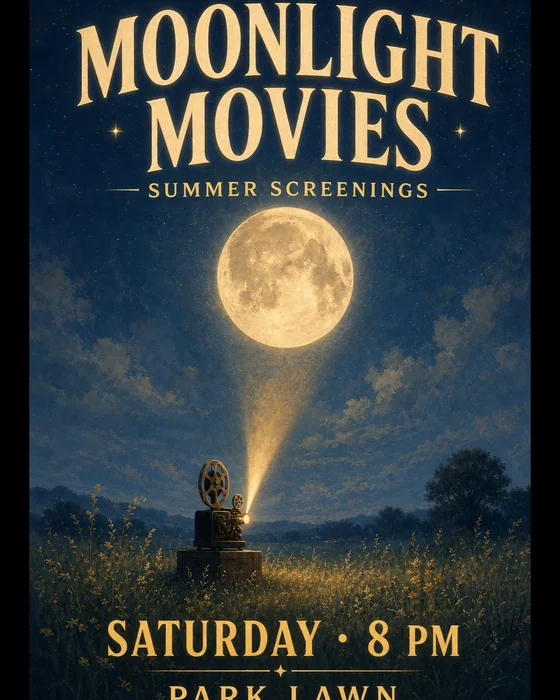
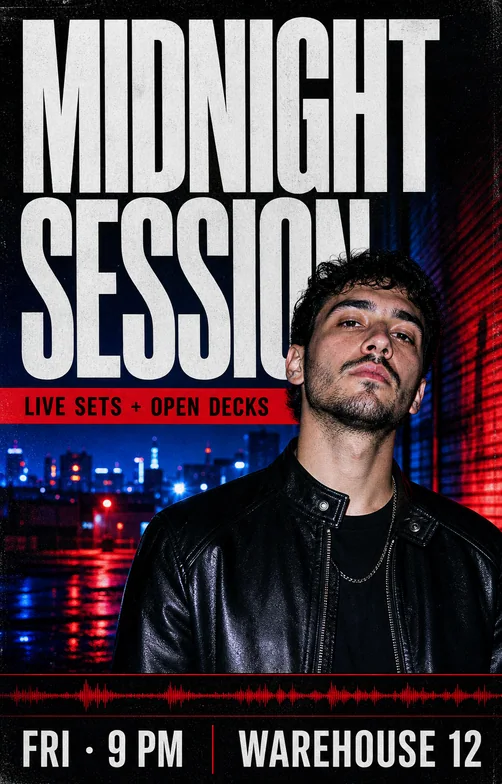
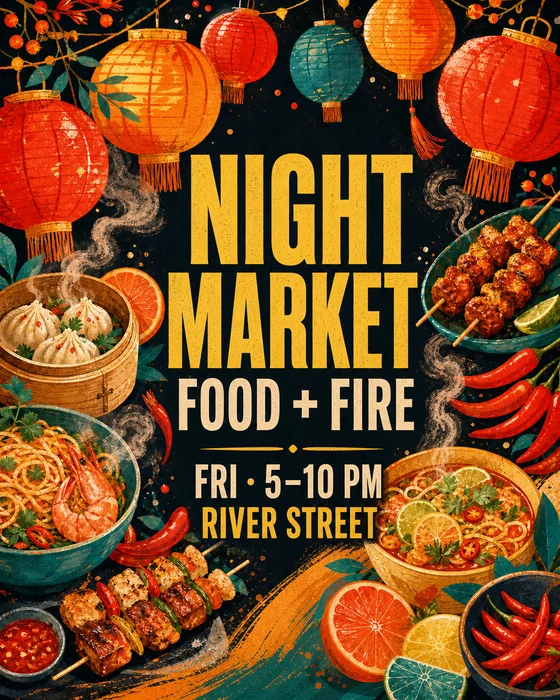
One message with visual impact

AI Poster Maker

Turn your message into a poster people can understand quickly.

Provide the exact headline, supporting information, call to action, audience, format, and visual direction. Generate a poster, then refine hierarchy and imagery through chat.

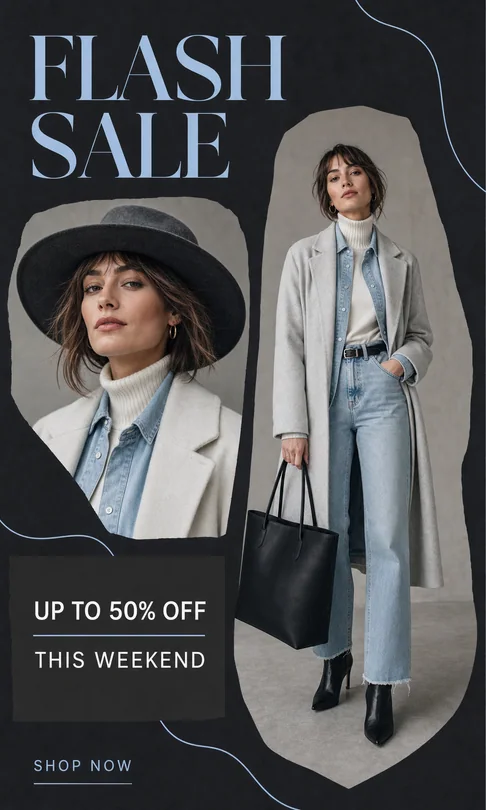
Flash Sale Fashion: AI Poster Maker example
Flash Sale Fashion · AI-generated concept

From brief to finished direction

How to create with AI Poster Maker

Start with the details that matter, then refine one clear direction at a time.

  1. 01

    Add the exact poster copy

    Start with the headline, names, date, time, venue, offer, contact details, and call to action that must appear.

  2. 02

    Set the visual hierarchy

    Describe the audience, poster type, focal image, style, palette, and which information should be noticed first.

  3. 03

    Review at final size

    Check every word, date, price, contact detail, and small-print line before publishing or printing.

Creative direction

Promote an event or concert

Lead with the event identity, date, and venue while keeping secondary details easy to find.

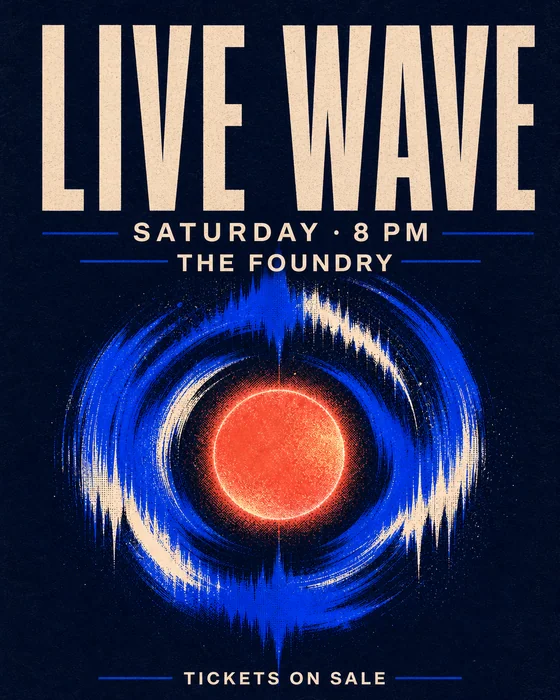
Try this promptCreate a vertical electronic music event poster using the exact event name, date, venue, and ticket URL I provide. Use a bold soundwave motif, high contrast, and a clear top-to-bottom hierarchy.
Create your version
Concert event poster
Concert event poster · AI-generated inspiration

Creative direction

Develop a movie poster concept

Use one central story tension, cinematic composition, and controlled billing copy to communicate genre and tone.

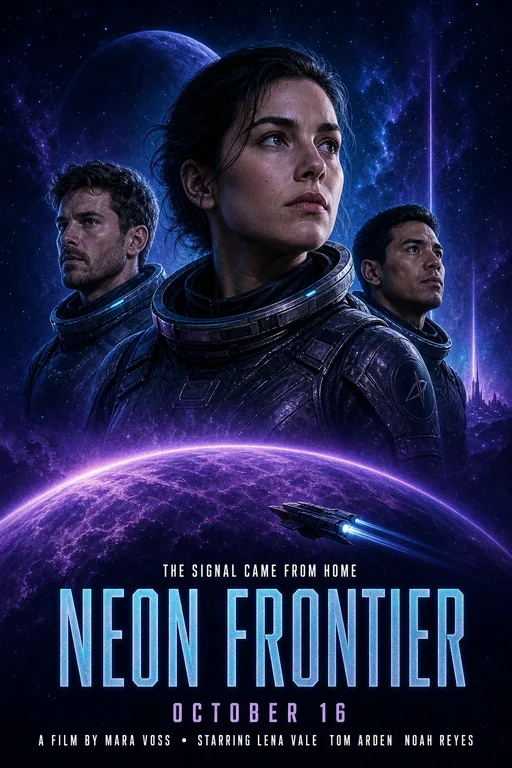
Try this promptCreate a cinematic science-fiction movie poster for ‘Neon Frontier’. Show three explorers facing a luminous desert city, dramatic scale, deep blue and amber palette, title at the lower third.
Create your version
Science-fiction movie poster
Science-fiction movie poster · AI-generated inspiration

Creative direction

Make a clear community notice

Prioritize fast recognition and readable facts for lost-and-found, public information, school, or neighborhood use.

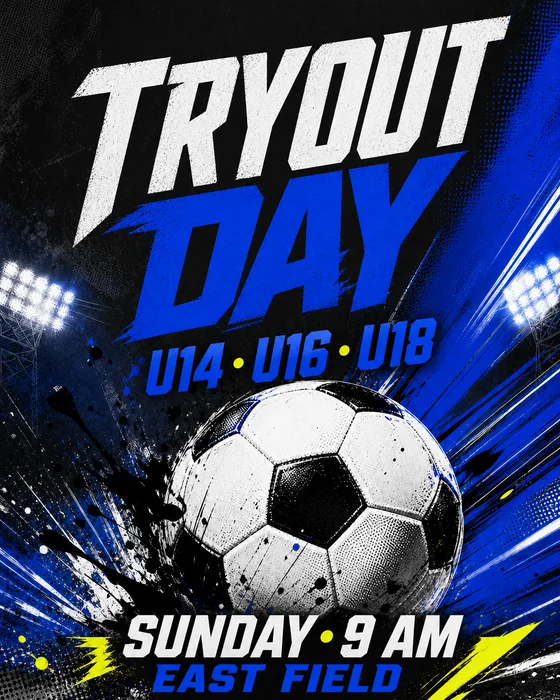
Try this promptCreate a clear community soccer tryouts poster. Use the exact team name, age groups, date, venue, and registration details I provide. Make the event name and sign-up action dominant.
Create your version
Community sports notice
Community sports notice · AI-generated inspiration

Find a starting point

Poster ideas for events, films, products, and notices

Explore promotional, cinematic, concert, community, product, and information-poster directions.

A stronger starting brief

Details worth specifying

  • Lead with one message. Choose the headline or action that must be understood first.
  • Paste exact facts. Dates, venues, prices, phone numbers, and URLs should come from your verified source copy.
  • Design for viewing distance. Use fewer words and stronger contrast when the poster will be seen from far away.
  • Proofread the rendered image. Compare every piece of generated text with the original brief before distribution.

Frequently asked questions

What types of posters can I make?

You can create event, concert, movie, product, promotional, school, community, lost-and-found, and informational poster concepts.

Can I add my exact poster text?

Yes. Provide the exact wording and state which line should be most prominent. Always proofread generated text before publishing.

Can I upload a photo or logo?

Yes. Upload the source images you want to use and explain how each should appear and what details must remain unchanged.

Can I edit the poster through chat?

Yes. Ask for focused changes to the copy, image, palette, hierarchy, spacing, or format in the same conversation.

Is the AI poster maker free?

Image generation uses Vismuse credits. Check the current pricing page and the credit requirement shown before generating.