Turn a menu list into a polished visual direction.
Provide exact item names, descriptions, prices, sections, and brand preferences. Generate a menu concept, then refine hierarchy, spacing, imagery, and wording through chat.
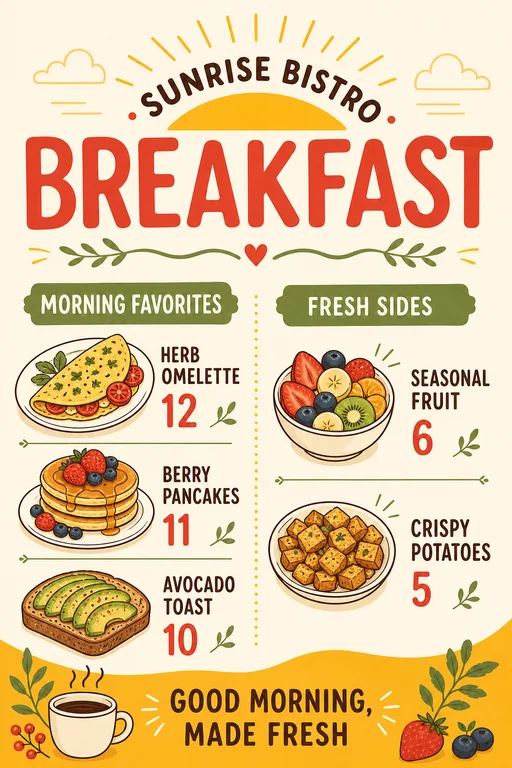
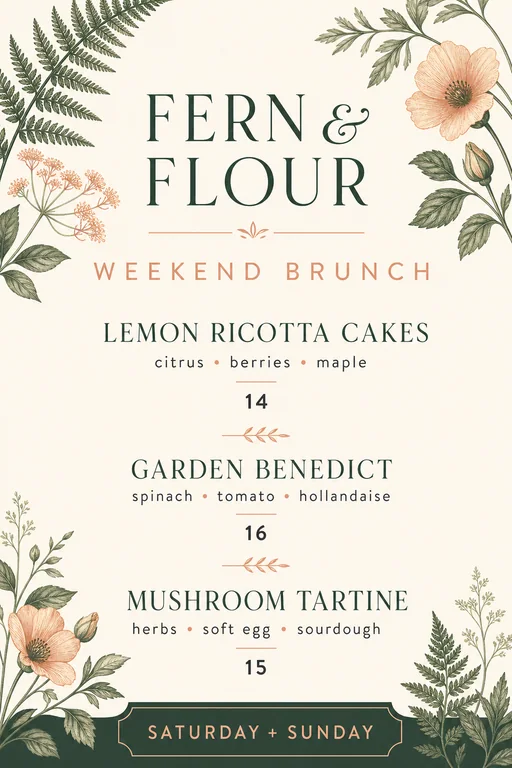
Sunrise Bistro Breakfast Menu · AI-generated concept
From brief to finished direction
How to create with AI Menu Generator
Start with the details that matter, then refine one clear direction at a time.
01
Add your menu content
List the exact sections, item names, descriptions, prices, currency, and any dietary or service notes.
02
Describe the restaurant style
Specify the cuisine, audience, palette, typography direction, format, and whether photos or illustrations should appear.
03
Review every detail
Check spelling, prices, currency, allergens, and item placement, then request corrections before publishing or printing.
Creative direction
Build a restaurant menu
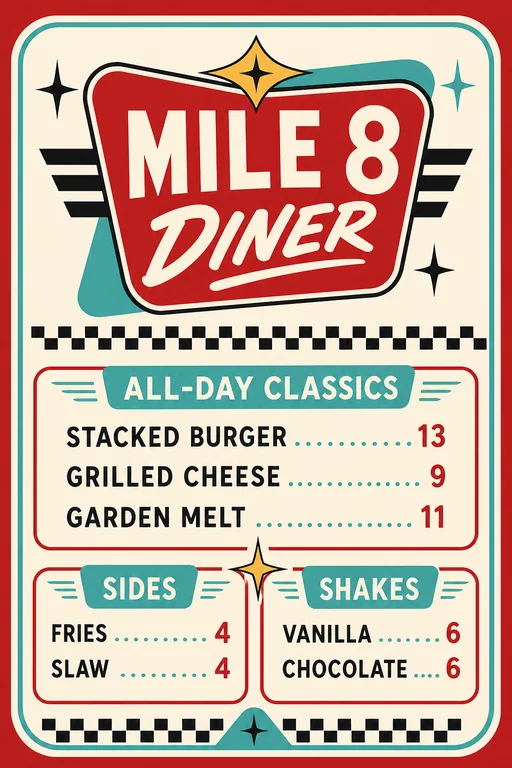
Organize starters, mains, sides, desserts, and drinks with a hierarchy that makes scanning easy.
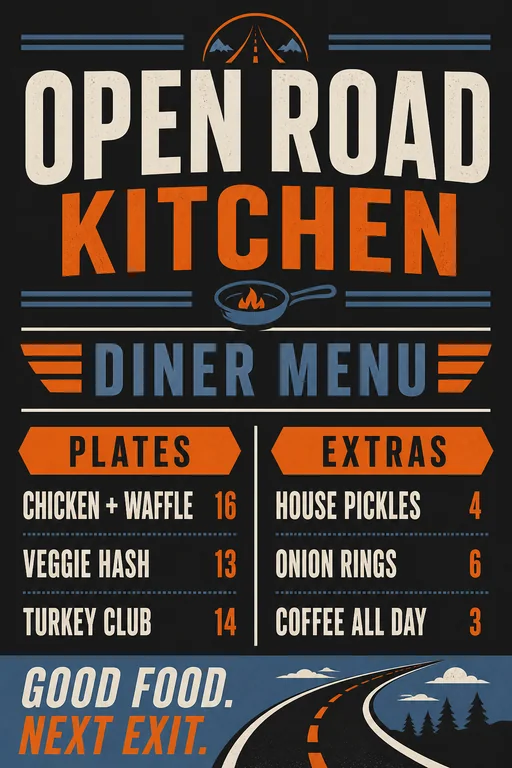
Try this promptCreate a modern roadside diner menu with clearly separated food and drink sections. Use the exact item names and prices I provide, readable typography, and a warm, welcoming palette.
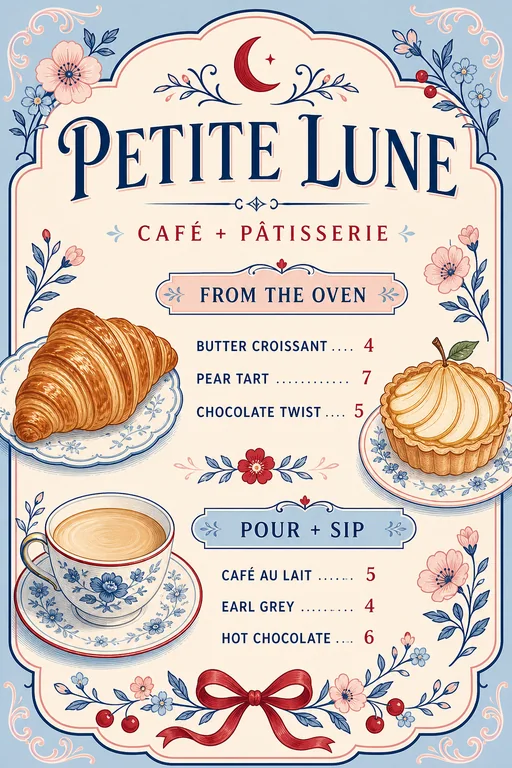
Balance coffee, tea, pastries, and specials in a compact format that works at the counter or online.
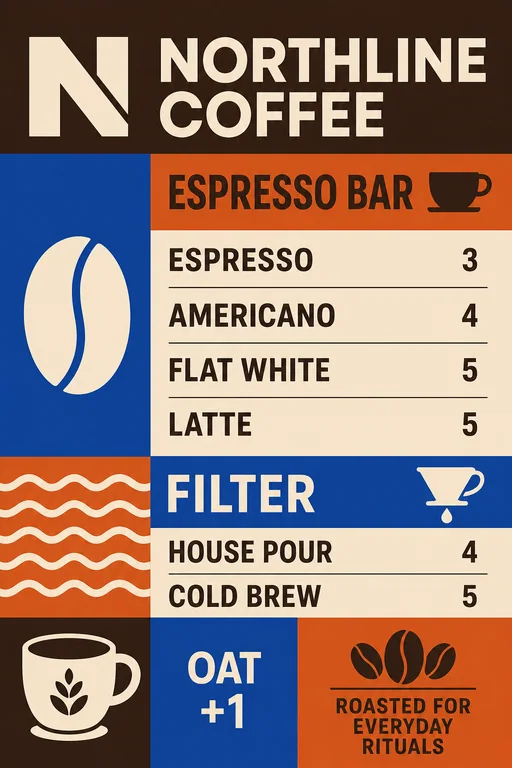
Try this promptCreate a modern cafe menu for espresso drinks, tea, pastries, and seasonal specials. Use my exact prices, clean columns, soft neutral colors, and small hand-drawn ingredient accents.
Specialty coffee cafe menu · AI-generated inspiration
Creative direction
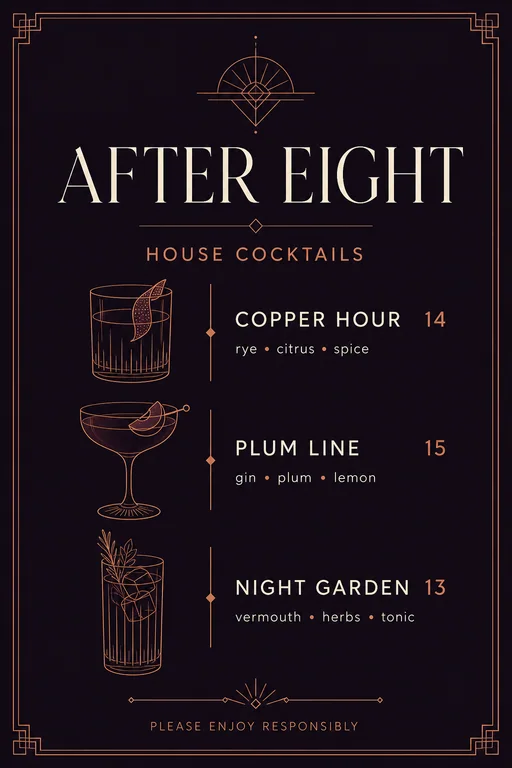
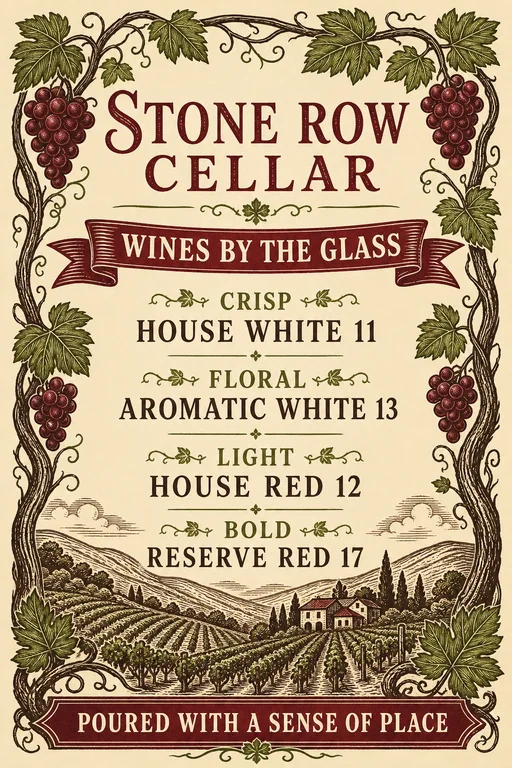
Design a focused drink or wine list
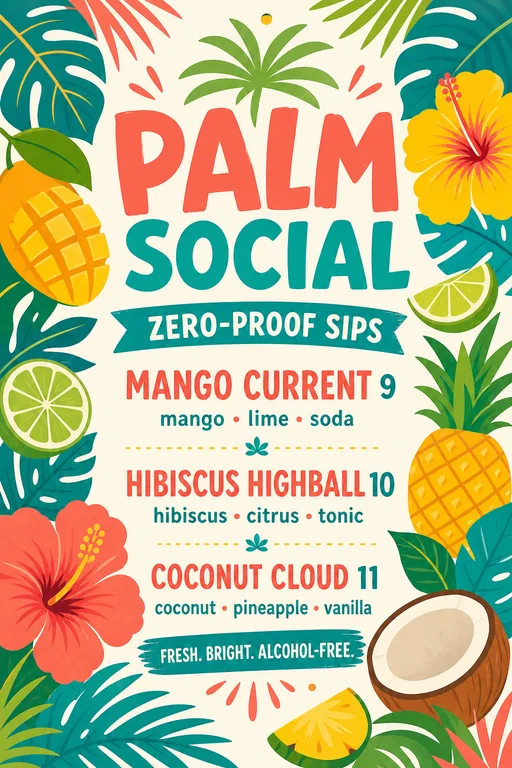
Use clear categories and concise supporting details so guests can compare options quickly.
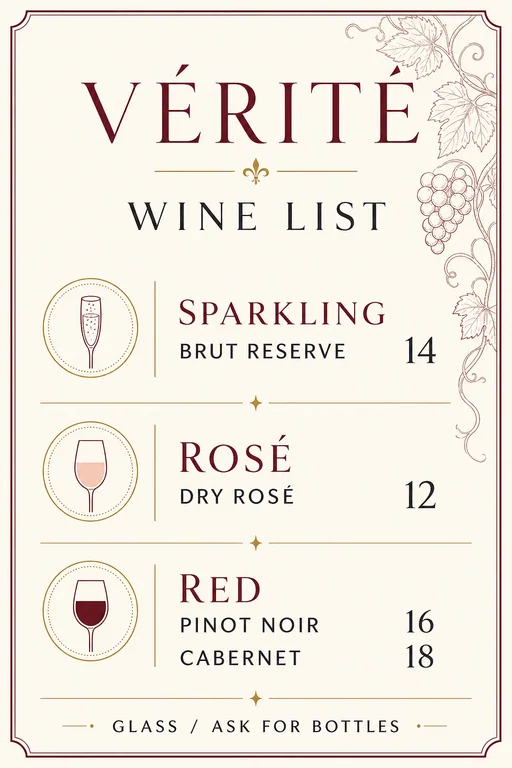
Try this promptCreate a sophisticated wine list with sparkling, white, rosé, and red sections. Preserve every wine name, region, vintage, and price exactly. Use a minimal editorial layout.