An event begins with the invitation

AI Invitation Maker

Turn your event details into an invitation worth opening.

Provide the exact event name, date, time, place, host, RSVP information, theme, and tone. Generate an invitation direction, then refine wording and visuals through chat.

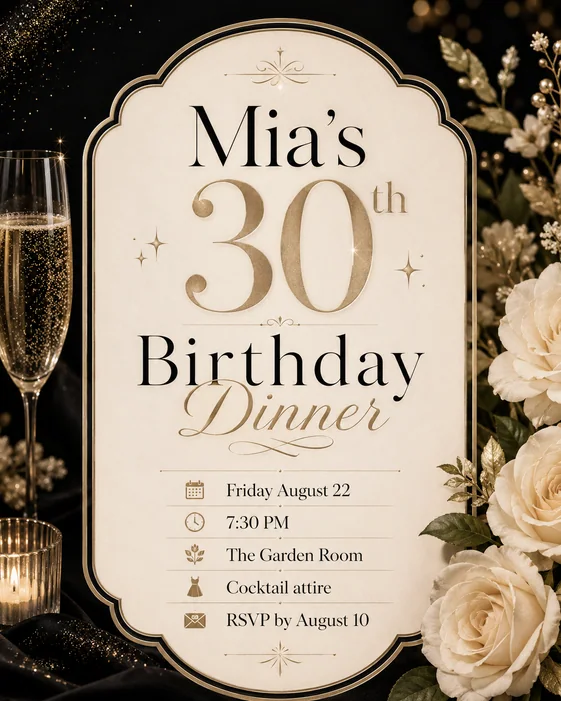
Birthday Party Invitation: AI Invitation Maker example
Birthday Party Invitation · AI-generated concept

From brief to finished direction

How to create with AI Invitation Maker

Start with the details that matter, then refine one clear direction at a time.

  1. 01

    Add verified event details

    Provide the exact event name, host, date, time, time zone, venue, address, RSVP method, deadline, and dress code.

  2. 02

    Choose the event tone

    Describe the occasion, audience, theme, palette, imagery, and whether the invitation should feel formal, playful, intimate, or bold.

  3. 03

    Proofread before sending

    Check every name, date, time, address, link, and RSVP instruction against the confirmed event information.

Creative direction

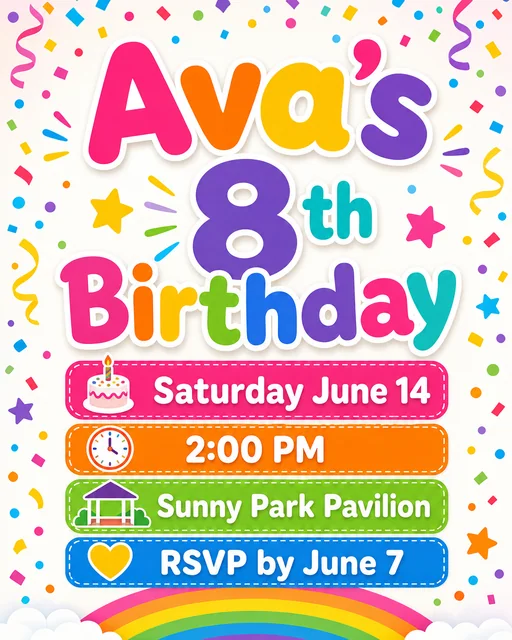
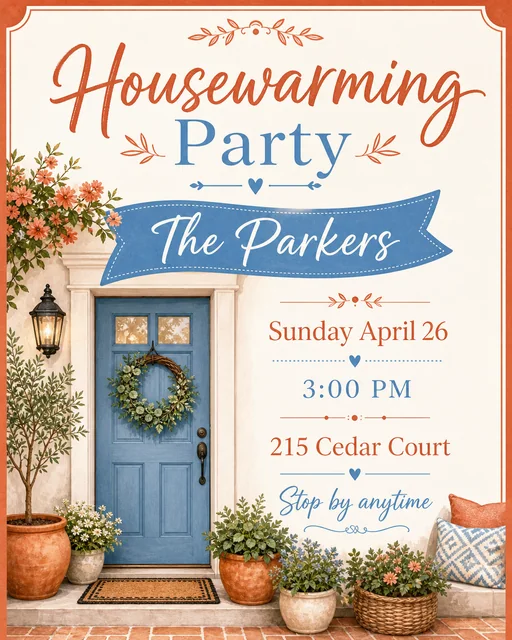
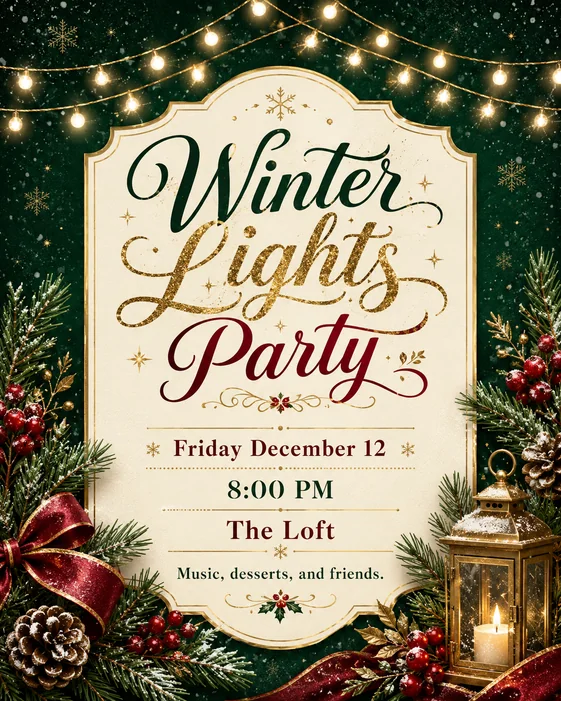
Create a birthday or party invitation

Make the celebration, age or milestone, date, and RSVP action immediately understandable.

Try this promptCreate a bright birthday party invitation using the exact name, age, date, time, venue, and RSVP details I provide. Use playful shapes, joyful color, and a clear mobile-friendly hierarchy.
Create your version
Birthday party invitation
Birthday party invitation · AI-generated inspiration

Creative direction

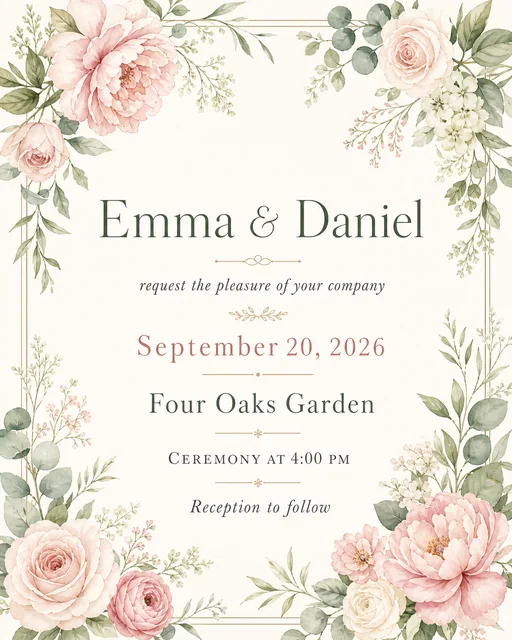
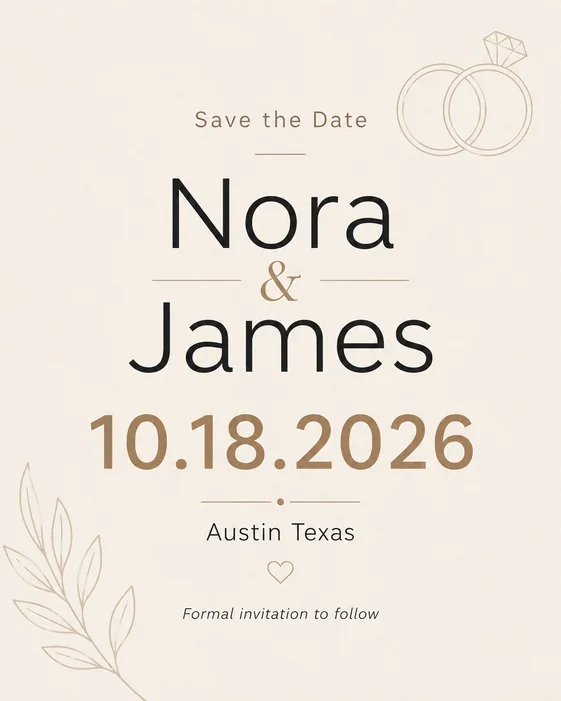
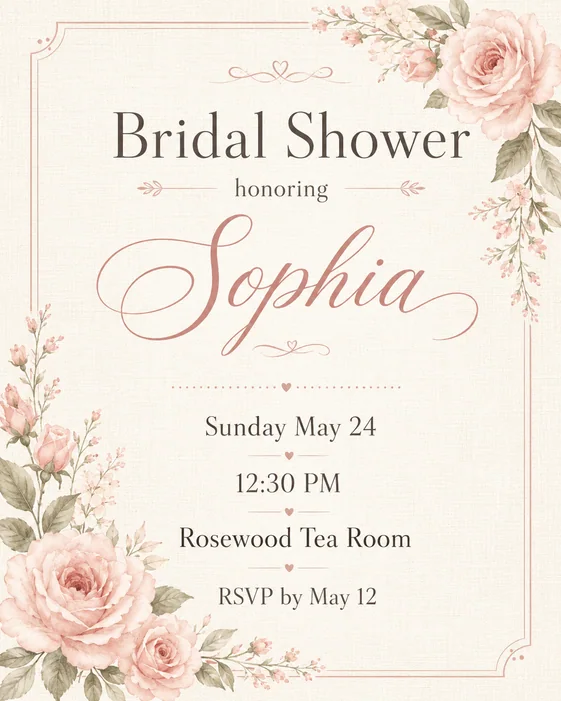
Design an elegant formal invitation

Use restrained ornament, intentional spacing, and a clear reading order for weddings, dinners, showers, and ceremonies.

Try this promptCreate an elegant wedding invitation using our exact names, date, ceremony time, venue, and RSVP website. Use warm ivory, deep green, refined serif typography, and subtle botanical linework.
Create your version
Formal wedding invitation
Formal wedding invitation · AI-generated inspiration

Creative direction

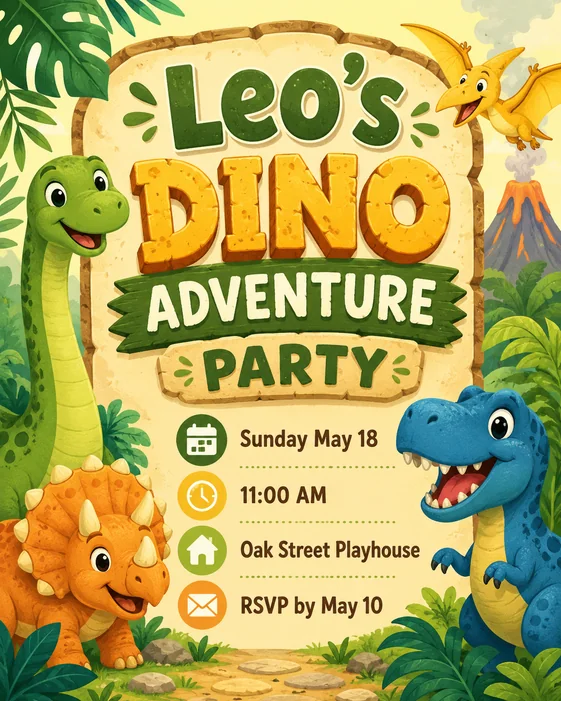
Make a practical digital invite

Keep the details readable on a phone and make the response action easy to find when the invitation will be shared online.

Try this promptCreate a digital invitation for a company launch event. Use the exact event details and registration link I provide, a clear professional hierarchy, and large readable type for mobile sharing.
Create your version
Digital event invitation
Digital event invitation · AI-generated inspiration

Find a starting point

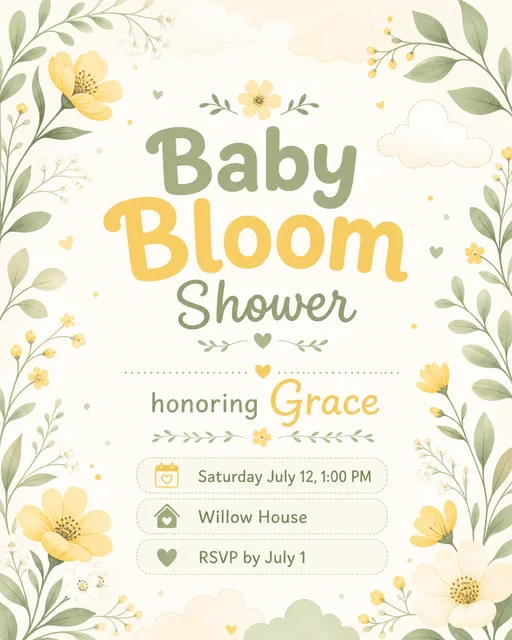
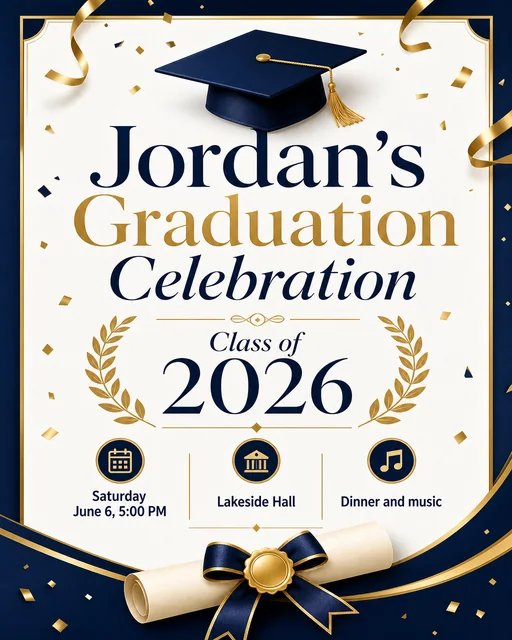
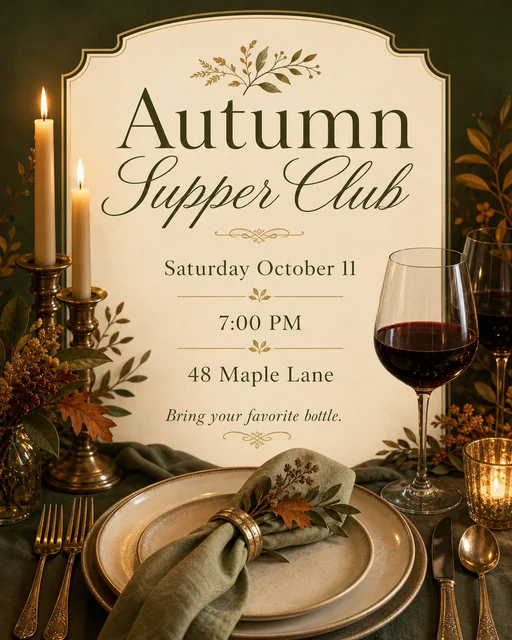
Invitation ideas for parties and events

Explore birthday, wedding, shower, dinner, celebration, and digital invitation directions.

A stronger starting brief

Details worth specifying

  • Verify every event fact. Names, dates, times, time zones, addresses, RSVP links, and deadlines must come from confirmed information.
  • Match the occasion. Describe the relationship, age group, formality, theme, and cultural context that should guide the design.
  • Design for delivery. State whether the invitation will be printed, emailed, messaged, or posted as a story.
  • Test links and QR codes. Generated visual codes and links must be verified before the invitation is distributed.

Frequently asked questions

What kinds of invitations can I create?

You can create invitations for birthdays, parties, weddings, showers, dinners, launches, school events, community gatherings, and other occasions.

What event details should I provide?

Provide exact names, date, time, time zone, venue, address, host, RSVP method, deadline, dress code, and any guest instructions.

Can I make a digital invitation for mobile sharing?

Yes. Ask for a vertical or square format with large readable text and a clear RSVP action for messaging, email, or social sharing.

Will AI keep dates and addresses accurate?

Generated text can contain mistakes. Compare every event detail with the confirmed source before sending or printing.

Is the invitation maker free?

Image generation uses Vismuse credits. Check the current pricing page and the credit requirement shown before generating.