
Dance video tutorials
How do you make the Gas Station Dance with three photos?
Start by picking who gets the solo at the gas station. Then choose who turns the camera on themselves and who finishes the dance by the car. On Vismuse, each of those parts gets its own photo. The setting and dance are already there.
Which photo goes in each spot?
Open Gas Station Dance AI and add your photos in the order the people appear. Here are the three portraits used in the video above.
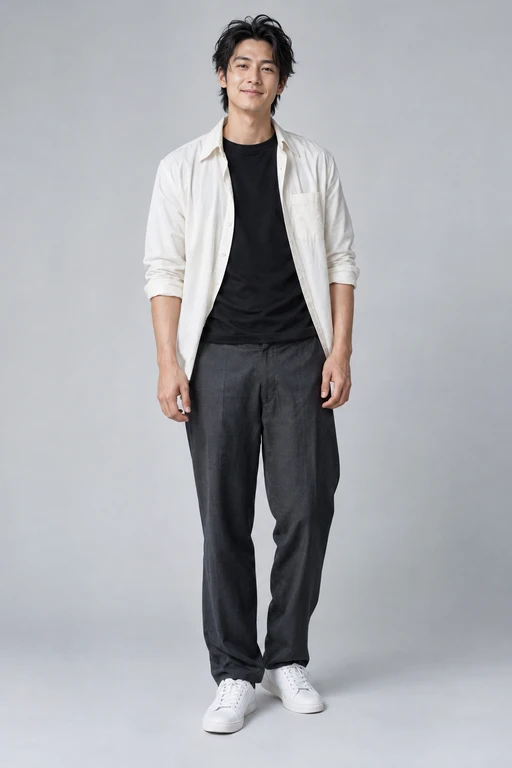
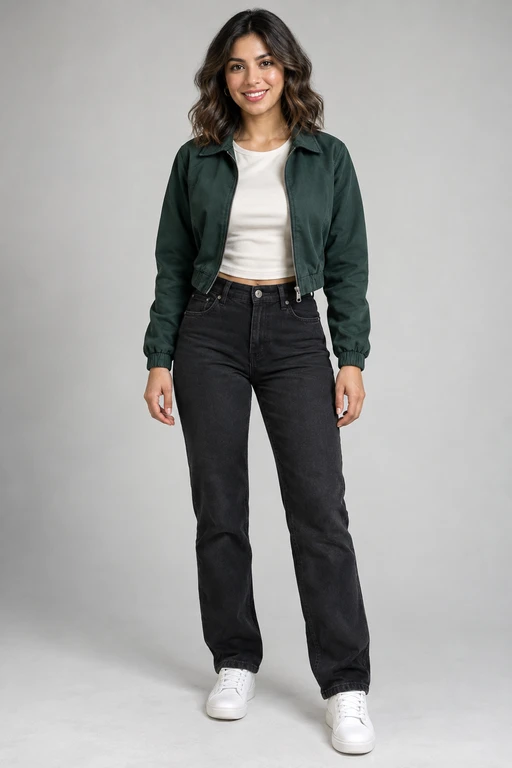
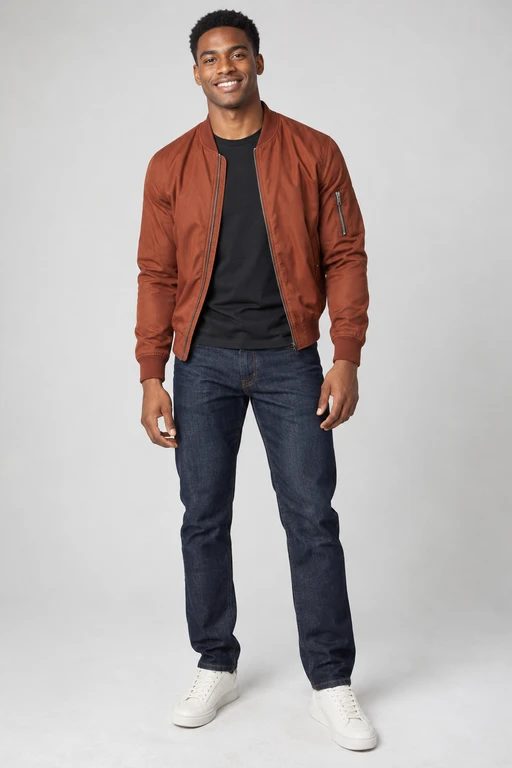
How to choose photos for each role
For the first and last dancers, pick a photo that shows the clothes you want to see in motion. A waist-up or full-length shot works well. For the selfie, look for an evenly lit face with both eyes visible. An ordinary portrait works even if the person is holding nothing.
Want to play all three parts yourself? Add your photo to each of the three spots. If you want a different outfit in each scene, use three photos of yourself in those outfits.
Make the video and check the handoff
Once the three photos are in place, you can leave the description blank and generate the video. Making a video uses paid credits. If you want to change one outfit, name the role in your note, for example “Give the selfie taker a blue jacket.”
Play the result with sound and follow the faces as the camera turns. If the friend you wanted by the car is holding the camera instead, check the second and third photos before making another version. When the cast looks right, download the clip.