
The prompt formula
Give every detail a job
A strong prompt reads like a compact creative brief. Keep the ingredients in this order so the subject and action stay more important than decorative details.
Example: Soul vocalist reaching a high note, warm amber spotlight, intimate jazz club, close-up editorial photography, shallow depth of field, square album-cover crop.
Visual directions
Prompt the image you need
Subject, genre, and format each change the result.
Start with the singer and genre
Name the kind of singer first: pop vocalist, jazz singer, rapper, K-pop idol-style performer, country singer-songwriter, punk vocalist, opera singer, or animated music avatar.
Then add the genre or song mood. Genre changes clothing, lighting, background, pose, typography, and color choices.
- Singer type
- Genre
- Song mood
- Age or styling direction if needed
- Realistic, illustrated, anime, or editorial style
Describe the performance moment
Singer prompts work better when they capture a moment: mid-chorus, reaching a high note, leaning into a microphone, recording in a booth, holding an acoustic guitar, or standing in a spotlight before the crowd appears.
A performance verb gives the AI a clearer body pose and expression than simply asking for a singer.
Add lighting and camera cues
Use lighting words that match music photography: rim light, warm spotlight, LED wall, stage haze, soft studio key light, crowd bokeh, low-key shadows, or golden hour backlight.
Camera cues such as close-up portrait, waist-up framing, low angle, shallow depth of field, or square cover crop help shape the final image.
End with the final use
Finish the prompt with the output type: social portrait, album cover, phone wallpaper, desktop wallpaper, poster concept, or source image for later animation. This tells the generator how much space to leave and what composition to prioritize.
If the image might later become a lip-sync or singing video, ask for a clear front-facing portrait with an unobstructed face.
- Social post
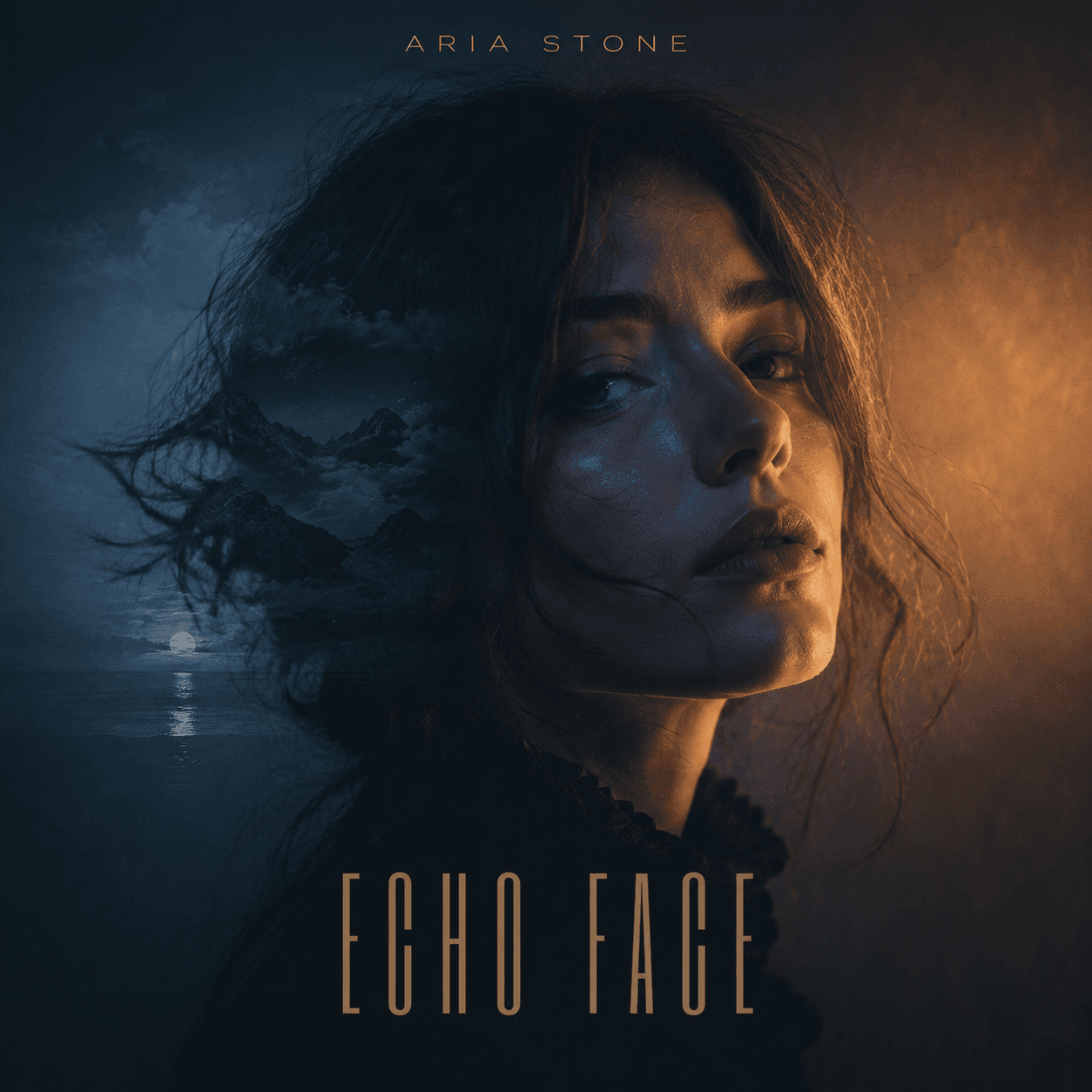
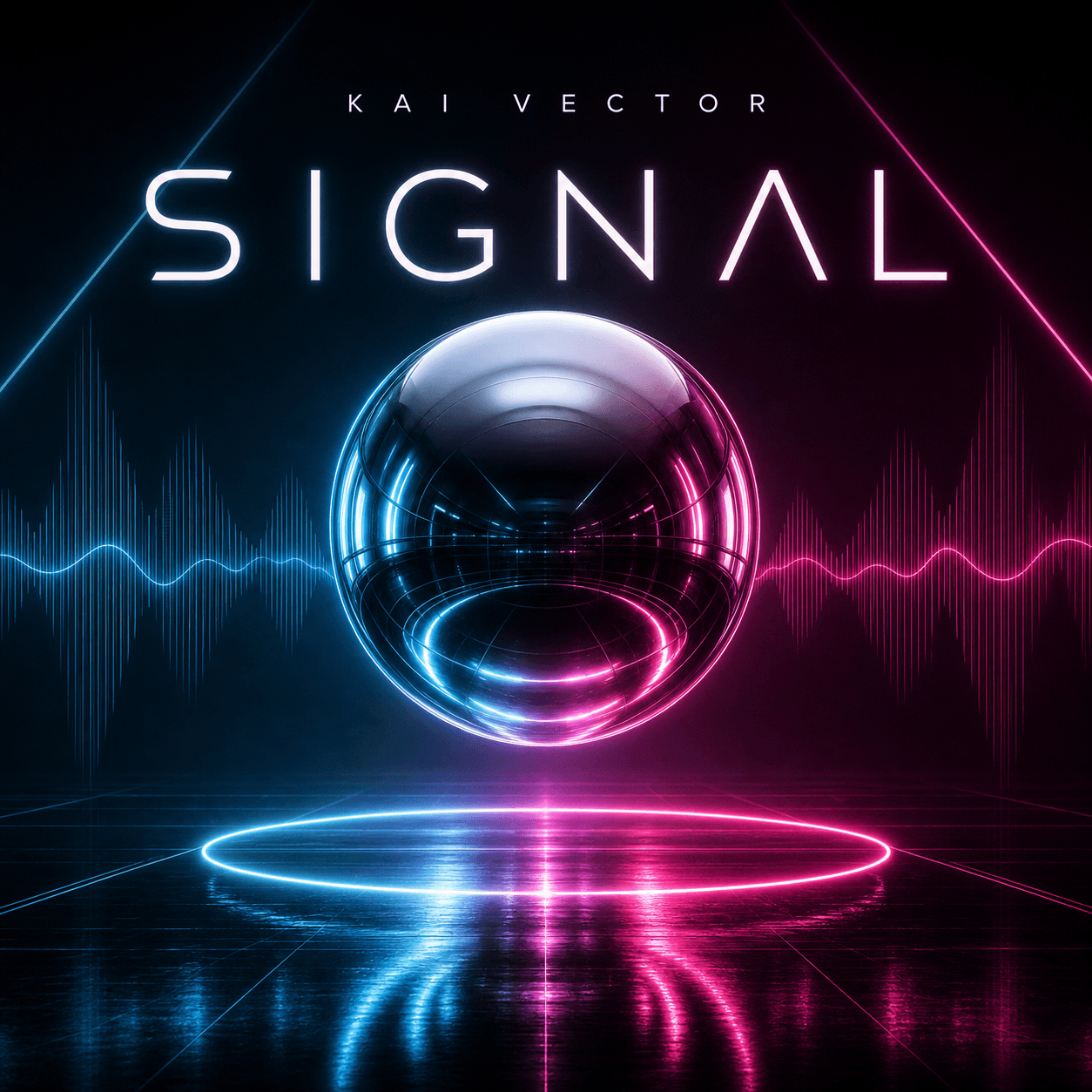
- Album cover
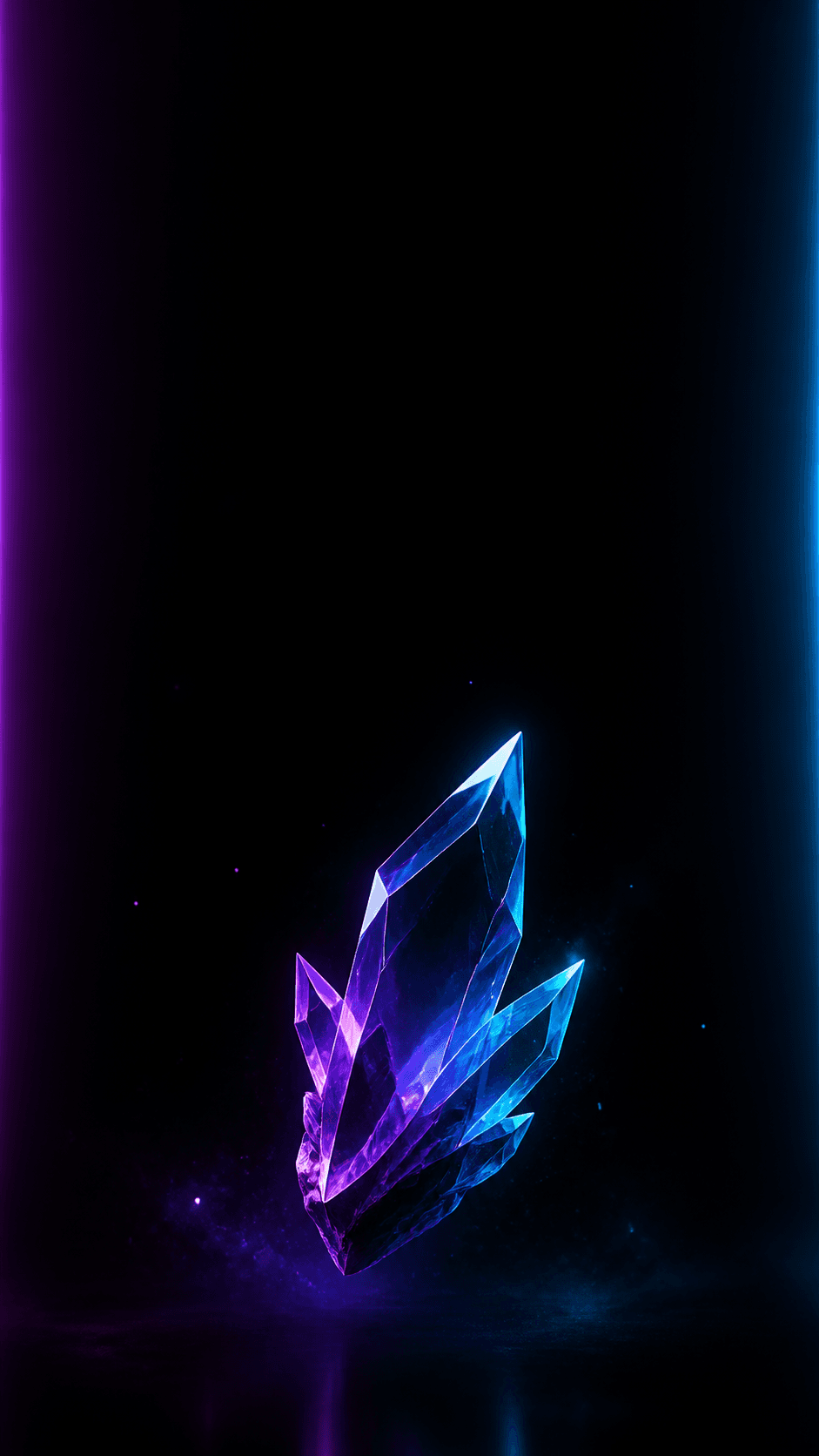
- Phone wallpaper
- Desktop wallpaper
- Source portrait for animation
- Music avatar
Copy, adapt, create
Reusable AI singer prompt examples
Replace the bracketed details or use each prompt as a starting point. Keep the parts that control pose, lighting, and format when you change the genre.
Build any singer prompt
[Singer type] performing [moment], [genre or song mood], [microphone or instrument], [lighting], [setting], [camera framing], [style], [final format].
K-pop style singer
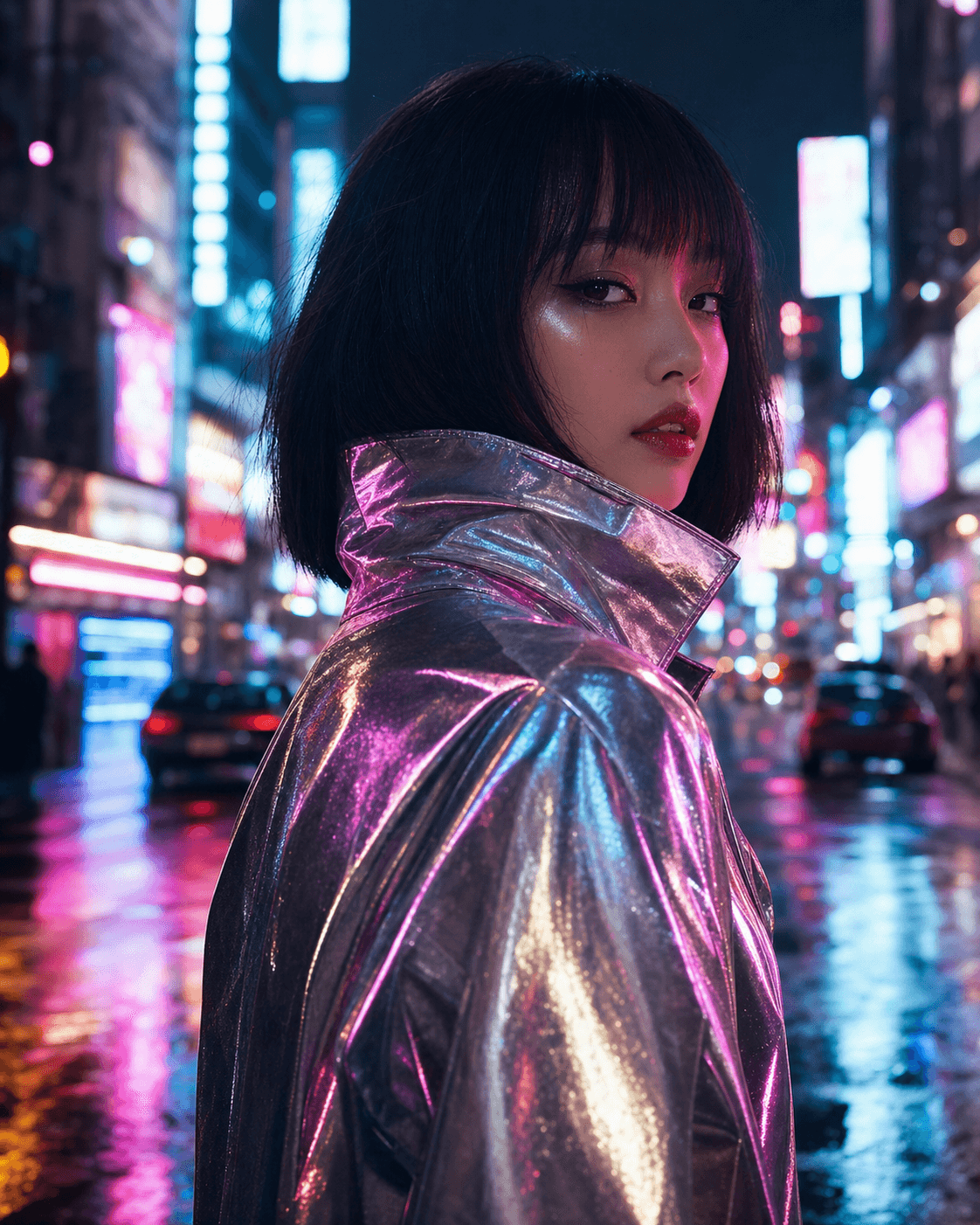
Create a K-pop idol-style singer portrait, performer leaning into a chrome microphone, glossy studio lighting, pastel hair highlights, futuristic stage backdrop, crisp beauty lighting, confident expression, ultra-realistic editorial music photo, 4:5 social image.
Acoustic singer-songwriter
Create a 9:16 phone wallpaper of an acoustic singer-songwriter playing guitar in a warm cafe, soft window light, gentle singing expression, blurred fairy lights, clean negative space at the top, cozy realistic music photography, no text.
Before you generate
Five-point prompt check
- Singer type appears near the start
- Genre or song mood is specific
- Prompt includes a performance moment
- Lighting and camera cues shape the image
- Final format is stated at the end
Frequently asked questions
AI singer prompt FAQ
What should an AI singer prompt include?
Include the singer type, genre, a specific performance moment, lighting, setting, camera framing, visual style, and the final image format.
How do I make an AI singer image look less generic?
Replace broad words such as singer or concert with a specific vocalist type, action, music mood, lighting setup, and camera point of view.
What aspect ratio works best for singer images?
Use 4:5 for social portraits, 1:1 for album artwork, 9:16 for phone wallpapers and stories, and 16:9 for wide covers or desktop backgrounds.
Can a singer image become a lip-sync video later?
Yes. Start with a clear, front-facing portrait with a visible mouth, an unobstructed face, and simple lighting so the source image is easier to animate.