Vismuse
AI Video GeneratorCreate short AI videos from prompts, references, and briefs.AI Flyer GeneratorTurn events, offers, and listings into flyers.AI Brochure GeneratorStructure company, product, and service content into brochures.AI Album Cover GeneratorDesign album covers, mixtape art, and single artwork.AI Image MakerCreate any image from a prompt, link, or reference.Product Ad GeneratorGenerate product promo images and ad creatives.AI Room DesignUpload a room photo and redesign interiors with AI.Background RemoverRemove backgrounds for clean cutouts and product images.Business Card MakerCreate print-ready front and back business card designs.AI Logo GeneratorCreate logo concepts, brand marks, badges, and monograms.Tattoo GeneratorCreate tattoo concepts, stencil ideas, flash art, and sleeve layouts.AI Poster MakerCreate posters for events, product promotions, movies, lost-and-found notices, and more.Invitation MakerCreate birthday invitations, party invites, and event cards.AI Book Cover GeneratorCreate ebook, Kindle, and paperback cover concepts.AI Sticker GeneratorCreate stickers, reactions, and sticker sheets.AI Wallpaper GeneratorGenerate phone and desktop wallpapers.
AI VideoToolsTemplatesResourcesPricing
HomeToolsAI Product Ad Image Generator

Your product. A new creative direction.

AI Product Ad Image Generator

Turn your product into the focus of your next campaign.

Create AI product photography, lifestyle scenes, and ad images from a photo or brief. Shape the background, lighting, and message by chatting with Vismuse.

Create product ad images Explore ideas
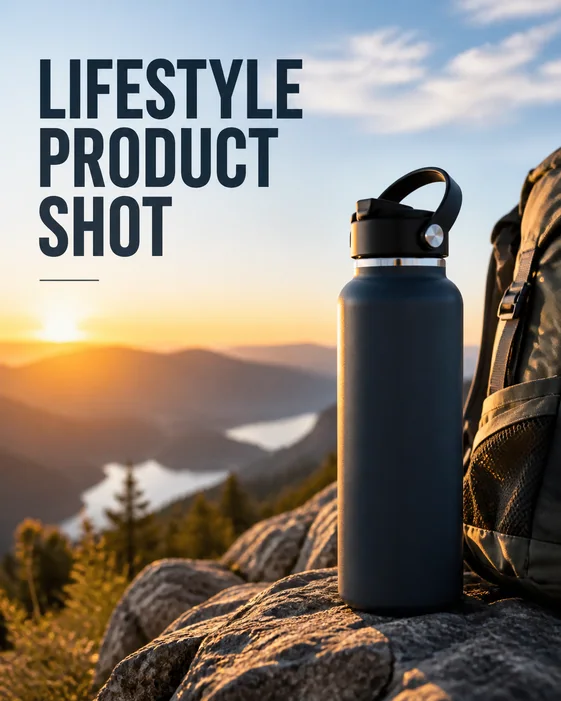
Lifestyle Product Shot: AI-generated product advertising example
Lifestyle Product Shot
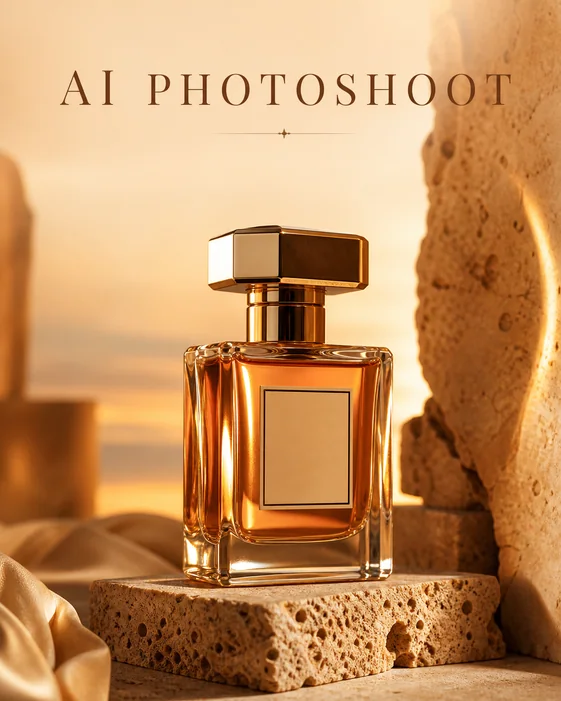
AI Photoshoot: AI-generated product advertising example
AI Photoshoot
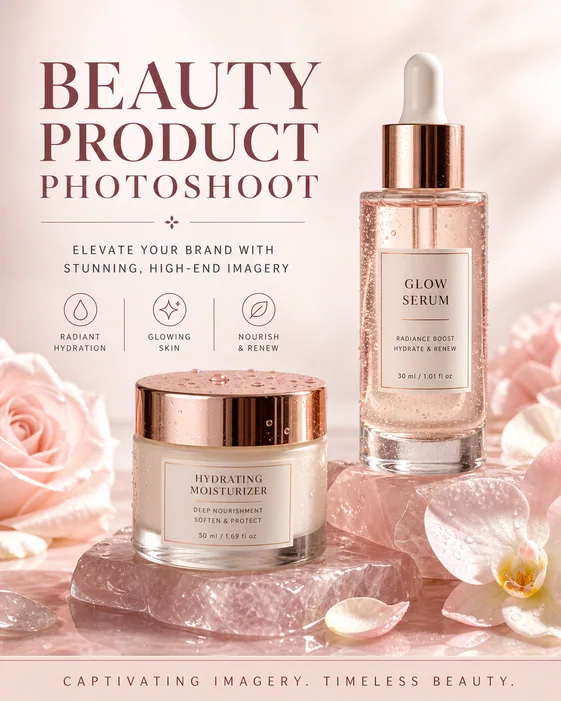
Beauty Product Photoshoot: AI-generated product advertising example
Beauty Product Photoshoot

From product to campaign concept

How to create product ad images with AI

Start with what you sell and who it is for. Build the creative direction from there.

  1. 01

    Start with your product

    Upload a clear product photo or describe the item you want to promote. Add the brand, audience, and product details that should stand out in the image.

  2. 02

    Set the campaign direction

    Describe a studio setup, lifestyle scene, or launch creative. Include the background, lighting, colors, image format, and any headline or offer you want to use.

  3. 03

    Generate, refine, and download

    Review your first image, then ask for changes to the scene, framing, or copy. Compare product details with your reference and download the version that fits your campaign.

AI product photography

Build a studio scene around your product

Explore a polished photoshoot direction from the product photo you already have. Describe the surface, light, reflections, and atmosphere to shape a hero image for a launch or product page. Ask to retain the product's distinctive shape, packaging, and colors as you refine the scene.

Try this directionCreate a premium studio product image using my uploaded photo. Use a sculptural pedestal, soft directional light, and a restrained palette. Keep the packaging and product proportions recognizable. Leave space above for a headline.
Create your product image
AI Photoshoot: AI-generated product advertising example
AI Photoshoot · AI-generated example

Lifestyle product photography

Show the product in a setting your audience recognizes

Help shoppers picture the item in their day: a morning routine, a desk setup, or a relaxed home scene. Name the audience and occasion, then choose a few relevant props. Keep the product easy to spot so the setting supports the story without overwhelming it.

Try this directionPlace my product in a relaxed morning setting with warm window light and a few relevant props. Make it the focal point. Keep the original product colors and shape, and leave the background calm.
Create your product image
Lifestyle Product Shot: AI-generated product advertising example
Lifestyle Product Shot · AI-generated example

AI product background generator

Find the background that brings the product forward

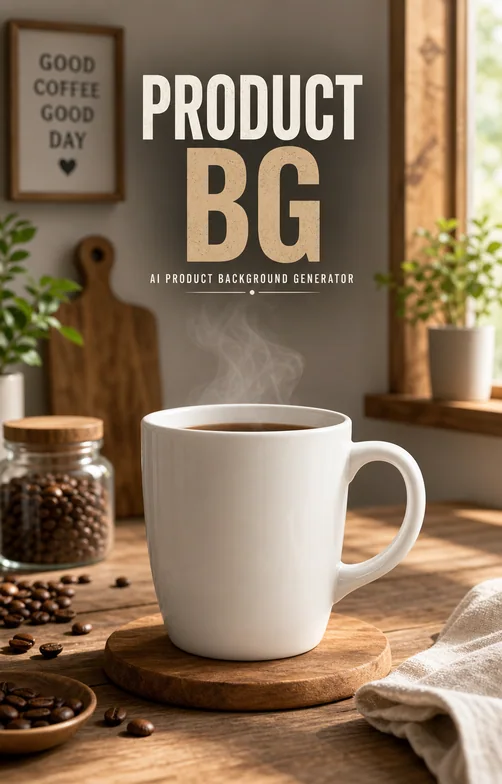
Try a minimal surface for an ecommerce page, a soft color that matches your brand, or a dramatic backdrop for a campaign. Describe the shadow and camera angle along with the setting. Small changes to spacing and contrast can make the product easier to read in a busy feed.

Try this directionGive this product a minimal background in our brand color with a soft contact shadow. Keep the scene uncluttered and the product clearly separated from the background. Leave generous padding for a product page.
Create your product image
Product BG: AI-generated product advertising example
Product BG · AI-generated example

Product ad images

Bring your product, message, and offer into one image

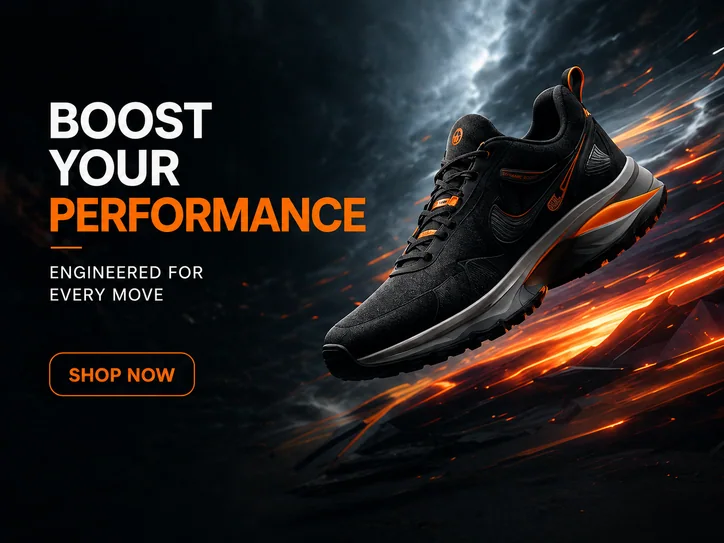
Create a social ad concept around one clear message. Share the launch, benefit, or offer and specify the exact headline you want. Ask for a square, portrait, or landscape composition to suit where you plan to use it, then refine the product placement and text hierarchy through chat.

Try this directionCreate a portrait product launch ad using my photo. Use the headline “Meet your new favorite” and the CTA “Explore the collection”. Make the product prominent, use a bold clean layout, and leave comfortable space around the text.
Create your product image
Social Ad: AI-generated product advertising example
Social ad · AI-generated example

Explore the possibilities

Product photography examples and ad ideas

Browse AI photoshoots, beauty campaigns, ecommerce images, and social ad concepts. Choose an example to open its starting prompt, then make it your own.

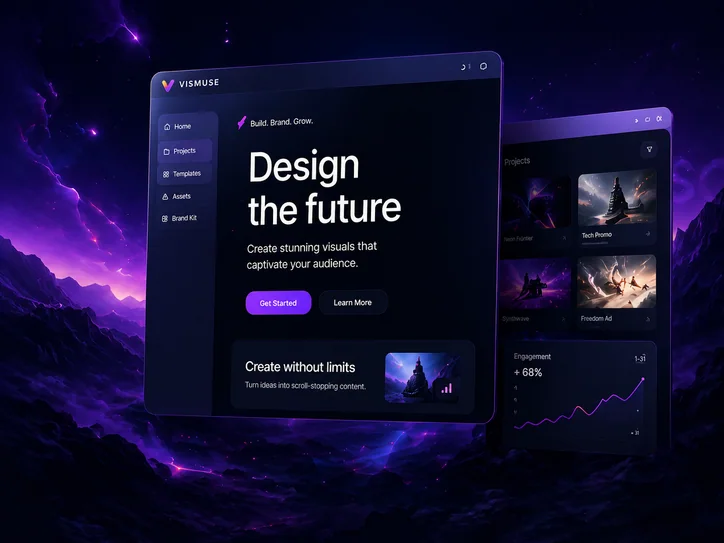
Website Promo: AI-generated product advertising example

Website Promo

Create a promo visual for vismuse.com

Use this idea
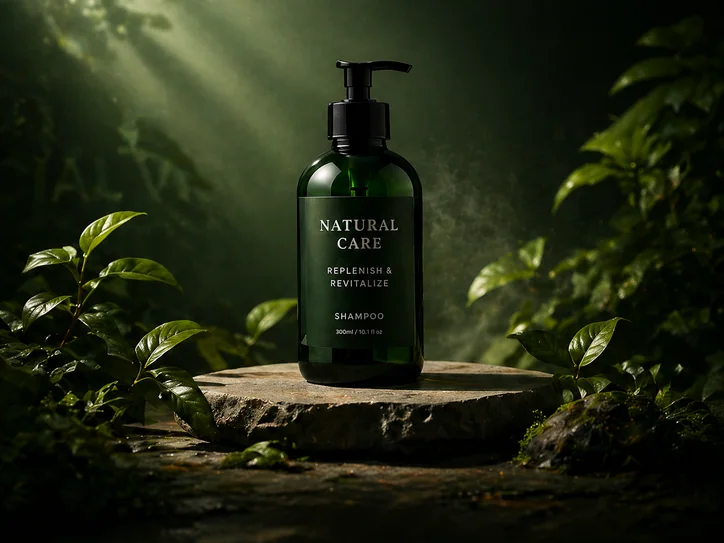
Product Promo: AI-generated product advertising example

Product Promo

Create a premium promo visual for our new shampoo

Use this idea
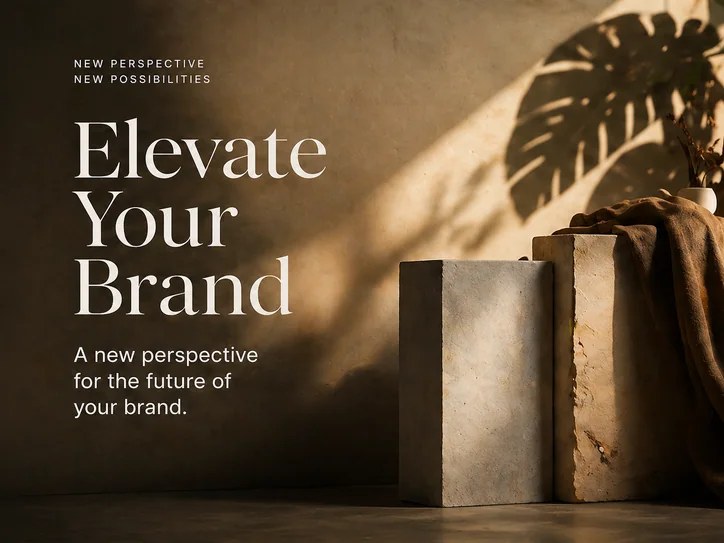
Brand Poster: AI-generated product advertising example

Brand Poster

Use this idea
Social Ad: AI-generated product advertising example

Social ad

Create an Instagram ad for our product launch

Use this idea
AI Photoshoot: AI-generated product advertising example

AI Photoshoot

Create artificial intelligence photoshoot scenes for premium product campaigns.

Use this idea
Product BG: AI-generated product advertising example

Product BG

Generate clean product background concepts for ads, hero images, and listing visuals.

Use this idea
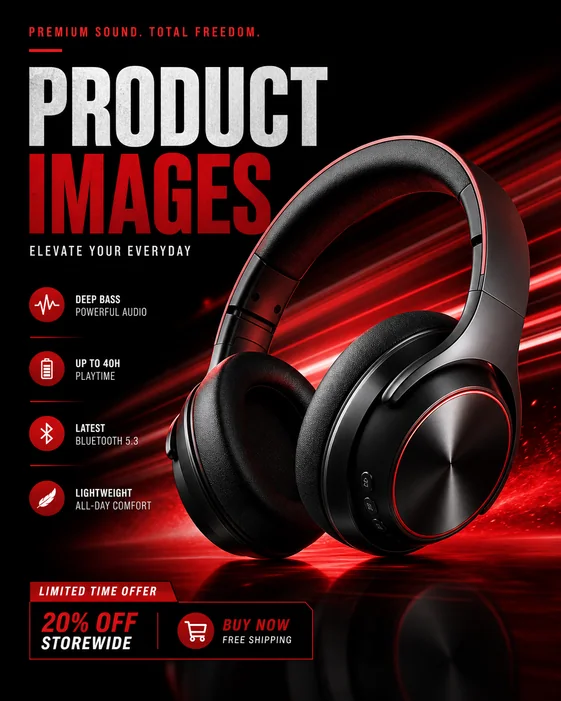
Product Images: AI-generated product advertising example

Product Images

Make product image sets for ads, ecommerce pages, and launch creatives.

Use this idea
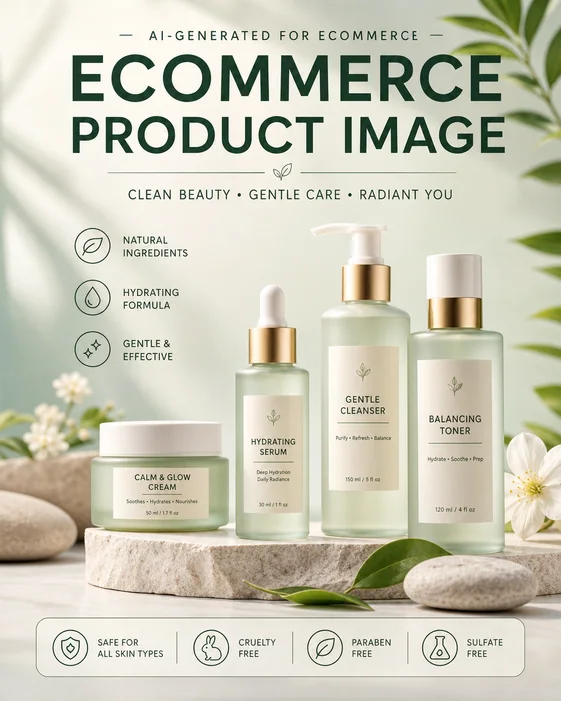
Ecommerce Product Image: AI-generated product advertising example

Ecommerce Product Image

Create ecommerce-ready product images with clean composition and conversion-focused copy space.

Use this idea
Lifestyle Product Shot: AI-generated product advertising example

Lifestyle Product Shot

Generate lifestyle product shots for social ads, landing pages, and seasonal campaigns.

Use this idea
Beauty Product Photoshoot: AI-generated product advertising example

Beauty Product Photoshoot

Create beauty product photoshoot prompts for skincare, fragrance, and cosmetic campaigns.

Use this idea

A stronger creative brief

Give the AI a product, an audience, and a purpose

  • The product: Upload a clear reference and name the details that make the item recognizable.
  • The audience: Explain who the image is for and the benefit or occasion you want to highlight.
  • The visual direction: Specify the setting, light, colors, composition, and space for text.
  • The message: Provide the exact headline or offer, then refine one element at a time.

Frequently asked questions

What is an AI product ad image generator?

It turns a product reference or written brief into a promotional image. Vismuse helps you explore product photography, campaign scenes, backgrounds, and social ad concepts, then refine the result with follow-up instructions.

How do I create AI product photography from my own photo?

Upload a clear photo and describe the setting you want. Include the surface, lighting, mood, and composition, and mention which packaging or product details should stay. Generate an image, compare it with the reference, and refine the scene through chat.

Can I start without a product photo?

Yes. Describe the product, audience, and campaign idea to explore a visual concept. When you need an image of a specific item you sell, upload a reference photo so the design has a clearer starting point.

Can I make lifestyle scenes and new product backgrounds?

Yes. Describe a setting such as a bathroom counter, a home office, a studio pedestal, or an outdoor scene. Include the lighting and props, and explain how prominently the product should appear. You can ask for a different background in a follow-up.

Can I create product images for my online store?

You can create product-page visuals, promotional banners, and ecommerce image concepts. Explain where the image will appear so the composition fits its purpose. Review the actual product details and the destination's image requirements before publishing.

Can the image include a headline, offer, or call to action?

Yes. Put the exact wording in your brief and describe where it should appear. Keep the message short and tell Vismuse which text matters most. Check spelling, prices, and offer details in the generated image before using it.

Will my product look exactly like the reference?

AI generation can change small details, including labels, proportions, textures, and colors. Upload a clear reference, name what should stay, and compare the result with the original. Ask for corrections when needed before using the image to represent a real product.

Can I make several creative directions for the same campaign?

Yes. Reuse your product reference and campaign brief, then ask for a different background, composition, palette, or headline treatment. Change one direction at a time to make the options easier to compare.

Is the product ad image generator free?

Image generation uses Vismuse credits. Check the credit requirement shown in the app and the current pricing page before generating. Subscriptions and one-time purchases are available.

Build the rest of your campaign

Product Ad Image Generator guideBackground RemoverAI Image Text EditorAI Flyer GeneratorPlans and creditsExplore all tools
Vismuse

Create and edit images and videos through conversation—no traditional editor required.

Product

AI Image GeneratorAI Video GeneratorAI Image to Video GeneratorAI Animation GeneratorAlbum Cover MakerProduct Ad MakerAI Flyer Maker

Templates

All TemplatesFlyer TemplatesAlbum Covers

Resources

Help CenterDocsToolsPricing

Company

Contact supportAbout VismuseAcceptable UsePrivacyTermsRefund PolicyCookies
© 2026 Vismuse. All rights reserved.
English
EnglishDeutschFrançaisEspañolPortuguês (Brasil)日本語한국어繁體中文