Ideas for every audienceEight ways to use a back-to-school flyer Template
The right back-to-school flyer depends on the action you want students, families, or shoppers to take. These common use cases show what information to prioritize before you customize a template.
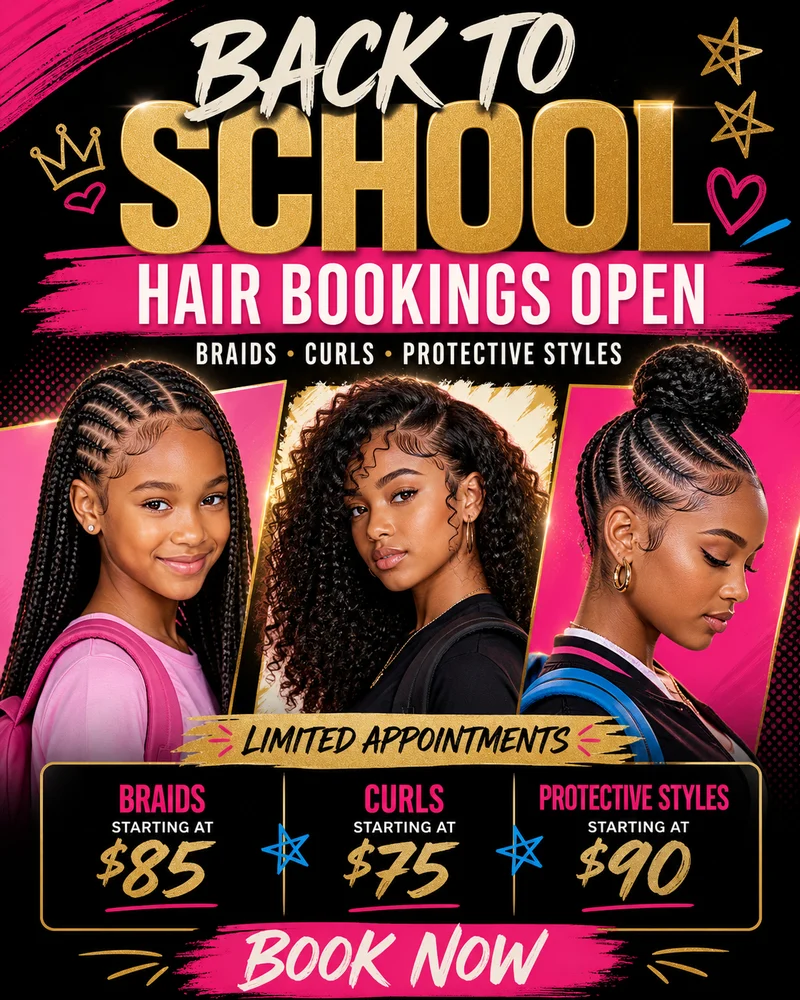
Back-to-school hair bookings
A back-to-school hair flyer works best when appointment availability matters more than a long service menu. Lead with the booking window, feature two or three popular styles such as braids, twists, curls, locs, or fresh cuts, and keep the price and booking method close together. Add a limited-slots message to help families act before the first day of school.
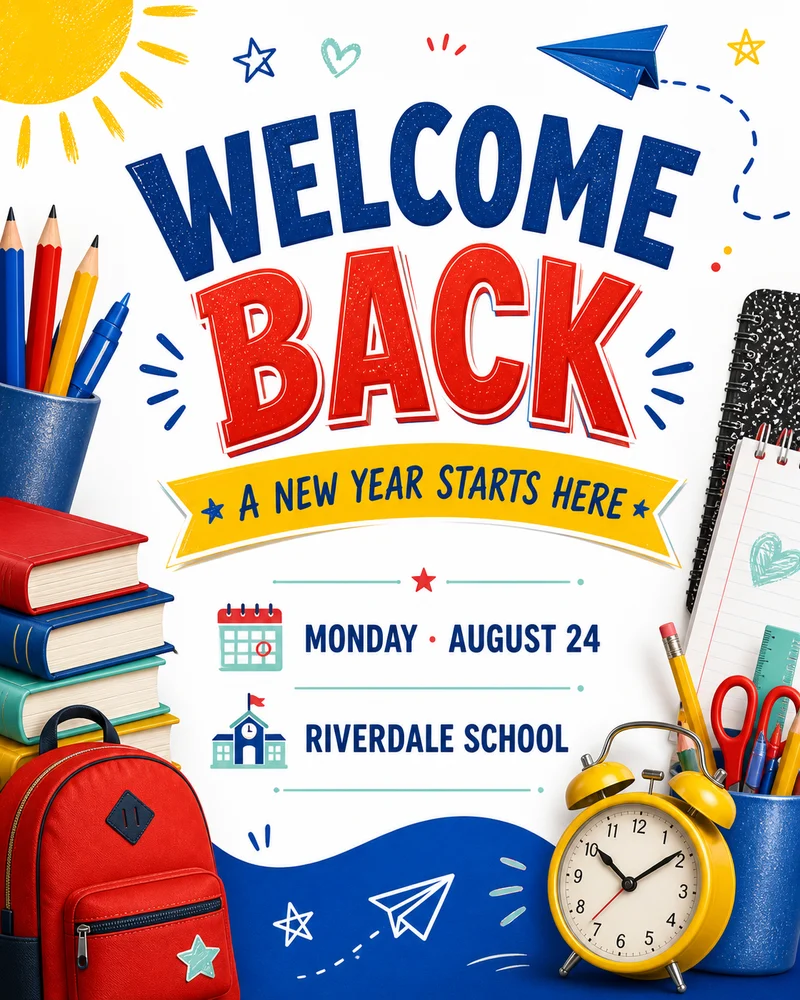
Welcome back to school events
Use a welcome back to school flyer to share the first-day schedule, campus arrival details, a family welcome event, or a student orientation. Friendly photography, school colors, and one upbeat headline set the tone. Put the date, time, entrance, and audience in one easy-to-scan block so parents and students can understand the plan without reading fine print.
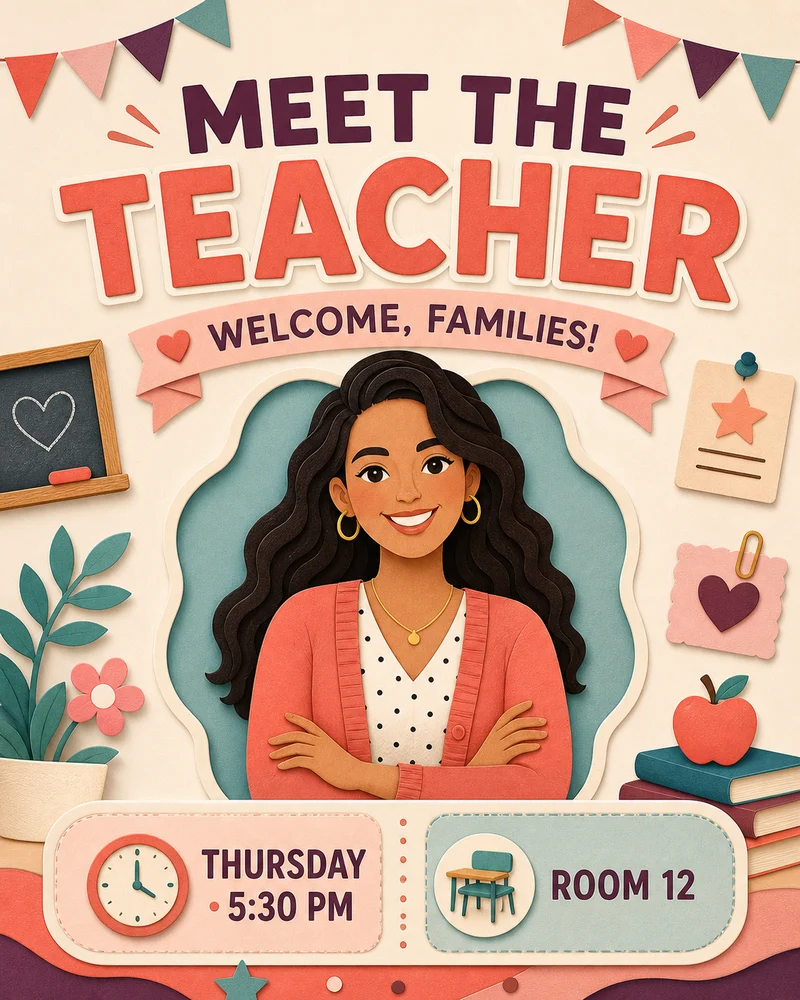
Meet the teacher introductions
A meet the teacher flyer should feel personal while still answering practical questions. Include the teacher's name, grade or subject, classroom number, event time, and a short welcome note. A clear portrait or classroom image builds familiarity, while small sections for what to bring, parking, or check-in instructions help families arrive prepared.
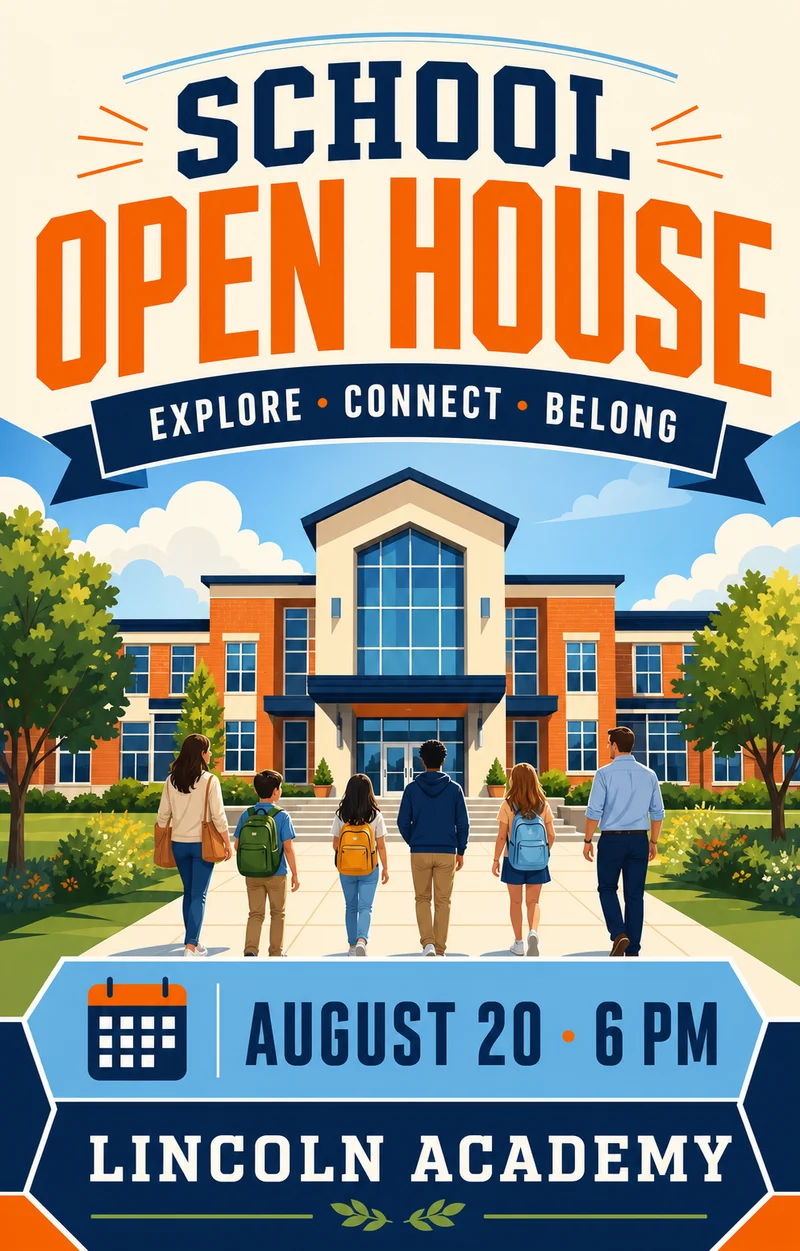
School open house invitations
Choose a school open house flyer template when the goal is to bring prospective or returning families onto campus. Highlight tours, enrollment support, student showcases, or a principal welcome, then add the school address and RSVP details. Strong visual hierarchy is especially important because open houses often include several activities within a short time window.
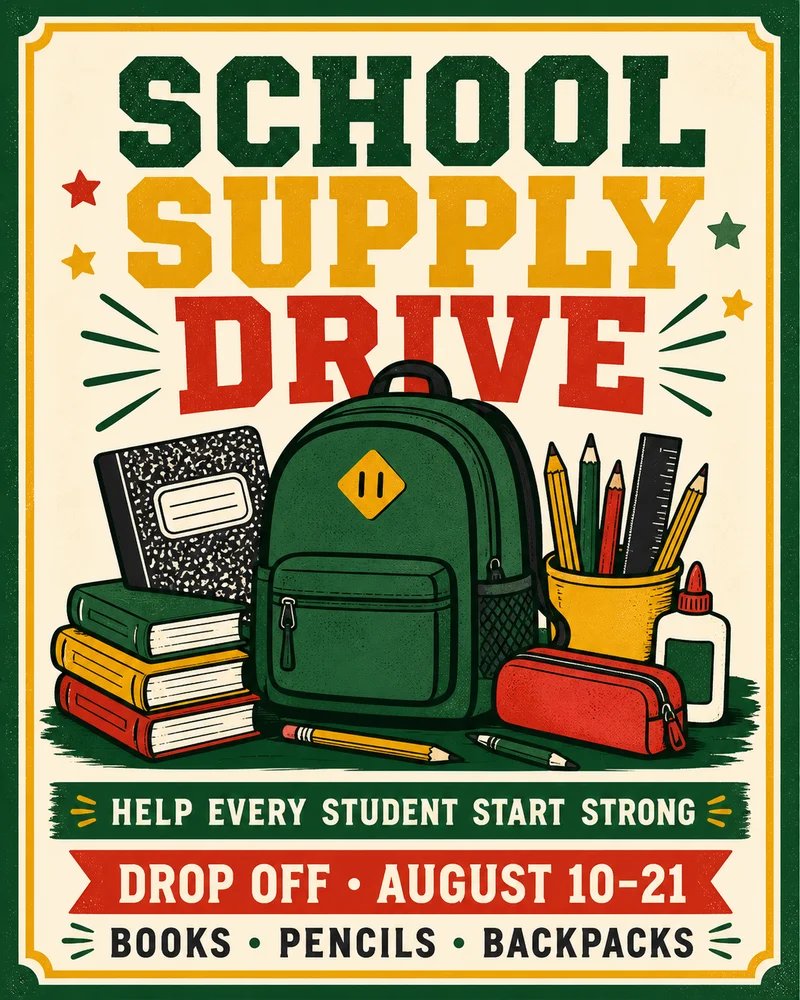
School supply drives
A school supply drive flyer needs a specific request, not just a donation headline. List the highest-priority items, the collection dates, accepted drop-off locations, and who will receive the supplies. Use simple product imagery and high contrast so notebooks, backpacks, pencils, uniforms, or hygiene items remain recognizable when the flyer is printed or shared in a group chat.
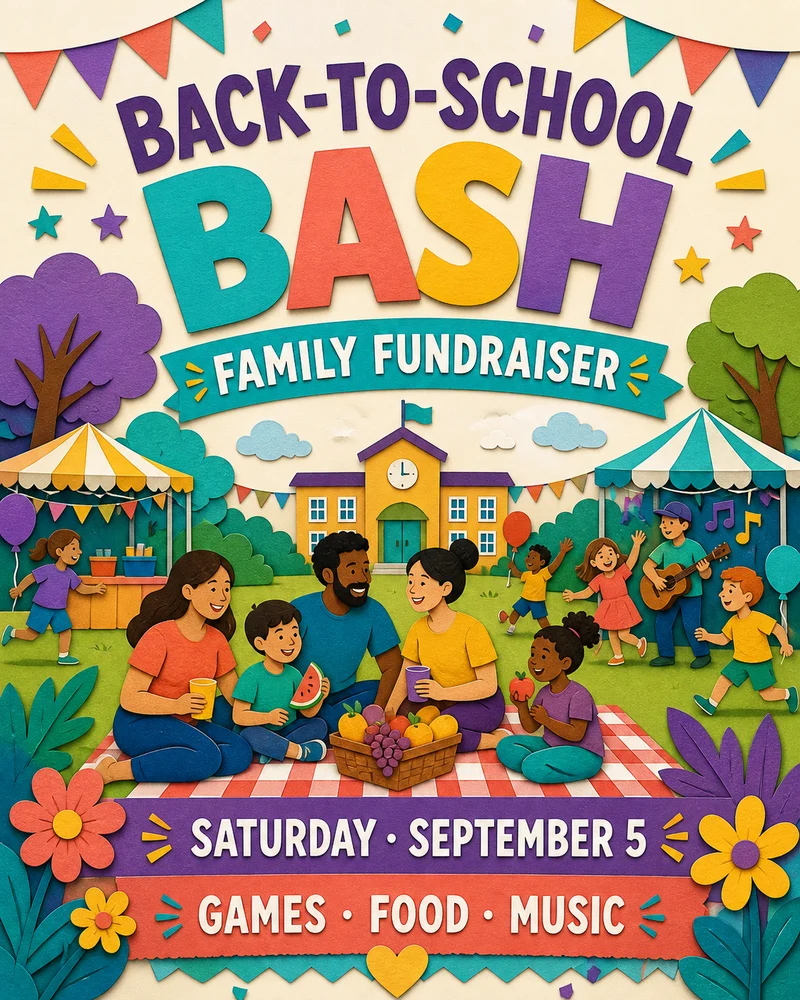
Back-to-school fundraisers
Fundraiser flyers should connect the event to a visible school benefit. Explain whether proceeds support classroom materials, sports, arts programs, scholarships, or student activities. Pair that purpose with the event format, ticket or donation amount, date, location, and payment method. Families are more likely to participate when both the experience and the impact are immediately clear.
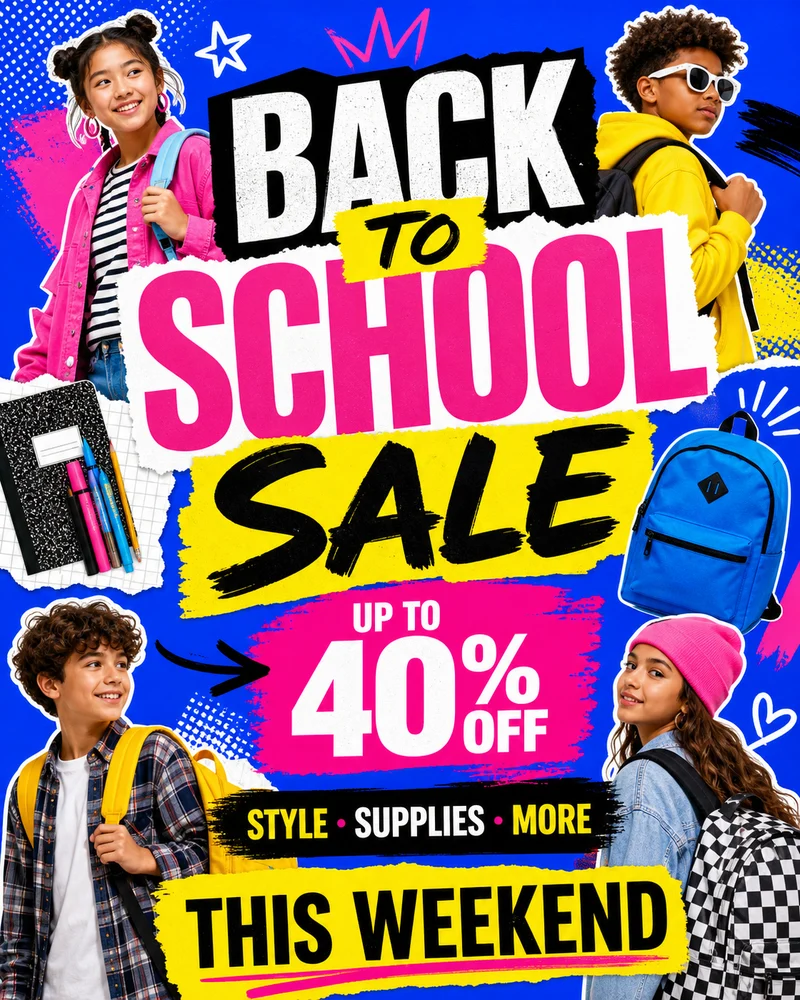
Retail sales and student offers
A back-to-school sale flyer is useful for clothing, shoes, electronics, beauty products, barber supplies, stationery, and student bundles. Make the discount or bundle the largest message, show the offer dates, and state any exclusions near the call to action. Use only a few product categories so the promotion stays readable on social feeds and storefront displays.
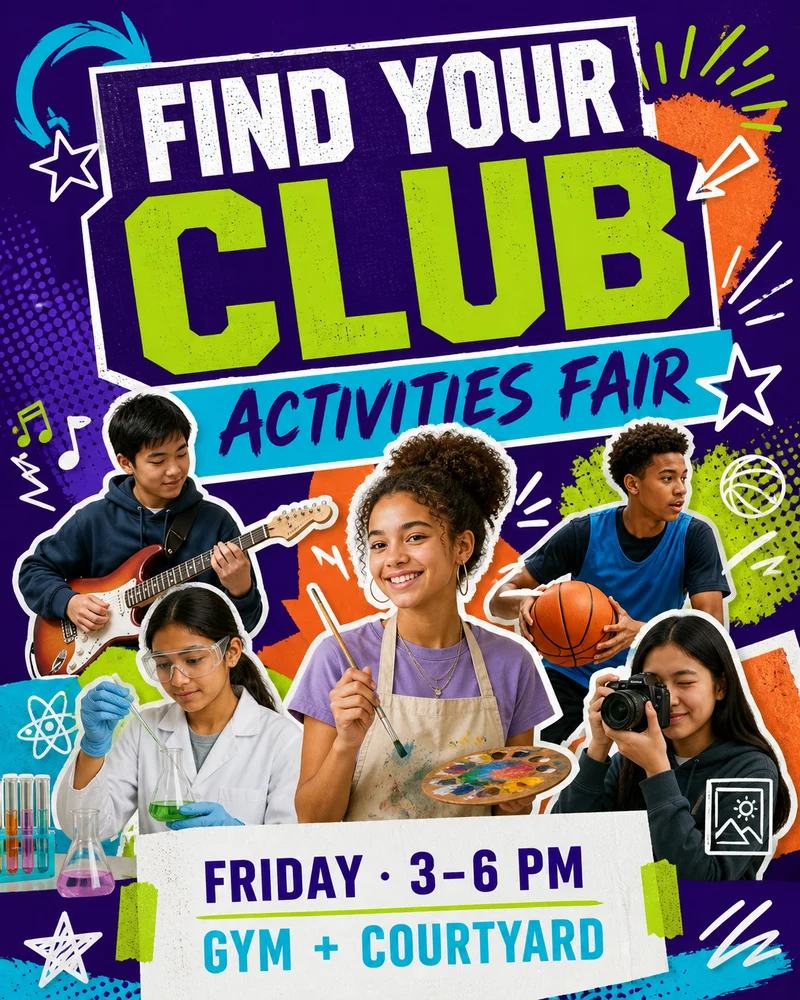
Club fairs and student activities
Use a school club fair flyer to help students discover sports, arts, volunteering, academic groups, and after-school programs. A lively grid of activities can communicate variety, but the event date, location, and sign-up action still need a dominant position. Add a short invitation such as find your community or try something new to make the message feel welcoming.