
Almost honest
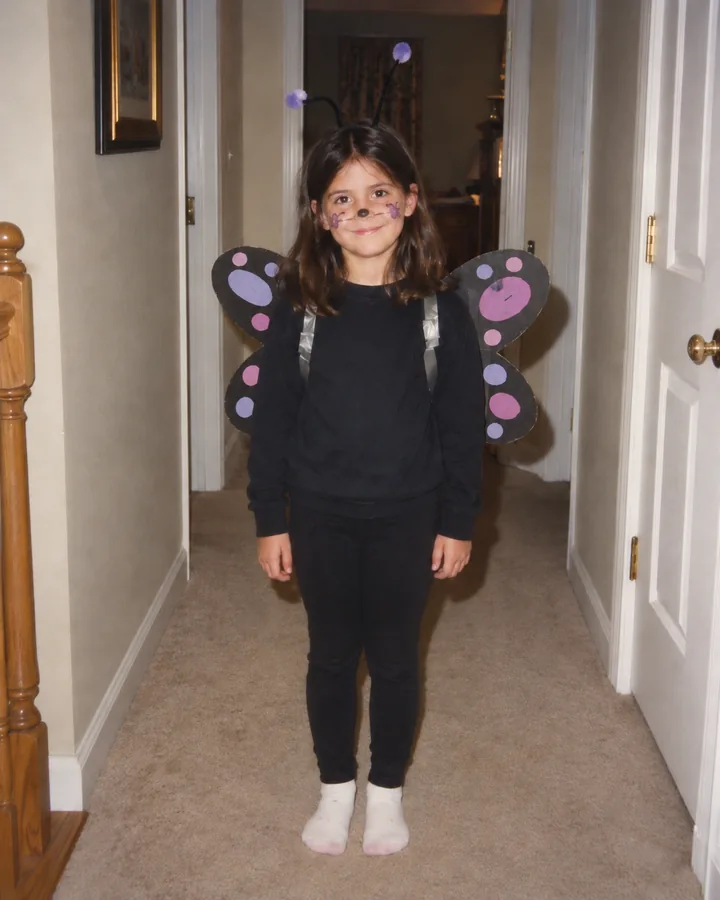
Only a tiny upgrade from the real photo.
Upload a real costume photo once. Generate the three playful edits together, then let your untouched original deliver the final reveal.
Change “a butterfly” to your costume claim, then upload the real photo. One submission makes three increasingly extravagant edits; keep your original as slide four. The full set requires enough credits for three images.
One original photo · Three AI edits in one request · Original photo last
It is a staged costume reveal. The three generated photos grow from a tiny upgrade to the most extravagant version of the costume claim. The last slide reveals your real photograph.
The request uses your original as the reference for all three edits so the person, pose and setting stay recognizable. The final photo should be the untouched file, not an AI recreation.
Choose a childhood costume photograph you own or have permission to use. Keep that file unchanged for the ending.
Say which costume you claimed to wear, choose how big the lie should feel, and generate three separate images from nearly honest to increasingly extravagant.
Download the three edits and place them before your untouched original in a social photo carousel. Add your own captions and a sound offered by the publishing platform.
The Lie gap setting controls how extravagant the third slide becomes. The request asks for all three edits in one set; replace the example costume claim with your own before generating.
Only a tiny upgrade from the real photo.
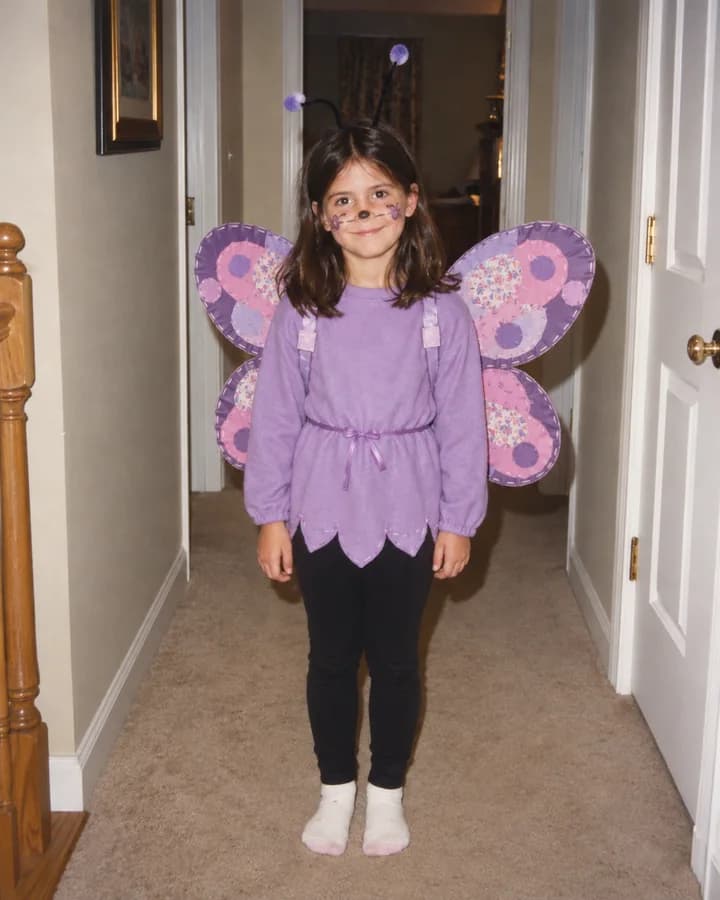
A recognizable homemade costume with more detail.
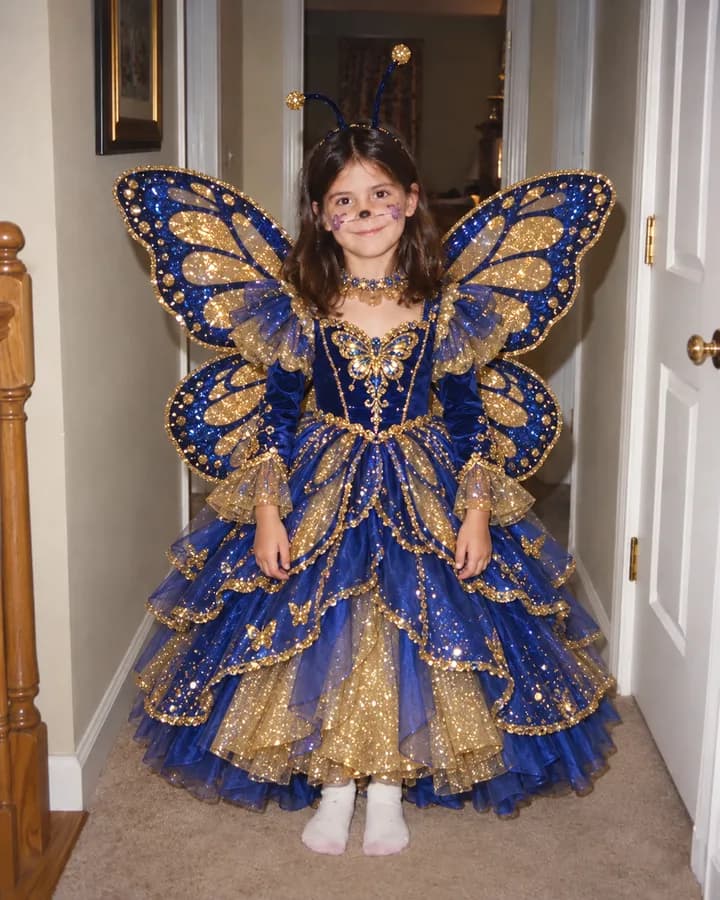
An extravagant version of the claimed costume.
AI may change faces or backgrounds, so compare every result with your source photo.
It is a staged photo reveal. This version makes three edits of the same photograph, each with a more exaggerated costume, then shows the unchanged original as the punchline.
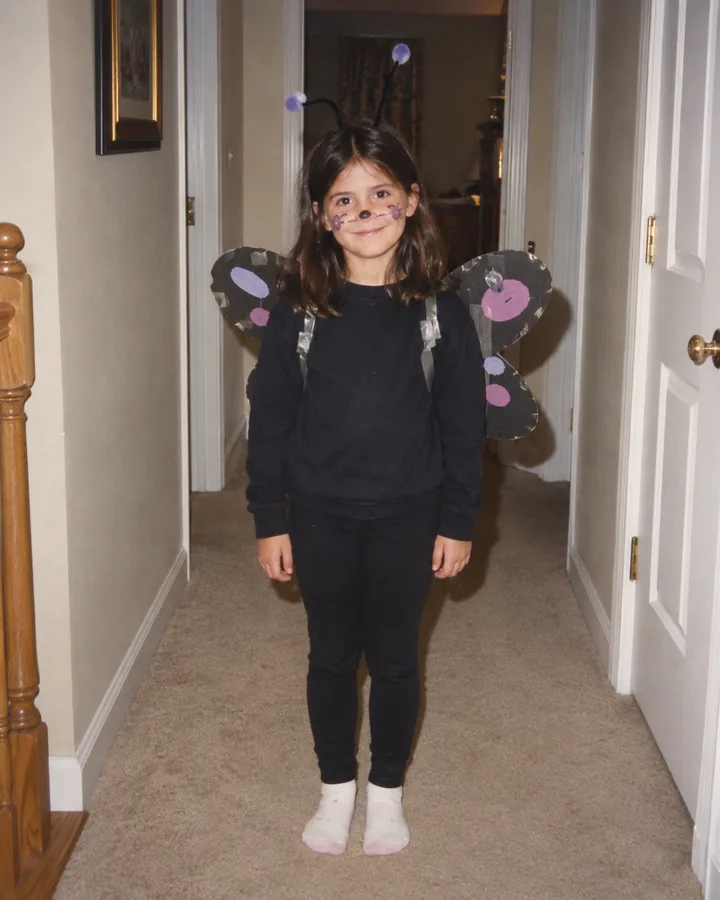
One submission requests the three AI-edited images together. Your uploaded original is the unchanged fourth slide; add it after the three results when you assemble the carousel.
A visible costume and an honest original image make the joke easier to follow. A full or half body photograph usually gives the editor more clothing detail than a tightly cropped face. Use a photo you can share.
The prompt asks the AI to preserve them, but exact consistency is not guaranteed. Compare every generated slide with your original and retry a stage if the face, pose, lighting, or room changes too much.
This page creates still image edits. Arrange them in a photo carousel or video editor, and choose an available sound in the social app where you publish.
No. This is a photo editing workflow inspired by a social posting format. Vismuse does not provide the platform's template or its music.
Upload the real photo, describe the costume claim, and generate the three edits together.
Upload your photo