
Simple: text to music
Describe the story, mood, genre and instruments. The AI song generator creates music and lyrics from your brief, without a recording studio or music theory.
FROM AN IDEA TO YOUR NEXT SONG
A late-night thought. A chorus in your notes. Turn it into a song with vocals, melody and a sound of your own.
Simple & Custom30sMP3
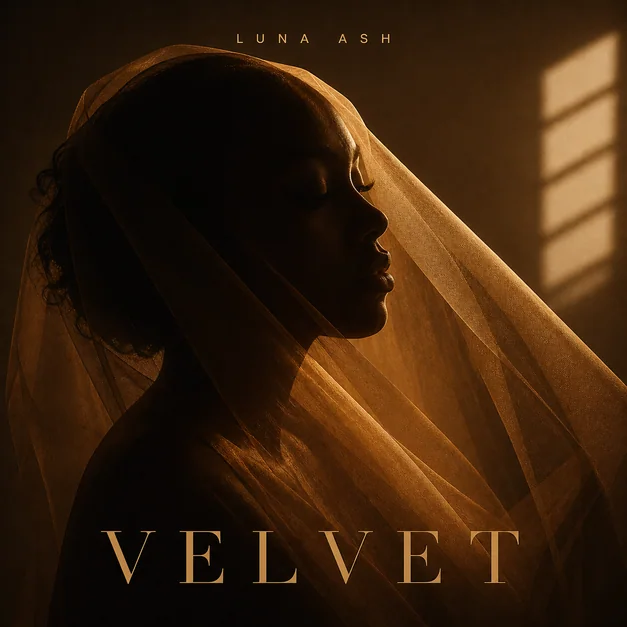
Describe the story, mood, genre and instruments. The AI song generator creates music and lyrics from your brief, without a recording studio or music theory.
Paste your lyrics, choose a style and set vocal preferences. Your words become the starting point for a complete song. Use the optional AI lyrics writer when you need a first draft.
Create a vocal song or switch on Instrumental for a backing track. Explore lo-fi, pop, R&B, cinematic piano and other musical directions.
Ask for a warmer sound, a different style or revised lyrics. Audio changes create a new song version; previous versions stay in your conversation.
Add an optional cover before generation, or create new artwork from the finished song. A cover sets the visual identity; it does not control the melody.
Send the selected song and cover to the MV workbench. Choose an available excerpt and review the paid video quote before generating visuals.
Choose Simple or Custom. Include a mood, theme, genre and a few instruments, or paste lyrics you want to hear.
Check the credit quote, generate your music and compare the returned versions. Open the lyrics and listen to the 30-second preview.
Use chat to create another version. Unlock the selected song for download, or move into cover design and music video creation.
A warm R&B song about finding your way home after a long day. Soft electric piano, restrained drums and hopeful vocals.
An instrumental lo-fi track for a rainy afternoon. Mellow piano, warm bass and a gentle, steady groove.
An upbeat indie song about leaving the city behind. Bright guitars, an easy rhythm and an uplifting chorus.
Music generation uses account credits. Check the current quote before submitting. Generated songs offer a 30-second preview; full downloads require a qualifying subscription or a single-song unlock.
Yes. Choose Custom, paste your lyrics and describe the style. You can also request a lyrics draft before generating music.
The default follows the language of your creative description, rather than the interface. An explicitly requested language takes priority. Custom mode follows the lyrics you provide.
No. A music edit generates a new complete version. Exact melody, voice and timing are not guaranteed to remain identical. Previous versions remain available in the chat.
Choose Download song on the result. If the selected song is locked, choose a qualifying subscription or its single-song purchase. Checkout shows the current price and currency.
Yes. The finished-song card links to cover generation and the MV workbench, carrying the selected version. MV generation requires paid access and its own credit quote.
Bring an idea, a story or the lyrics you have been saving. Find its sound in Vismuse.
Create your song