AI Album Cover Maker
Prompt Examples
Album Cover Ideas from Photos, Titles, and Genres
Title and Artist Name Cover
TypographyMoody Rap Mixtape Cover
RapIndie Album Cover With Film Photo
IndieElectronic Single Cover
ElectronicSpotify Playlist Cover
PlaylistLuxury Trap Cover
MixtapeParental Advisory Album Cover
RapRecent Creations
View allLibrary
View allHow It Works
Upload or describe the release
Start with a photo, reference image, artist name, album or single title, genre, mood, theme, and whether the artwork is for an album, EP, mixtape, or playlist.
Add visual direction
Include color palette, typography style, cover references, photo direction, symbols, texture, and any parental advisory or label placement you need.
Generate and refine
Create cover art concepts, then refine the title treatment, composition, genre cues, background, crop, or release-ready square layout.
FAQ
How do I make an album cover?
Add the artist name, release title, genre, mood, and release type. Then generate a square cover concept and refine the crop, text, contrast, and overall music identity.
What size should an album cover be?
Start with a 1:1 square cover composition and keep the source artwork high resolution. Exact upload requirements can vary by distributor, so check the current rules for Spotify, Apple Music, SoundCloud, or your release platform before publishing.
Can I make cover art for Spotify or Apple Music?
Yes. Use the generator for square music artwork for albums, singles, EPs, mixtapes, and playlists, then refine the crop, title area, and contrast so it works well in streaming app thumbnails.
Can I upload a photo to make an album cover?
Yes. Upload or paste a reference image, then explain what to keep from the photo, what background or cover style to change, and where the title or artist name should appear.
Can I add text to my album cover?
Yes. Include the exact release title and artist name, then specify placement, font mood, readable typography, and any advisory label. If the text needs correction, revise with the exact wording and placement.
Docs and album cover guides
View guidesCreate music artwork for every release
Use the AI Album Cover Maker for photo-to-cover artwork, square release art, single covers, mixtape covers, playlist visuals, and genre-specific music artwork.

Streaming-ready square cover art
Create 1:1 album cover artwork for Spotify, Apple Music, SoundCloud, singles, EPs, mixtapes, playlists, and full albums.
Keep the title area, artist name, main subject, and color contrast readable when the cover appears as a small streaming thumbnail.
Add title and artist name to your cover
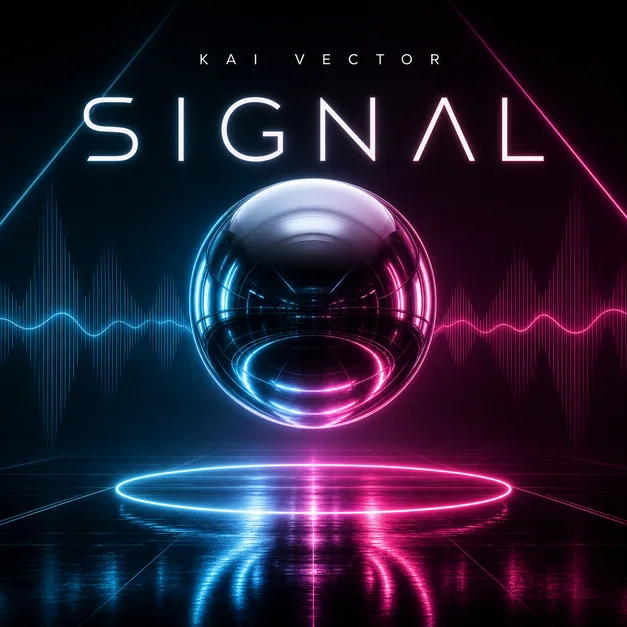
Tell the generator the exact album title, artist name, typography mood, and where the text should sit so the cover reads clearly as release artwork.
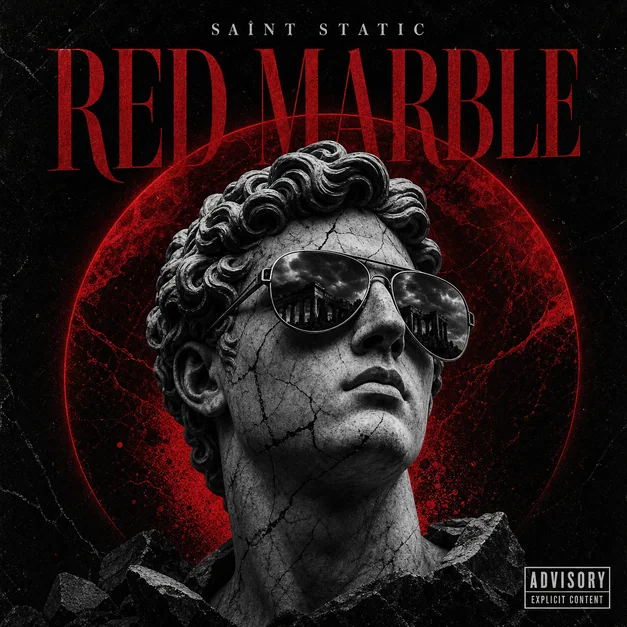
Use title-focused prompts when you need readable thumbnail text, lower-third artist names, centered album titles, or a parental advisory-style label.
Rap mixtape and parental advisory covers
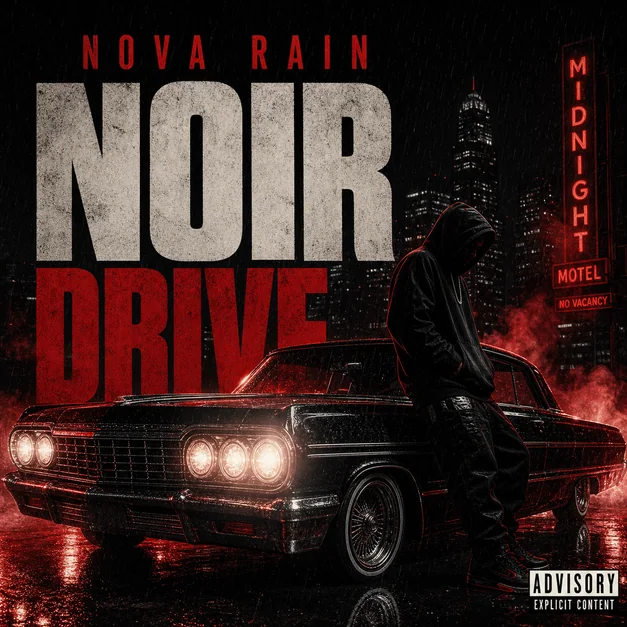
Create rap, trap, and mixtape covers with dark street mood, luxury chain or gold details, city scenes, cars, smoke, and bold title placement.
Use parental advisory prompts when the cover needs an explicit-label layout, gritty cinematic contrast, and readable artist or release text.
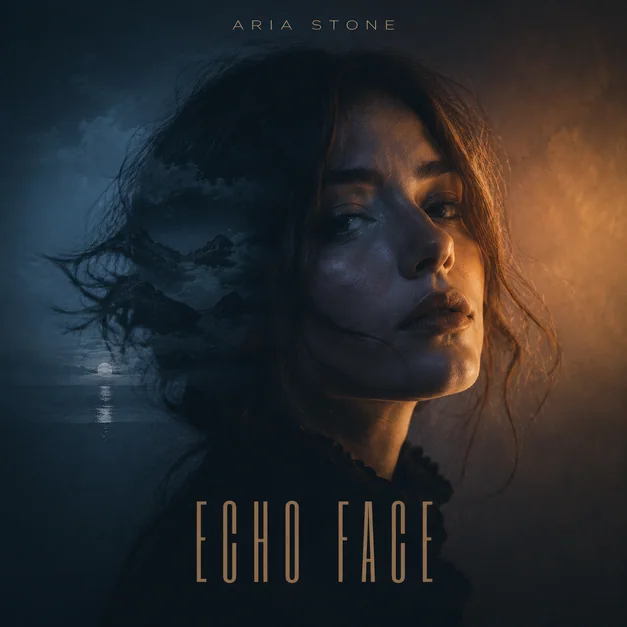
Turn a photo into an album cover
Upload an artist portrait, group photo, selfie, or reference image and turn it into square release artwork with a stronger background, mood, and title treatment.
Use photo-to-cover prompts when you want to keep the person or pose from the image but change the scene into a dark, luxury, urban, or cinematic album cover.

Album cover guides and prompt examples
Use the album cover guides when the search intent is more specific than a blank generator: cover size, Spotify artwork, rap cover ideas, or ready-to-remix prompts.
Each guide points back to the generator, docs, and album cover example library so the music artwork cluster stays connected.