
Describe the release
Add artist name, album or single title, genre, mood, story, and where the artwork will be used.
Create album covers
Design square release artwork from an artist photo, track title, genre, mood, typography direction, or music visual reference.
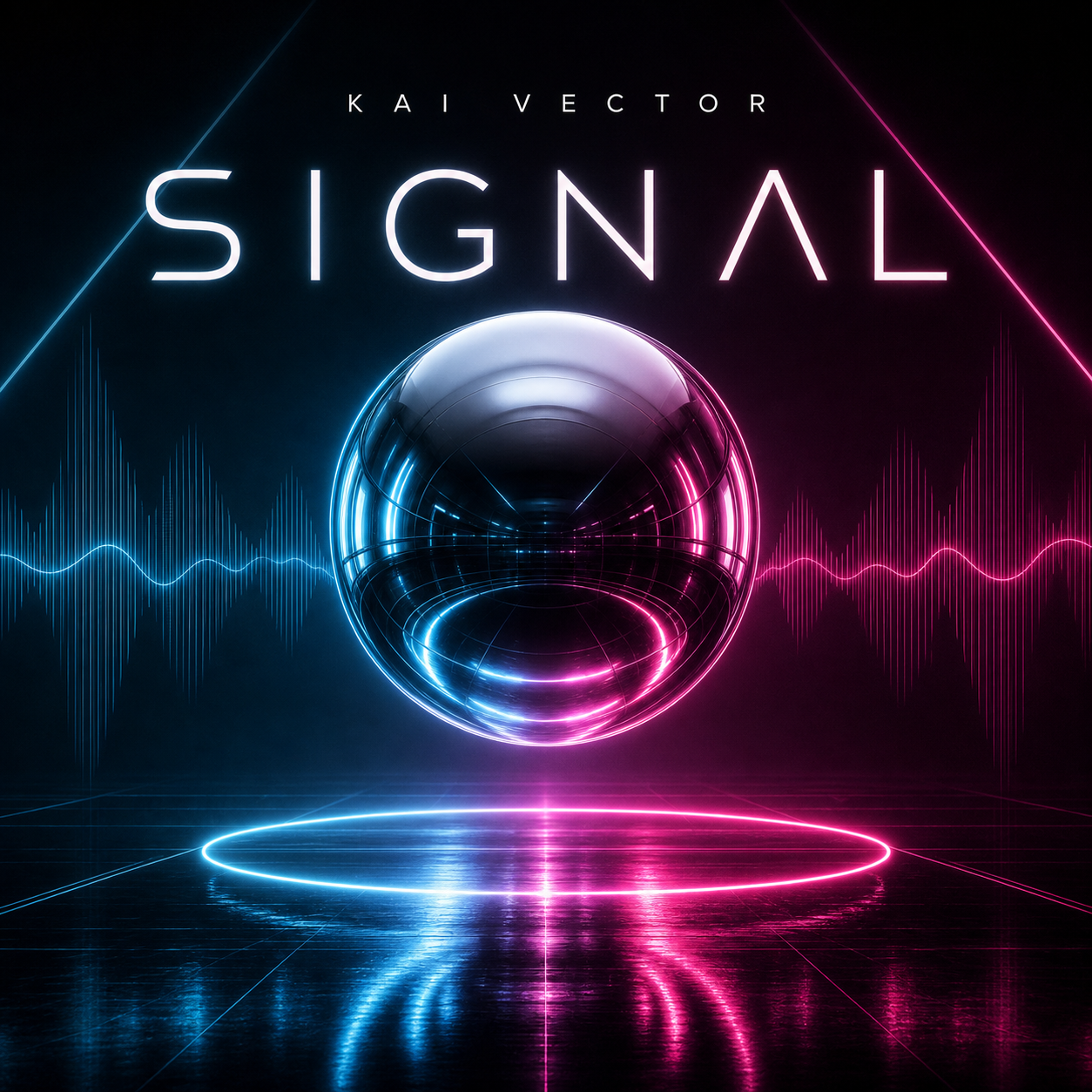
Use Vismuse to turn a release idea into cover art direction. Add the artist name, album or single title, genre, mood, palette, title placement, advisory-label needs, and any reference images.
The album cover workflow is built for musicians, producers, playlist curators, and creators who need square artwork that still reads clearly at thumbnail size.
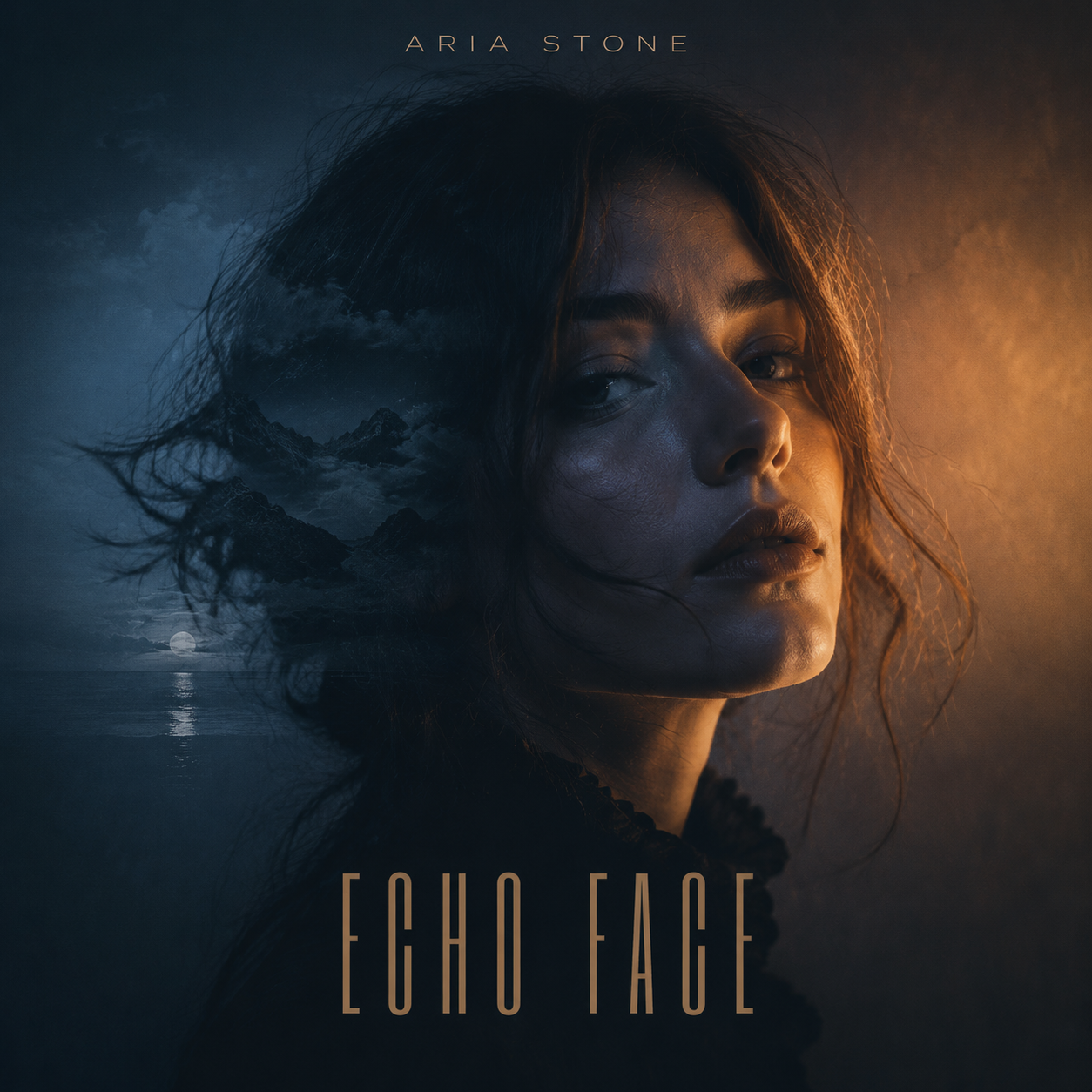
Start from a track title, EP concept, mixtape mood, playlist theme, or artist portrait. Vismuse can use that input to generate a cover direction with stronger atmosphere and composition.
Photo-to-cover prompts work especially well when you want to preserve a person, pose, or reference while changing the background and visual style.
Album covers need to work both as full-size artwork and tiny streaming thumbnails. Keep the focal point, artist name, and title area readable.
You can ask Vismuse to adjust title placement, crop, contrast, and background detail after the first draft.
Rap, R&B, electronic, indie, jazz, metal, country, and lo-fi covers all use different visual signals. Start with the genre, then add mood, color, texture, and typography notes.
Templates and prompt examples can help you avoid generic cover art and get closer to the sound of the release.
Add artist name, album or single title, genre, mood, story, and where the artwork will be used.
Mention colors, symbols, texture, photo references, typography mood, and title placement.
Open the album cover workspace and create a 1:1 cover direction for the release.
Improve crop, readability, title hierarchy, contrast, background, and thumbnail clarity.
Use Vismuse to quickly explore artwork directions, then refine the best one into a more release-ready cover.
Upload an artist portrait or reference image and describe the new scene, mood, and title treatment.
Create cover directions for rap, electronic, R&B, indie, jazz, metal, country, lo-fi, and more.
Ask for larger title text, cleaner artist-name placement, less clutter, or a stronger focal point.
Start with a 1:1 square composition. Many distributors request high-resolution square artwork, so check the platform rules before release.
Yes. Upload an artist portrait, selfie, band photo, or reference image and describe what should stay, what should change, and where title text should appear.
Common elements include artist name, album or single title, strong imagery, mood, genre cues, and readable typography. Some covers also need advisory-label direction.
Yes. Use the same square artwork workflow for singles, EPs, mixtapes, playlists, SoundCloud artwork, and streaming release visuals.
Open the Vismuse workspace, describe what you need, upload references if helpful, and revise the result until it matches the final direction.