
Describe the flyer goal
Start with the flyer type, audience, offer, location, date, and the action people should take.
Create flyers
Turn a short event, service, sale, or campaign brief into a flyer direction you can keep refining in the same Vismuse workspace.
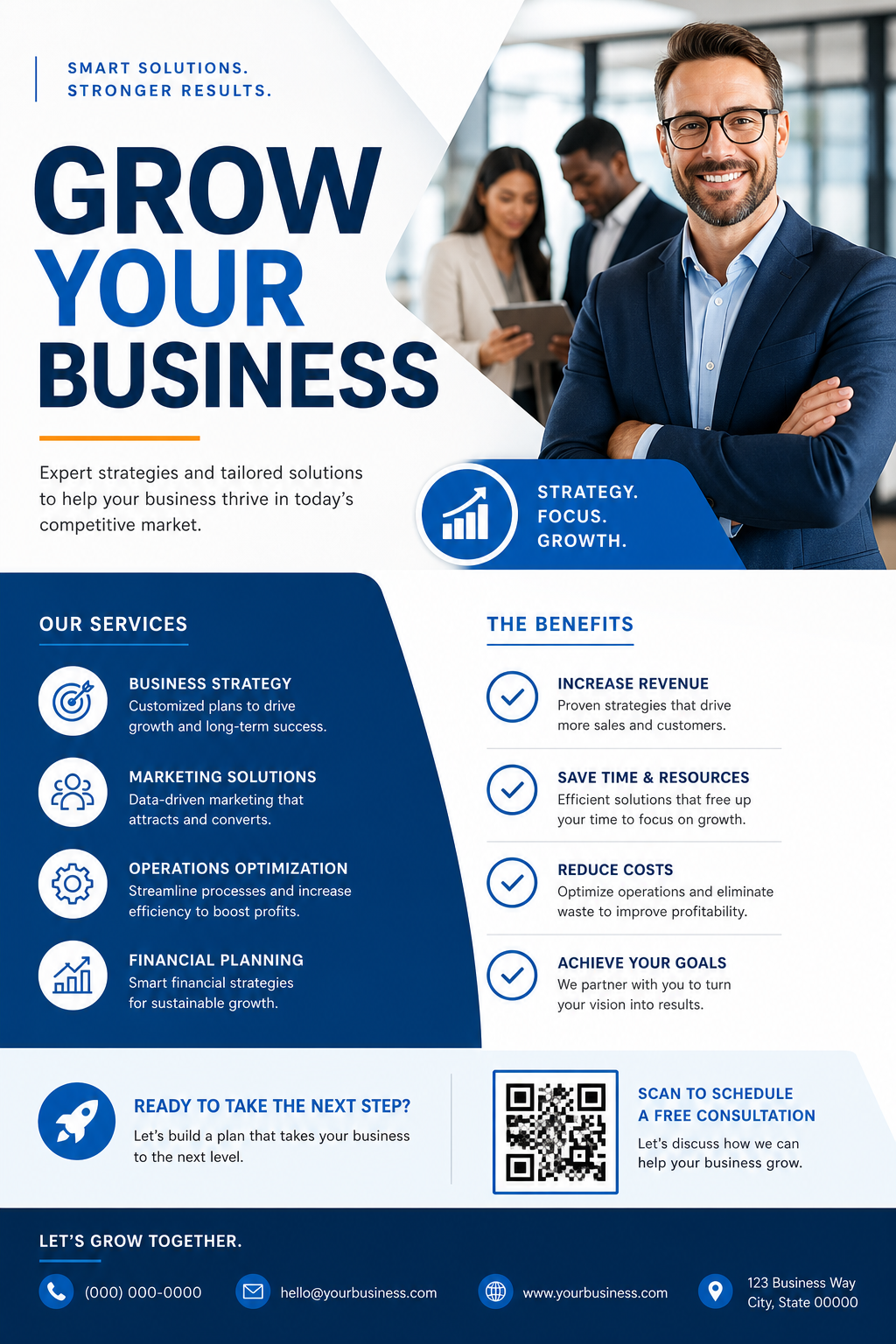
Use Vismuse when you need a flyer but do not want to start from a blank canvas. Add the event title, offer, date, location, phone number, QR code, brand direction, and audience, then generate a first visual direction.
The flyer workflow is built for practical prompts: parties, birthday events, open houses, local services, restaurant specials, school fundraisers, church events, sales, fitness classes, and community announcements.
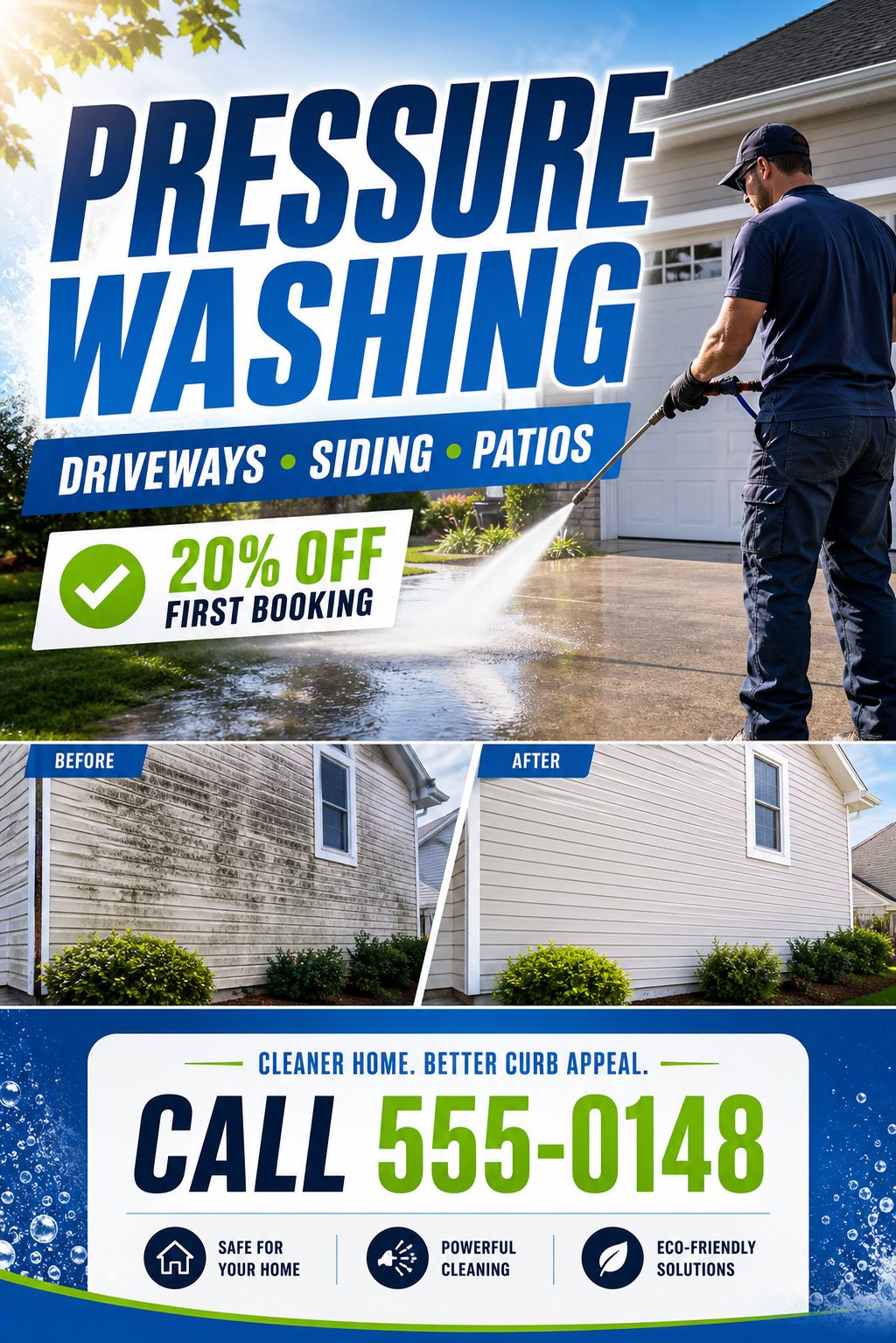
A strong flyer needs visual hierarchy before decoration. Vismuse helps turn scattered details into a more organized design brief with a clear headline, supporting copy, and call to action.
You can ask for square social flyers, portrait handouts, story graphics, or print-oriented layouts from the same source copy.
Paste raw flyer copy, a business offer, a restaurant menu, or event details. The generator can preserve required wording while turning it into a more useful creative direction.
This works best when you separate must-include text from style notes, such as colors, mood, audience, and format.
After the first flyer is generated, continue with requests like make the date larger, reduce clutter, change the background, add more premium typography, or create a vertical version.
That keeps the flyer workflow closer to a working design conversation instead of a one-shot prompt.
Start with the flyer type, audience, offer, location, date, and the action people should take.
Include exact headline text, contact info, RSVP details, pricing, QR code URL, brand colors, and format.
Open the flyer workspace and create a first draft for social, print, event promotion, or local advertising.
Ask for changes to copy size, layout, background, contrast, CTA placement, and image style.
Use Vismuse to move from raw details to a visual flyer direction faster, then keep the result editable through natural-language revisions.
Turn event descriptions, menu copy, open house details, or service offers into flyer-ready creative briefs.
Upload visual references or product photos and describe how they should influence the flyer.
Generate square, portrait, story, or print-oriented flyer directions without rewriting the whole prompt.
You can create event flyers, party flyers, birthday flyers, real estate flyers, restaurant menu flyers, local service flyers, sale flyers, school fundraiser flyers, and other promotional graphics.
Include the headline, offer, date, time, location, contact details, CTA, required wording, audience, format, brand colors, and visual style.
Yes. Paste the text you already have and describe the layout, audience, and format. Vismuse can turn the copy into a flyer direction you can refine.
You can create flyer concepts for print-oriented formats, but you should still check final bleed, trim, resolution, and printer requirements before production.
Open the Vismuse workspace, describe what you need, upload references if helpful, and revise the result until it matches the final direction.