
Use a repeatable prompt structure
If you are wondering how to generate a prompt for a flyer, use a simple structure: flyer type, headline, details, audience, style, format, and hierarchy.
This also covers awkward searches like how to say for generate the prompt for flyer. The natural phrasing is: write a flyer prompt that tells the AI what the flyer is for, what text must appear, and what layout should be emphasized.
- Flyer type
- Headline
- Required details
- Audience
- Visual style
- Format
- Hierarchy and readability
Put exact text in quotes
When the flyer needs a specific event title, offer, date, or CTA, include the exact wording in the prompt. Short text works better than long paragraphs because flyer layouts need large readable type.
If the first draft gets text wrong, revise with the exact correction and placement instead of asking for a broad redesign.
Match prompt style to flyer type
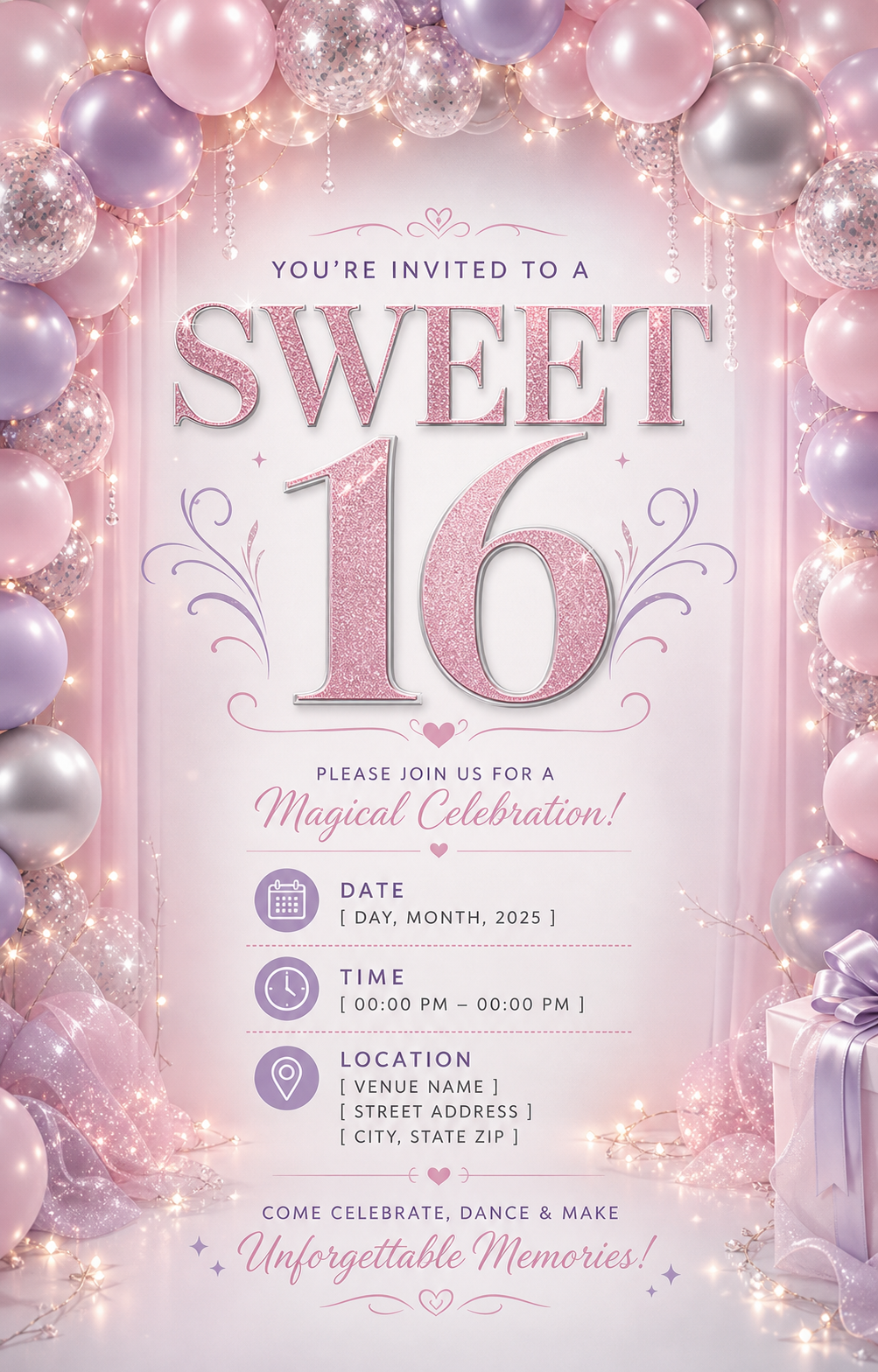
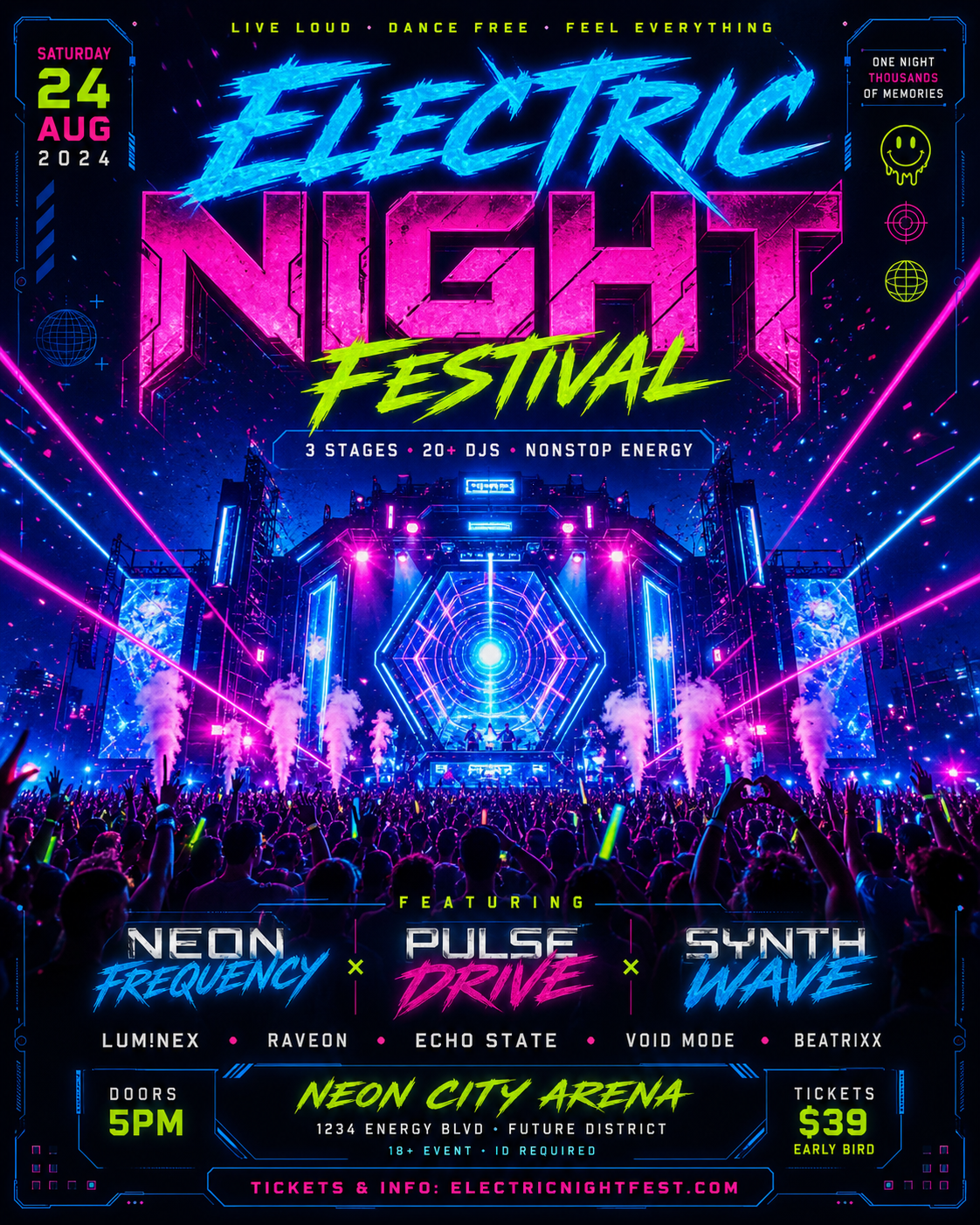
Party prompts should mention the event name, date, venue, host, RSVP, and mood. Local service prompts should mention the service area, offer, phone number, website, and booking CTA. School fundraiser and PSA prompts should mention the organizer, cause, deadline, QR code space, and print format.
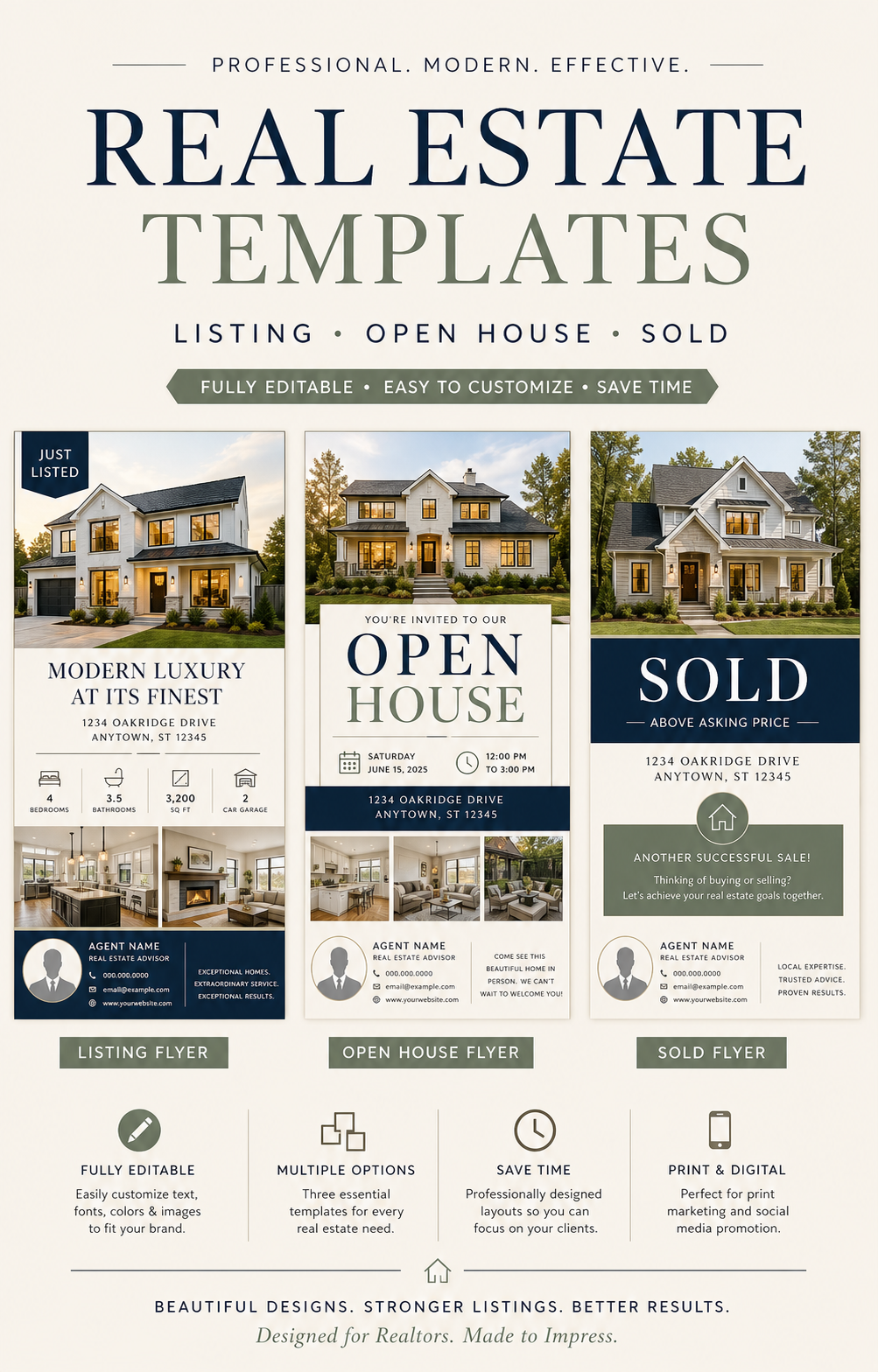
Real estate prompts still work well when they mention property highlights and agent contact space, but most flyer prompts benefit from the same rule: put the required copy before the visual decoration.

Revise with one clear instruction
Good flyer revisions are specific: remove a phrase, keep the header, make the headline larger, simplify the background, add more negative space, move the CTA lower, preserve the phone number, or make the layout less AI-looking.
Focused revisions preserve the useful parts of the first design while improving the part that failed.
Checklist
- Prompt names the flyer type
- Exact text is short and quoted
- Format is included
- The main headline is identified
- Revision prompts change one thing at a time
Reusable examples
Party flyer prompt
Use this for birthdays, club nights, community events, and local parties.
Create a bold party flyer. Exact headline: 'Summer Kickback'. Details: 'June 14, 7 PM', 'Rose Hall', 'Hosted by Ava and Mia', 'RSVP by June 5'. High-energy warm lighting, readable date and venue block, QR code space, 4:5 social format.
Local service flyer prompt
Use this for home services, auto services, cleaning, pressure washing, and repair offers.
Create a clean local service flyer for pressure washing. Exact headline: 'Refresh Your Driveway This Weekend'. Details: 'Driveways, siding, patios', '20% off first booking', 'Call 555-0148', 'Serving North Austin'. Trustworthy home-service style, before-and-after photo direction, phone number large, print-ready letter format.
School fundraiser flyer prompt
Use this for school clubs, sports teams, food sales, donation drives, and PSA posters.
Create a friendly school fundraiser flyer. Exact headline: 'Ice Cream Fundraiser'. Details: 'Friday after school', 'Gym entrance', '$4 per cup', 'Help fund the soccer team', 'Scan QR to preorder'. Cheerful student-friendly style, clear price block, parent contact footer, A4 print layout.
Frequently asked questions
Who is this guide for?
The easiest way to write a flyer prompt is to describe the final flyer, not just the image. Include the flyer type, headline, required details, audience, style, format, and readability needs.
What workflow does this guide support?
This guide is designed to help with flyer prompt examples and connects to the matching Vismuse workflow page for hands-on execution.
Do I need design experience to use this workflow?
No. Start with the guide structure, add the details you already know, and use the matching Vismuse generator to create and refine the visual.