
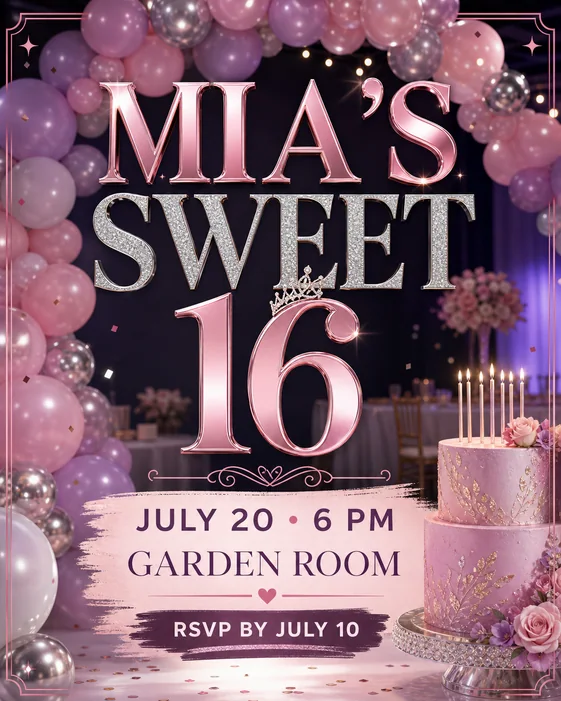
Measured keyword targets
These queries were checked for US search demand and keyword difficulty before this guide was added.
| Query | Monthly volume | KD |
|---|---|---|
| event flyer | 2.4K | 54 |
Separate the event type before writing copy
A ticketed event flyer needs lineup, price, venue, and ticket link. A community event flyer needs audience, activities, family-friendly notes, and organizer details. A workshop flyer needs topic, instructor, benefit, schedule, and registration path.
Name the event type in the brief so the generated flyer does not become a generic announcement with weak intent.
- Event title
- Date and time
- Venue
- Host or organizer
- Ticket, RSVP, or register CTA
Build the flyer around one action
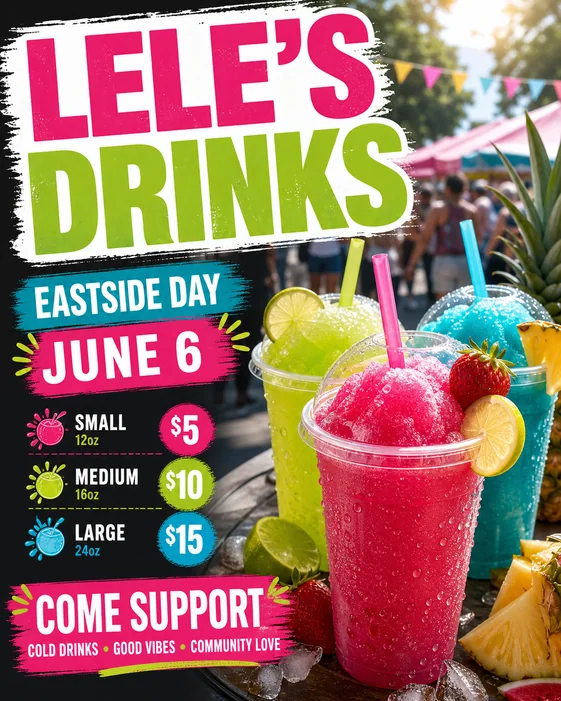
Choose one primary CTA: buy tickets, register, RSVP, save the date, scan the QR code, or visit the venue. Put that action near the event details instead of burying it in a footer.
If the event has a lineup, sponsors, activities, or speaker list, keep those as supporting details beneath the headline and date block.
Create social and print versions
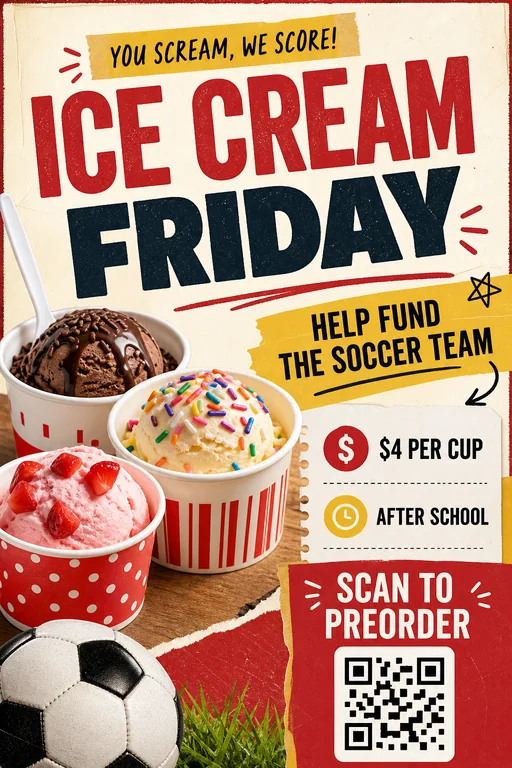
Use 4:5 for the main social post, 9:16 for reminders, and letter size for venue posters or bulletin boards. The same event usually needs at least one detailed version and one short reminder version.
Before publishing, check the date, start time, doors time, venue name, address, age note, price, and registration link against the source of truth.
Checklist
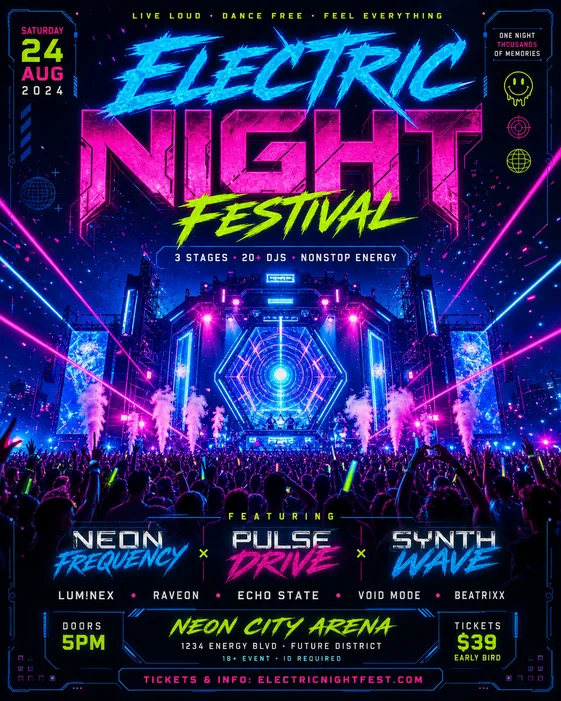
- Event title and type are clear
- Date, time, venue, and CTA are grouped together
- Lineup, host, or activities do not overpower the action
- Ticket, RSVP, or registration link is readable
- Social reminder version removes secondary details
Search intent and format plan
| Decision | What the page should answer | How to brief the generator |
|---|---|---|
| Primary intent | how to make an event flyer searches need a direct, practical workflow, not a generic design article. | Cover event flyer, then use the measured intent: High-volume event flyer search covering ticketed events, venue promotion, workshops, community events, concerts, and RSVP campaigns. |
| Format choice | Pick print, feed, story, or square format before styling so the text hierarchy has enough space. | Mention letter size for print, 4:5 for feed posts, square for profiles, or 9:16 for reminders in the prompt. |
| Conversion detail | Make the audience, date or offer, proof point, contact method, and CTA more visible than decoration. | Use Event flyer maker, Concert flyer maker, Workshop flyer maker when the brief needs a more specific landing page or example set. |
Best workflow
Start how to make an event flyer with a short brief: goal, audience, required text, format, and CTA. Generate one visual direction first, then revise for readability before changing style.
Best for
- Searchers who need a practical flyer structure quickly
- Teams that need both printable and social versions
- Related paths such as event flyer maker, concert flyer maker, workshop flyer maker
Less ideal for
- Long-form brochures with multiple sections
- Designs where every detail must be manually positioned before generation
- Campaigns that have not chosen one primary CTA
Reusable examples
Event flyer prompt
Use this for ticketed events, community events, workshops, concerts, or venue promotion.
Create an event flyer for a ticketed community concert. Include event title, headliner, date, doors time, venue, ticket price, ticket link, host organization, sponsor area, energetic but readable design, 4:5 social format, and letter-size print variant.
Frequently asked questions
Who is this guide for?
An event flyer has to answer the basics quickly: what is happening, who should attend, when it happens, where to go, and how to RSVP, register, or buy tickets.
What workflow does this guide support?
This guide is designed to help with how to make an event flyer and connects to the matching Vismuse workflow page for hands-on execution.
Do I need design experience to use this workflow?
No. Start with the guide structure, add the details you already know, and use the matching Vismuse generator to create and refine the visual.