
Pick one flyer goal
Before choosing colors or decoration, decide what the flyer needs to accomplish. It might announce an event, sell a product, invite people to a birthday, promote a service, advertise an open house, or explain a local offer.
This same workflow answers related searches such as how to make flyers and how do I make a flyer: choose one goal, one audience, one main message, and one next action.
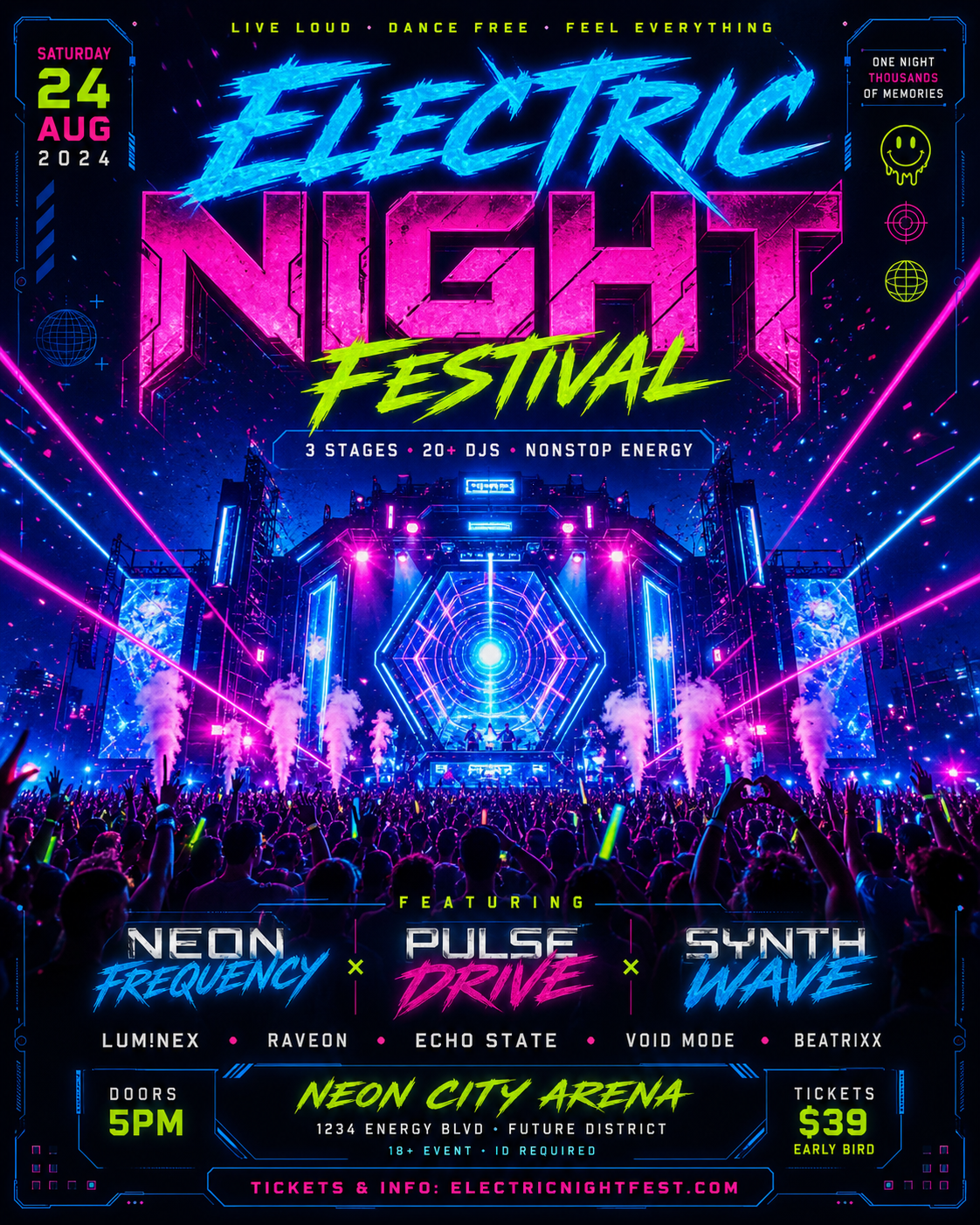
- Party or event announcement
- Local service promotion
- School fundraiser or PSA
- Birthday invitation
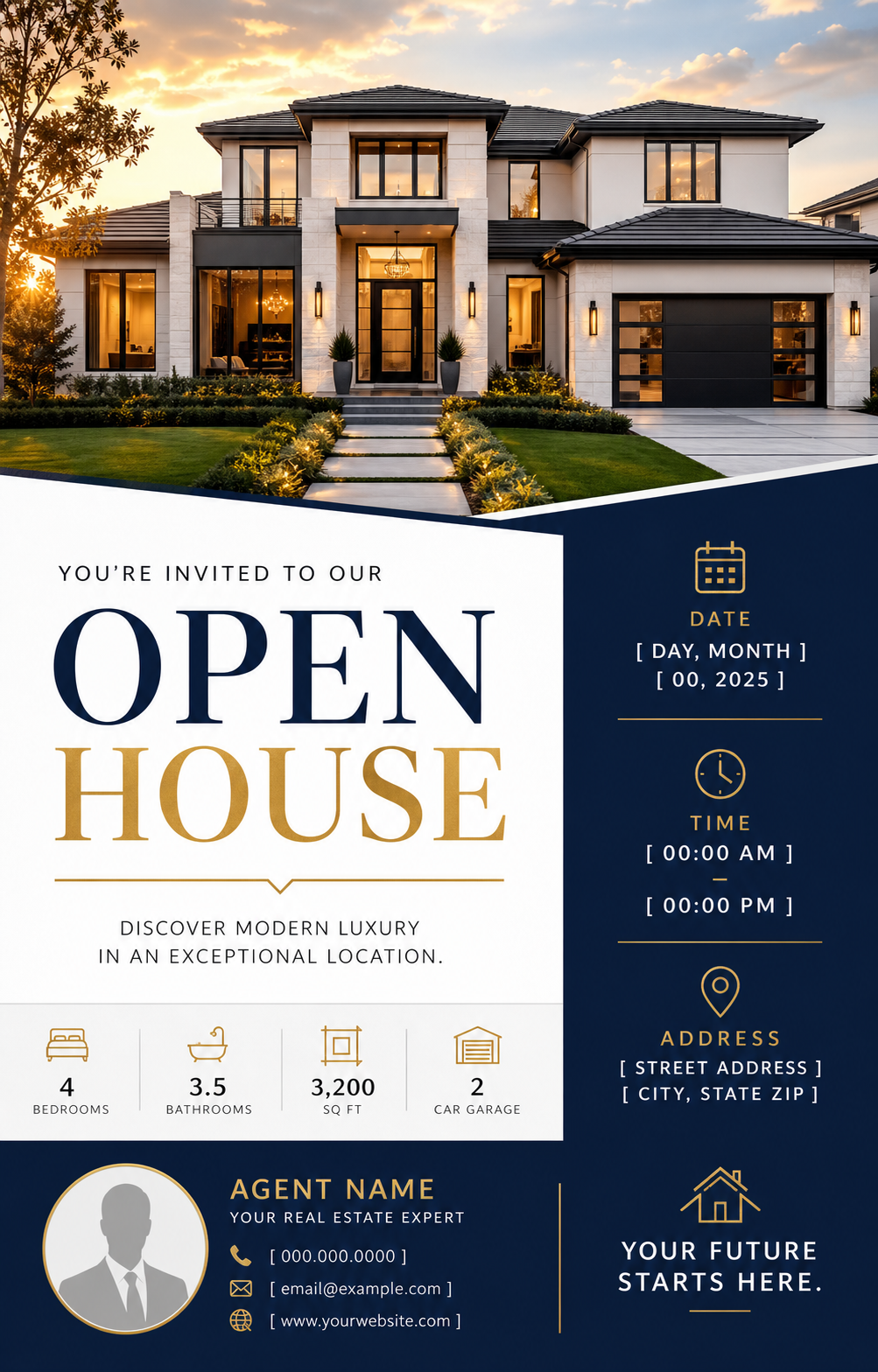
- Real estate listing or open house
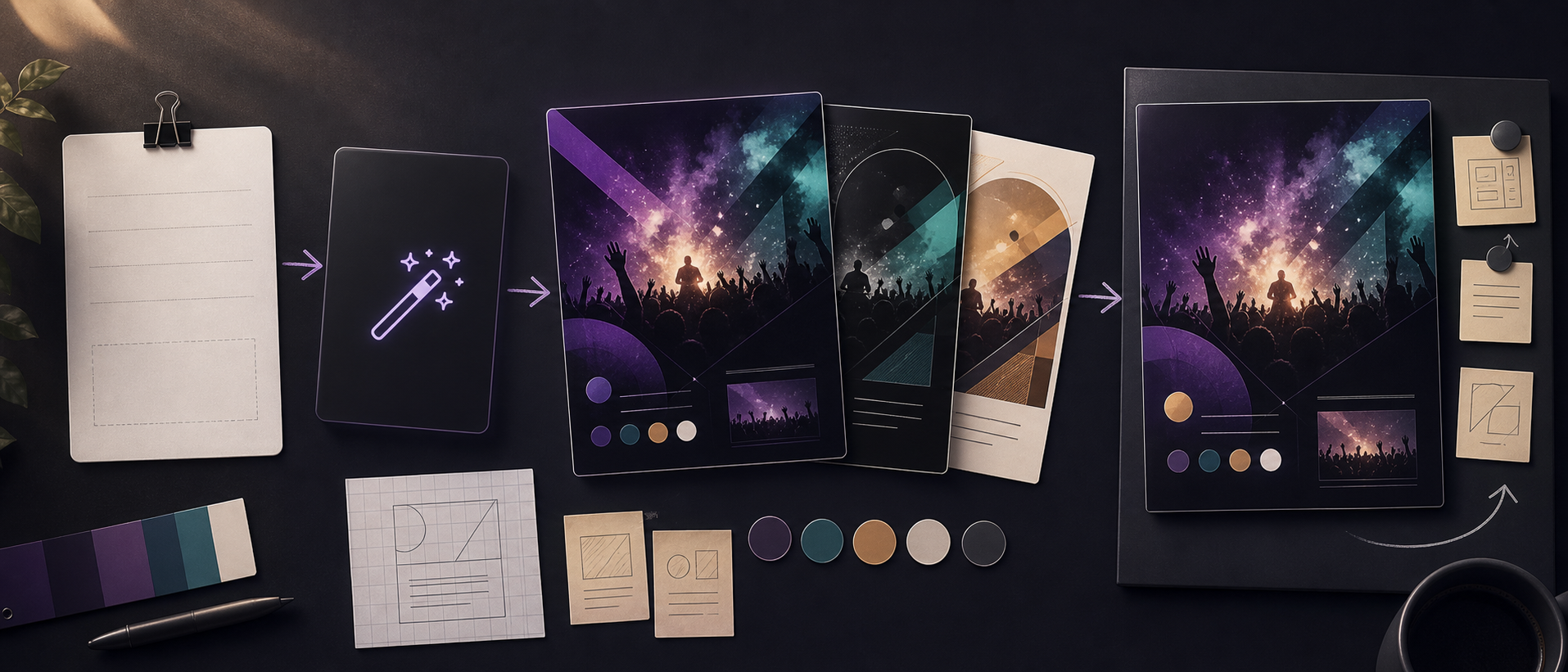
List the details in priority order
Write the headline first, then the date, time, location, offer, price, contact details, RSVP link, or call to action. The design should make the most important information largest and easiest to scan.
If every detail is equally important, the flyer will feel crowded. Tell the AI which item should be the main headline and which details can sit in a smaller information block.
- Headline or event name
- Date, time, and place
- Offer or listing details
- Contact or RSVP details
- Call to action

Choose format and visual style
A printable letter flyer, square Instagram post, 4:5 feed post, and 9:16 story need different spacing. Mention the final format early so the layout leaves enough room for text.
Then add style direction: bold party poster, clean local service flyer, friendly school fundraiser, playful birthday, luxury sale, modern real estate, neighborhood promotion, or minimal PSA notice.
Generate, then revise for readability
After the first draft, check readability before style. The headline, date, offer, location, and CTA should still be clear on a phone screen.
Use small revision prompts such as make the date larger, simplify the background, add more text space, increase contrast, or move the contact details to the footer.
Checklist
- The flyer has one clear goal
- The headline is short and easy to scan
- Date, location, offer, and CTA are readable
- Format matches where the flyer will be shared
- Background and decoration do not compete with the message
Reusable examples
General flyer prompt
Use this when you want a clean first draft for almost any flyer.
Create a modern flyer for [event or offer]. Main headline: [headline]. Details: [date, time, location, contact, CTA]. Audience: [audience]. Style: [visual style]. Format: [square, 4:5, 9:16, or letter]. Keep the text hierarchy clear and leave readable space for the key details.
Frequently asked questions
Who is this guide for?
A good flyer makes one message clear fast. Start with the goal, put the must-know details in order, and use the design to help people understand what to do next.
What workflow does this guide support?
This guide is designed to help with how to make a flyer and connects to the matching Vismuse workflow page for hands-on execution.
Do I need design experience to use this workflow?
No. Start with the guide structure, add the details you already know, and use the matching Vismuse generator to create and refine the visual.