
Start with the listing goal
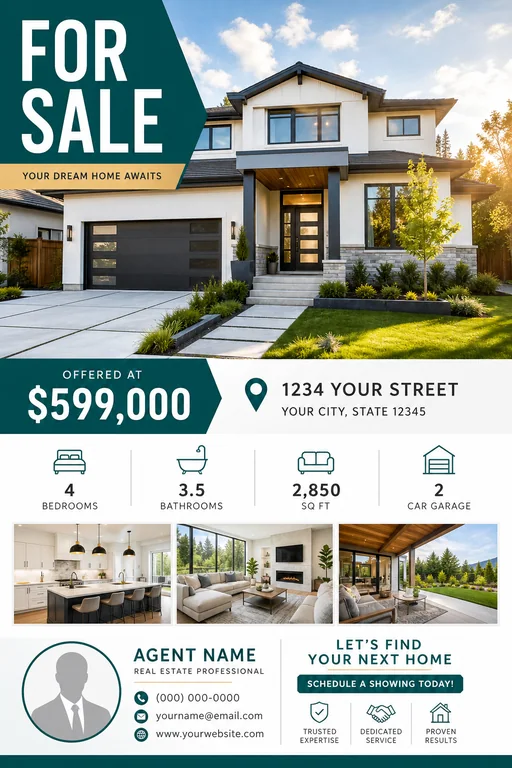
Decide whether the flyer is for an open house, a new listing, a price update, a rental, or a just-sold announcement. The goal changes the headline, photo choice, and call to action.
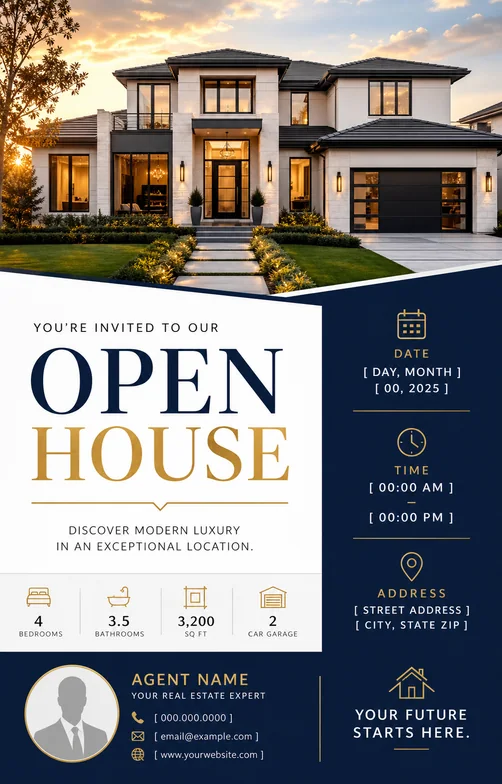
For open house flyers, lead with the date, time, address area, and one clear reason to visit. For listing flyers, lead with the lifestyle promise or strongest property feature.
- Property type and neighborhood
- Open house date or listing status
- Price, beds, baths, and square footage if available
- Agent name, brokerage, phone, and website
Write a prompt that includes layout and hierarchy
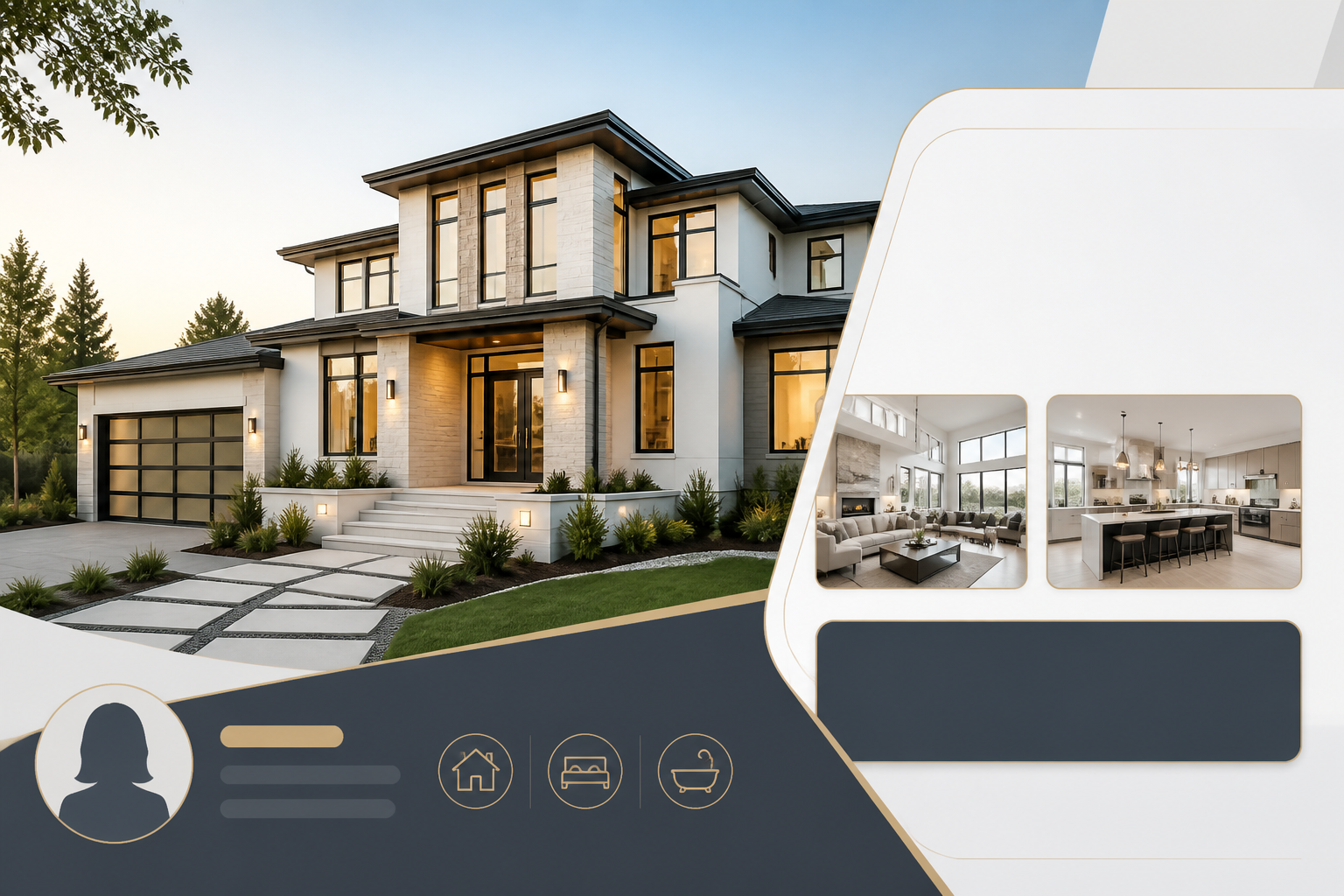
Real estate flyers work best when the prompt names the visual hierarchy. Tell the AI which element should be largest, where the agent details should sit, and what kind of photo or background should anchor the design.
Mention the final format too. A 4:5 Instagram flyer, a printable letter flyer, and a 9:16 story flyer need different spacing.
Refine for clarity before style
After the first draft, check whether the address, date, CTA, and agent contact details are readable. Then refine colors, photo mood, typography, and luxury or neighborhood cues.
If the flyer looks too generic, add specific local context such as modern condo, suburban family home, coastal listing, downtown loft, or luxury open house.
Checklist
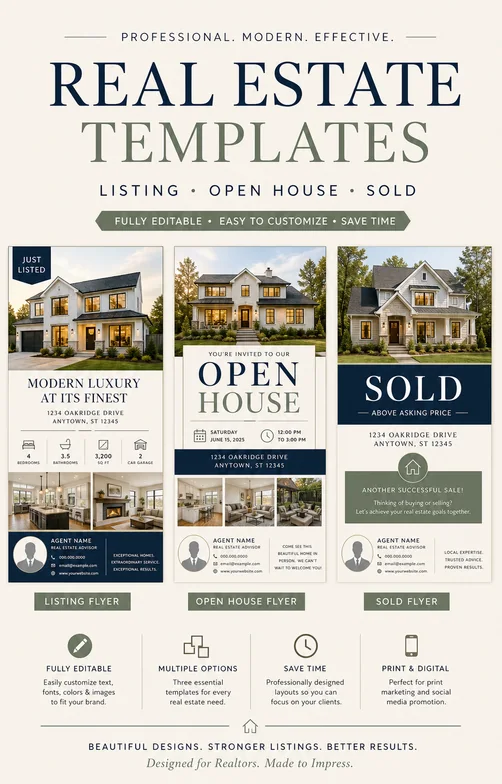
- Headline says what the buyer should notice first
- Open house or listing details are readable
- CTA is specific, such as schedule a tour or visit the open house
- Agent contact information has enough contrast
- Image crop leaves room for text
Search intent and format plan
| Decision | What the page should answer | How to brief the generator |
|---|---|---|
| Primary intent | real estate flyer searches need listing, open house, agent, and property detail guidance rather than a generic flyer tutorial. | Cover real estate flyer intent with property type, neighborhood, status, open house date, agent details, and a tour CTA. |
| Format choice | Pick print, feed, story, or square format before styling so listing details have enough space. | Mention letter size for print, 4:5 for listing posts, square for profile previews, or 9:16 for open house reminders. |
| Conversion detail | Make the property feature, address area, date, agent contact, and CTA easier to read than the background image. | Use the real estate flyer maker or open house flyer maker when the brief needs a more specific example set. |
Best workflow
Start how to make a real estate flyer with ai with the listing goal, property details, strongest selling point, format, and CTA. Generate one visual direction first, then revise for readability before changing style.
Best for
- Searchers who need a practical flyer structure quickly
- Teams that need both printable and social versions
- Related paths such as real estate flyer maker, open house flyer maker
Less ideal for
- Long-form brochures with multiple sections
- Designs where every detail must be manually positioned before generation
- Campaigns that have not chosen one primary CTA
Reusable examples
Open house flyer prompt
Use this when the date and address need to be the clearest part of the flyer.
Create a modern open house flyer for a bright 3-bedroom home in Austin. Use a warm exterior photo style, large headline, date and time block, agent contact footer, clean real estate typography, 4:5 social format.
Frequently asked questions
Who is this guide for?
A good real estate flyer needs more than a pretty background. It should make the property easy to scan, show the strongest selling point, and give buyers a clear next step.
What workflow does this guide support?
This guide is designed to help with how to make a real estate flyer with ai and connects to the matching Vismuse workflow page for hands-on execution.
Do I need design experience to use this workflow?
No. Start with the guide structure, add the details you already know, and use the matching Vismuse generator to create and refine the visual.