
A strong party flyer creates anticipation and answers the practical questions quickly. The Vismuse AI party flyer generator turns your event brief into a complete first draft that you can continue refining through conversation.
For different kinds of parties
Party flyer examples
A birthday celebration, night festival, and ticketed club night need different tones, but each party flyer design should make the date, place, and next step clear.
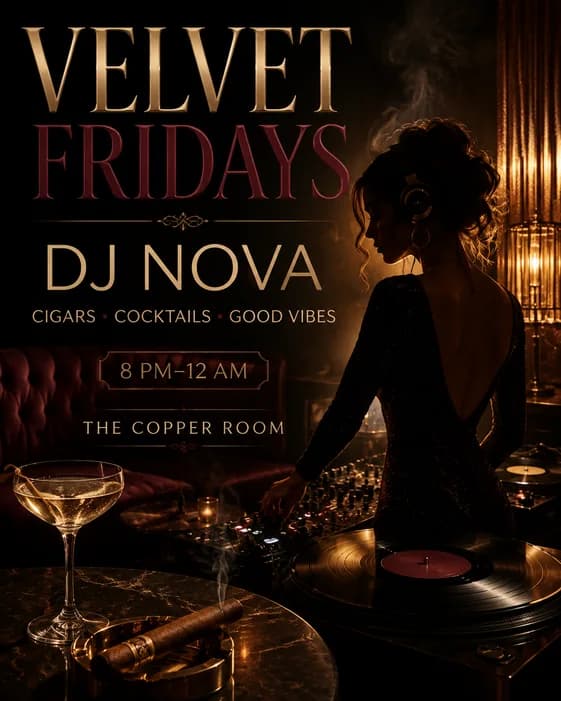
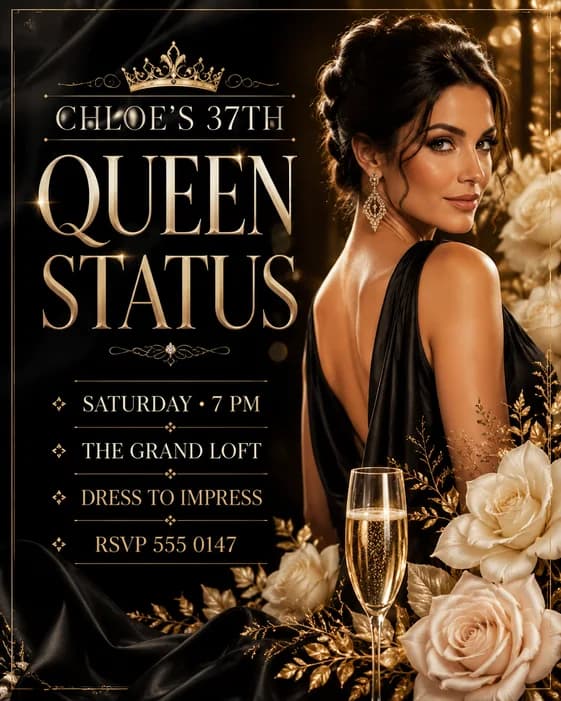
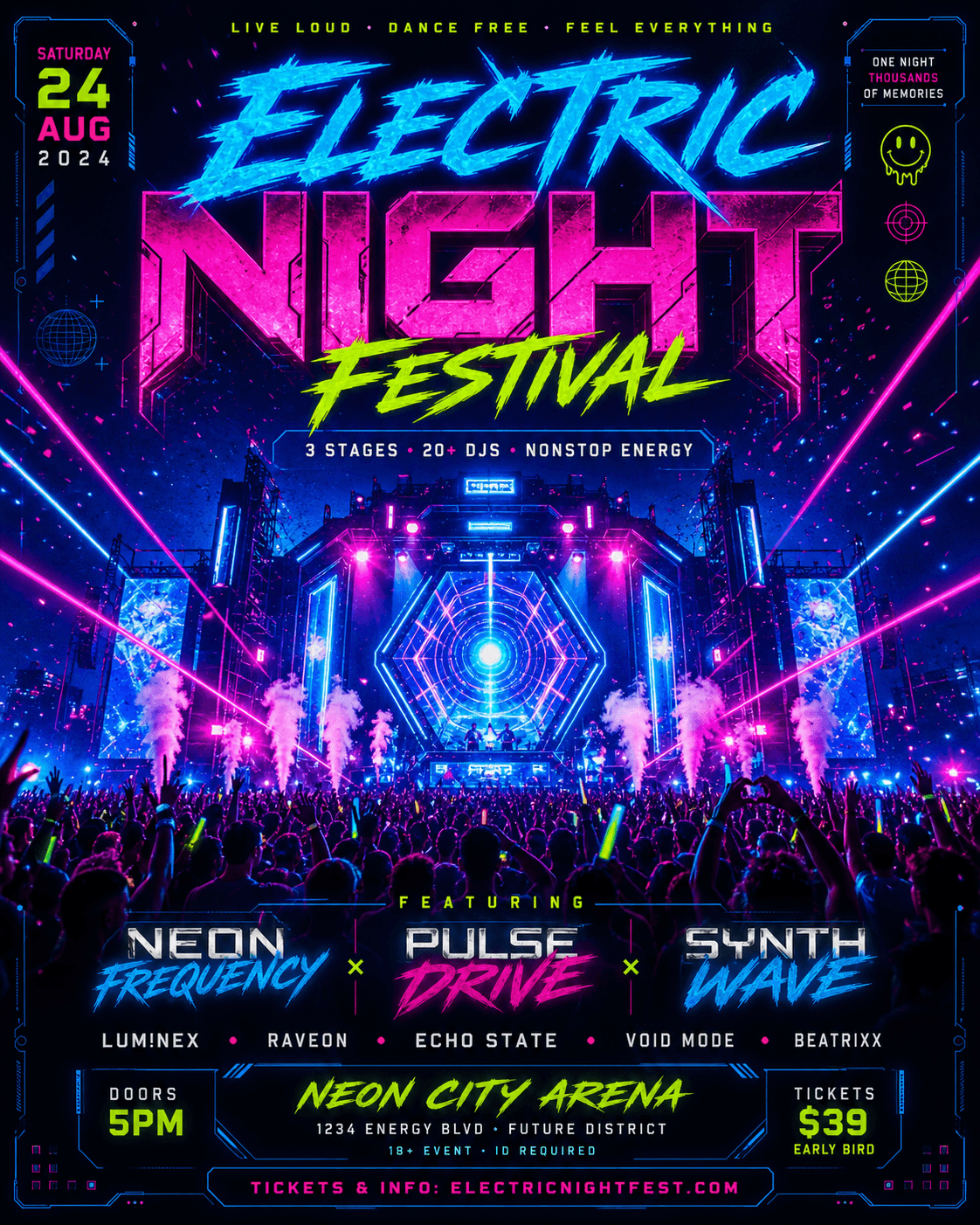
Start with the invitation
Define the party and next step
Decide who should attend and what you want them to do. A private gathering may need an RSVP, while a club flyer may lead with tickets, a guest list, or admission at the door.
Choose one main action. When several contacts and links compete, guests are more likely to miss the one that matters.
Use verified information
Confirm the lineup, entry rules, and venue
Use the confirmed DJ or host name, venue, doors-open time, ticket price, and age restriction. Put early-bird deadlines or guest-list conditions beside the entry action. For a private home party, consider sharing the address only with confirmed guests.
If you use a host photo, DJ portrait, sponsor logo, or venue image, upload a version you have permission to share and explain what role it should play.
Match the audience and channel
Match the party mood without hiding entry details
Let the party type guide the mood: warm and informal for a block party, bright for a pool party, polished for a private dinner, or high-contrast for nightlife. A focused direction produces a clearer design than a mix of unrelated effects.
Choose 4:5 or 1:1 for many social feeds, 9:16 for Stories, or a portrait format for print. Lead with the event name, then the date and venue, followed by the RSVP or ticket details.
Generate the party flyer and check admission details
Choose a prompt, replace the placeholders, and add approved DJ portraits, venue photos, or logos. Include the lineup, admission conditions, and ticket or RSVP action. Send the prompt in Vismuse to generate the first draft.
Verify performer names, set times, age restrictions, ticket prices, and door policy. Distinguish advance tickets from admission at the door, and explain whether a guest list still requires payment.
Ask for changes in the same chat. For example: “Keep the DJ portrait and neon colors. Separate “[ADVANCE PRICE] ADVANCE” from “[DOOR PRICE] AT THE DOOR,” and place “[AGE RESTRICTION]” beside the ticket details.”
Each revision creates a new image, so recheck details you did not ask to change.
Test the ticket or RSVP URL separately; text inside the flyer image is not clickable. Download as PNG or JPG, or export an eligible original as PDF. For print, confirm sizing and resolution with your printer; PDF export does not automatically add bleed or crop marks.
New to Vismuse? Follow the step-by-step flyer creation guide. For changes to an existing design, see how to edit a flyer with AI.
Avoid these problems
Common party flyer mistakes
Before you publish
Party flyer checklist
- The event name, host, date, time, venue, and location are correct
- The RSVP, ticket, guest-list, or attendance instruction is easy to find
- Prices, deadlines, age limits, dress codes, and lineup details have been verified
- You have permission to use the uploaded photos and logos, and important people or brand elements remain recognizable
- Private contact and address information is suitable for the chosen distribution channel
- All text is readable at the intended size, and print requirements are confirmed when needed
Frequently asked questions
How to make a party flyer: FAQ
How do I make a party flyer with AI?
Start with the party name, audience, date, time, venue, host, and RSVP or ticket details. Add the desired mood, format, and any photo or logo you have permission to use. Send the brief to Vismuse, review the first result, and request focused changes in the same chat.
What should a party flyer include?
Include the event name, date, time, venue or location, host, and one clear next step. Add the ticket price, RSVP deadline, lineup, age restriction, dress code, parking note, or contact only when it helps guests decide or attend.
What is the difference between a party flyer and a birthday flyer?
A party flyer can promote a house party, pool party, block party, club night, release party, or other social event. A birthday flyer usually gives the celebrant's name and age or milestone greater visual priority. Use the focused birthday flyer guide when those details lead the message.
Can I use my own photo or logo?
Yes. Upload an image you have permission to use, identify what it shows, and explain its role in the design. Ask Vismuse to keep important people or brand elements recognizable, then inspect every generated result before publishing it.
What is the best party flyer size?
Use 4:5 or 1:1 for many social feeds, 9:16 for Stories, or a portrait format for printed handouts. Create a separate version for each important placement so the event details remain readable rather than forcing one layout into every channel.
Can I edit an existing party flyer?
Yes. Upload the flyer or continue from a Vismuse result, quote the exact replacement text, and state what should stay. Each edit creates a revised image rather than changing independent layers, so review the entire result again.
Can I print a party flyer made with Vismuse?
You can download results as PNG or JPG, with PDF export available for supported original results. A Vismuse PDF preserves the generated aspect ratio and does not automatically add bleed or crop marks, so confirm dimensions, resolution, color, bleed, and file format with your printer.
Keep exploring
Related flyer resources
From party brief to promotion
Create and revise your party flyer with the AI agent
Send the exact event wording and any photos or logos you can use, then request changes in the same chat.